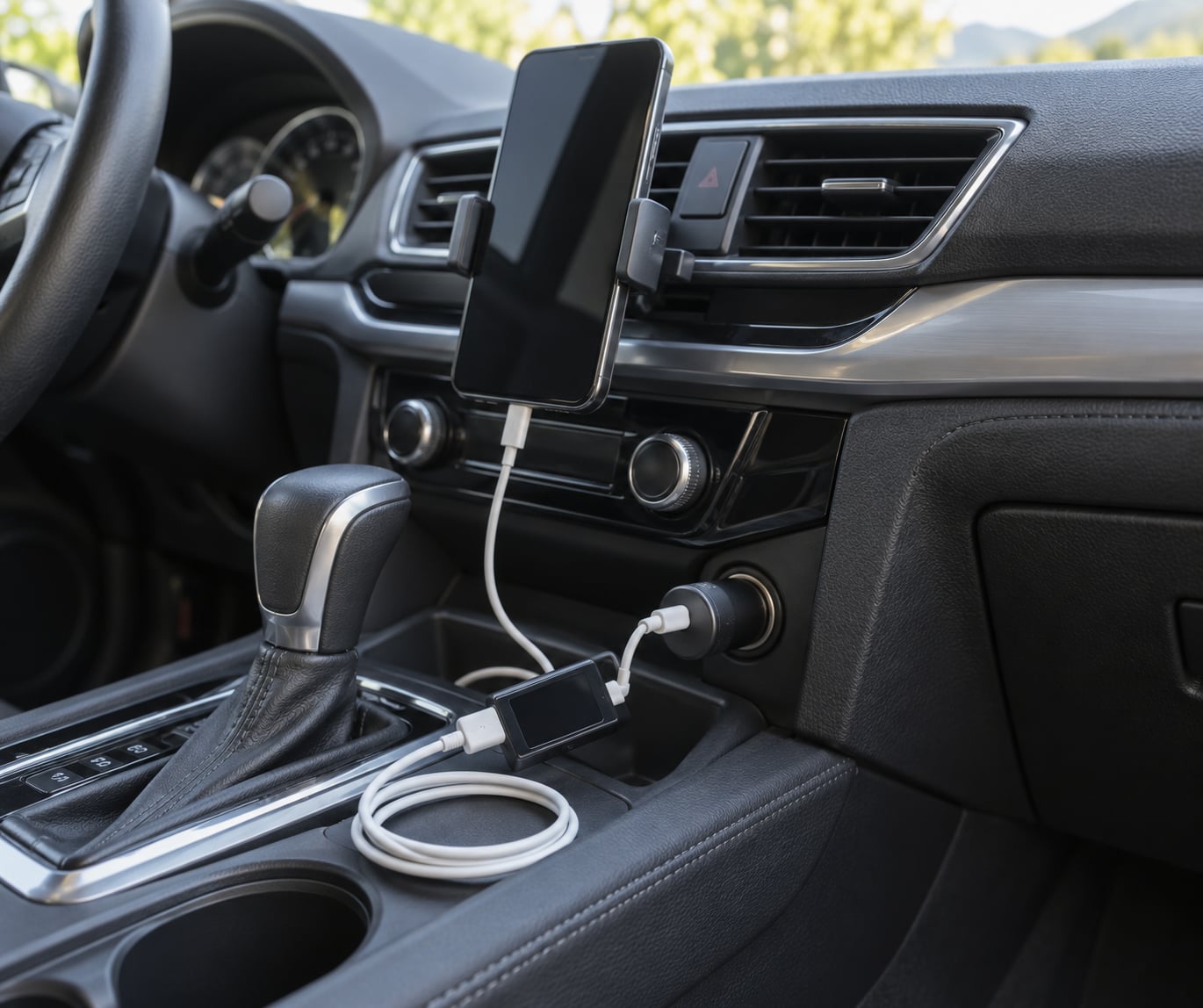
A normal 12V USB car charger will not damage your phone battery. The adapter converts the socket’s power to regulated 5V, and the phone’s battery management system decides how much current to accept and when to stop, so the real risks are heat, a poor-quality cable, and leaving a phone sitting at 100% in a hot cabin for hours.
One word of caution before we start, because the search results for this topic are a mess. “Car charger” gets used for three completely different things: a 12V USB adapter that charges your phone in the cabin, a lead-acid charger meant for the vehicle’s own battery, and EV charging. This guide covers the first one. Never plug a lead-acid battery charger into an accessory socket; mechanics forums keep repeating that warning because people keep making that mistake.
Last updated October 2026.
Table of Contents
- What You Need
- Step-by-Step
- How to Use a Car Charger Without Damaging Battery: Check Compatibility
- 2. Choose a Quality Cable and Adapter
- 3. Start the Vehicle or Use a Safe Accessory Socket
- 4. Connect the Phone and Check the Charging State
- 5. Keep the Phone Cool and Disconnect Properly
- 6. The Habits That Ruin In-Car Charging
- Common Mistakes
- Frequently Asked Questions
- Can I leave my phone charging in the car overnight?
- Does using a fast car charger reduce the phone battery lifespan?
- Can any cheap USB car charger damage my phone battery?
- Is it safe to charge a phone in a truck with a 24-volt system?
- How do I know if a car charger or cable is causing overheating?
- Should I unplug the car charger when the engine is turned off?
- Conclusion
What You Need
You need three things to line up before you plug anything in: the charging standard your phone speaks, the rating of your vehicle’s accessory socket, and an adapter whose printed output you can actually read.
- Your phone’s charging standard. Check the spec sheet or the charging icon. USB-C Power Delivery, USB-C Quick Charge, and older USB-A ports all behave differently, and a port that does not speak the phone’s language will simply fall back to a slow 5V trickle.
- Your vehicle’s accessory socket rating. Most passenger cars run a 12V system that sits around 12.6V with the engine running. Trucks, vans and RVs are often 24V, which changes what adapter you need entirely.
- An adapter with a readable output line. Something like “12V to 5V, 3A” printed on the shell. If there is no label, you are guessing.
- An undamaged cable with the right connector and current rating. A USB-C cable with an E-marker chip is needed for high-wattage runs on long cables.
- A mount that holds the phone still. This is not a battery issue, but a phone that flies around the cabin on every hard stop will damage its own charging port.
If the cable shows exposed wire, a connector that wiggles loose inside the phone’s port, or frayed braiding, throw it away. Same rule for an adapter that has been dropped, run warm for no reason, or has a cracked housing. A damaged cable or adapter should never be reused, and no charging habit compensates for faulty equipment.
Step-by-Step
How to Use a Car Charger Without Damaging Battery: Check Compatibility
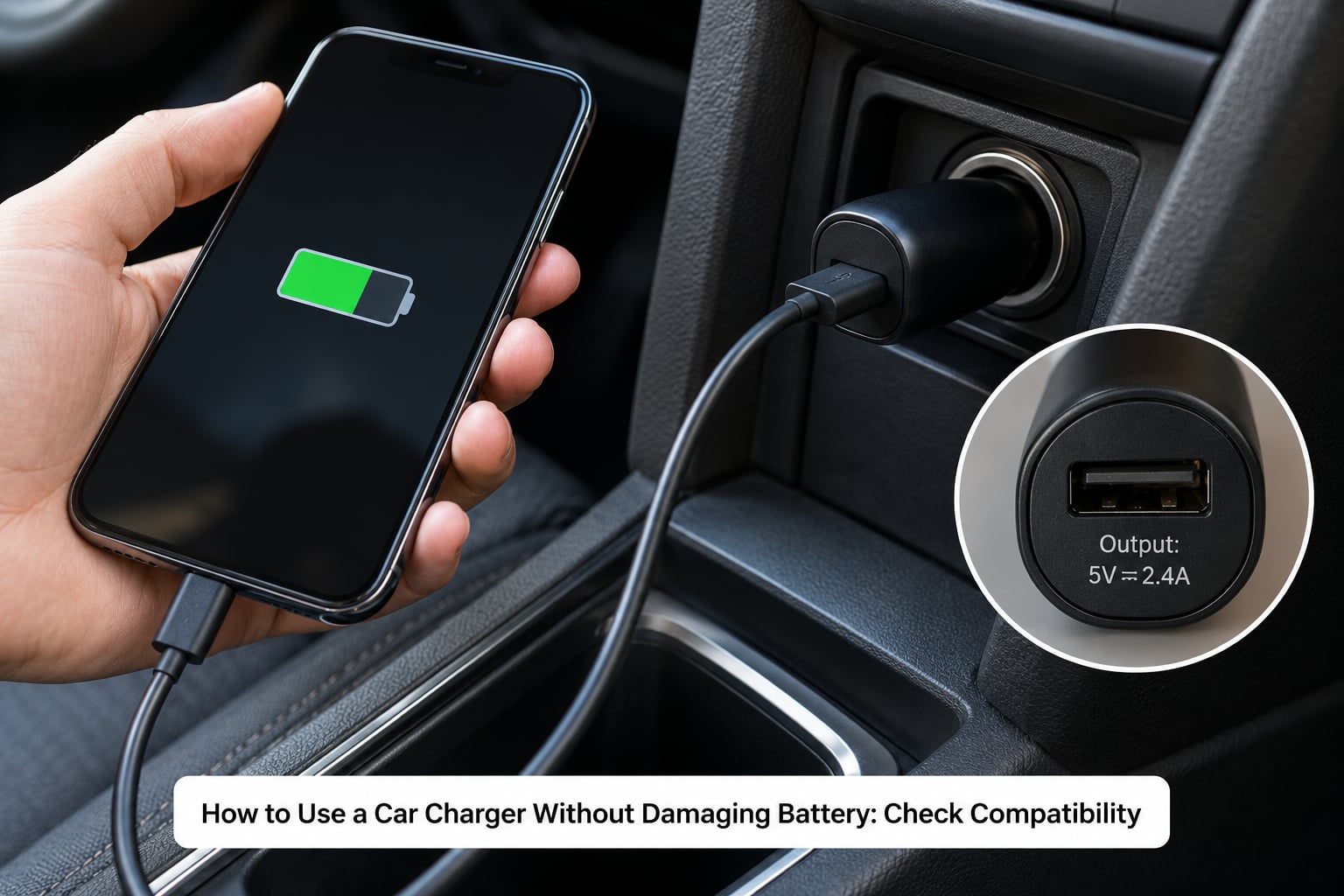
Start by identifying what the car is handing you, then check what the phone is asking for. Find the amp rating printed inside the accessory socket or near the console, then read the output specification on the adapter body. If the car supplies 12V and the adapter declares a regulated 5V output, you are compatible.
For trucks and vans, confirm the system voltage before anything else. A 24V socket will overload a 12V adapter within minutes, and that is one of the few genuinely dangerous scenarios in this whole topic.
How do you confirm it worked? The adapter’s LED lights or the phone’s charging screen should show a steady connection within a few seconds. No indicator means you have a mismatch or a bad socket, not a slow charge.
2. Choose a Quality Cable and Adapter
Shape is not rating. A USB-C plug fits any USB-C port, but the cable inside can be a cheap two-wire run that cannot carry more than about 500mA, which is why an unbranded cable sometimes charges slower than the phone’s own wall plug.
Look for a cable built for the current you need, with a proper connector fit and an E-marker chip if it is a long USB-C run. Reject anything with exposed wires, a plug that rocks inside the socket, or an adapter with no output label at all. A clearly specified adapter from a reputable source is worth more here than any clever feature, because built-in over-voltage, over-current and over-temperature protection is what stands between a bad day and a damaged phone.
Confirmation: the phone charges at the speed its own wall charger delivers. If the in-car charge is dramatically slower on the same cable that works at home, the adapter’s output is too low.
3. Start the Vehicle or Use a Safe Accessory Socket
Start the engine before you plug in, or at minimum before you expect the socket to carry a real load. With the engine off, the socket voltage sags and the adapter may cycle on and off, which keeps the phone repeatedly reconnecting and drawing more total power over time.
One socket means one device. A splitter or a multi-port adapter often shares the socket’s total current, so two phones on a 2.4A adapter may each get less than the slow-charge threshold and quietly drain while navigation runs.
Continuous 12V power also works harder on cheap adapters than a brief top-up does. Adapters designed for cigarette lighter sockets are built for exactly this, but a unit meant for a cigarette lighter and a unit sold as a cigarette lighter are not always the same thing.
4. Connect the Phone and Check the Charging State
Push the connector in until it seats fully, then look at the phone. The charging icon should appear and the percentage should start climbing within a few seconds.
Watch it for about a minute. A connection that drops and reconnects repeatedly, a phone that gets uncomfortably warm in under a minute, or a battery percentage that falls while the icon is showing all point to a hardware or compatibility fault rather than normal behaviour. Unplug and swap the cable or the adapter.
Warmth is expected near the charging port during a fast charge. Heat that feels hot against your hand, or that happens when the phone is barely drawing power, is not.
5. Keep the Phone Cool and Disconnect Properly
Heat is the one factor that genuinely shortens a phone battery’s life. Lithium-ion cells are rated to about 60°C, or 140°F, as an upper limit, and a parked car in summer can pass that number on the dashboard within minutes.
So avoid direct sun, avoid an enclosed dashboard or a closed glovebox, and do not run a heavy game or a video call while charging, because the phone cannot cool itself while it is adding power.
A vent mount or a holder near an air vent does more for battery life than any setting on your phone. When the trip ends, unplug the phone first, then pull the adapter from the socket, so nothing is bridging the vehicle’s electrical system while you are away.
6. The Habits That Ruin In-Car Charging
Most in-car charging damage comes down to a handful of repeated behaviours rather than one dramatic mistake.
- Leaving the phone connected for days. A typical adapter draws roughly 0.2A from the socket, which is about 2.4Ah a day on a 40Ah car battery. That is meaningful over a long trip or a cold week.
- Sitting at 100% for hours. Modern phones taper off, but a cell held warm at full charge still ages faster than one kept between roughly 20% and 80%.
- Treating any cable of the right shape as a good cable. Thin wire inside the jacket is the usual reason in-car charging feels slow.
- Overloading the socket. Split the load across sockets instead.
- Using the phone heavily while it charges. Heat plus load is the worst combination.
Common Mistakes
Almost every forum complaint about in-car charging traces back to one of these. Each has a straightforward fix.
Leaving the phone on the dashboard in summer. The cabin heats faster than you expect and the phone keeps generating power while it sits there. Mount it near a vent, or unplug it before you walk away.
Expecting fast charging from a built-in USB port. Factory ports in older cars frequently supply around 0.5A, well under what the phone draws with navigation running, so the battery falls even though the icon says it is charging. Mechanic forums almost always trace “my charger drains my phone” back to the port being the bottleneck, not the adapter.
Leaving the adapter plugged into an always-live socket. Mechanic communities warn that even a small parasitic draw shortens car battery life, and an ageing battery in cold weather gives you very little margin.
Using a lead-acid battery charger in the cabin. Mechanic forums repeat this constantly. That device is for the vehicle’s battery, with the battery disconnected or removed. Plugging it into a phone socket destroys electronics.
Ignoring heat or a fault smell. A charger that is regularly too hot to hold, buzzes, or smells of burnt plastic gets replaced, not monitored.
A quick safety checklist before every long trip: the adapter comes from a reputable source and has a printed output rating; the vehicle voltage matches the adapter; the cable is undamaged and rated for the current; the phone is mounted somewhere cool and ventilated; the socket is carrying one device; and you know the signs to stop for, which are abnormal heat, repeated disconnects, and any burning smell.
One more habit worth turning on. Phones now ship with charge-limiting and scheduled charging features, which hold the battery in a healthier range and stop it sitting at 100% while parked. Enabling one of those settings costs nothing and takes two minutes.
Frequently Asked Questions
Can I leave my phone charging in the car overnight?
It is safe for one night with the engine off, provided the adapter is left unplugged from the accessory socket afterwards. A running engine keeps the alternator supplying power, but a parked car relies on its own battery. Leaving the adapter connected overnight typically draws roughly 2.4Ah, which is survivable on a healthy battery but a poor idea in cold weather or on an older one. Heat is the bigger concern in summer.
Does using a fast car charger reduce the phone battery lifespan?
Only slightly, and mostly through heat rather than speed. Your phone negotiates the current it wants, so a faster charger does not force more power into the cell. Fast charging does run warmer, and heat is what ages a lithium-ion battery fastest. Keep the phone ventilated, avoid heavy use while it charges, and turn on scheduled or optimized charging so it is not parked at 100%.
Can any cheap USB car charger damage my phone battery?
Cheap does not automatically mean dangerous, but an adapter with no printed output rating is a genuine gamble. What you want is regulated 5V output with over-voltage, over-current and over-temperature protection. If the shell has no specification at all, the plug wobbles, or the unit gets hot without your phone drawing real current, replace it. A clearly labelled adapter from a reputable source is the safest choice.
Is it safe to charge a phone in a truck with a 24-volt system?
Only with an adapter rated for 24V input. Most passenger car adapters expect around 12V and will be overloaded on a 24V socket, which can damage the adapter and anything attached to it. Check the input range printed on the adapter before you plug in. If it says 12V only, buy a 12-24V unit or use a USB-C port built into the truck instead.
How do I know if a car charger or cable is causing overheating?
Normal fast charging produces mild warmth right around the charging port. Trouble looks different: heat that arrives within a minute of connecting, heat when the phone is barely drawing power, or a charger too hot to hold comfortably. A connection that keeps dropping and reconnecting, or a battery percentage that falls while the charging icon shows, points the same way. Swap the cable, then the adapter.
Should I unplug the car charger when the engine is turned off?
Yes, whenever you are parked for more than a few minutes. With the engine running, the alternator supplies the socket and there is no meaningful drain. With the engine off, the adapter keeps drawing around 0.2A from the vehicle battery, roughly 2.4Ah a day. Mechanic forums treat this as the single easiest way to avoid a flat battery on a car that sits for days.
Conclusion
The safest first action is a two-minute check: confirm the voltage your vehicle supplies and the charging standard your phone speaks, then read the output rating printed on the adapter. If those line up, use a sound cable, keep the phone somewhere cool and ventilated, and pull the adapter out of the socket when the trip ends. That routine is enough to protect both batteries without changing anything about how you drive.