To pick a USB-C cable that charges fast, you need four things to line up: a USB-C to USB-C cable with an E-marker chip, a current rating of at least 3A (5A for 45W and above), a wattage ceiling high enough for your device, and a connector on the charger end that speaks the same fast-charging protocol as your phone. If any one of those falls short, charging quietly drops to a trickle or falls back to plain USB speeds.
Most people blame the charger when the real bottleneck is the cable sitting in the middle of the negotiation. On this site we keep coming back to the same rule: charging speed equals the lowest of three things, your device’s ceiling, your charger’s output, and your cable’s rating. A 100W charger plugged into a phone that caps at 25W delivers the 25W the phone accepts and no more, even with a lesser cable in the mix.
This guide takes about five minutes to read and no tools at all if you already know your device. Updated for 2026, it covers connector types, power ratings, E-markers, cable length and how to check a cable before you commit to it.
Table of Contents
- What You Need
- Step-by-Step: How to Pick a USB-C Cable That Charges Fast
- Match the Connector and Port First
- Check the Charging Standard and Power Rating
- Look for an E-Marker Chip on High-Power Cables
- Avoid Cheap Cables and Look for Clear Specifications
- Test the Charging Speed Before You Rely on It
- Common Mistakes
- Frequently Asked Questions
- Does a USB-C cable charge faster than USB-A?
- What USB-C cable do I need for fast charging?
- Does a longer USB-C cable charge more slowly?
- Is a 100W USB-C cable safe for a phone?
- How can I tell if a USB-C cable is limiting charging speed?
- Do I need an E-marker cable for fast charging?
- Conclusion
What You Need
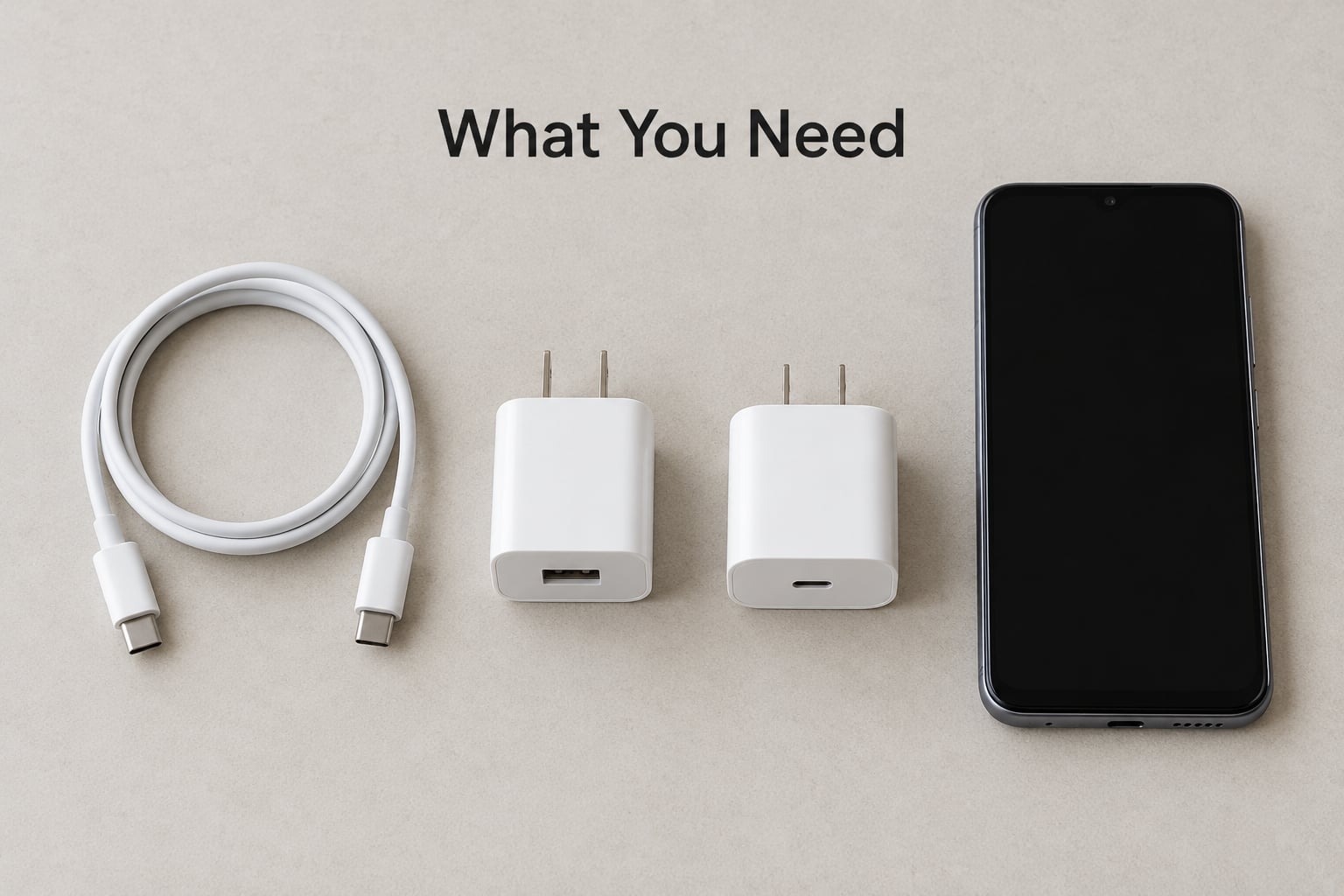
Gather three facts before you shop, and every cable decision after that becomes easy.
- Your device’s charging ceiling. Check the manufacturer’s spec page for the maximum wattage, not just “fast charging”. Most current Android flagships land between 25W and 90W, tablets between 25W and 45W, and thin laptops around 30W to 65W.
- Your charger’s output and connector. A charger labelled 45W with a USB-C port can only offer that wattage over USB-C. A USB-A port on the same brick is a different conversation entirely.
- The cable’s length and where it will live. A 1m cable for a desk and a 3m cable for a bedside table fail in opposite directions.
Also note the fast-charging protocol your brand uses, because the cable has to carry it. Samsung’s Super Fast Charging needs PPS, OnePlus uses its own SUPERVOOC variant, Xiaomi and Redmi flagships use HyperCharge, and Pixel phones stick to standard PD with PPS on the larger models.
Step-by-Step: How to Pick a USB-C Cable That Charges Fast
Match the Connector and Port First
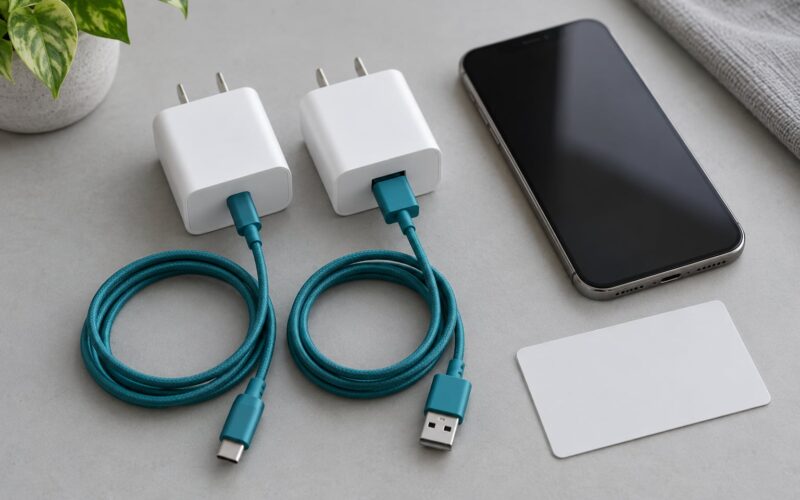
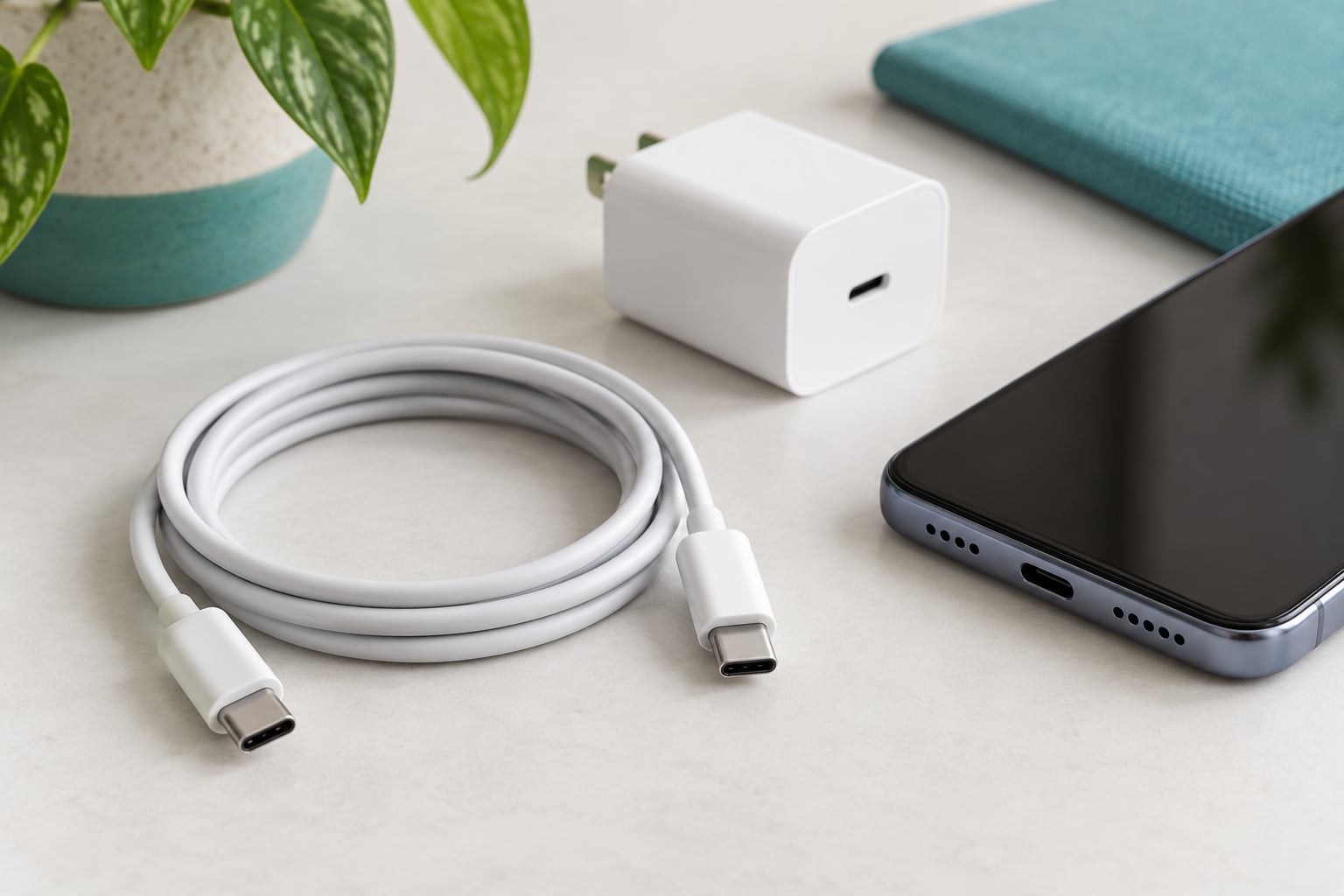
Start with the shape, because it eliminates half the options instantly. A USB-C to USB-C cable has an oval, symmetrical connector on both ends. A USB-C to USB-A cable has the same oval end on the phone side and a chunky rectangular end on the charger side.
That rectangular end matters more than it looks. USB-A is the old bottleneck, so a USB-C to USB-A cable rarely delivers anything above roughly 12W to 18W no matter how good the charger is. For most Android phones, iPhones from 2020 onward, iPads, e-readers and modern accessories, USB-C to USB-C is the only sensible starting point.
One warning worth repeating: a USB-C port on a charger does not guarantee fast charging. Some ports charge at full speed while others on the same brick are data-only or output a reduced 5W when another device is plugged in.
Check the Charging Standard and Power Rating
Look for two things on the listing or the cable jacket: the power rating in watts and the protocols supported. USB Power Delivery, usually shortened to USB PD, is the baseline fast-charging standard. PD 3.0 handles up to 60W at 20V. PD 3.1 with EPR, the extended power range, pushes to 100W and beyond.
PPS, the Programmable Power Supply extension, lets the phone ask for a specific voltage and current instead of a fixed step. Samsung’s 45W charging, Google’s fast charging on larger Pixels and a lot of Chinese flagships rely on PPS to get the last chunk of their advertised wattage.
Here is roughly what each device class needs from its cable.
| Device | Max charging | Protocol to look for | Cable requirement |
|---|---|---|---|
| Mid-range Android phone | 18W to 33W | USB PD 3.0 | USB-C to USB-C, 3A, 60W |
| Samsung Super Fast Charging phone | 25W to 45W | USB PD 3.0 with PPS | E-marked, 5A, 60W or 100W |
| Xiaomi, Redmi or Poco HyperCharge model | 67W to 90W | PPS plus the brand’s own protocol | E-marked, 5A, 100W, and the charger from the same brand |
| OnePlus phone with SUPERVOOC | up to 100W | PPS plus SUPERVOOC | E-marked, 5A, 100W, matching charger |
| iPhone 15 or newer | around 27W | USB PD | USB-C to USB-C, 3A is enough, 60W |
| iPad or Android tablet | 25W to 45W | USB PD, PPS on some models | E-marked, 5A, 60W |
| Thin USB-C laptop | 30W to 65W | USB PD 3.0 | E-marked, 5A, 100W |
| USB-C handheld console or dock | 45W or more | USB PD 3.0 | E-marked, 5A, 100W |
One number worth knowing: watts equals volts times amps. A 3A cable at 20V tops out at 60W. A 5A cable at 20V reaches 100W. That single multiplication explains most of the wattage labels you will meet.
Keep data speed out of this decision while you are here. Labels like USB 3.2 Gen 1, USB 3.2 Gen 2, USB4 and Thunderbolt describe how fast the cable moves files, and a cable capable of 10 Gbps or 40 Gbps is often several times the price of one that simply charges well. If you only ever charge with the cable, that extra bandwidth buys you nothing. Buy the faster data cable if you regularly move large files between a phone and a laptop, and pick a charging cable if you do not.
The two ratings live independently. A cable can be USB 2.0 data speed and 100W charging, which is a common and perfectly good combination for a desk setup. Paying three times as much for 10 Gbps on top of that is a decision about data, not about charging speed.
Look for an E-Marker Chip on High-Power Cables
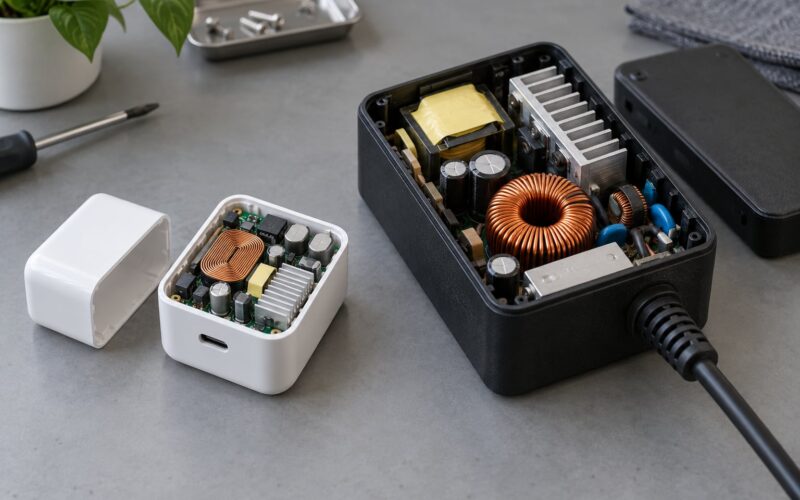
An E-marker is a small chip inside the USB-C connector that tells the charger what the cable can actually carry. Without it, USB-C cables are limited to 3A and therefore 60W. With it, the cable can declare up to 5A, which is what unlocks 100W and PD 3.1 EPR charging.
So a 5A cable is fast, yes, but only in a specific sense: it can carry more current, it cannot make your phone accept more current. If your device caps at 25W, a 5A cable buys you nothing over a good 3A one. You need it for laptops, tablets, 45W and 90W phones, and anything using EPR.
| Rating | At 5V | At 9V | At 20V | E-marker needed |
|---|---|---|---|---|
| 3A cable | 15W | 27W | 60W | No |
| 5A cable | 25W | 45W | 100W | Yes |
| 5A with PD 3.1 EPR | 25W | 45W | 140W and up | Yes |
How do you check a cable for one? Buy from a brand that prints real specifications rather than adjectives, and look for the wording “E-marked”, “5A” or a wattage figure on the packaging or listing. The official USB-IF Certified USB-C Cable mark is the strongest signal, because certification means a lab tested it.
Avoid Cheap Cables and Look for Clear Specifications
The cable is the cheapest component in a charging setup and the easiest one to fake. Anyone on a hardware forum will tell you the same thing: people have stopped trusting the printed labels and started measuring instead, because so many listings advertise 100W and deliver a trickle.
Specific red flags to walk past:
- A listing that says “fast charging” or “super speed” with no watt number and no current rating.
- No manufacturer name and no model number anywhere on the page or the jacket.
- Photos that show a shiny braided cable with no specification text at all, since braid is a durability finish and says nothing about power.
- Copper-clad aluminium wiring sold as copper, which is lighter and heats up more under load.
- Warranty information that is vague or absent.
What you want instead is boring and specific: a stated wattage, a stated current, the PD version, the length, and a warranty. Belkin, Anker, Ugreen and Baseus all publish this kind of detail, which is why they come up repeatedly in buying advice.
Braided nylon jackets, aluminium connector housings and strain relief are all worth having. They decide how long the cable survives a bend at the connector, not how many watts it passes.
Three myths are worth clearing up while the specs are in front of you. A thicker cable is not automatically faster, because a fat cable carrying only 3A still caps at 60W and the thickness is often cosmetic padding around the same thin conductors. A 100W charger plugged into a phone that accepts 25W charges no faster than a 30W charger would. And “SuperSpeed” in a listing almost always refers to data transfer, not to charging. Check the wattage line and move on.
Temperature matters too, and it is the variable people usually skip. Phones reduce their intake as they warm up, and a phone sitting in direct sun or under a pillow will negotiate a lower profile even with a perfect cable and a powerful charger. Room temperature, ventilation and an uncovered phone are free speed.
Test the Charging Speed Before You Rely on It
You can test a cable without buying equipment, and the test takes two minutes. Charge the device from the same low starting battery percentage, once with the cable in question and once with a cable you know works well, using the same charger, the same wall socket and the same ambient temperature.
Check the percentage reading after ten minutes, and again at the thirty minute mark. A working fast cable on a phone with fast charging will visibly outpace a slow one early on. If the phone shows a “charging slowly” message, that warning is the phone telling you the negotiation settled on a low profile.
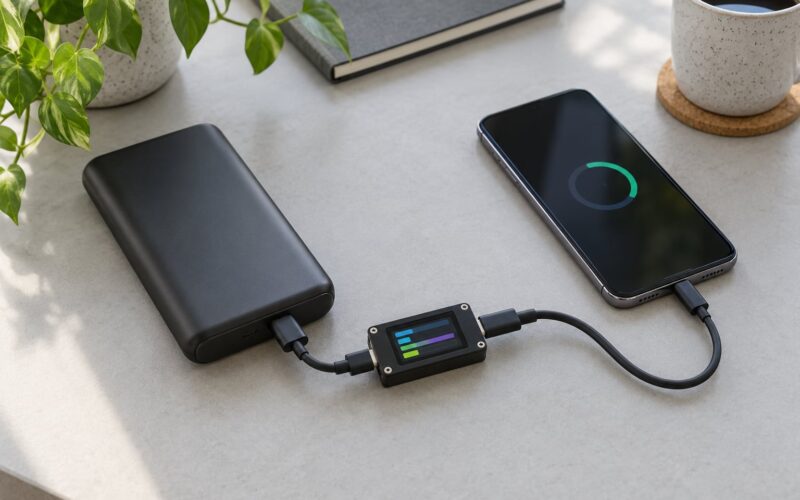
For a harder number, a USB power meter that sits between the charger and the cable costs very little and displays live voltage and current. Multiply them and you have the actual wattage being delivered. It is the only way to settle a disagreement about a cable’s rating.
Two more things to check while a cable is in your hand. Look down the connector bore and confirm the metal shell sits straight and flush, since a bent or partly inserted plug causes the intermittent disconnects people blame on software. And feel the cable near the connector after ten minutes of charging, because a cable working near its limit runs noticeably warm at the strain relief.
Common Mistakes
Assuming the shape of the connector settles it. Every USB-C plug looks the same, but a USB-C to USB-A cable has a hard ceiling around 12W to 18W. Shape is the first filter, never the last.
Confusing the charger with the cable. People swap chargers for weeks before touching the cable. Forum threads on this topic are full of users who replaced a perfectly good 45W brick and saw no change, then swapped the cable and the problem vanished.
Using a port that cannot negotiate. On multi-port chargers, laptop docks and some monitors, the port that looks like USB-C may be data-only or power-limited. Try the other ports before you blame the cable.
Trusting the bundled in-box cable. Most phones still ship with a basic USB-A to USB-C cable that is fine for overnight top-ups and disappointing for everything else. That single accessory is the most common reason a phone feels slow out of the box.
Buying on the wattage label alone. A 240W label on a cable with no E-marker and no 5A conductors is decoration. Read the current rating, not just the headline number.
Ignoring heat and damaged connectors. Charging slows in the last 20% of the battery cycle by design, and faster charging produces more heat, which throttles things further. A connector with a cracked shell, lint packed into the port or a sharply bent cable near the plug is both a speed problem and a safety one.
Frequently Asked Questions
Does a USB-C cable charge faster than USB-A?
Yes, when the USB-C end of the charger supports Power Delivery. A USB-A connection tops out around 12W to 18W in practice, while a USB-C to USB-C pair can negotiate 27W, 45W, 60W or more. If your charger only has a USB-A port, a better cable cannot push past that port’s limit.
What USB-C cable do I need for fast charging?
For most phones, an E-marked USB-C to USB-C cable rated 5A and 60W to 100W is the safe pick. A 3A cable reaches 60W at 20V, which covers 25W and 33W phones, but 45W, 67W and 90W devices want a genuine 5A cable with the matching charger.
Does a longer USB-C cable charge more slowly?
It can, especially with thin conductors. Resistance grows with length, so voltage drop eats into delivered wattage, and a long run also generates more heat. Going from 1m to 3m on a 5A cable is usually fine; doing it on a thin 3A cable is where people notice the difference.
Is a 100W USB-C cable safe for a phone?
Yes. The phone negotiates the power profile, not the other way around, so a 100W cable paired with a 25W phone simply delivers what the phone requests. Always use a charger and cable that both meet the USB-C and Power Delivery specifications, since the risky combinations are counterfeit parts, not high ratings.
How can I tell if a USB-C cable is limiting charging speed?
Watch for the charging slowly message, then compare the battery percentage after ten minutes against a cable you trust, using the same charger and socket. A small USB power meter between the charger and cable gives a direct reading. A cable running warm near the strain relief is also a hint it is near its limit.
Do I need an E-marker cable for fast charging?
You need one for anything above 60W. The E-marker chip tells the charger the cable can safely carry 5A, which is the difference between a 60W ceiling and 100W or more. For a 25W or 33W phone on a standard 3A cable, the E-marker makes no measurable difference.
Conclusion
Start with the connector on the charger end, then work down the list: USB-C to USB-C, E-marked if you are going above 60W, 3A for everyday phones and 5A for anything rated 45W and up. Match the wattage to the device you already own rather than to the largest number you can find, because a bigger cable cannot push a small phone past its own ceiling.
If your charging feels slow today, swap the cable first. It is the cheapest part of the setup and the one most often quietly holding the whole negotiation down.