Wear your fitness tracker with the sensor face flat against clean skin on the underside of your wrist, about two finger-widths above the wrist bone, snug enough that it does not slide when you move but not so tight that it leaves a mark. That single position solves most of the accuracy problems people complain about — heart rate spikes at rest, step counts that jump while you type, and workouts where no active minutes register at all. It takes about two minutes to get right, then a short comparison run to confirm the readings are sane.
Position matters because a wrist tracker reads your pulse optically. Green LEDs shine into the skin and a photodetector measures how much light comes back as blood volume changes with each beat. Any gap between the band and your skin lets ambient light in, and that stray light corrupts the reading. Slide the band down onto the wrist bone and the sensor no longer sits flat, so it cannot see a clean pulse.
Table of Contents
- What You Need to Wear a Fitness Tracker Correctly
- Step-by-Step: How to Wear a Fitness Tracker for Best Accuracy
- 1. Choose the Right Tracker Size and Position
- 2. Clean the Sensor Area and Your Skin
- 3. Wear It Snugly for Daily Activity
- 4. Use the Correct Position During Workouts
- 5. Get More Reliable Heart-Rate Readings
- 6. Wear It Correctly for Sleep and Recovery
- 7. Check the App and Confirm the Results
- 8. Common Mistakes and How to Fix Them
- Frequently Asked Questions
- How tight should a fitness tracker be worn for accurate readings?
- Does wearing a fitness tracker on the dominant wrist improve accuracy?
- Why is my fitness tracker heart rate reading inconsistent?
- Should I wear my fitness tracker over clothing during exercise?
- Does a tattoo or body hair affect fitness tracker accuracy?
- How do I check whether my fitness tracker is working correctly?
- Start With a Clean, Snug Fit
What You Need to Wear a Fitness Tracker Correctly
You need very little, and all of it is probably already in a drawer somewhere.
- The tracker itself, with a strap that fits your wrist without pinching.
- The companion app from the manufacturer, updated to the current version.
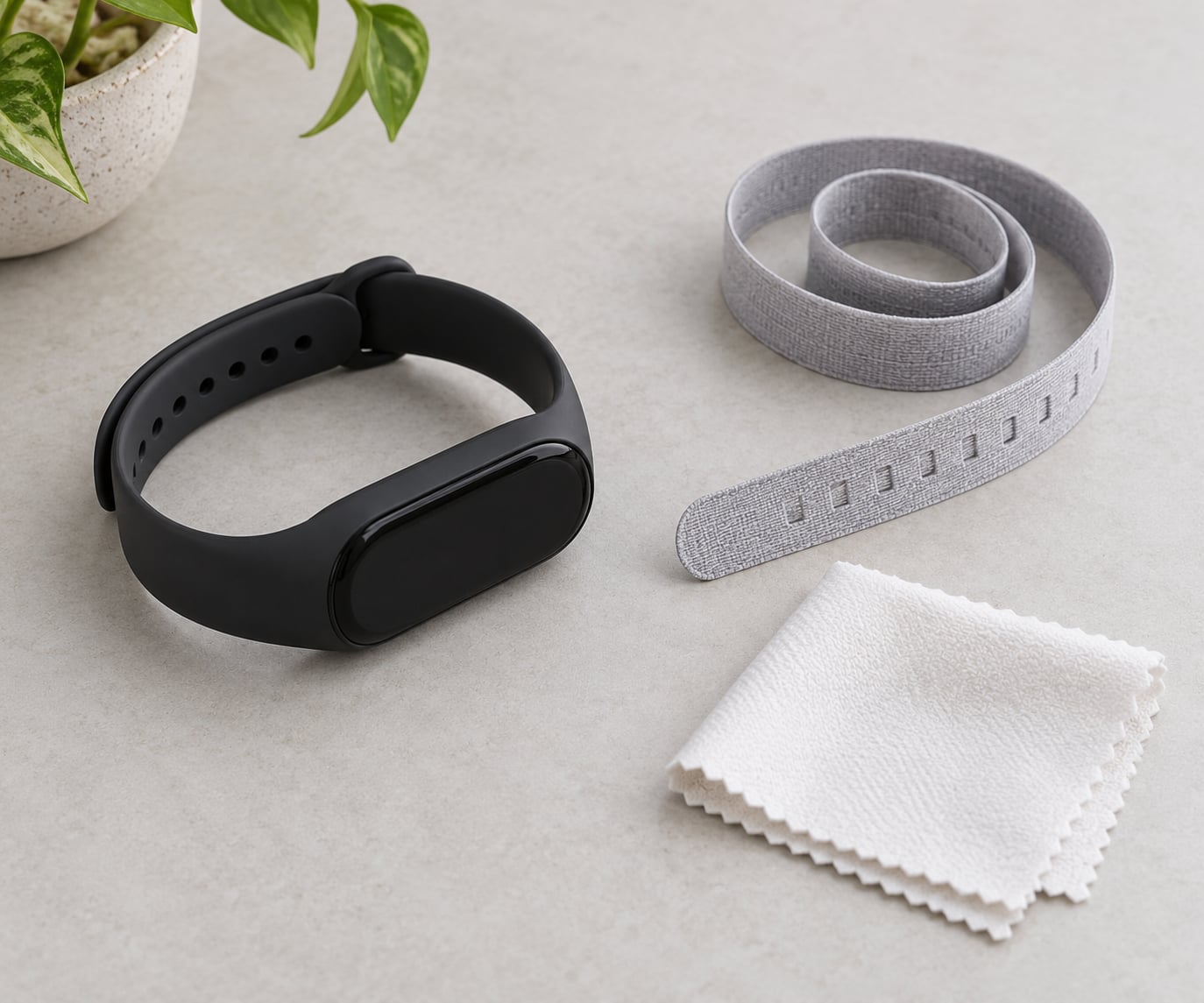
- A soft dry cloth or cotton pad for cleaning the sensor underside.
- A clean wrist — no lotion, sunscreen, sweat or body oil on the contact area.
- A short reference test: 20 to 30 minutes of steady walking or cycling, a chest strap if you own one, or your own pulse on your other hand.
Skin preparation matters more than most people expect. Lotion and sunscreen sit on the surface and scatter light in exactly the same way a loose band does, so a reading taken over lotion is not a bad reading, it is a broken one.
Step-by-Step: How to Wear a Fitness Tracker for Best Accuracy
1. Choose the Right Tracker Size and Position
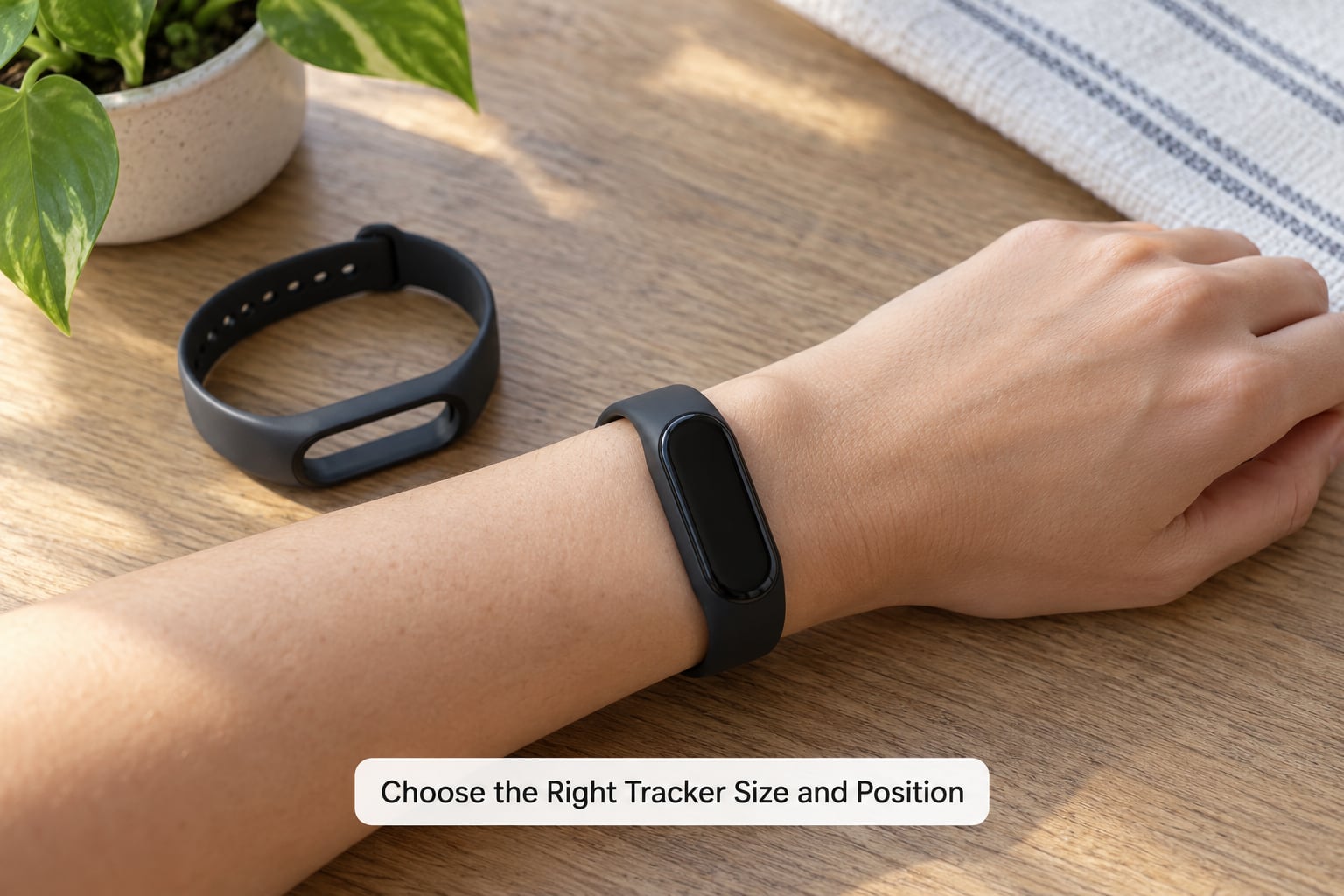
Start with the size, because sizing changes accuracy more than most owners realise. Bands designed for larger wrists on a slim wrist rotate and slide during movement, and a band sized too small sits still but leaves gaps at the top when you flex your hand.
Then find the spot. Run a finger along the underside of your forearm until you feel the bump of the wrist bone — anatomically the ulnar styloid. Place the sensor two finger-widths above that bump, toward your elbow, so the sensor face rests on flat forearm skin rather than on the bone or the narrow wrist. If you can slide a finger under the band and twist it a full quarter turn without the sensor lifting off your skin, it is too loose.
The manufacturer’s own manual wins if it says something different. Most brands place the sensor on the underside rather than the top of the wrist, and some bands are moulded for one wrist only.
2. Clean the Sensor Area and Your Skin
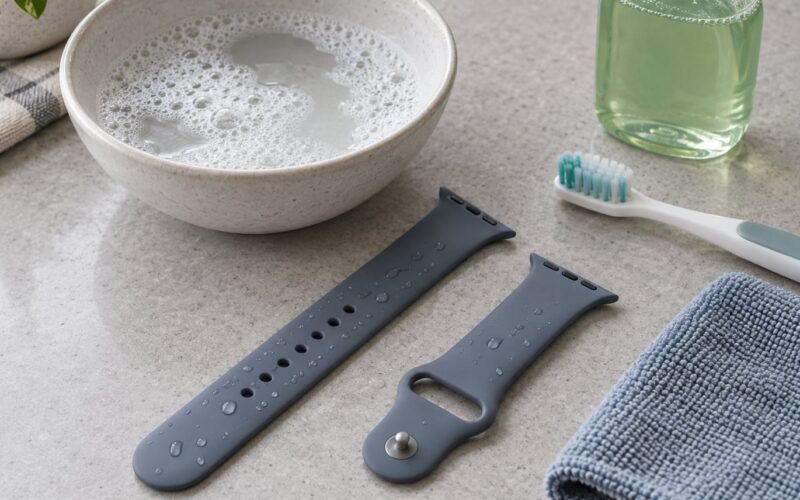
Wipe the underside of the tracker with a dry cloth, paying attention to the green sensor window and the two small electrodes beside it. Then wipe the skin where it sits.
Dry both surfaces before you put it on. Water trapped between the sensor and your wrist reflects light and produces erratic readings, and a film of lotion does the same thing more slowly.
3. Wear It Snugly for Daily Activity
For walking, step counts, calories and notification mirroring, you want snug, not tight. Snug means the band does not rotate when you wave your arm and does not slide toward your hand when you type on a keyboard.
Check it the easy way: make a fist and relax it five times. If you can see daylight under the band when your hand is open, or the strap gap grows past a couple of millimetres when you clench, move the band up a finger-width and go one hole tighter.
Tight enough to numb a finger or leave a mark within minutes is too tight. Skin needs to stay comfortable for eight-plus hours a day, and constriction can push blood away from the very tissue the sensor is trying to measure.
4. Use the Correct Position During Workouts
Daily position and workout position are not always the same. Different activities stress the wrist in different ways, and the fitness tracker sitting position that works for a walk can fail halfway through a set of curls.
| Activity or metric | Where to wear it | Watch out for |
|---|---|---|
| Walking, commuting, step count | Two finger-widths above the wrist bone, snug | A loose band inflates step counts through arm swing |
| Running and intervals | Snug, above the bone, and away from sleeve cuffs | Arm swing and sweat cause spikes between readings |
| Cycling | Forearm position changes constantly — re-check the fit after 20 minutes | Hand pressure on the bars adds motion artifact |
| Strength training | Snug, and check the fit between sets | On the bar-side wrist, gripping the bar crushes the sensor |
| Swimming | Follow the brand’s water guidance and use the pool profile if it has one | Some sensors drift when not in full contact |
| Desk work and sleep | Slightly looser, as long as it stays on the flat forearm skin | Sitting still with a loose band invites phantom steps |
| Calories and resting heart rate | Constant position, worn consistently day and night | Moving the band around resets the baseline |
For any workout, turn on the exercise or workout mode on the tracker or in the app before you start. Workout mode changes how aggressively the device filters movement, and it usually tightens the sampling so interval sessions read far cleaner than the same session logged passively.
5. Get More Reliable Heart-Rate Readings
Most inconsistent wrist heart-rate readings come down to four things: movement, a gap, sweat, and skin contact.
Give the sensor a settling period. Put the band on and wait 60 to 90 seconds before trusting a number, and hold still for 30 seconds when you take a reading sitting down. Resting heart rate measured with an arm pumping or with the sensor half-lifted is not a resting heart rate.
Keep the contact surface flat. If the sensor window is catching air at the edges when you flex your wrist, the band is too loose. Press it down with two fingers while the watch reads and see whether the number steadies — if it does, the fit is your problem, not the device.
Some factors you cannot fix by moving the band. Body hair between the sensor and the skin scatters light, and tattoos in the sensor patch area absorb it unevenly. Poor circulation, often in cold weather or during a long illness, gives the sensor less blood volume change to detect, so readings get noisier rather than simply wrong. If a number looks wrong and you feel unwell, check it by hand or with a chest strap and speak to a clinician if it stays off.
For beat-to-beat interval precision, a chest strap still sets the standard. Wrist optical devices track trends well through daily life, but during short hard efforts the wrist can read 20 to 50 bpm high. Wear both for one workout and you will see the gap yourself.
6. Wear It Correctly for Sleep and Recovery
Overnight tracking needs the same snug fit, with two adjustments. First, charge the device before bed — many people discover a bad sleep night was just a flat battery.
Second, expect to shift it. If you sleep on your side and wear it on that arm, the sensor presses into the mattress and the skin underneath compresses. Loosen the strap a notch at bedtime, or move the tracker to the other wrist for the night.
Continuity matters as much as fit. If you put the tracker on at 6 pm and take it off at midnight, sleep detection has nothing to work with, and users report empty sleep nights for exactly this reason. Wear it through the evening if you want the morning report.
7. Check the App and Confirm the Results
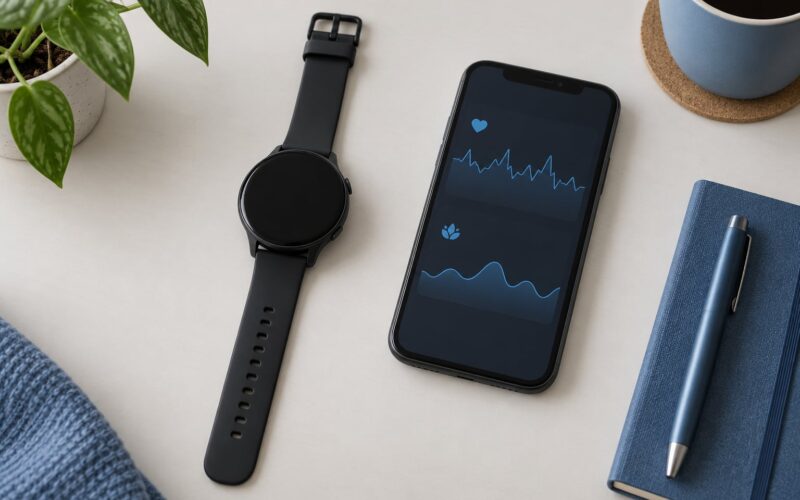
Wear position is only half the job. Update the manufacturer’s app, sign in again if the update asks, and allow the health and motion permissions it needs — on Android, head to Settings, then Apps, then your tracker app, then Permissions and switch on Physical activity. Without that permission, step data can look frozen even when the sensor is working perfectly.
Then run the comparison test. Wear the tracker for a 20-minute steady walk, note the average heart rate and step count at the end, and compare against one of these references:
- A chest strap worn over the same session, which is the most useful benchmark you own.
- Your own pulse at the finish, counted at your neck for 30 seconds and multiplied by two.
- A treadmill or exercise bike display for distance and pace.
Do the test while the device is still on your wrist. Sit down and compare the two readings, then let ten minutes pass and compare again. If your tracker sits within a few beats at rest and within roughly 5 percent on steady walking, the fit is working and you can stop worrying about it.
8. Common Mistakes and How to Fix Them
| Symptom | Cause | Fix |
|---|---|---|
| Heart rate stuck at 150 to 170 bpm | Loose band or sensor pressed between skin and wrist bone | Move two finger-widths above the bone, tighten one hole, restart the workout |
| Heart rate spikes during lifts | Gripping pressure and on-off contact with the skin | Tighten during sets, or switch the tracker to the non-working wrist |
| Phantom steps while typing or driving | Arm motion read as walking, usually with a loose band | Tighten, or turn off step counting for those hours in the app |
| Step count far higher than expected | Loose band swinging, or walking with the device over a sleeve | Bare skin, snug fit, then recount one day |
| No active minutes logged | Band slid onto the wrist bone during the workout | Re-seat it above the bone and use workout mode |
| Sleep score empty or odd | Device removed in the evening or not charged | Charge before bed and wear it from dinner onward |
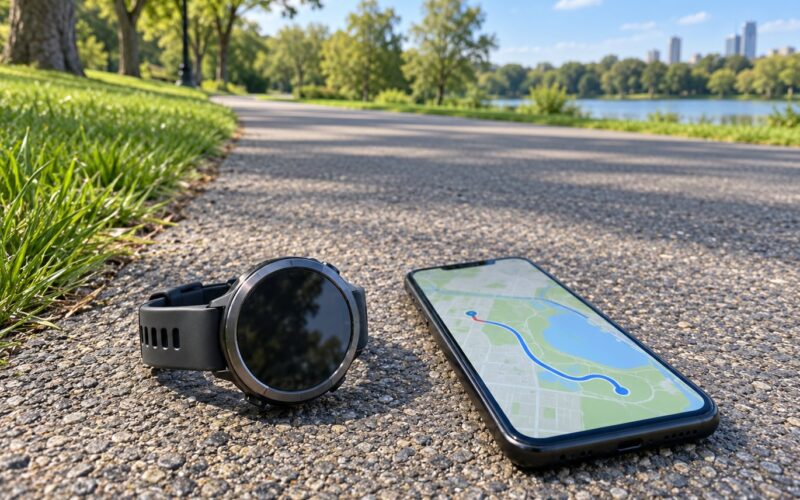
| Distance drifts on a run | Weak GPS signal between tall buildings or trees | Wait for the GPS lock outdoors before you start |
Two more habits cover most of the rest. Check your fit every time you change what you wear on that arm — a jacket cuff or a watch that pushes the band down is enough to ruin a reading. And if you switch wrists, give the new wrist a week before comparing data, since the device re-learns your movement baseline.
Frequently Asked Questions
How tight should a fitness tracker be worn for accurate readings?
Snug, not tight. You should fit one to two fingers under the band without it rotating when you wave your arm or sliding toward your hand when you clench your fist. Band tighter than that can push blood away from the skin the sensor reads, while a looser band lets ambient light leak in and produces noisy readings.
Does wearing a fitness tracker on the dominant wrist improve accuracy?
Wrist choice changes accuracy very little. Step counts and heart rate trend about the same on either wrist, so pick the side you will actually keep it on. If you lift regularly, the opposite wrist usually reads better during sets, because grip pressure stops compressing the sensor.
Why is my fitness tracker heart rate reading inconsistent?
Most often it is movement or a gap between sensor and skin. Hold still for 30 seconds, wait a minute after putting the band on, and check that the sensor window sits flat on forearm skin. Sweaty skin, lotion, body hair and cold fingers all make wrist readings noisier, so compare against a chest strap or your own pulse to confirm.
Should I wear my fitness tracker over clothing during exercise?
No. Fabric between the sensor and your skin breaks the light path the sensor depends on, and it usually adds movement on top. Wear it on bare skin for heart rate and step accuracy. If a sleeve must pass over it, make sure the cuff does not push the band down onto the wrist bone.
Does a tattoo or body hair affect fitness tracker accuracy?
Both can reduce reading quality. A tattoo in the sensor patch can change how light is absorbed, and body hair scatters it. You cannot remove either, so tighten the band for better contact, take resting readings in a warm room, and cross-check with a chest strap when a number matters.
How do I check whether my fitness tracker is working correctly?
Run a 20-minute steady walk, then compare the result with a reference: your own pulse counted for 30 seconds at the end, a chest strap, or a treadmill display. Compare while the band is still on, then again after ten minutes of sitting. Close agreement means the fit is right and the sensor is healthy.
Start With a Clean, Snug Fit
Do one thing before anything else: wipe the sensor and your wrist, slide the band up so the sensor sits two finger-widths above the wrist bone on bare skin, and tighten it until it stops rotating. Then run one 20-minute walk and check the reading against your own pulse while the band is still on.
If that test agrees, you can trust the daily numbers. If it does not, work through the fixes above in order — fit first, then app permissions, then workout mode. That sequence solves the large majority of the readings people assume are a hardware fault.
One last note. Trackers are useful for trends and general wellbeing information, not for diagnosing anything. If a heart-rate number looks alarming or you feel unwell, check it properly and talk to a doctor rather than trusting a wrist device.