USB PD is faster, more universal and safer for almost every phone you own today. Quick Charge still matters for older USB-A gear, and in most cases a phone that speaks one protocol quietly falls back to a safe, slower 5V mode with the other rather than failing.
I have swapped chargers between enough Xiaomi, Redmi and Samsung devices to know where this trips people up: almost nobody is confused by the protocols themselves. They are confused because a charger says 100W, the phone says 18W, and the notification reads slow charging. That gap has a boring technical name, and this guide explains it along with the usb pd vs quick charge explained question everyone actually searches for.
Table of Contents
- USB PD vs Quick Charge at a Glance
- What Is USB Power Delivery?
- What Is Qualcomm Quick Charge?
- How Do Charging Speeds Really Compare?
- USB PD vs Quick Charge Speed and Power: What Changes?
- Compatibility: USB-C, USB-A, and Android Phone Support
- Safety: Does USB PD or Quick Charge Protect the Battery?
- USB PD vs Quick Charge: Which Charger Should You Buy?
- Which Should You Choose?
- Frequently Asked Questions
- Is USB Power Delivery faster than Quick Charge?
- Can I use a Quick Charge charger with a USB PD phone?
- Does USB-C always mean USB Power Delivery?
- Why is my Android phone charging slowly with the right charger?
- Is a higher-wattage charger safe for my phone?
- Which charging standard should I choose for a new Android phone?
- Conclusion
USB PD vs Quick Charge at a Glance
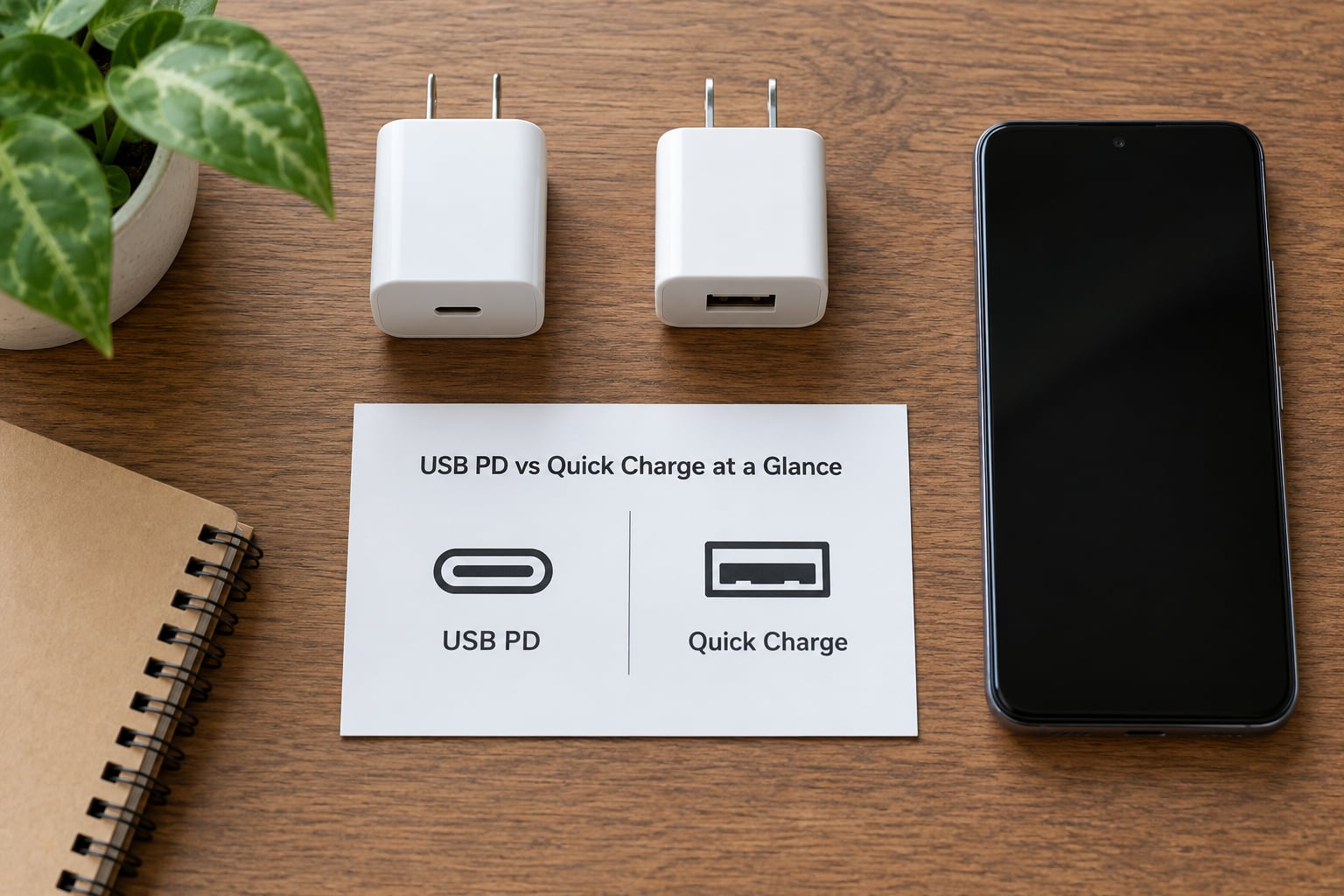
| What it is | USB Power Delivery (USB PD) | Qualcomm Quick Charge (QC) |
|---|---|---|
| Who owns it | USB Implementers Forum, an open industry standard | Qualcomm, a proprietary standard |
| Where it runs | USB-C, mainly on the CC (Configuration Channel) line | Originally USB-A on the D+ and D- data lines |
| Voltage control | Fixed profiles: 5V, 9V, 12V, 15V, 20V | Steps up in 200mV increments from about 3.6V to 20V |
| Power ceiling | 100W under the standard range, up to 240W with PD 3.1 extended range | Up to 100W on QC 5 hardware, usually far less on phones |
| Best for | Phones, tablets, laptops, power banks, anything USB-C | Older USB-A Android phones and legacy accessories |
| Bidirectional power | Yes, it can charge in either direction | No, one-way only |
| If the device does not speak it | Falls back to 5V USB default | Falls back to 5V, about 1.5A or 2A on most modern USB-A ports |
One row in that table matters more than the rest. A mismatched protocol is not a fault and it is not dangerous; it just means the charger and phone agree on the least ambitious thing they have in common.
What Is USB Power Delivery?
USB Power Delivery is the fast-charging standard published by the USB Implementers Forum, the group that also owns the USB-C connector shape. It is an open standard: any manufacturer can license it, build it into a charger, and have the charger certified.
It works by conversation rather than guesswork. When you plug in, the charger sends a list of the power profiles it can supply, and the device replies by requesting one of them. Both sides settle on a voltage and current that the cable and the phone can handle, and charging starts at that level.
Three layers get confused constantly, so here they are separated. USB is the bus, the wiring and the basic 5V rules. USB-C is the physical connector, a shape that carries wiring and nothing else. USB PD is the protocol that lets that connector carry high power. A USB-C port with no PD support charges at the basic USB rate and nothing more.
PD originally allowed 100W, which is 20V at 5A. Newer versions raise the ceiling: PD 3.1 added an extended power range that goes to 240W, and phone chargers rarely need more than 100W.
What Is Qualcomm Quick Charge?
Qualcomm Quick Charge is Qualcomm’s own fast-charging protocol, built into many Snapdragon-powered Android phones and sold to accessory makers as a chip license. Unlike PD, it is proprietary, so each implementation behaves slightly differently depending on how the manufacturer wired it in.
Quick Charge works over the older D+ and D- data pins that every USB-A cable already has. The charger watches those pins for a signal from the phone and steps the voltage upward, from around 3.6V up to 20V in small 200mV increments. Phone makers later renamed that voltage-stepping behaviour INOV, which stands for Intelligent Negotiation for Optimum Voltage.
The version history explains a lot of the confusion. Quick Charge 2.0 changed a fixed 5V supply to 9V or 12V. Quick Charge 3.0 introduced the fine 200mV stepping. Quick Charge 4.0 moved much of the conversation onto the USB-C connector lines and added a compatibility layer, and Quick Charge 5 pushed current limits higher for multi-port chargers.
How Do Charging Speeds Really Compare?
USB PD usually delivers more usable power on modern phones, and the gap is small on older USB-A hardware. The bigger factor is that no phone charges at its charger’s rated wattage.
A charger rating is a ceiling, not a setting. Plug a 100W brick into a phone that accepts 18W and the phone draws 18W, because the phone carries the battery and the charging circuitry that decides what is safe. This is the single most useful thing to understand about usb pd vs quick charge explained debates, and it explains why a large charger never makes a small phone charge faster.
Speeds also depend on where the battery is. From about 20% to 60%, most phones accept close to their maximum. Above roughly 70%, the charging curve tapers deliberately to limit heat, so the final 30% always takes longer than the specs imply. Charger heat and phone temperature also cut the rate mid-session.
Real-world results sometimes fall short of the spec sheet. On r/NOTHING, a Phone 3 owner reported that both a 140W and a 45W PPS charger took noticeably longer than the advertised figure, blaming the phone’s power-profile negotiation rather than the chargers.
USB PD vs Quick Charge Speed and Power: What Changes?
The practical difference comes down to voltage granularity and who is allowed to use it.
PD hands the device a handful of fixed rails: 5V, 9V, 12V, 15V and 20V. Inside that sits PPS, the Programmable Power Supply feature, which lets the phone ask for any voltage in roughly 20mV steps between 5V and 20V. That is what makes a phone able to settle on, say, 11V instead of snapping to 9V or 12V.
Quick Charge without PPS works in coarser 200mV steps over USB-A. Qualcomm adopted PPS for Quick Charge 4.0 and later, which creates a useful one-way rule: a USB-C PD charger that supports PPS can also fast-charge a QC 4.0+ phone, because QC 4.0 and later are built on PD underneath. The reverse does not hold. A plain PD charger on a USB-A phone without its own protocol support stays stuck at 5V.
On Samsung Galaxy phones, this matters more than anywhere. Galaxy Super Fast Charging at 25W and 45W needs USB PD and PPS together. One user on r/GalaxyFold put it plainly: without PPS, whatever charger you connect, it maxes out at PD 15W. A PD-only charger is the reason many people think their fast charger stopped working.
Compatibility: USB-C, USB-A, and Android Phone Support
Every modern Android phone and current iPhone charges over USB-C USB PD, and most flagships add PPS on top. Quick Charge remains the practical choice only for USB-A ports and older hardware.
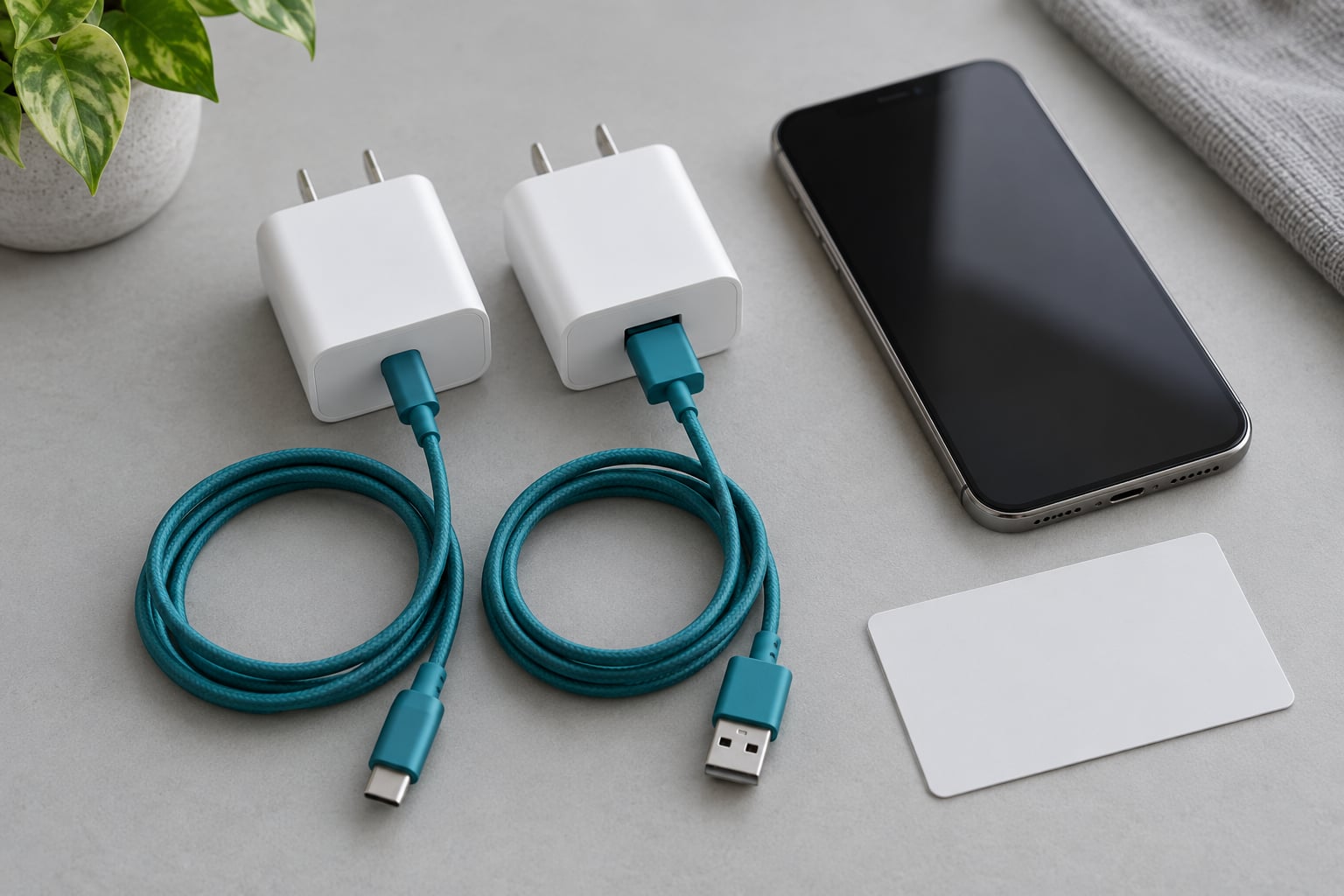
Which port you use decides the protocol. A USB-A to USB-C cable carries the D+ and D- lines, so it works for legacy QC and for PD on phones that support PD over USB-A, which most modern do. A pure USB-C to USB-C cable carries the CC lines, so PD and PPS work but Quick Charge over D+/D- does not, because the required resistor signalling is missing. That is a real and often confusing difference, not a technicality.
Cables have their own limits. Above 60W you need an E-Marker chip in the cable to certify 5A current, and a cable without it quietly caps your speed regardless of the charger. As one Android Central forum user put it, the cable needs to be PD compatible to get 25W, otherwise it will be slower.
Combinations that produce slow charging without any fault: a USB-C charger into a phone that only speaks Quick Charge over USB-A, a USB-C-only cable with a QC-only phone, an old cable without an E-Marker chip on a 100W setup, a multi-port charger sharing output across two devices, and a dirty or slightly loose USB-C port that interferes with negotiation.
Safety: Does USB PD or Quick Charge Protect the Battery?
Both protocols protect the battery when the charger is properly built, and neither is inherently safer than the other. The handshake is the safety mechanism in both cases: the phone only ever accepts a power level it has told the charger it can handle.
That protection lives in the phone, not the brick. Your device monitors voltage, current and its own internal temperature, and drops or stops charging when any reading goes outside its limits. A mismatched protocol triggers a fallback to the basic 5V USB default rather than an overcharge, which is why plugging a Quick Charge charger into a USB-C phone does no harm; it just charges slowly.
Heat is the real enemy of long-term battery health, and it is a charger-quality issue more than a protocol issue. Poorly made chargers convert less efficiently and run hotter, and sitting on a warm surface makes a hot charger hotter still. Phones also protect themselves by tapering the charge rate when they get warm, which is why a phone charging in direct sun is slower than the same phone on a desk.
Using the manufacturer’s approved or certified accessories remains the sensible default, because protocol support and build quality are two separate things.
USB PD vs Quick Charge: Which Charger Should You Buy?
For any Android phone bought in the last few years, buy a USB-C PD charger that also lists PPS. That one choice covers phones, tablets, earbuds cases, power banks and most current laptops.
Check the label before you buy. A solid charger lists the protocols it supports (PD 3.0, PD 3.1, PPS, QC 4+), the total wattage, and what each port delivers on its own. Watch for two traps: a high total wattage that is shared across ports, so a single device gets a fraction of the headline number, and a port that supports fast charging only while another port is unused.
On wattage, pick the smallest number that covers your largest device. If your phone takes 33W and nothing else in the house needs more, a 33W PD charger does the job and a 140W brick adds bulk and heat for no gain. Is 30W fast charging? On a phone that accepts 30W, yes. On a phone capped at 18W, no charger above 18W will change anything.
Quick Charge still earns its place in a mixed household, a car kit or a drawer of old gear. Keep one USB-A QC brick around for legacy phones, older tablets and accessories that never moved to USB-C.
Which Should You Choose?
Most broadly compatible option: a USB-C PD charger with PPS. It covers current Android phones, iPhones, tablets, earbuds and most laptops, and it does the job for a Quick Charge 4.0+ phone too.
Best choice for a modern phone: a PD charger with PPS at a wattage your phone actually accepts. If your device charges at 45W, buy 45W or 65W, not 140W.
Where Quick Charge is still the practical pick: USB-A-only Android phones, older tablets, legacy accessories, and any charger or car adapter already in your drawer that speaks QC but not PD.
For laptops, PD 3.1 with a 100W-capable E-Marker cable is the only route worth considering today.
Frequently Asked Questions
Is USB Power Delivery faster than Quick Charge?
Usually yes, on modern phones. USB PD with PPS can hand a device almost any voltage it asks for in 20mV steps, while older Quick Charge moves in coarser 200mV steps and usually runs over USB-A. On legacy USB-A hardware the two are close enough that the phone, not the protocol, decides the speed. Quick Charge 4.0 and later sit on top of PD anyway.
Can I use a Quick Charge charger with a USB PD phone?
You can plug it in and it is safe. Your phone will not be damaged, because it only accepts power levels it advertises to the charger. What happens is a fallback to the basic 5V USB default, so you lose fast charging and your phone may show a slow-charging notification. The exception is a Quick Charge 4.0 or later charger with PPS, which is built on PD and will fast-charge normally.
Does USB-C always mean USB Power Delivery?
No. USB-C only describes the connector shape, not the protocol running over it. A USB-C port or cable can carry plain USB charging, USB PD, DisplayPort Alt Mode, or a proprietary system such as VOOC or SuperVOOC. Check the charger label for a PD or PPS marking rather than assuming, because a USB-C port with no PD support stays at basic 5V charging speed.
Why is my Android phone charging slowly with the right charger?
Check these in order: the cable rating, the charger protocol label, the port on the phone, and the phone’s own limits. A missing E-Marker chip caps high-wattage charging, a PD-only charger drops a Samsung Galaxy to 15W without PPS, a multi-port charger shares its total wattage, and a dirty or loose USB-C port can break negotiation. Heat also tapers the rate once the phone warms up.
Is a higher-wattage charger safe for my phone?
Yes. A higher-wattage charger is a maximum output, not a forced setting. The phone draws only what it is designed to accept, and a certified charger will not push more current than the device requests. What you should watch is build quality, because an inexpensive charger runs hotter and converts power less efficiently. Buy the smallest wattage that covers your devices and choose a certified unit.
Which charging standard should I choose for a new Android phone?
Choose USB-C PD with PPS. Every current Android flagship speaks it, most add PPS for finer voltage control, and one charger will also cover tablets, earbuds, power banks and many laptops. Quick Charge is worth keeping only for older USB-A phones and legacy accessories. If you also own a recent iPhone, PD covers that too, so a single PD charger replaces both.
Conclusion
USB PD wins on speed, universality and safety, and with PPS added it is the standard to buy for any phone made in the last few years. Quick Charge is not obsolete; it is legacy-friendly, useful for USB-A gear, and folded into PD from version 4.0 onward.
Before you buy anything, look at two labels. On the charger, check that PD and PPS are both listed and that the wattage covers your biggest device. On the phone, check the specification sheet for the maximum charging wattage it accepts. If your device only pulls 18W, a 100W charger will not change that, and if it is a Galaxy expecting 45W, make sure PPS is in the list before you order.