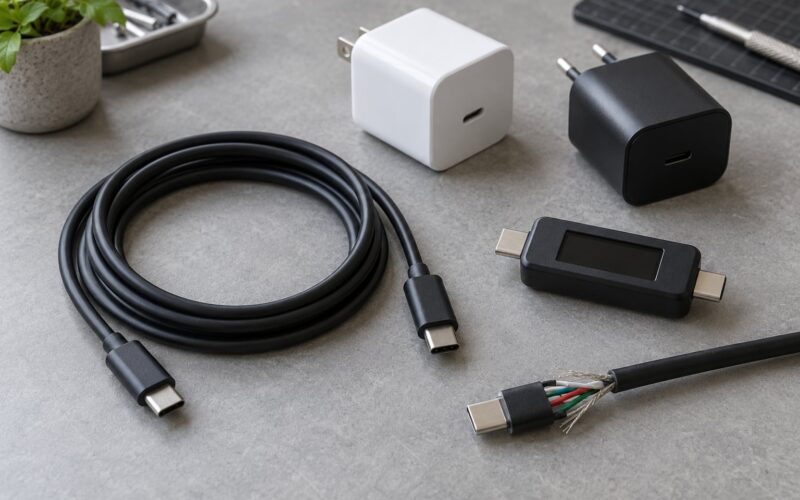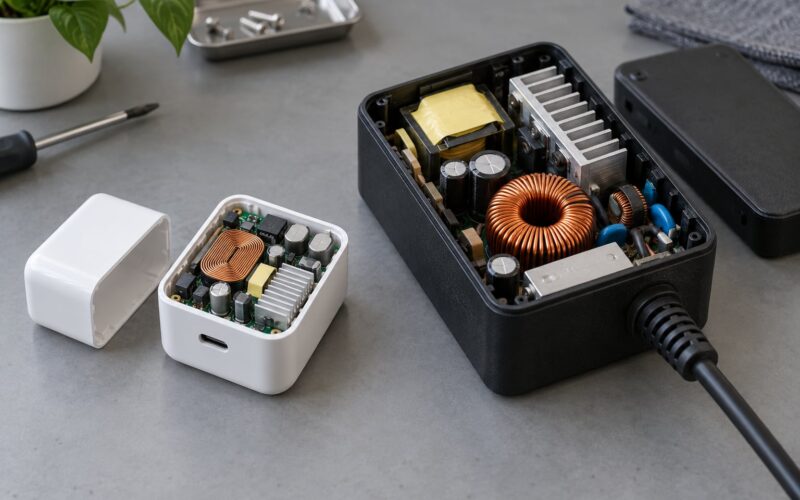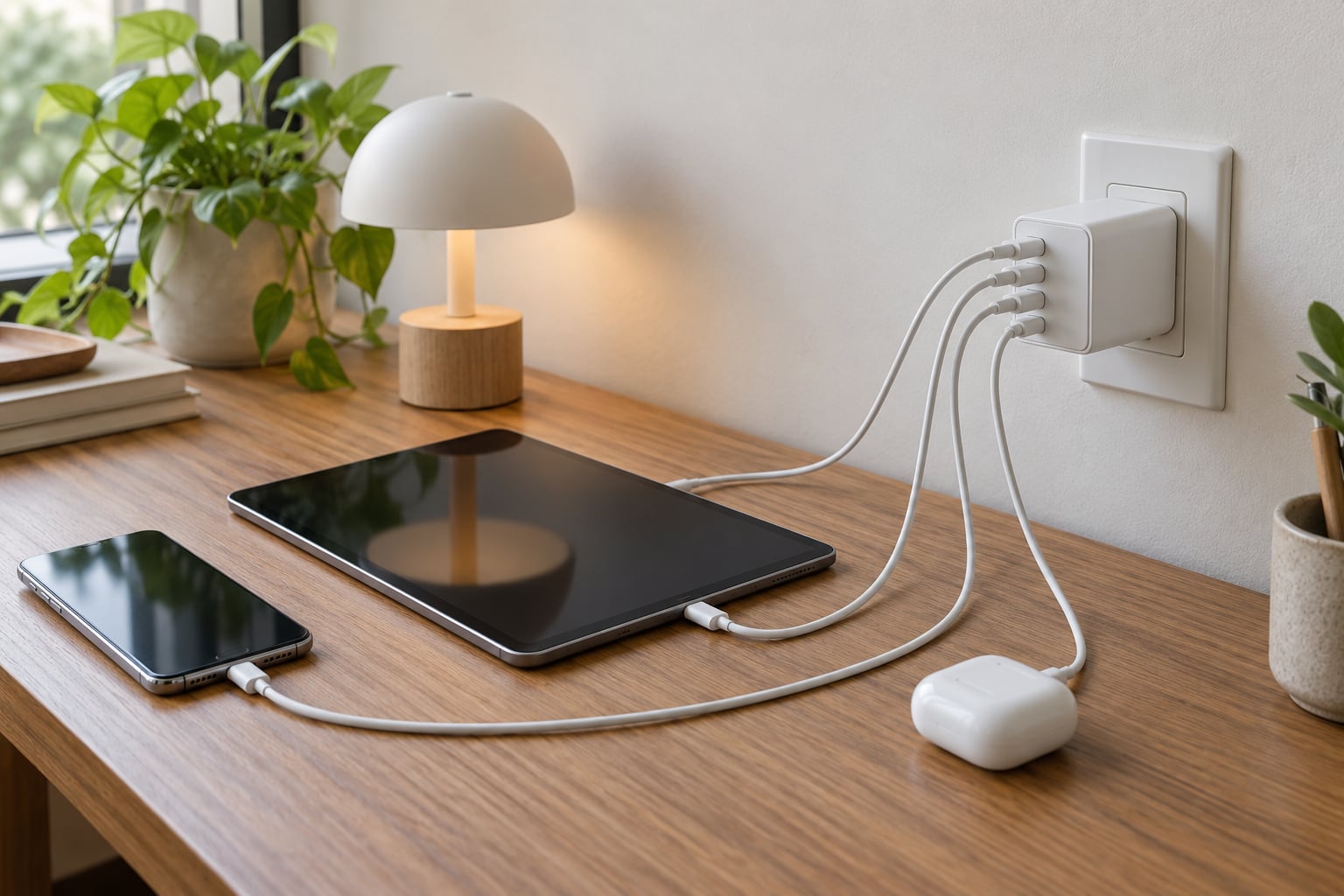
Here is how to choose a multi port charger for a desk, in four numbers: how many watts your biggest device needs, how many devices charge at once, what mix of ports you actually plug into, and whether the maker publishes a per-port power table. Get those right and one brick replaces three OEM adapters. Get them wrong and your laptop quietly charges at half speed every afternoon.
This guide walks through the decision in order, starting with the wattage maths most people skip and ending with the safety marks that separate a decent charger from a fire risk. It should take about ten minutes to work through.
Table of Contents
- How to choose a multi port charger for a desk: quick guide
- What power do your desk devices actually need?
- Which ports should a multi-port charger have?
- Does a 100W charger mean every port delivers 100W?
- What charging standards should you look for?
- What makes a multi-port charger safe and reliable?
- How should size, heat, and placement affect your choice?
- Should you buy a charger with built-in cables?
- Do you need a desktop charging hub instead?
- What features are worth paying for on a desk charger?
- A simple multi-port charger checklist
- Frequently Asked Questions
- How many ports does a multi-port charger need for a desk?
- Is a higher wattage multi-port charger better?
- Can one multi-port charger charge a phone and laptop at the same time?
- What is the difference between USB-C and USB-A on a desk charger?
- How do I know if a charger supports Android fast charging?
- Is it normal for a multi-port charger to get warm while charging several devices?
- Conclusion
How to choose a multi port charger for a desk: quick guide
Work through these seven factors in order. Skipping ahead to port count is the most common mistake, because port count tells you nothing about speed.
- List your desk devices. Every phone, tablet, laptop, watch, earbuds case and handheld that will plug in at the same time. Include the mini PC or console if it lives there.
- Find the wattage each one accepts. The charger that came in the box, or the spec sheet, tells you the ceiling.
- Total the realistic load and add 30 to 50 percent headroom. Headroom buys you a faster charger later and covers peak draw.
- Count ports, then add one or two spare. Extra ports cost very little per port and save rewiring later.
- Check the port mix. Two USB-C ports plus at least one USB-A covers most desks in 2026.
- Read the per-port power table. Total wattage on the box is a system number, not a promise per port.
- Verify safety marks and warranty length. UL or ETL listing, 18 to 36 months of warranty, and a published port allocation table.
What power do your desk devices actually need?
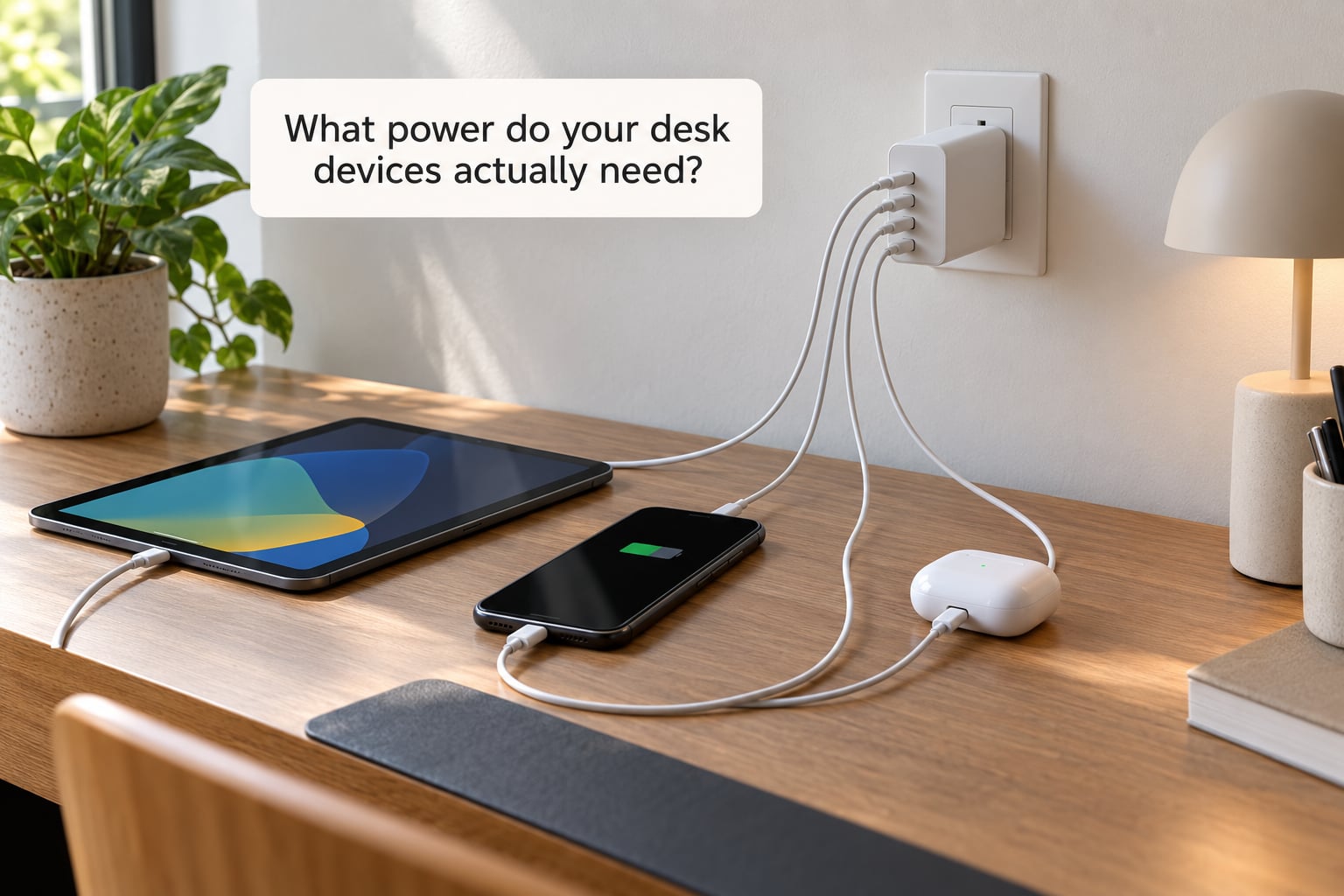
Start with the largest device, because it sets the floor. A phone tops out around 18 to 25W. Earbuds and smartwatches pull 5 to 10W each. A tablet wants 30 to 45W. An ultrabook accepts 45 to 65W, a 14-inch laptop 65 to 100W, and a 16-inch laptop or two laptops at once can reach 200W or more.
Add those numbers up for the devices that charge simultaneously, not the ones you own. Then add headroom. A desk running a 65W laptop, a phone and earbuds at full speed wants a charger rated well above 90W total, because the phone and earbuds draw their share at the same time.
Now the part that confuses everyone: chargers do not add their ratings. A 100W multi-port charger with four ports does not deliver 100W to each of them. It has one power budget to divide, and the division is either fixed by the manufacturer or decided dynamically at plug-in. The published port table is the only place that division is written down, so read it before anything else on the listing.
A rough rule helps. On a 65W charger with two USB-C ports you will commonly see 45W plus 20W. On a 100W two-port model, 65W plus 30W. On a 100W four-port model, much less per port, sometimes 30W on the first two and 15W on the rest. Independent ports, where each one draws from the full budget on its own, are rarer and better, and they cost more.
One forum pattern worth knowing: people running a ThinkPad-style work laptop alongside a flagship Android phone have found that a 100W-class multi-port charger covers the whole desk from one plug. Others with a mini PC report needing 70W or more just for the small form factor machine, before anything else is plugged in.
Which ports should a multi-port charger have?
USB-C is where everything is heading, USB-A is what most people still own, and that is really the whole decision. A USB-C port with Power Delivery can run a laptop, a tablet and a phone at full speed. A plain USB-A port runs older accessories, older cables and some legacy fast-charge protocols at their limits.
For most desks in 2026, two USB-C ports plus one or two USB-A ports is the practical minimum. Four USB-C ports is the future-proof option if your devices are all current-generation. A charger loaded with USB-A ports will feel obsolete within a couple of years, and one loaded with USB-C ports alone will leave you hunting for an adapter for the old earbuds case or the bedside lamp.
The connector shape tells you nothing about speed, which trips people up constantly. USB-C is a shape. Power Delivery is a protocol negotiated over that shape. A USB-C port that only offers the basic 5V and 3A profile is a 15W port, and it will charge a laptop at crawling speed with no warning.
Does a 100W charger mean every port delivers 100W?
No. Unless the listing specifically says independent ports or per-port power, a 100W figure is the total the charger can deliver across everything plugged in. That single number is the source of most disappointed buyers, and it is also why one cheap cable can make a good charger look broken.
Connecting devices changes what the others get. Plug a laptop into a shared 65W charger and it may take 45W, leaving 20W for everything else, which drops a phone to a slow trickle. Ask whether the charger supports PD 3.1 Extended Power Range, the specification behind 140W and 240W ratings. A 240W label without EPR mentioned anywhere is a marketing number, not a capability.
What charging standards should you look for?
USB Power Delivery is the base layer and you want it on every USB-C port. On top of that, PPS, the Programmable Power Supply extension, is what Samsung and Pixel phones use for their fastest charging curves. Without PPS those phones fall back to a slower profile, which is the most commonly reported complaint on multi-port chargers in owner feedback.
Quick Charge still shows up on USB-A and some budget USB-C ports, and it matters if you own older Android accessories. Check the device manual for the protocols it expects rather than trusting the box. For cables, anything above 60W needs an E-marked 5A cable, and a thin unrated cable will cap the whole setup regardless of how good the charger is.
What makes a multi-port charger safe and reliable?
Safe chargers advertise over-temperature, over-current, over-voltage and short-circuit protection, plus some form of foreign-object detection. Those circuits are what stop a cheap component or a damaged cable from turning into a hot spot. Look for a UL or ETL mark printed on the device itself rather than claimed in the listing, plus CE or PSE depending on your region.
Thermal design matters as much as the protection chips. A charger that has to work hard to stay cool runs hotter at your desk, and one forum complaint that repeats constantly is that budget bricks become uncomfortably warm after a couple of hours of sustained multi-device charging. A longer warranty, 18 to 36 months, is a decent proxy for better internal components, and so is a brand that publishes an honest per-port power table.
Red flags in a listing are simple: an unlabelled wattage, a huge total number with no mention of Power Delivery or EPR, a photo that shows no certification marks, or a brand name you have never heard of combined with a claim no established maker would make.
How should size, heat, and placement affect your choice?
A desk charger plugs in for eight to twelve hours a day, so treat sustained load as the normal case rather than an edge case. Bulky bricks block the outlet next to them and refuse to fit behind a monitor, which pushes people into awkward cable angles that stress the connector. Foldable prongs help in a socket-heavy spot. Compact GaN designs run cooler and cooler-running silicon is a real benefit at a fixed desk, not just marketing.
For placement, leave clearance on all sides. Do not bury the charger under a blanket, inside a drawer, or in a closed cable box, and do not run its cable under a rug. Under-desk mounting or a clip behind the monitor keeps the desk clear while leaving the brick ventilated.
Warmth is normal when several devices draw power at once, particularly in the first hour or after a laptop wakes from sleep and pulls a spike. What is not normal is heat you cannot hold your hand near for a few seconds. If you see that, unplug it and stop using it.
Should you buy a charger with built-in cables?
Fixed or retractable cables are genuinely convenient for one desk and one set of devices. They remove cable clutter entirely, since there is nothing to lose behind the monitor. The trade-offs are real though: you are tied to the connector and length the maker chose, replacing a damaged cable means the whole unit goes back, and travel use becomes awkward if the cable lives in the brick.
Separate cables cost you desk space and one more thing to keep track of, but they flex with your setup. If you use the charger away from the desk, or your devices change every couple of years, buy the brick and good cables.
Do you need a desktop charging hub instead?
A desktop charging hub sits on the desk and often runs from USB rather than the wall. It suits setups with many small devices, such as earbuds, watches, cameras and controllers, because low-power ports add up cheaply there. Wall chargers win whenever a laptop is involved, since they deliver real AC power and do not drain your computer while your computer is the thing being charged.
A full USB-C dock is a third category. It charges a laptop and adds HDMI, card readers and Ethernet in one box, which makes it the better answer if you want one device to replace a laptop port, a charger and an adapter. If your desk only needs charging, a dock is extra hardware you will not use.
What features are worth paying for on a desk charger?
Independent per-port power allocation is the feature that changes daily experience, because your laptop keeps full speed no matter what else is plugged in. A published per-port power table is close behind, since it tells you what you are actually buying. Two or more USB-C PD ports, an E-marked cable in the box, foldable prongs and a two to three year warranty are all reasonable asks.
What does not justify paying more: an LED that only tells you power is on, a decorative fabric or metal finish, an app, and screen-printed wattage on the side of the box that the port table contradicts. Fast-charge marketing for devices you do not own is the same category of noise.
If you are still torn between two nearly identical listings, how to choose a multi port charger for a desk comes down to the port table and the safety marks, never the headline wattage.
A simple multi-port charger checklist
Before you buy, confirm all of these. It takes two minutes and catches almost every disappointing charger.
- Every desk device listed, with its maximum accepted wattage.
- Total realistic load plus 30 to 50 percent headroom.
- Per-port power table published by the maker.
- Port mix covers your devices now and the next few years, typically 2C2A or better.
- USB Power Delivery on every USB-C port, plus PPS if you own a Samsung or Pixel.
- PD 3.1 EPR mentioned if the headline wattage is above 100W.
- Over-temperature, over-current, over-voltage and short-circuit protection stated.
- UL or ETL mark printed on the unit, or an equivalent recognised mark for your region.
- Dimensions checked against the socket and any space behind your monitor.
- Ventilation clearance planned, not tucked into a drawer or under fabric.
- E-marked 5A cable included, or budgeted for.
- Warranty of at least 18 months.
Frequently Asked Questions
How many ports does a multi-port charger need for a desk?
Count the devices that charge at the same time, then add one or two spare ports. A typical desk with a laptop, phone and earbuds needs three ports, and four gives you room for a watch or tablet later. Extra ports are cheap per port, so a five-port unit with two USB-C ports often serves better than a three-port unit where only one port is USB-C.
Is a higher wattage multi-port charger better?
Only up to the point where it covers your highest-wattage device with headroom. Extra capacity beyond that changes nothing on the desk, because the device will only draw what it accepts. Undersizing is the real problem: too little power means your laptop charges slowly every day. Size to your biggest device plus a margin, not to the largest number on the box.
Can one multi-port charger charge a phone and laptop at the same time?
Yes, with the right model. Both devices will charge simultaneously, but how fast each one goes depends on whether the ports share a power budget or draw independently. On a shared 65W charger, plugging in the laptop can leave the phone on a slow 20W profile. Independent ports, or a higher total rating, keep both devices at full speed.
What is the difference between USB-C and USB-A on a desk charger?
USB-C is the current connector and the only one that supports modern Power Delivery charging, including laptop charging. USB-A is the older rectangular port that still handles older accessories, legacy fast-charge protocols and many charging cables you already own. Most desks today are best served by two USB-C ports plus at least one USB-A port.
How do I know if a charger supports Android fast charging?
Look for USB Power Delivery on the port, plus PPS, the Programmable Power Supply extension that Samsung and Pixel phones use for their fastest charging curves. Without PPS those phones drop to a slower profile. You can also check the charging readout in your phone settings while plugged in, which usually names the negotiated protocol and output.
Is it normal for a multi-port charger to get warm while charging several devices?
Yes, moderate warmth is expected when several devices draw power at once, especially during the first hour or when a laptop wakes from sleep. Heat you cannot hold your hand near for a few seconds is not normal. In that case unplug it, move it somewhere ventilated, and stop using it, since sustained overheating usually points to poor thermal design or a failing protection circuit.
Conclusion
Write down your desk devices and their wattages first, total only the ones that charge together, and add headroom. Then pick a charger whose port mix matches what you plug in and whose published per-port table keeps your laptop at full speed. Safety marks and a real warranty are the last checks, not the first.