To store a power bank safely, keep it in a cool, dry, ventilated place at room temperature (roughly 32°F to 95°F, or 0°C to 35°C), charge it to about 50-70% rather than full or empty, unplug every cable, and keep coins, keys and other metal objects away from the ports. Check it every three months and treat swelling, unusual heat or a chemical smell as a stop sign.
That takes about ten minutes the first time and about one minute every few months after that. Most people get it wrong in one of two ways: they toss a power bank into the glove box of a parked car, or they leave it sitting at 100% in a drawer for a year. Both are avoidable.
A lithium-ion cell does not sit still. It slowly self-discharges, it ages fastest when it is held at high voltage, and heat speeds up every chemical process inside it. Storage is really just damage management — you are slowing that wear down, not stopping it.
Below is the full routine, including what to do with a bank that has been unused for six months, why the bag in your backpack is a problem, and how to pack one for a flight.
Table of Contents
- What You Need
- Step-by-Step: How to Store a Power Bank Safely
- Check for Damage, Heat, or Recalls
- Charge It to the Manufacturer’s Recommended Level
- Turn the Power Bank Off
- How to Store a Power Bank Safely for Several Days
- Use a Cool, Dry Place for Long-Term Storage
- Protect Ports and Prevent Moisture
- Check and Recharge It Every Few Months
- Prepare It Before Traveling
- Common Mistakes
- Frequently Asked Questions
- Can I take a power bank in my carry-on luggage?
- Is it safe to leave a power bank in a car?
- How long can a power bank be stored without being used?
- How can I check the remaining charge of a stored power bank?
- What should I do if a power bank is swollen, leaking, or unusually hot?
- Conclusion
What You Need
You do not need much, and most of it you already own.
- The power bank and its documentation. The manual or the manufacturer’s support page is the authority on charge level and storage temperature for your specific model. Guidance from another brand may not match.
- The original cable, if you still have it. Bundled cables are the first thing to fail, and a damaged cable is a fire risk whether or not the bank is in use.
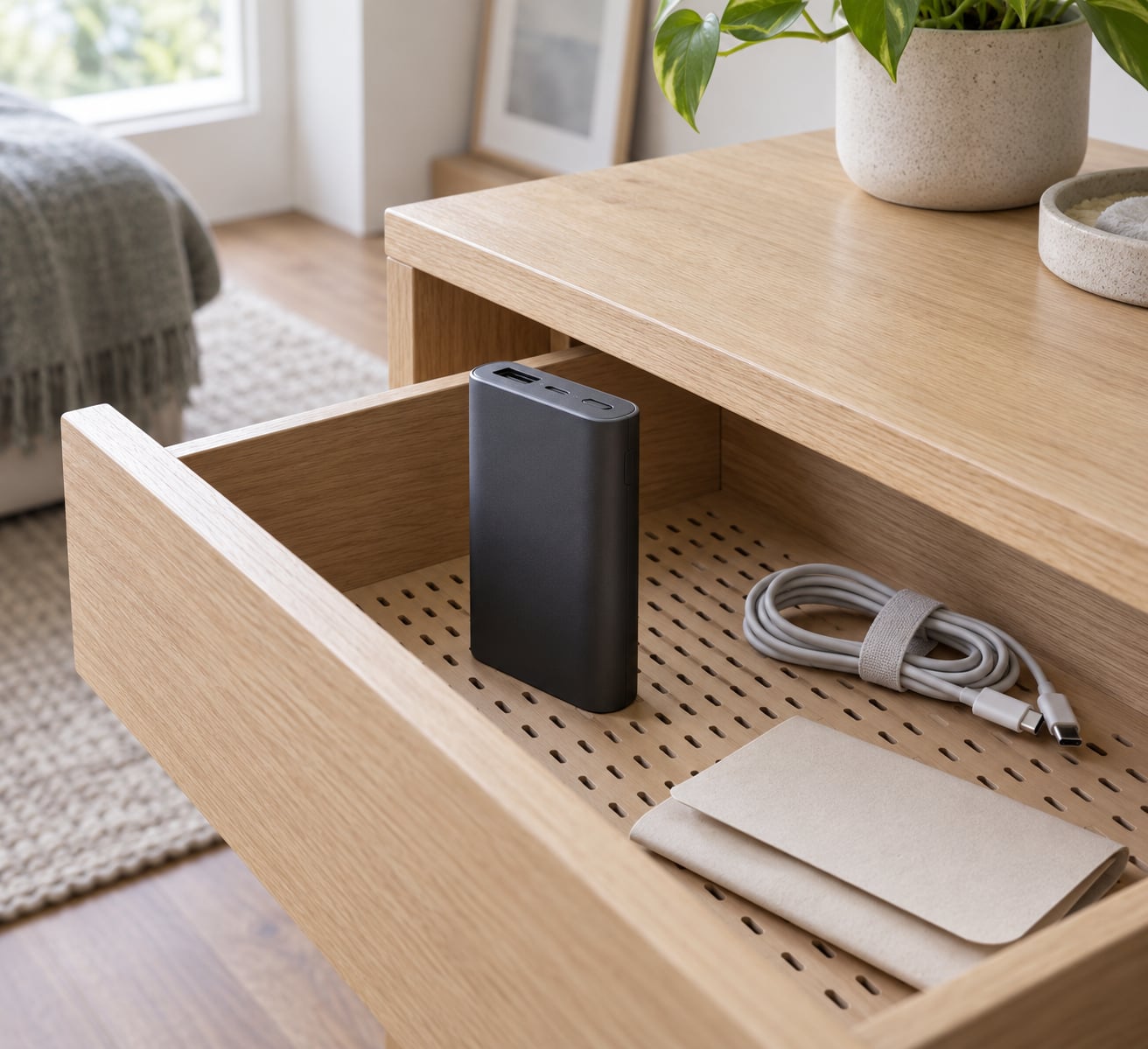
- A cool, dry indoor location. A bedroom drawer, a desk cabinet or a shelf in a hallway works. Somewhere with airflow and no direct sun.
- A breathable pouch or the original storage sleeve. Fabric or a fitted case, not a vacuum-sealed bag.
- A non-flammable surface. For charging, that means tile, concrete or bare metal rather than a wooden desk or a bed.
- A small dry cloth or cotton swab. For checking the ports for lint, moisture and corrosion before you close everything up.
- A fire-resistant container or a metal tin with a lid. Only if the unit is already damaged — that is a containment box, not a storage box.
Step-by-Step: How to Store a Power Bank Safely
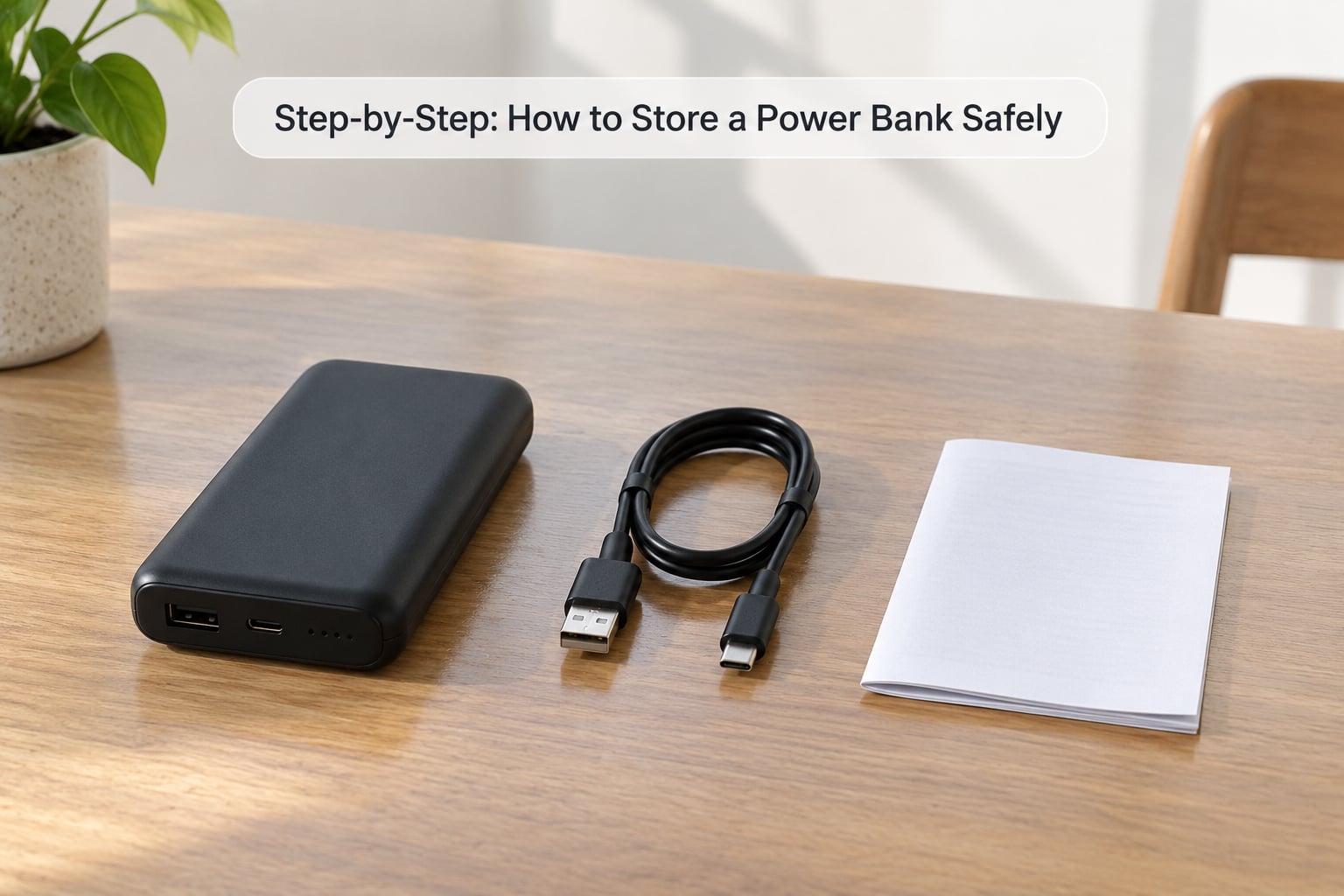
Check for Damage, Heat, or Recalls
Look at the unit before you put it anywhere. Run your fingers over the casing and compare the top and bottom surfaces — a cell that has swollen pushes the two halves apart, and a case that looks slightly domed on one side is the earliest warning you get.
Then check the ports and the display. Look for lint packed into the USB-C or USB-A opening, green or white corrosion on the contacts, a cracked or loose connector shell, scorch marks, and any fluid or crystalline residue. If the charge indicator misbehaves or the bank gets warm while sitting untouched on a desk, that is not a storage problem, it is a battery problem.
Also check the model and batch against your brand’s recall notices before storing a unit you have not used in a while. If any of these signs are present, skip the rest of this guide and go to the damaged-battery section in Common Mistakes below. Never store a compromised cell in a drawer or a suitcase.
Charge It to the Manufacturer’s Recommended Level
Read the manual first. Many brands state a storage charge level, and that number wins over anything else here. When the manual gives no percentage, roughly 40-60% is a sound target for lithium-ion cells, and 50-70% is the range most safety and manufacturer guidance lands on.
Why the middle? A cell held near 100% sits at its highest voltage, and sustained high voltage is what drives capacity degradation. A fully flat cell is worse in a different way — a deep discharge leaves no headroom, and a cell that bottoms out can go into protection cutoff and refuse to come back. Middle ground avoids both.
Turn the Power Bank Off
Most models have a power button that fully disconnects the ports. With that button pressed and held for the couple of seconds your manual specifies, the outputs cut off and the bank stops drawing current.
You can confirm it is off: the status LEDs go dark within a few seconds or a few minutes, depending on the model, and no current flows when you plug a phone in. Models without a manual power button shut down on their own once output drops below the auto-shutoff threshold, which is usually a few minutes after the last charge. If the light is still on after the documented period, disconnect every cable and leave it on a non-flammable surface to see whether the bank is genuinely powered or whether the indicator is simply stuck.
How to Store a Power Bank Safely for Several Days
This is the easy case: a few days between uses. Unplug the cables, put the bank in a dry drawer or cabinet at room temperature, and leave it alone. Keep it out of direct sunlight, away from heaters and radiators, and away from liquids, food and metal objects.
Watch the weight of what goes on top. A heavy box of cables or a stack of books pressing on the casing for a week can leave a dent, and a dent on a lithium-ion pack is a safety issue, not a cosmetic one. A soft, flat spot with nothing heavy above it is what you want.
Use a Cool, Dry Place for Long-Term Storage
For anything longer than a couple of weeks, pick the location carefully. Indoor, climate-controlled, dry, and ventilated beats any clever storage arrangement, even a temperature-controlled storage unit, because the real enemy is swings and damp rather than the average temperature itself.
| Location | What happens there | Verdict |
|---|---|---|
| Bedroom drawer or desk cabinet | Stable room temperature, dark, no temperature swings | Best choice |
| Living-room shelf near a window | Direct sun heats the casing even indoors | Poor unless shaded |
| Car glove box or boot | Can exceed 120°F in summer and drop below freezing in winter | Avoid entirely |
| Garage | Wide seasonal swings, often damp, often above 90°F | Avoid |
| Unheated basement | Humidity, condensation and mold risk on contacts | Avoid unless dry and monitored |
| Attic | Extreme summer heat under the roof | Avoid entirely |
| Travel bag or suitcase | Repeated handling, pressure, coins and keys | Short trips only, carry-on |
The car is the one people argue about, so be blunt: a parked vehicle is the single worst place to store a lithium-ion power bank. Metal bodies conduct and hold heat, and a glove box or boot can climb past 120°F with no airflow at all. The pattern is consistent enough that it shows up again and again on battery safety forums: a bank forgotten in a glove box comes back puffed and too hot to hold within a few months.
Heat matters more than cold, but cold has its own problem. Bringing a chilled unit into a warm room lets condensation form on the cell and the contacts. If that happens, leave it unplugged at room temperature until it is completely dry before you charge anything.
Protect Ports and Prevent Moisture

A breathable pouch or the fitted sleeve it came in does the job. What you want to avoid is wrapping the ports in airtight plastic, because sealed plastic traps whatever moisture is already there and any vapour the cell gives off.
Desiccant packets help in genuinely damp rooms, with one condition: add one only when the battery is cool and completely dry. If a sachet ever feels damp or water reaches the unit, discard the sachet, and if moisture has touched the cell or contacts, stop using the bank and take advice on battery disposal rather than trying to dry it out with a hairdryer or a grain of rice.
Clean the ports before you close everything up. A dry cotton swab lifted of lint takes a minute and stops packed debris from becoming a local heat point the next time you plug something in.
Check and Recharge It Every Few Months
Set a reminder every three months. Manufacturer support guidance commonly suggests a discharge and recharge cycle at least every three to four months, and that is a reasonable interval for most banks.
At each check, look at the casing for new swelling, feel for warmth, and read the charge indicator. If the bank has dropped a lot, top it back up to the recommended storage level rather than running it all the way to 100% — you are maintaining the cell, not preparing for a trip. Two or three maintenance cycles a year will cost you five minutes and keep a backup bank usable for years instead of months.
Self-discharge is the reason this matters. Depending on the cell quality and the charge level, a fully charged bank can take roughly 20 to 36 months to run itself down to nothing on a shelf. If yours is sitting at 50%, the wait is longer.
Prepare It Before Traveling
Bringing a stored bank back into service takes three minutes. Confirm the casing is flat and the ports look clean, charge it to full on a non-flammable surface while you are in the room with it, and use a cable you trust — undamaged, undusted, the one that came with it if you still have it.
Never charge a power bank unattended or overnight. Electrical Safety First in the UK is unusually direct about this: do not leave a power bank on a prolonged charge when it is not in use, and keep it uncovered in a well-ventilated space while it charges.
For flights, take it in your carry-on, not checked luggage, and keep the terminals protected from contact with loose metal. Power banks over 100Wh are generally not permitted in passenger cabins, and several airlines now ban them outright on selected aircraft, so check your carrier’s current rule before you pack. Never pack a swollen or previously damaged bank at all.
Common Mistakes
Most damage to stored power banks comes from a short list of habits. Each one has a quick fix.
Leaving it at 100% for months. The cell sits at its highest voltage and ages fastest there. Fix: bring it to 50-70% before storage and top back to that level at each check-in.
Storing it flat or empty. A fully discharged cell can hit its cutoff and never recover. Fix: never put it away below roughly 20%.
Keeping it in the car. Summer heat accelerates degradation and swelling; winter cold does real damage too. Fix: bring it indoors with you.
Tossing it into a bag with coins and keys. A coin bridging a partially exposed connector is a classic short circuit, and safety authorities rank conductive-metal contact among the top failure causes. Fix: put it in its own pouch or case before it goes near anything metallic.
Wrapping a damp unit in a sealed bag. Fix: dry it at room temperature first, and never use heat to hurry it along.
Leaving the charging cable attached. A damaged cable plus a long period plugged in is a needless risk. Fix: unplug it and store the cable separately.
Overcharging it out of habit. Most banks stop at 100% on their own, but a cheap unit with a poor battery management system is exactly where overcharging problems show up. Fix: unplug once it is full.
Keeping a swollen bank because it still works. A puffed cell has no headroom left and can go into thermal runaway — the runaway reaction where an internal short drives the cell past its limits. Fix: stop using and charging it immediately, and take it to a proper collection point.
Throwing it in household waste. Fix: use a battery recycling point or a retailer take-back scheme, and tape the terminals of a damaged unit before moving it.
Four habits cover most of it: cool and dry, partial charge, unplugged, checked every few months.
Frequently Asked Questions
Can I take a power bank in my carry-on luggage?
Usually yes. Most airlines allow power banks in cabin luggage only, not in checked bags, and require them to stay in an accessible place during the flight. Anything above 100Wh is generally prohibited in the cabin, and some airlines have banned power banks entirely on selected aircraft, so check your carrier’s current rule before you travel. Keep spare lithium batteries and loose cells protected from contact with coins or keys.
Is it safe to leave a power bank in a car?
No. A parked car can exceed 120°F inside, and that heat drives the fastest kind of degradation and swelling. Cold is less damaging but still not ideal, and freezing temperatures make a chilled unit prone to condensation once it is brought indoors. Store the bank at room temperature indoors and take it with you when you leave the vehicle.
How long can a power bank be stored without being used?
Stored at a partial charge in cool, dry conditions, most lithium-ion power banks stay usable for years. Self-discharge is the limiting factor: depending on the cell quality and starting charge level, a full bank can take roughly 20 to 36 months to run itself down completely on a shelf. Checking and topping it up every three months keeps it in far better condition than leaving it untouched.
How can I check the remaining charge of a stored power bank?
Press the power button or tap the charge-level button once to wake the indicator, then read the LEDs or the percentage on a display. Four LEDs usually mean four separate quarters rather than exact percentages, so treat them as a rough guide. If the bank does not wake up, plug it in for a short while on a non-flammable surface; it may simply need a top-up rather than replacement.
What should I do if a power bank is swollen, leaking, or unusually hot?
Stop using and stop charging it immediately. Move it away from anything combustible if it is warm, and do not puncture, squeeze or open the casing. Place it in a non-flammable container and take it to a battery recycling point or a retailer take-back scheme, taping the terminals first if there is any exposed metal. A swollen lithium-ion cell has no safe storage and should not go into household waste.
Conclusion
Start tonight: pick up the power bank, lay it on a table and check the casing for swelling or a dent, pull up the manual for its storage charge level, top it to roughly 50-70%, unplug everything, and put it in a breathable pouch in a dry indoor drawer away from metal and direct sun. Then set a three-month reminder to look at it again.
If anything about the unit is already wrong — swelling, a leak, corrosion, a dent from an impact, or heat when it should be idle — stop using it there and then. Take it to a proper battery collection point and get the hazard guidance for your area rather than trying to store it until it feels better.