Knowing how to use SpO2 readings on a smartwatch comes down to three things: fitting the watch properly, staying still long enough for a clean measurement, and reading the quality indicator before you trust the number. Most confusing readings are fit or motion problems, not a real change in your blood oxygen. The whole routine takes about two minutes and needs no more than a bare wrist and a quiet corner of a room.
One warning before anything else. A watch estimates blood oxygen saturation with light-based sensors. It is not FDA-cleared as a pulse oximeter and it does not diagnose anything. Treat it as a trend tool, and use a fingertip device plus your doctor’s advice when a reading matters.
Table of Contents
- What You Need
- How to Use SpO2 Readings on a Smartwatch: Step-by-Step
- 1. Confirm That Your Watch Can Measure SpO2
- 2. Prepare Your Wrist and Device
- 3. Start the Measurement and Keep Still
- 4. Read the Result and Check Its Quality Status
- 5. Repeat an Unexpected Reading
- 6. Record the Reading and Decide When to Confirm It
- Common Mistakes
- What Do Typical Smartwatch SpO2 Readings Mean?
- When Should You Seek Medical Advice?
- Frequently Asked Questions
- Are smartwatch SpO2 readings accurate enough to rely on?
- Can a smartwatch detect sleep apnea or COVID-19 from SpO2 readings?
- Do I need my phone nearby to measure blood oxygen on a smartwatch?
- Why is my smartwatch SpO2 different during sleep or at high altitude?
- When should I confirm a smartwatch reading with a fingertip pulse oximeter?
- Conclusion
What You Need
You need a watch that actually exposes an SpO2 feature, its manufacturer’s companion app, and a wrist that is bare and warm. Everything else is optional.
- A compatible watch. Not every model measures blood oxygen, and some region or firmware builds hide the feature entirely.
- The official companion app. Install it and sign in before you try to take a reading, because most watches will not store results locally until they sync.
- A snug, bare wrist. Remove the watchband extras, bracelets, fitness trackers, and watch faces that overlap the sensor.
- A warm, quiet room. Cold skin gives the sensor less to work with and produces implausibly low values.
- Good light. Not sunlight on the screen. Just enough ambient light for you to read the result clearly.
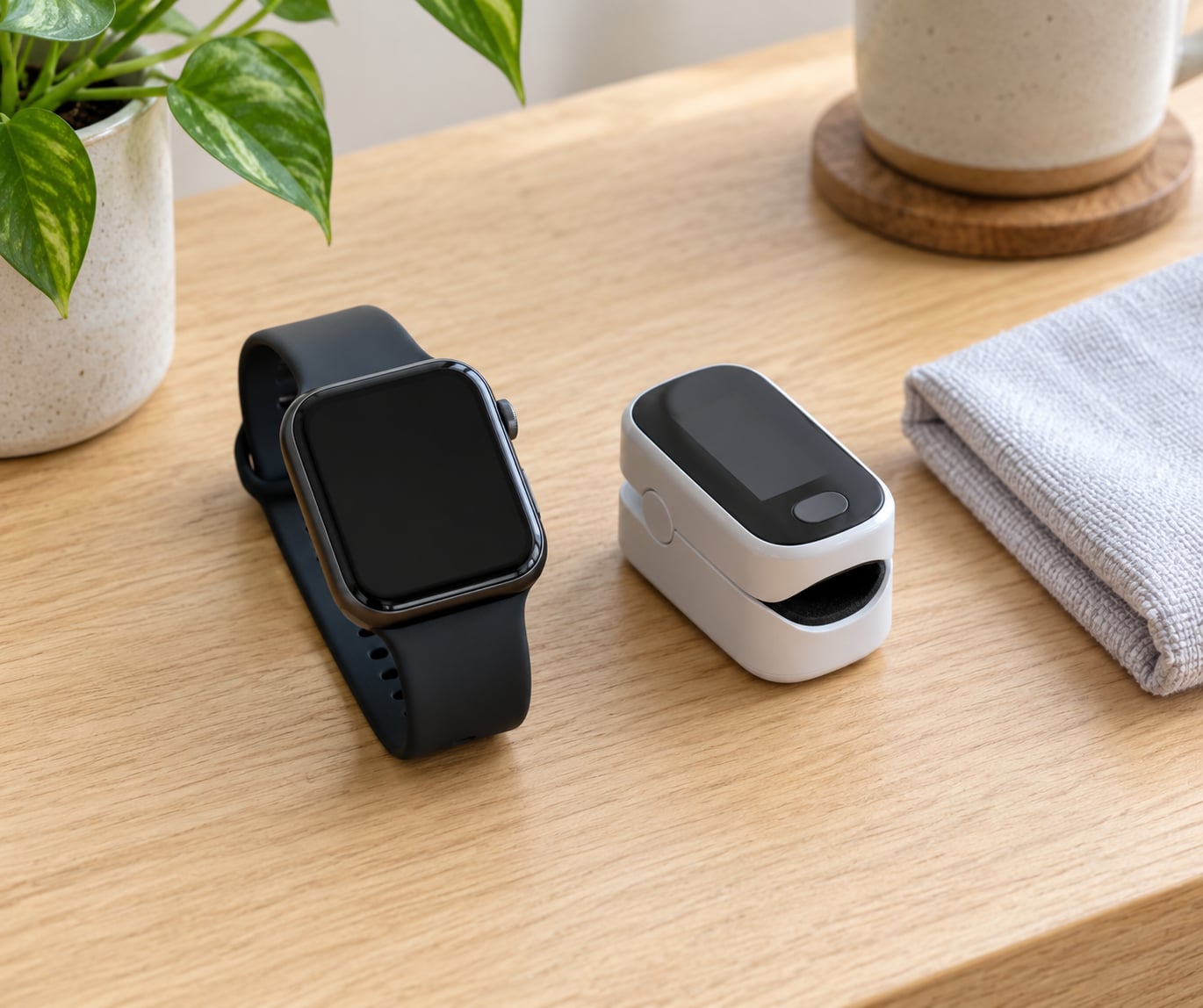
- A certified fingertip pulse oximeter if you plan to confirm anything seriously low. This is the only step you may need to buy, and only if you do not already own one.
How to Use SpO2 Readings on a Smartwatch: Step-by-Step
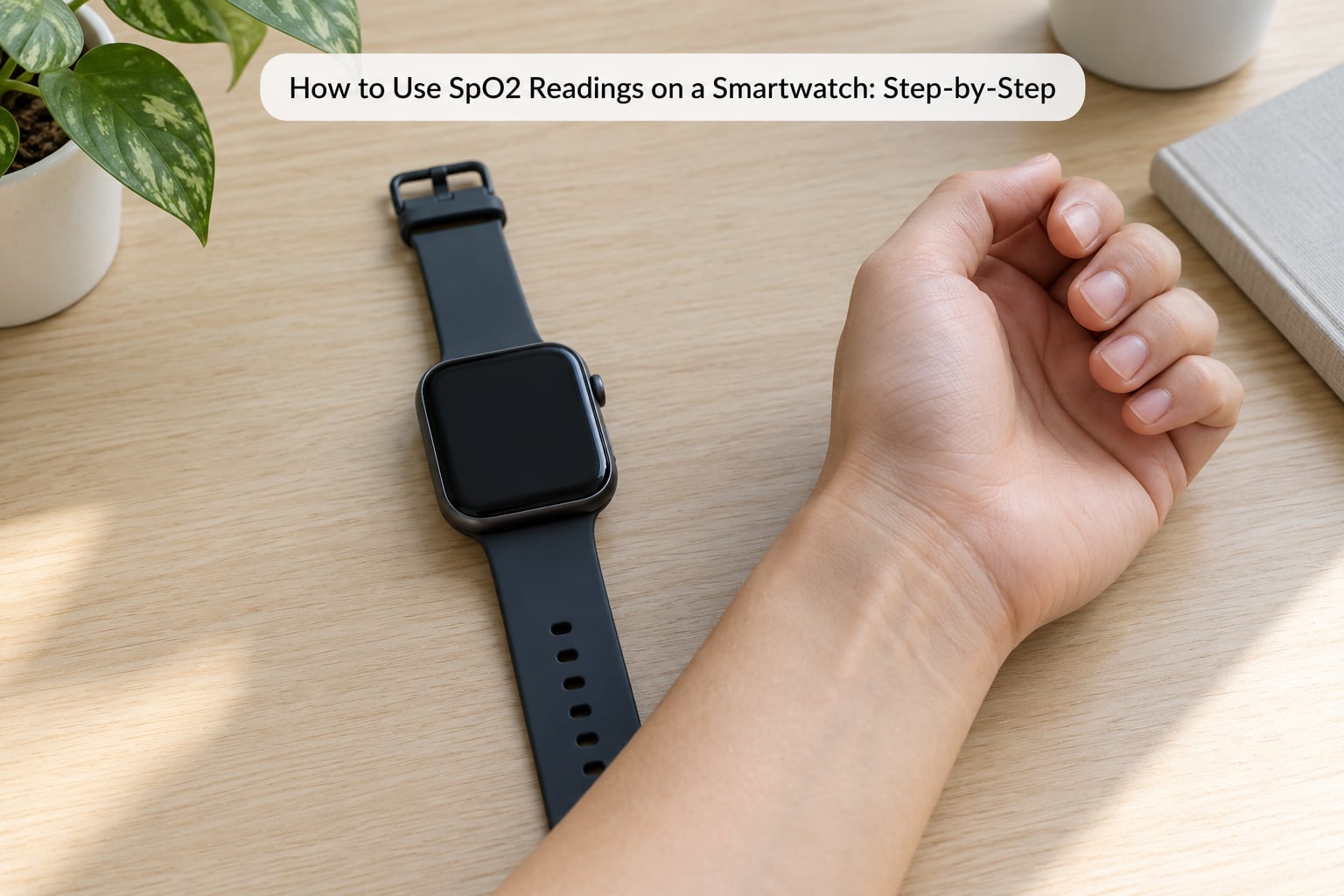
1. Confirm That Your Watch Can Measure SpO2
Open the watch’s app list and look for a tool named SpO2, Blood Oxygen, Pulse Ox, or Blood Oxygen Monitor. If it is there, your watch can take a reading on demand.
Menu wording differs by brand. Samsung Galaxy Watches expose it in Samsung Health or Galaxy Wearable under sleep settings, and newer Galaxy models also carry an on-demand spot check. Garmin labels it Pulse Ox inside Garmin Connect. Apple Watch blood oxygen availability depends on the region where the unit was sold, and some builds ship without the app at all. Fitbit measures blood oxygen during sleep only, with no daytime spot check. Wear OS watches from Xiaomi, Huawei, Amazfit and similar brands usually list Blood Oxygen under Health in the watch menu.
If you find no such tool, the hardware or the software build simply does not offer it. A third-party app cannot help, because no third-party app can read the optical sensor directly.
2. Prepare Your Wrist and Device
Clean and dry the back of the watch, because sweat, lotion and dust on the sensor are a common cause of failed measurements. Tighten the band so it sits snug against the skin, one finger-width loose at most.
If your hands are cold, warm them for a minute before measuring. Cold causes peripheral vasoconstriction, which reduces blood flow at the wrist and skews the estimate downward.
Do not measure straight after a workout, while you are talking, or in a moving vehicle. Motion artifact is the single biggest source of nonsense numbers.
3. Start the Measurement and Keep Still
Open the blood oxygen tool, place the watch on the wrist you normally wear it on, and keep that arm relaxed at your side or resting flat on a table.
Many watches run a countdown or ask you to hold still for 20 to 30 seconds while the sensor settles. Follow those prompts rather than waving the reading away, because the early samples are the ones the algorithm discards. Breathe normally. Holding your breath or panting changes the result.
4. Read the Result and Check Its Quality Status
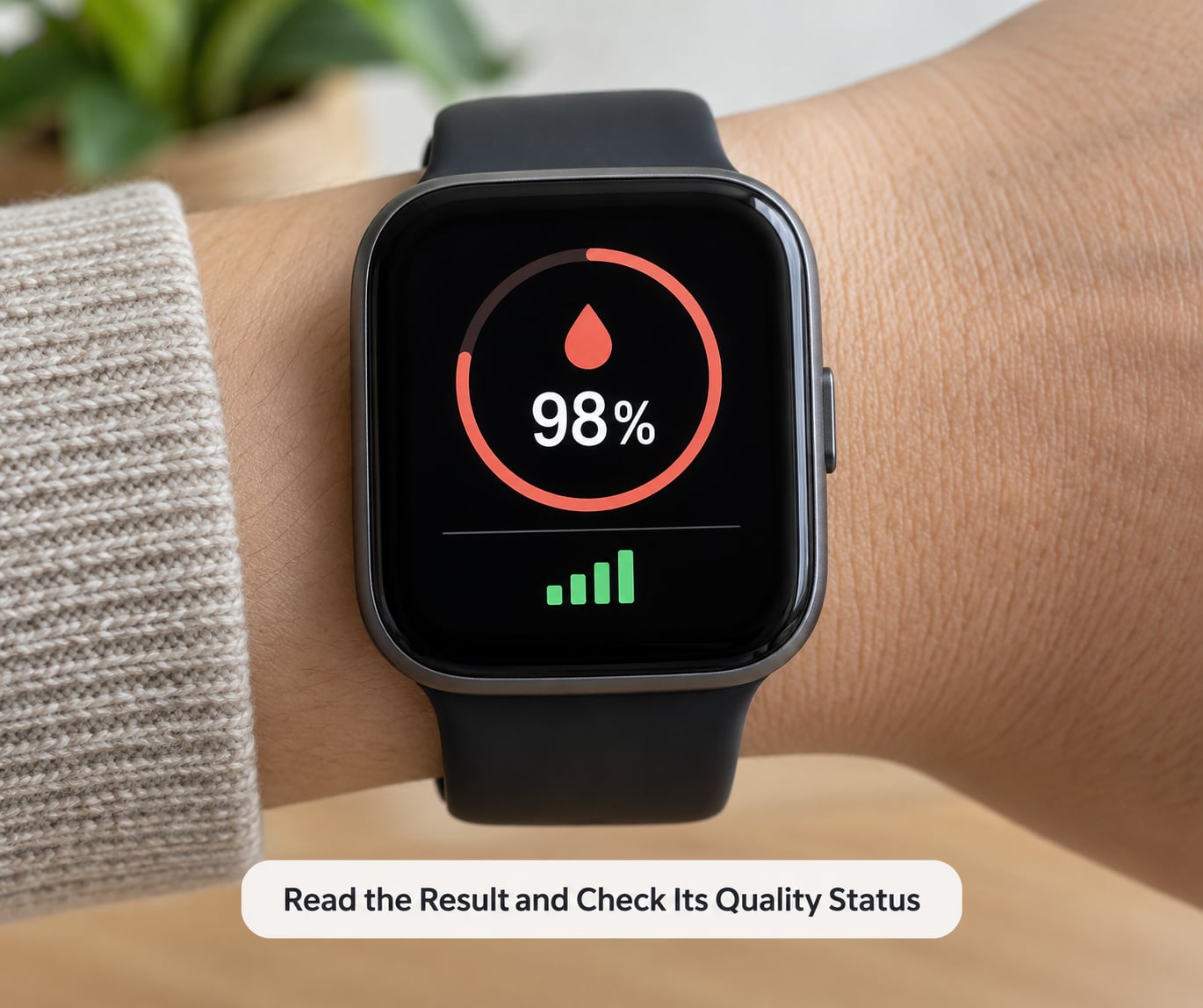
The percentage appears as soon as the measurement locks. Before you do anything with it, check what the app says about the quality of that measurement.
Look for a signal-quality or contact indicator, and look for error wording such as a failed measurement, poor contact, or move your wrist. If the device reports any of those, the number is not a reading of anything. Discard it. A watch that warns you is behaving correctly; a watch that shows 89% with a failed-contact flag is not telling you your blood oxygen is 89%.
Some devices also flag implausible results, such as a value outside their plausible physiological range. Treat those the same way.
5. Repeat an Unexpected Reading
Do not average two failed attempts. Wait a few minutes, adjust the fit, warm your wrist if it is cool, and take two or three fresh readings under good conditions.
Then compare them. Three consistent readings from the same device under the same conditions tell you something. One number from a struggling sensor tells you nothing. This is the step most people skip, and it is the one that prevents most unnecessary worry.
6. Record the Reading and Decide When to Confirm It
Write down four things: the time, the conditions (awake or asleep, before or after exercise, indoors or at altitude), any symptoms you felt, and the pulse reading shown alongside the SpO2 value.
Then confirm with a fingertip pulse oximeter if the number is low and you have symptoms, or if it sits well below your own usual range across several days. Comparing like with like matters, so take both readings while rested, warm and still.
For longer conversations with a clinician, most companion apps can export a trend as a file or share a screenshot of the history view. Having two weeks of data attached to a message usually tells a doctor more than a single number you recite in the appointment.
Common Mistakes
Almost every bad reading traces back to one of a short list of fixable errors.
- Loose watch. Fix: tighten the band until it sits firmly against the skin.
- Cold or sweaty wrist. Fix: warm the hand, dry the skin, then measure again.
- Movement during the reading. Fix: rest the forearm flat and keep it there until the number locks.
- Talking, coughing or a recent climb of stairs. Fix: sit quietly for a few minutes first.
- Poor circulation at the wrist. Fix: use a warmer room, and if readings stay erratic, check with a fingertip device instead.
- Tattoos, heavy body hair or thick wristbands over the sensor. Fix: move the watch slightly along the forearm to clear skin.
- Checking the result too early. Fix: wait for the completed measurement rather than the live value on screen.
- Comparing the watch against a fingertip oximeter under different conditions. Fix: rest, warm your hand, and take both readings while still.
What Do Typical Smartwatch SpO2 Readings Mean?
Most healthy adults sit in the mid-90s to 100% at sea level. Your own normal is the only number that really counts, so use the table below as a guide rather than a verdict.
| Watch reading | What it usually means | What to do next |
|---|---|---|
| 95% to 100% | In the commonly cited healthy range for adults at sea level | Note it in your log and move on |
| 91% to 94% | Borderline, or just a poor measurement | Warm your hand, tighten the band, and repeat two or three times |
| Below 91%, once | Often a sensor artifact | Do not panic. Re-measure properly before drawing any conclusion |
| Below 91%, repeatedly, with no symptoms | Worth a conversation with your doctor | Compare against a fingertip oximeter and mention the pattern |
| Any reading alongside breathlessness, chest pain or confusion | The symptoms matter more than the number | Seek urgent medical care regardless of what the watch shows |
Thresholds vary between devices and between people, and altitude lowers normal saturation on purpose. These are wellness numbers, not diagnostic ones.
When Should You Seek Medical Advice?
A single isolated low reading with no symptoms is usually a measurement problem. A repeatedly low reading is a pattern, and patterns are what a doctor can act on.
Do not wait and do not self-diagnose if you notice severe breathlessness, chest pain, confusion, bluish or grey lips or fingertips, or symptoms that are getting worse quickly. Those warrant emergency or urgent professional care, whatever the watch reads. For anything persistent but less dramatic, book an appointment and bring your trend data with you.
If you have a diagnosed heart or lung condition, follow your clinician’s plan rather than this page. A watch cannot replace the monitoring your care team has asked for.
Frequently Asked Questions
Are smartwatch SpO2 readings accurate enough to rely on?
Good enough for trend watching, not for diagnosis. Wrist sensors estimate saturation from light absorption through the skin, which makes them less reliable than a fingertip pulse oximeter. Expect the watch to read a few points lower than a fingertip device on the same person at the same moment. If a number would change what you do, confirm it with a certified fingertip oximeter or ask your doctor.
Can a smartwatch detect sleep apnea or COVID-19 from SpO2 readings?
No. Overnight blood oxygen trends can flag patterns worth mentioning to a doctor, and some brands offer a screening feature built on that data, but a screening prompt is not a diagnosis. The same applies to respiratory infections: a low trend tells you something may be happening, not what it is. Diagnosis comes from a clinician, who may also want a proper fingertip reading or other tests.
Do I need my phone nearby to measure blood oxygen on a smartwatch?
Usually not for the measurement itself. Most watches run the sensor on-device and show the number immediately. Your phone matters for storing and syncing the result into the app’s history and trend view. Without a connection, some models discard the reading once you close the app, so pair the watch before you start collecting data you want to look at later.
Why is my smartwatch SpO2 different during sleep or at high altitude?
Sleep changes your breathing pattern, and many devices measure less often while you are asleep and around movement, so overnight numbers depend on longer averaging. Higher altitude genuinely lowers normal saturation, so a lower reading at altitude is expected rather than alarming. Skin temperature and blood flow also shift overnight, which nudges the estimate. Read sleep and altitude data against your own baseline, not against a sea-level target.
When should I confirm a smartwatch reading with a fingertip pulse oximeter?
Confirm whenever a decision depends on it: a low result alongside breathlessness, a reading well below your usual range on several days, or any reading you would act on. Take both readings while rested, warm and still so the comparison is fair. A fingertip device with a certification mark is the reference tool. If both agree and you have symptoms, contact your doctor regardless of the number.
Conclusion
Start with one calm measurement. Fit the watch snugly on a warm bare wrist, sit still until the number locks, then read the quality status before you read the percentage. If the result surprises you, repeat it two or three times before deciding anything. And if you are short of breath, have chest pain, or see blue or grey lips and fingertips, get medical help now rather than checking the watch again.