Charging a smartwatch properly comes down to four things: the right charger for your model, clean contacts, a cool dry surface, and short top-ups instead of long sits at 100%. If you charge a smartwatch properly to save battery, you can realistically add a year or more of usable capacity before it feels tired, and the whole routine takes about two minutes.
The catch is that most advice online either skips straight to “keep it between 20 and 80 percent” or tells you to consult the manual and nothing else. Neither is much use at 11pm with a flat watch. Here is the full routine, including what to check before you plug in, how to tell charging is actually working, and which habits quietly shorten a battery’s life.
Table of Contents
- What You Need
- Step-by-Step: How to Charge a Smartwatch Properly
- How to charge a smartwatch properly before you begin
- Clean the watch and charging contacts
- Charge in a cool, dry place
- Use the correct adapter and charging mode
- Watch the charging indicators
- Unplug at a sensible level and remove the watch
- Make good habits last
- Common Mistakes
- Frequently Asked Questions
- Can I charge my smartwatch overnight?
- Can I charge a smartwatch while it is wet?
- What is the best battery percentage for a smartwatch?
- Why does my smartwatch stop charging before 100%?
- Why is my smartwatch charging slowly or not charging at all?
- Conclusion
What You Need
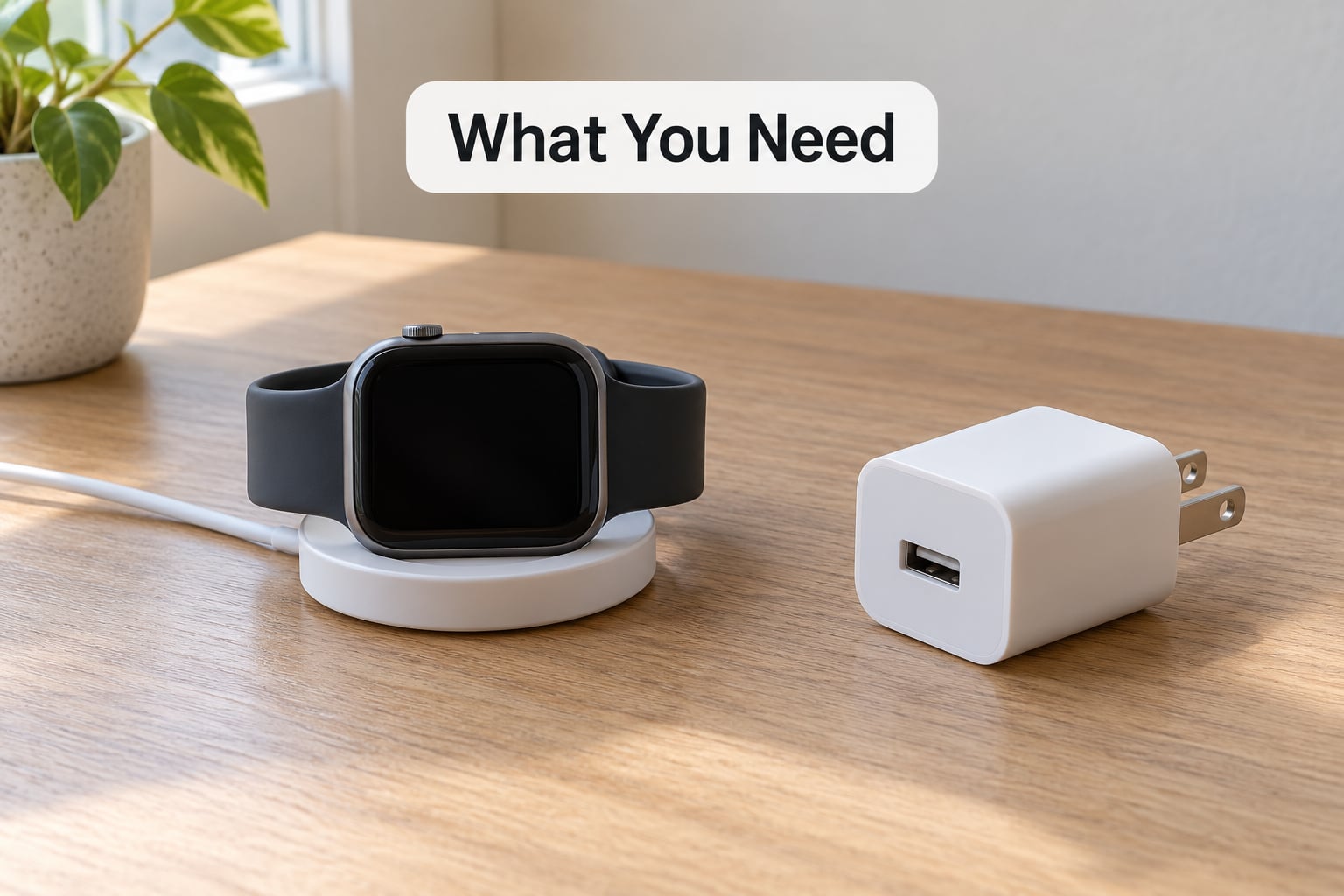
You need four things, and three of them probably already sit in a drawer somewhere. The watch manual or the manufacturer’s support page, a manufacturer-compatible power adapter and charging dock, a sound USB cable or wall plug, and a flat surface that is cool, dry and uncovered.
The important caveat is that the safest charging method depends on your exact model. Watches differ on input voltage, current, connector type and charging protocol, and a dock from another brand may not negotiate properly even if the plug physically fits. Check the model number on the case back or in the watch’s own settings menu, then look up that model’s charging requirements.
Step-by-Step: How to Charge a Smartwatch Properly
How to charge a smartwatch properly before you begin
Start by confirming what you own. The model name usually appears on the case back, inside the watch’s Settings app under something like About or Device info, or in the companion app under My device. Then read the charging requirements for that specific model rather than a generic smartwatch guide.
Look at the dock, the cable and the charging contacts while you are there. Lint, dried sweat and skin oil build up fast on the pins or the back of the watch, and a corroded or frayed cable will charge intermittently without ever looking obviously broken. If the original charger is missing, that is the moment to find a compatible replacement: match the connector, confirm the voltage and current the dock expects, and avoid no-name adapters whose output claims do not match what is printed on them.
Clean the watch and charging contacts
Take the watch off its band if the model allows it, switch it off if the manufacturer permits that during charging, and wipe the case back and the dock with a dry lint-free cloth. For stubborn grime, a cloth barely dampened with water is acceptable as long as the watch is completely dry before it goes near the charger.
Sweat and moisture are the common culprits here. Liquid between the contacts causes unreliable charging, and repeated charging on a damp surface can raise the temperature of the cell in a way that gets worse each time. Dry first, charge second.
Charge in a cool, dry place
Keep the watch uncovered while it charges, and away from direct sunlight, heaters, radiators, bedding, towels and clothing. All of those either add heat directly or trap the heat the watch is already producing, and a watch charging under a pillow can run several degrees warmer than one charging on a bare table.
Signs the spot is too warm include a case that feels hot to the touch rather than merely warm, or a dock that has been sitting in a sunlit spot. Move charging to a cooler surface and let the watch rest there before trying again. Warm is normal during a charge; hot is a reason to stop.
Use the correct adapter and charging mode
The adapter has to match the watch on voltage, current and connector, and the watch has to be able to speak the charger’s charging protocol. A watch draws only what its own charging circuit asks for, so a higher-rated reputable adapter is generally safe, while an unrecognised or very cheap adapter is not. That one can charge far more slowly than expected, or behave unpredictably.
On battery protection features, expect names to differ by brand and model. On Wear OS watches the toggle is usually somewhere under Settings, Battery, with an option for battery saver or optimised charging. In the Mi Fitness app the comparable control sits under My device and the watch settings section. Menu names and their exact position change between models and app versions, so open the watch’s own Settings app and look for battery or charging protection options rather than assuming a fixed path.
Watch the charging indicators
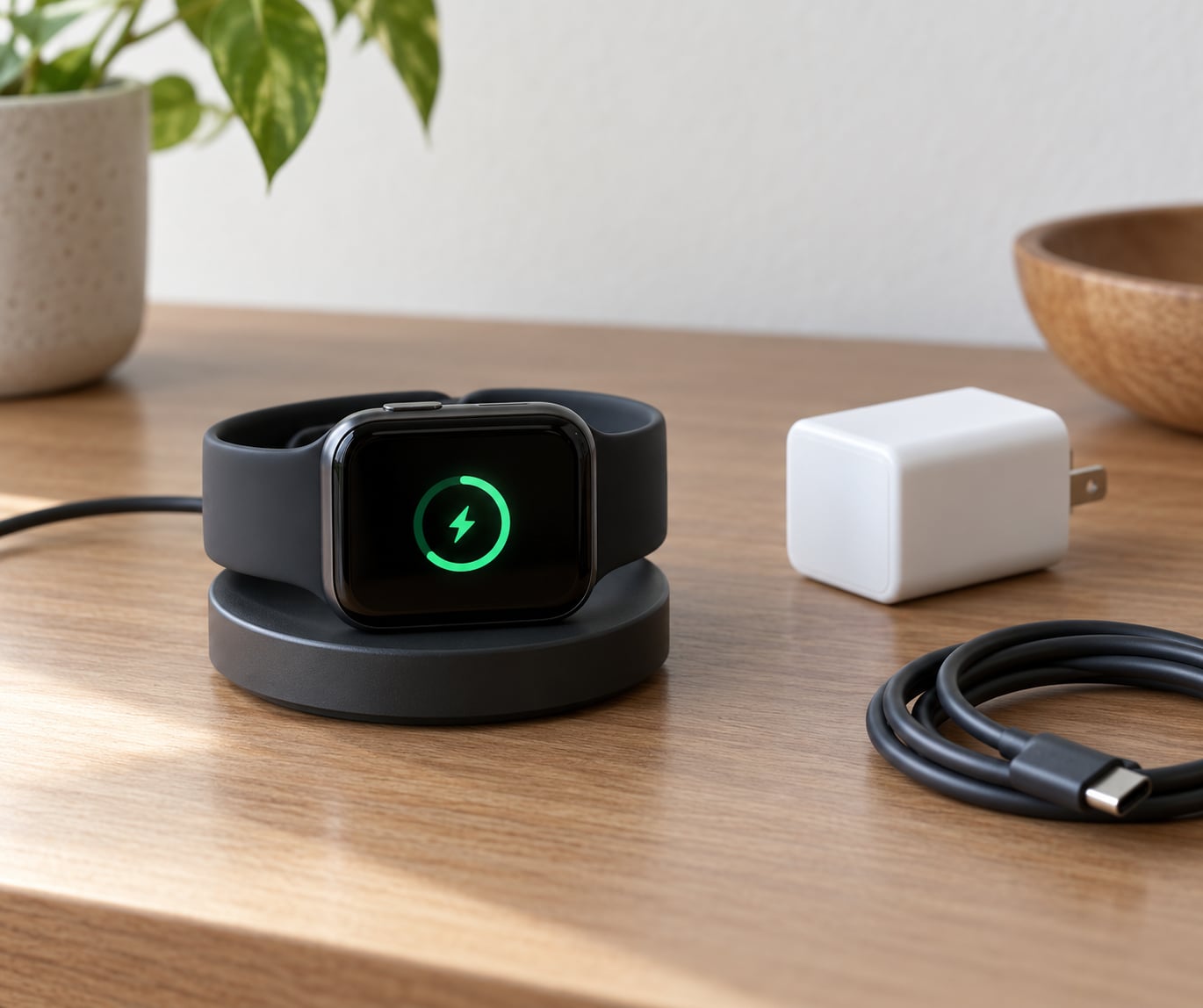
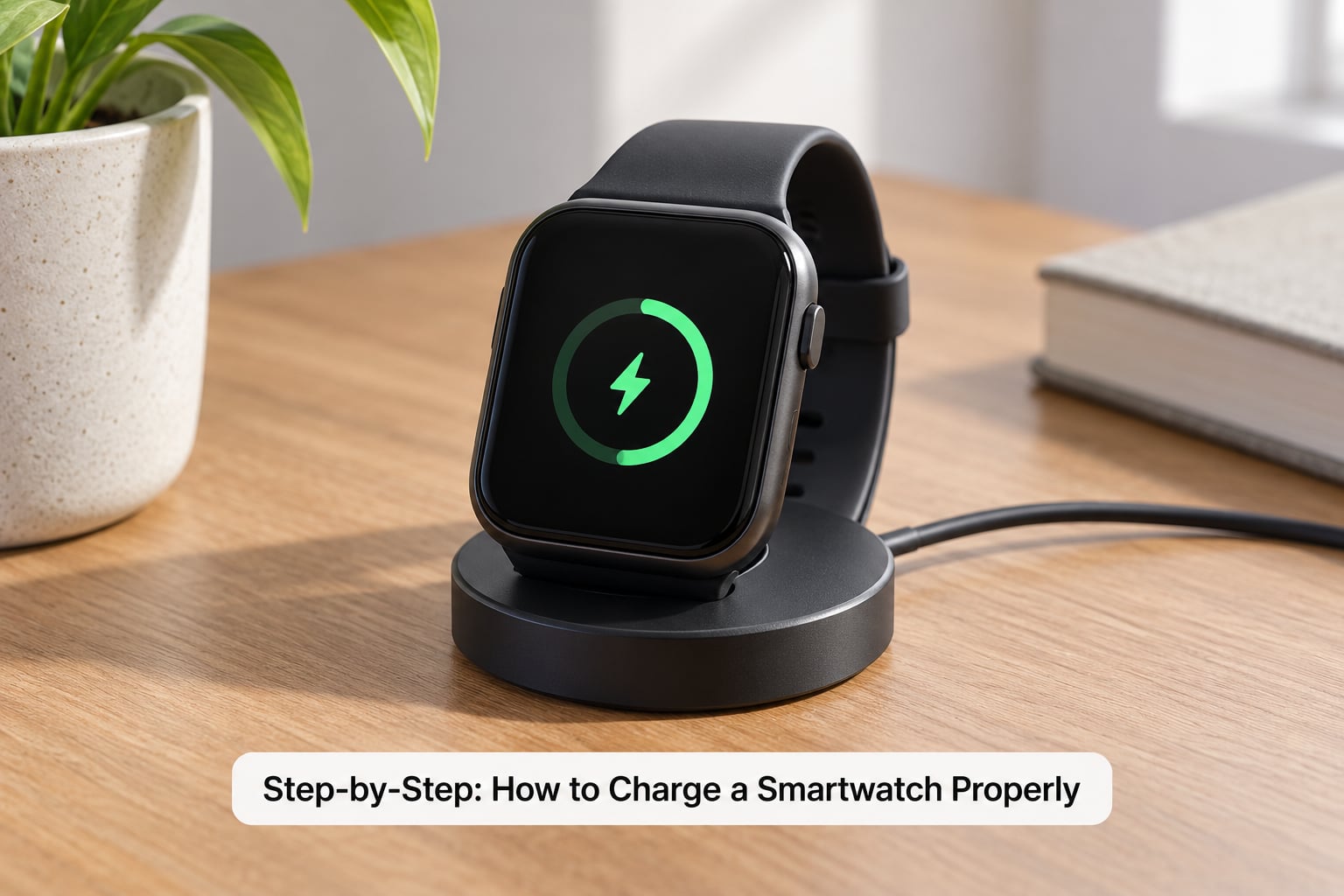
A working charge is easy to confirm. You should see the charging symbol on the watch face, the battery percentage begin to move within a minute or two, and often a light or colour change on the dock itself. The companion app usually sends a charging notification as well, which is a useful second signal.
Disconnect the watch and stop using it for a while if it becomes unusually hot during charging, gives off an odd smell, appears swollen, or repeatedly restarts while sitting on the dock. Take it out of service and contact the manufacturer or an authorised repair centre rather than putting it back on charge.
Unplug at a sensible level and remove the watch
You do not generally need to drain a lithium battery to zero percent before charging it again, and you do not need to hit 100 every time. Partial top-ups are the easiest habit to keep. Where a model offers optimised charging or a battery protection limit, use it, because it stops the charge early and holds there overnight instead of sitting full.
It helps to keep three ideas apart. The 20 to 80 window is general lithium-ion advice about reducing cycle stress, and it is a reasonable daily habit, not a hard rule written into your watch. Model-specific optimised charging is a feature the manufacturer controls, using its own thresholds. Mandatory charging guidance applies to certain watch batteries where the manual specifies a particular procedure or a charge limit you should not ignore.
To stop, lift the watch straight off the dock rather than pulling on a strap or yanking the cable sideways. Magnetic pucks and pogo pins are small parts, and a strap caught under the puck is one of the most common reasons a charger stops working at all.
Make good habits last
Pick a level you can sustain. A lot of watch owners simply top up whenever the watch drops below its alarm time rather than watching a percentage, and arriving at the end of the day above 95 percent with a quick top-up is easier than defending a strict window. Topping up during a coffee break takes a couple of minutes.
Avoid long spells of heat, install updates through official channels rather than side-loading, glance at the cable for kinks or damage every few months, and switch on the manufacturer’s battery protection or optimised charging if your model has it. Two habits to avoid: leaving the watch connected to the dock for days on end, and repeatedly running it down to zero. The first keeps a cell at a high state of charge in a spot that may be warm. The second forces the battery to work at voltages it dislikes.
Common Mistakes
Most battery wear I see comes down to the same short list of mistakes. Each one has a straightforward fix.
Using a mismatched fast charger. Fix: match voltage and current to what the manual specifies, and choose a reputable adapter over an unnamed one. A watch will not take more power than its own circuit allows, but poor-quality chargers are where the real risk sits.
Charging while wet or sweaty. Fix: take the watch off, let it air dry fully on a dry surface, then charge. Do not charge straight after a run or a shower.
Covering the watch while it charges. Fix: charge uncovered on a hard surface. Bedding, towels and clothing trap heat, which is the fastest route to a damaged battery.
Leaving it connected indefinitely. Fix: charge overnight if you like, but use a model with optimised charging or a charge limit, or take the watch off the dock once it has finished.
Treating 20 to 80 percent as a universal rule. Fix: use it as a sensible daily habit, then defer to your model. Some watches have their own protection thresholds, and some batteries come with specific charging instructions.
Charging in a very cold environment. Fix: warm the watch to room temperature first. A cold lithium-ion cell charges poorly and can show a swollen or distorted case if charged while frozen.
Using a swollen, leaking or damaged battery. Fix: stop using the watch and contact the manufacturer or an authorised repair centre. Never charge a watch whose case is bulging.
A few small habits make charging more consistent overall. Keep one designated charging spot, so the dock always lands somewhere cool rather than wherever a cable happens to reach. Wipe the contacts when you wipe the watch, roughly monthly. And measure your drain for a day or two rather than guessing, since owners who check the hourly percentage figure usually find the cause in minutes, while everyone else argues about it.
Frequently Asked Questions
Can I charge my smartwatch overnight?
Usually yes. Most watches stop drawing power near full, so the old overcharging worry rarely applies, and heat is the genuine overnight risk rather than the charger staying connected. Charge it uncovered on a hard surface, not under a pillow, and use the optimised charging or battery limit setting if your model has one. Taking the watch off the dock in the morning is still the tidier habit.
Can I charge a smartwatch while it is wet?
No. Charging while wet or sweaty can cause unreliable charging and can raise cell temperature in a way that compounds over time. Take the watch off, wipe the case back and dock with a dry lint-free cloth, and let it air dry completely before charging. If you have just run, showered or been in rain, give it longer than you think you need.
What is the best battery percentage for a smartwatch?
For daily use, topping up somewhere between 20 and 80 percent is the most widely recommended range for lithium-ion batteries, and it reduces the stress of repeated full discharge and full charge. It is a practical habit, not a manufacturer rule. Many owners simply top up above 95 percent whenever the watch drops, and follow whatever battery protection setting their model provides.
Why does my smartwatch stop charging before 100%?
Three reasons are common. A battery protection or optimised charging feature is deliberately holding the charge short of full. The watch is warm, and its charging circuit slows down as a protective measure. Or the battery itself has worn and no longer takes a full charge. If it always stops at the same percentage, check the battery protection setting first, then let the watch cool and try again.
Why is my smartwatch charging slowly or not charging at all?
Work through it in order: clean the case back and dock, reseat the watch so the contacts align, try another cable or adapter, and plug into a known-good outlet rather than a crowded power strip. Restart the watch, and leave it on the dock a few extra minutes, since a deeply depleted battery can take time before it shows any sign of charging. Still nothing means the dock or battery needs service.
Conclusion
Start with the one action that matters most: use the manufacturer-compatible charger and dock for your exact model, charge the watch uncovered on a cool dry surface, and turn on its battery protection setting if it has one. Then top up in the short rather than draining to zero.
None of that costs anything. Heat, incompatible accessories and deeply depleted batteries do far more damage over a couple of years than ordinary daily charging ever will, and getting to know how to charge a smartwatch properly to save battery is a ten-minute fix rather than a purchase.