Choosing a surge protector comes down to four things: a recognized safety mark, a joule rating that matches what you plug in, enough outlets that are not blocked by oversized power bricks, and a grounded three-prong wall outlet. This guide walks through how to choose a surge protector for electronics in six steps, and it takes about fifteen minutes once you have your device list in front of you.
Most of the damage people worry about does not come from a lightning strike. It comes from switching events inside the house: a refrigerator compressor cutting out, an air conditioner kicking on, a well pump starting, a neighbor’s equipment faulting on the shared feeder. Those are internal surges, they are frequent, and a protector near the device handles them well.
A protector is also honest insurance, not a guarantee. Nothing plugs into a household wall outlet and shields your gear from a direct lightning strike on the service mast. Read on for the selection criteria that matter, and for the limits worth knowing before you buy.
Table of Contents
- How to Choose a Surge Protector for Electronics: What You Need First
- Step-by-Step: how to choose a surge protector in 6 steps
- 1. List the electronics you need to protect
- 2. Choose the right surge and voltage protection
- 3. Check the outlet and electrical compatibility
- 4. Look for safety marks and convenience features that matter
- 5. Compare cost without picking an undersized surge protector for electronics
- 6. Install and test it before connecting valuable devices
- Common Mistakes: what not to do with a surge protector
- How to tell if your protector is still working
- Frequently Asked Questions
- How many joules do I need for my electronics?
- Is a surge protector the same as a UPS?
- Can I plug a surge protector into an extension cord?
- Do surge protectors work in every country and outlet type?
- What should I do if my outlet is not grounded?
- How often should I replace a surge protector?
- Conclusion
How to Choose a Surge Protector for Electronics: What You Need First
Gather three things before you open a shopping tab: the list of devices you want to protect, what each one draws, and what the outlet situation looks like where the strip will sit.
Start with the device list. Write down every item you plan to plug in, with the wattage printed on the power brick if you can read it. For gear without a label, rough ranges are fine: a laptop and phone charger together draw around 100 to 150 watts, a 55 to 65 inch television commonly runs 150 to 300 watts, a desktop with a gaming graphics card can sit anywhere from 300 to 750 watts, a router and modem together are usually under 30 watts, and a soundbar or game console lands somewhere in the 20 to 120 watt range.
Then sort the list into what genuinely matters. A television, a desktop, a router, a network switch, audio equipment, and a smart-home hub are worth protecting because they hold their own state and cost real money to replace. Phone chargers and small adapters are less critical. Deciding this before you shop keeps you from buying the largest, most expensive strip for a single lamp.
Next, check the outlet. A surge protector needs a grounded three-prong outlet to work, and the ground prong is what carries the diverted energy away. Look at the receptacle and confirm all three slots are present and the outlet is not cracked, discoloured, warm, or loose around a plug. A two-prong receptacle or an adapter that leaves the ground hole empty means protection is compromised, no matter what the box claims.
Finally, note the environment. Bathrooms, kitchens, garages, laundry rooms and outdoor sockets are wet locations and have their own rules around GFCI protection and indoor-only equipment. If your strip will sit under a desk, behind a television, or in a crowded network closet, physical fit matters as much as the electrical specs.
One point up front, because it changes how you read everything else: a surge protector supplements a properly grounded outlet and a working circuit breaker. It does not replace either, and it does nothing at all if the ground path is missing.
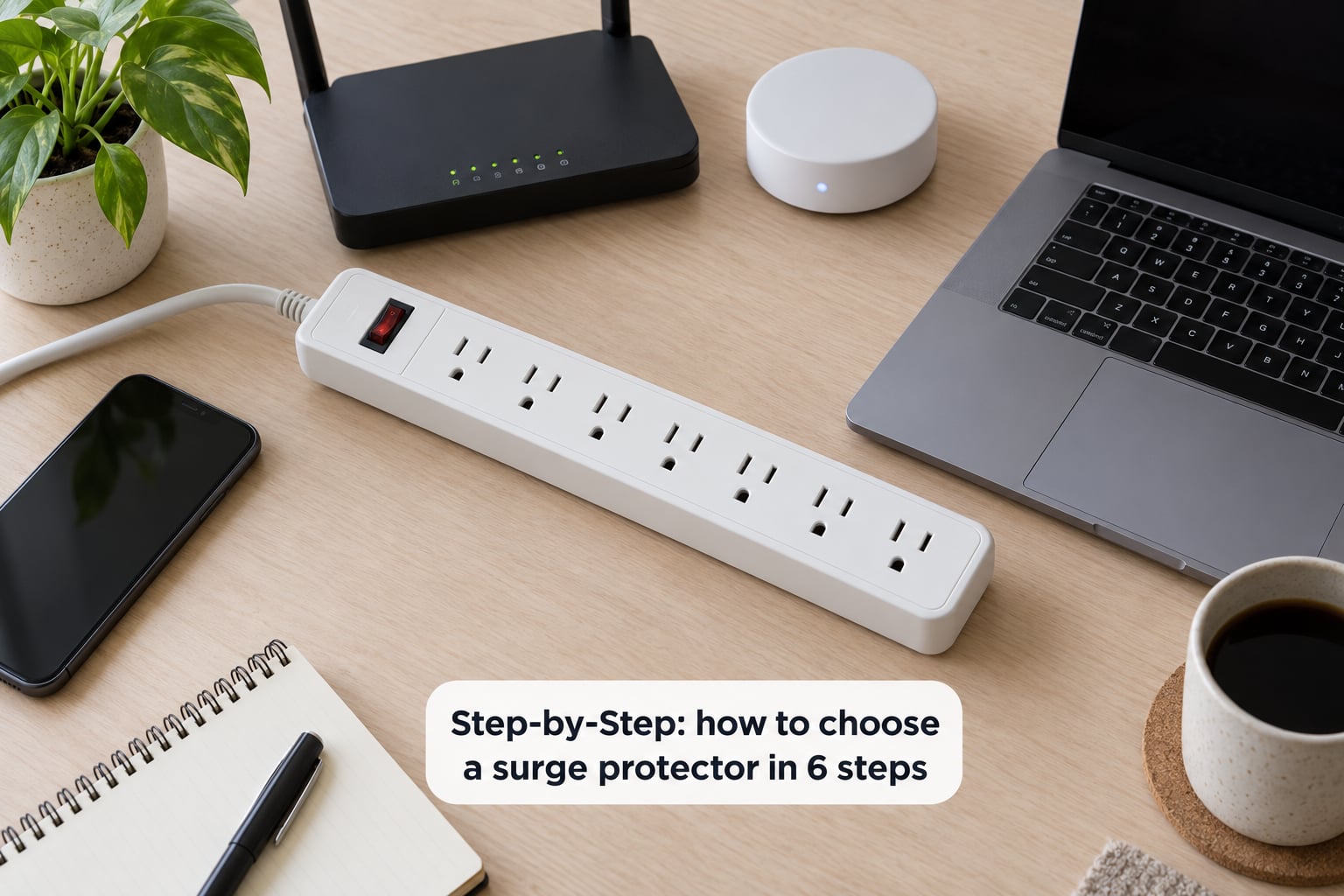
Step-by-Step: how to choose a surge protector in 6 steps
1. List the electronics you need to protect
Take your written list and add up the wattage as a worst case, assuming everything runs at once. Then compare that total to the capacity of the circuit you plan to use. A standard 15 amp branch circuit is rated for 1800 watts at 120 volts, and a 20 amp circuit for 2400 watts. Continuous loads should stay at or below 80 percent of that, which puts a sensible working ceiling around 1440 watts on a 15 amp circuit.
Where you land matters more than the exact total. A single strip handling a television, soundbar and console usually needs well under 300 watts, so a 15 amp protector is comfortable. A strip sharing a receptacle with a space heater, a printer, and a desktop machine is a different story, and so is anything motorised. Refrigerators, freezers, air conditioners, dehumidifiers, washing machines and dishwashers start motors that draw a large spike of current at startup and run for long hours afterwards.
Those motorised appliances are the one group most guides tell you to keep off a protector entirely, and I agree. Plug them directly into the wall. The wire gauge inside a strip is thinner than the circuit it is plugged into, and a compressor cycling on a long extension through that thinner wire is a heat problem before it is a surge problem.
While you have the list out, note which devices draw power but sit far from the strip. A printer in another room, a wall-mounted television with no nearby receptacle, and a modem in a closet usually mean you need either a longer cord, a second strip on a different circuit, or line protection for a coax or ethernet run.
2. Choose the right surge and voltage protection
A surge protector is an outlet strip with protective circuitry inside, most often metal oxide varistors, or MOVs, that divert a voltage spike to the ground line so the connected devices never see it. The joule rating tells you how much energy the MOV bank can absorb before it degrades, which is why a higher number matters more for expensive gear and for homes that take a lot of internal switching events.
Use these as starting points rather than rules: roughly 700 to 1000 joules for a single sensitive device on a short run, around 1500 to 2000 joules for a home office or a home theatre chain, and 2500 joules or more when you are protecting a television, a desktop, and network gear together on one strip. Going past that rarely buys much for a normal home, because the weak point stops being the strip and becomes the wiring between the panel and the receptacle.
Two related numbers are worth reading on the label. Clamping voltage is the ceiling the protector allows through while diverting a large surge, and lower is better for sensitive equipment, with 330 volts being the lowest figure UL will certify and common residential units sitting at 400 to 500 volts. Response time is how quickly the MOV reacts, and anything measured in nanoseconds is fine; a protector that says nothing about it is not a dealbreaker, just an uninformative one.
Two things change how you read those numbers. First, an MOV is a sacrificial component: after it takes a large hit it is permanently degraded, and good protectors include power shut-down protection that cuts power entirely rather than let a tired MOV pass spikes through. Second, you can think of joules as a budget rather than a badge. Three 800 joule strips in one house do not combine into 2400 joules for any single device, so put the highest rating directly in front of the equipment you care about most.
If your main worry is flicker and short outages rather than spikes, a protector is the wrong purchase. An uninterruptible power supply, or UPS, gives you battery runtime and a clean shutdown, which is what protects a desktop mid-write. Many UPS units include surge suppression, but a UPS and a surge protector solve different problems.
3. Check the outlet and electrical compatibility
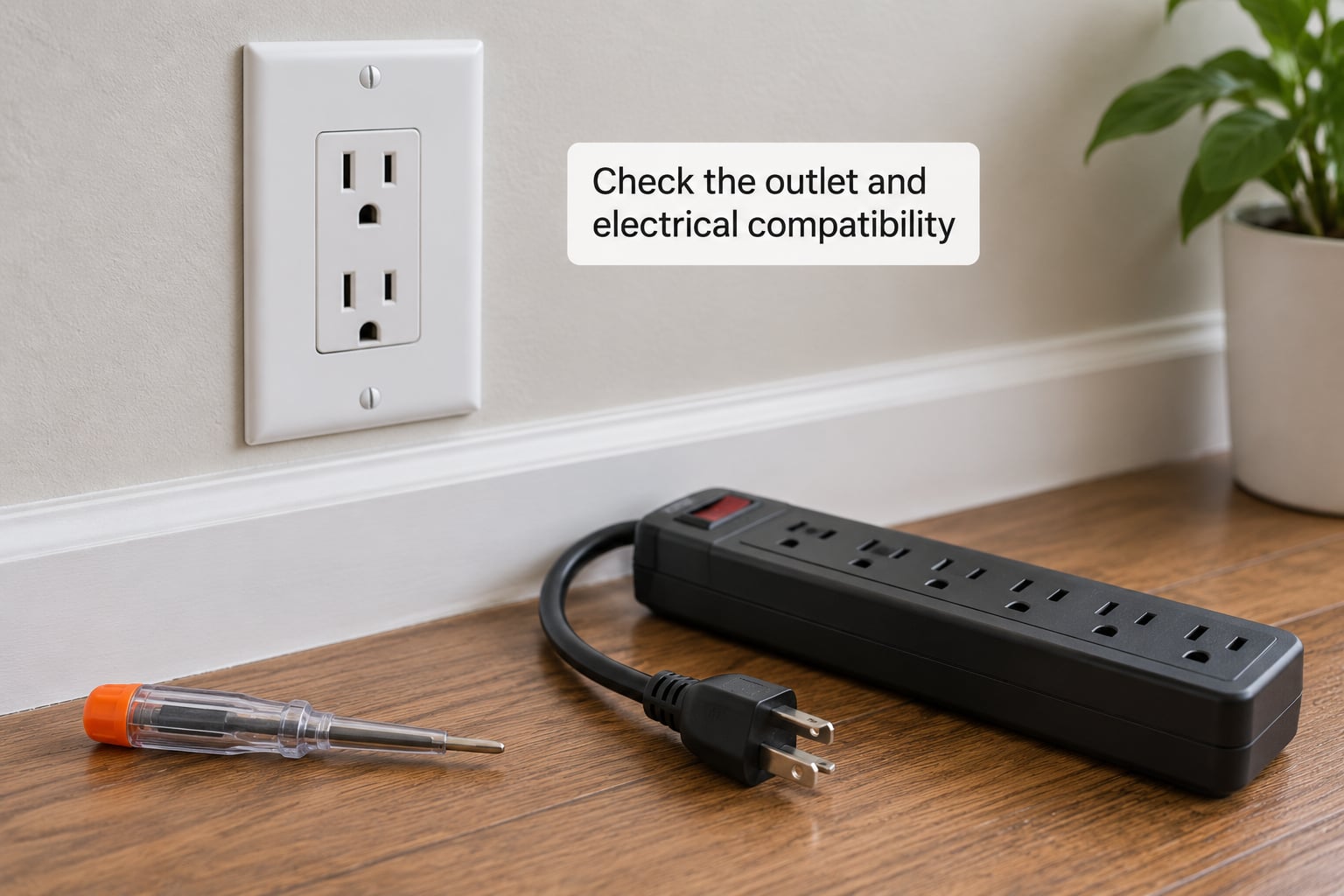
The protector plugs straight into a grounded three-prong wall receptacle. That is the whole rule. Plugging it into an extension cord, or into a two-prong adapter that leaves the ground hole open, removes the path that makes surge suppression work, and both the manufacturer instructions and workplace safety guidance treat it as a misuse.
Confirm the physical fit too. Plug shapes differ by country, and a strip bought for one region may not seat properly in another. Cord length matters for reach, but a longer cord adds resistance and gets run under furniture more often, so the useful length is the shortest one that reaches without a tight pull.
Check that the outlet you picked is not already at its limit. An outlet with a two-prong device and a lamp already in it may have you adding the strip as a third plug, at which point you are back to a wall receptacle adapter, with its own ceiling. Adapters that let three plugs share one receptacle are convenient and frequently the weakest link in the chain.
For wet locations, follow the local code rather than the product listing. GFCI or RCD protection is required in many bathrooms, kitchens, garages and outdoor areas, and surge protectors are generally rated for dry indoor use only. Never run a protector into an aquarium, fountain, hot tub, or anywhere water can reach it.
If the receptacle is cracked, warm, discoloured, buzzing, or does not hold a plug snugly, stop and call a qualified electrician. So does a home with older wiring, aluminum conductors, or repeated breaker trips. That is a wiring conversation, not a shopping decision.
4. Look for safety marks and convenience features that matter
Start at the certification mark. Look for UL, ETL, or another recognised mark directly on the housing, plus a UL 1449 listing, which is the standard written specifically for surge protective devices and is the reason you can trust the joule and clamping figures at all. A strip with no mark, no standard reference, and no model or rating label printed on the body is not a surge protector in any meaningful sense. Forum recommendations consistently cluster around a short list of long-established names for exactly this reason, and warnings about unbranded marketplace strips are the most repeated buying advice online.
Next, check the physical protection features. A resettable or resettable-breaker switch on the cord is common and useful. Thermal cut-off, which permanently disconnects the strip if it overheats, is better on models where you can find it. Covered or recessed outlets keep fingers and dust out, and a fire-retardant housing matters more in a bedroom or a home office than people expect.
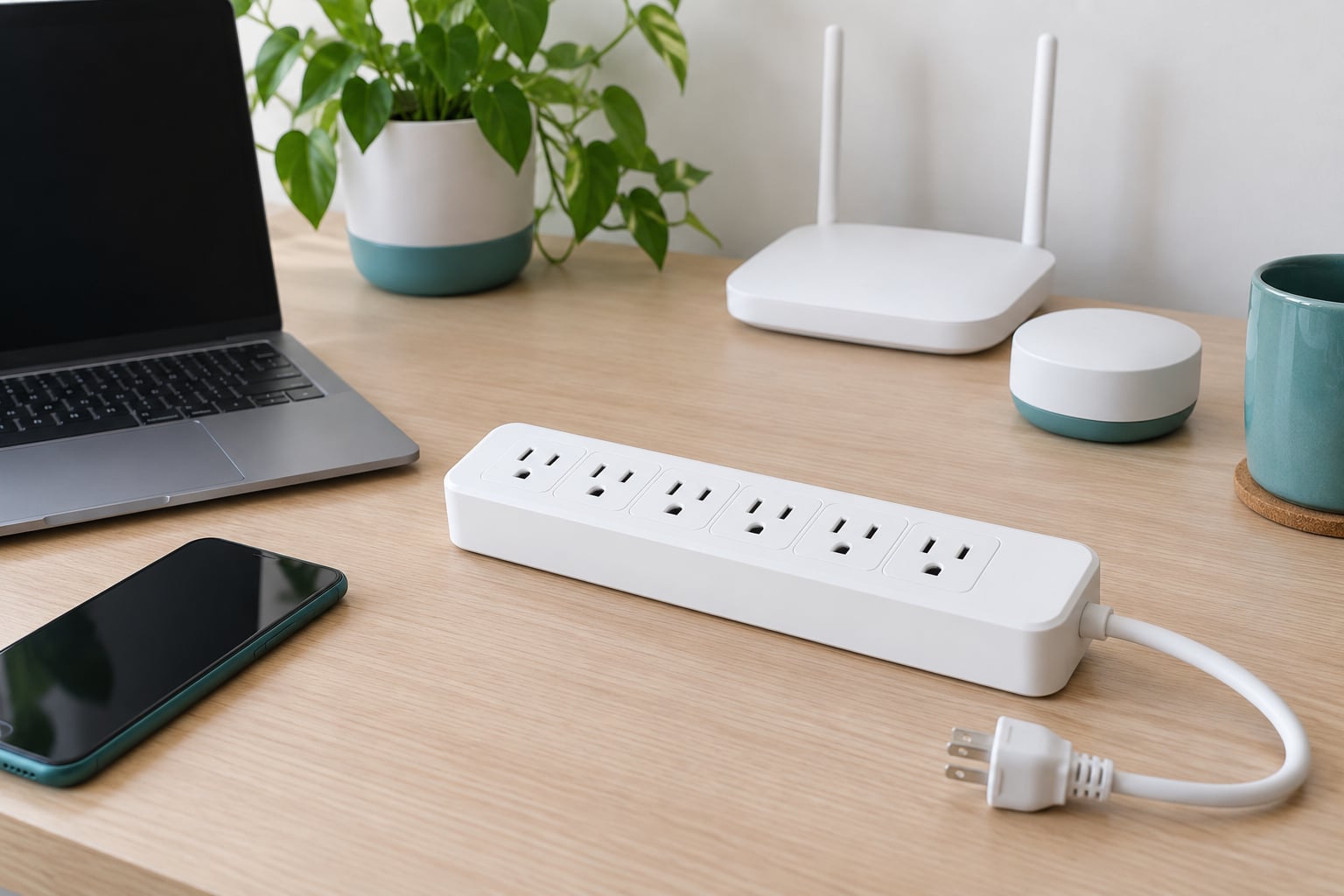
Outlet layout deserves as much attention as outlet count. Count how many of your devices use oversized AC adapters, because a laptop brick or a large television power supply can occupy two or even three outlet positions on a standard strip. An eight-outlet model where a single brick eats three slots fits three devices. Look for wider-spaced outlets, side-mounted outlets, a right-angle plug profile that fits tight spaces behind furniture, or a design where the brick hangs off the side rather than blocking neighbours.
USB charging ports deserve a specific warning. Charging power is a nice convenience, but a USB port is not surge protection, and on many models the charging circuit sits outside the protected path entirely. If you are buying for a charging bench, treat the USB ports as a bonus rather than a reason to pick that model.
Finally, look at the indicators and the alarm. A protected or grounded status LED tells you the strip is seated in a live grounded outlet and that its own circuitry has not shut down. A model with an audible alarm or a replaceable status module is friendlier, because you find out about a failure without inspecting it. And treat an unexplained shutdown, buzzing, discolouration, or a plug that becomes hot as a stop signal rather than something to work around.
5. Compare cost without picking an undersized surge protector for electronics
Compare total cost over the life of the device, not the sticker. A strip that is too small for the gear you actually plug in costs more in the end, because after a real event you buy again, and because it forces you to add a second strip to get the outlets you needed.
Five factors are worth weighing in order: protection capacity matched to the load, the length and clarity of the warranty, whether connected-equipment coverage is included, usable outlet count after you account for oversized adapters, and expected lifespan. On warranties, be realistic. Claims for connected equipment generally require you to prove the damage came from a surge event, which is difficult after the fact, so a longer connected-equipment warranty mainly pays off on high-value gear rather than on a phone charger.
Lifespan is the factor most people skip. Protector components degrade with absorbed events and with age, even in a quiet house. Manufacturers and independent guides commonly suggest treating a protector as a consumable and replacing it after any significant surge event, and on a simple two-year cycle as a practical habit. Writing the purchase date on the unit with a marker takes five seconds and removes the guesswork.
6. Install and test it before connecting valuable devices
Read the manufacturer’s instructions first, since they define the intended environment and load. Then inspect the device: check for dents, cracked housing, or a cord with a damaged jacket, and confirm the rating label lists the amps, watts, and joules.
Plug it directly into a verified grounded outlet, in the orientation the instructions show, without an extension cord in the chain. Make sure the switch is on and the protected or grounded light is lit. That light is your first test: if it is dark on a good outlet, the device is either unplugged, its protection has shut down, or it is faulty.
Connect your devices gradually rather than all at once. Plug in the most important one first, let it run for a few minutes, then add the rest. That way if something is wrong you find out before everything is connected. Give the strip a minute to settle and then touch the housing and the plug with a dry finger; anything unusually warm is a reason to unplug.
Do not test it with a deliberate surge. A proper test means confirming the light, the switch, and that each device draws power normally. If a device behaves strangely through the protector, plug it directly into the wall outlet for a minute to separate a device problem from a strip problem.
Two habits make ownership easier. Keep the receipt and note the date, and keep the instruction sheet somewhere you will find it. If you later suspect a problem, the model number and rating label on the housing are what a qualified technician will ask for first.
Common Mistakes: what not to do with a surge protector
Treating a power strip as a surge protector. A plain power strip only multiplies outlets. If the label has no joule rating, no clamping voltage, and no UL 1449 reference, it offers surge protection of exactly zero.
Overloading the strip or the receptacle. Stay inside the amps and watts printed on the housing, and remember the receptacle behind it has its own ceiling. Adding a heater, a printer and a desktop to one strip is how strip fires actually start.
Buying unlisted strips. A two-prong plug cannot use a ground path, and a device with no certification mark may use undersized internal wiring. For bedroom and home office use, a damaged power strip has caused fires in real homes, and older homes with aged wiring raise that risk further. Buy the mark, every time.
Running the cord under a rug or a door. Heat builds under coverings and the cord carries the full load of everything plugged in. Keep it visible and in open air.
Daisy chaining. Plugging a strip into another strip, or into an extension cord, adds resistance, defeats the grounding path, and is the single most repeated safety question in electrical forums. Electrical safety guidance treats it as misuse even where no one is injured immediately.
Assuming USB ports are protected. Charging circuits often sit outside the MOV path. If surge protection matters for the device you are charging, run that charger from a protected outlet instead.
Expecting protection from lightning or from outages. A strip cannot protect against a direct strike that energises the service mast, and it cannot keep a computer running through a blackout. Whole-home suppression at the panel and a UPS are separate purchases with separate jobs.
Putting motorised appliances on a strip. Refrigerators, freezers, air conditioners, dehumidifiers, washing machines and dishwashers go straight into the wall. A protector adds thin wire between them and the outlet without changing the surge they cause.
How to tell if your protector is still working
Start with the protected or grounded LED. A dark indicator on a properly seated strip in a live outlet means either the protection has shut down permanently or the strip has failed, and both cases mean replacing it rather than investigating.
Beyond that, a shut-down design tells you clearly: the strip cuts power instead of passing spikes through a tired MOV, so if your devices suddenly have no power but the receptacle is fine, the protector is doing its job by refusing to work. Some models add an audible alarm or an alarm that silences after a delay for exactly this reason.
The remaining check is the ground path. A basic outlet tester or a multimeter on the ground-to-neutral reading will tell you whether the receptacle itself is still grounded, which is the precondition for any protection to work. Neither test tells you the MOV bank is healthy. That is why the practical rule stays simple: check the light regularly, replace after any significant event, and treat a few years of service as a reasonable cycle.
Frequently Asked Questions
How many joules do I need for my electronics?
Around 700 to 1000 joules suits a single sensitive device on a short run. Plan for 1500 to 2000 joules for a home office or home theatre chain, and 2500 joules or more when one strip carries a television, a desktop and network gear together. Joules are a per-device budget, not a whole-house total, so put the highest rating nearest the equipment you care about most.
Is a surge protector the same as a UPS?
No. A surge protector clamps voltage spikes and is usually passive. An uninterruptible power supply adds batteries, so it keeps a computer running through short outages and can shut it down cleanly, which matters most if you work on unsaved files. Many UPS units include surge suppression, so for a desktop a UPS with protection built in often covers both needs.
Can I plug a surge protector into an extension cord?
No. An extension cord adds length and resistance, and using a cheater adapter or a two-to-three prong adapter leaves the ground path open, which is the part that makes suppression work. Plug the protector directly into a grounded three-prong wall outlet. If you need more reach, use a longer protector cord instead of stacking devices.
Do surge protectors work in every country and outlet type?
Not every model fits every receptacle. Plug shapes, voltage and frequency differ by region, so a strip bought for one country may not seat properly in another or may be rated for a lower voltage than your supply. Check the plug type and the rated input voltage on the label, and look for a mark recognised in your own country, such as UL or ETL in North America.
What should I do if my outlet is not grounded?
Stop using the protector there, because surge suppression depends on the ground path. A two-prong receptacle or an outlet with a missing or broken ground pin cannot provide it. Have a qualified electrician check the wiring and fit a properly grounded receptacle, or use a known-good grounded outlet for your equipment in the meantime. Never defeat the ground pin yourself.
How often should I replace a surge protector?
Replace it after any significant surge event, because the metal oxide varistors inside are permanently degraded once they absorb a large hit. Beyond that, a two-year cycle is a reasonable habit for normal household use. Check the protected or grounded indicator light occasionally, and replace sooner if the light is dark on a live outlet, the housing is discoloured, or a plug becomes warm.
Conclusion
Do these three things in order. Write down what you are protecting and how much it draws, confirm the outlet is a properly grounded three-prong receptacle, then choose a unit with a recognised UL or ETL mark and a UL 1449 listing whose joule rating matches the gear and whose outlets are not swallowed by oversized power bricks.
Everything else is refinement: clamping voltage, EMI and RFI filtering, a status light or alarm, covered outlets, and whether a UPS belongs in the plan for a desktop. And if the wiring behind the outlet looks wrong, get an electrician involved before another device goes near it.