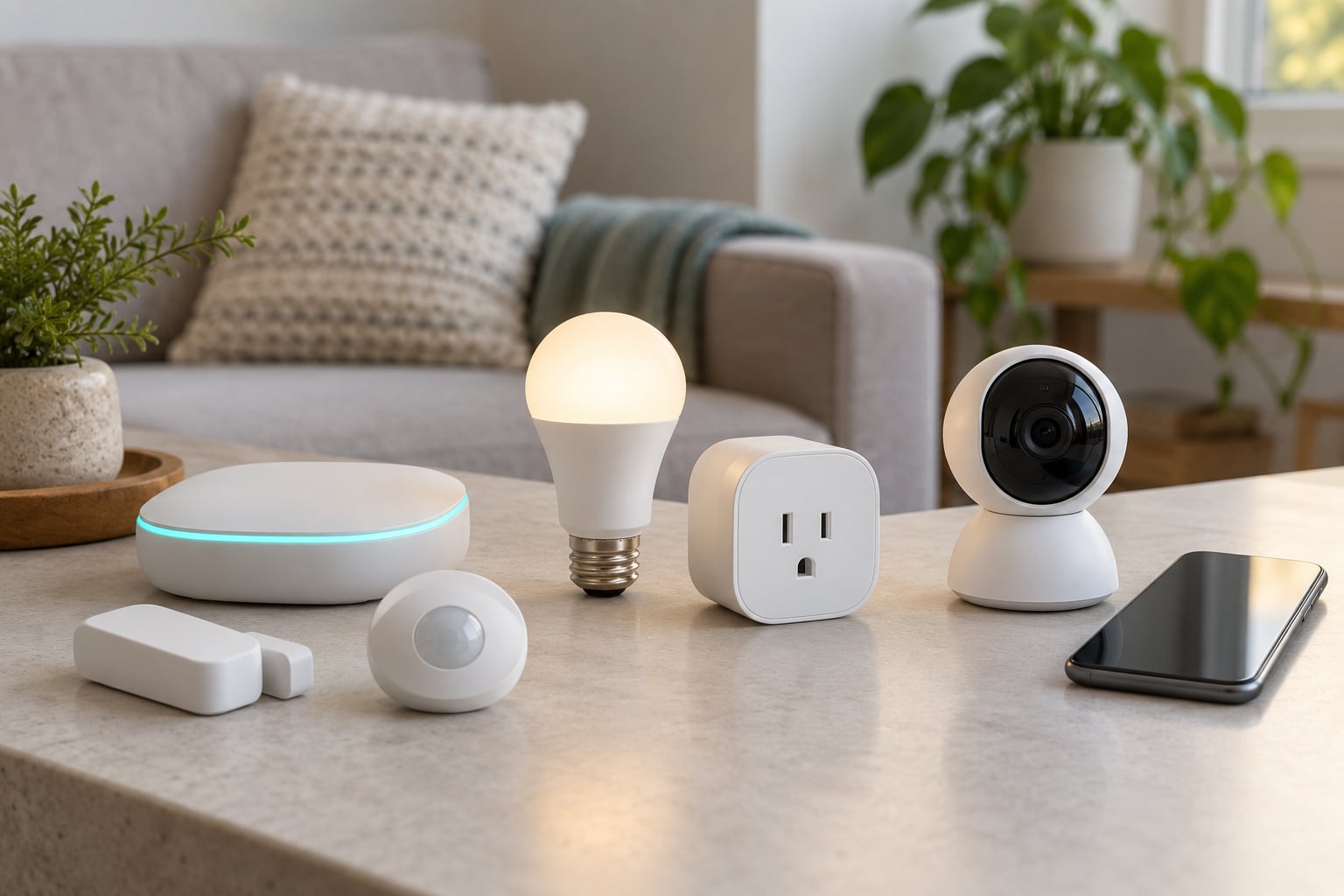
Zigbee wins for cheap battery sensors, bulbs and plugs. Z-Wave wins for locks, security gear and homes with thick walls or a crowded 2.4 GHz band. Wi-Fi wins for cameras, speakers and displays, because it needs no hub at all. Most people end up running two of the three side by side.
That is the honest answer to zigbee vs z wave vs wifi smart devices, and it is more useful than picking a winner. Each protocol was designed for a different job, and the mistakes people make come from using them for the wrong one.
Before the long version, the short one:
- Zigbee is the low-cost, low-power mesh. Best for battery contact and motion sensors, bulbs, plugs and radiator valves. It runs on the same 2.4 GHz band as Wi-Fi, so channel planning matters.
- Z-Wave is the sub-GHz mesh on 868 MHz or 908 MHz. Best for locks, alarms and thick-walled homes, and the most consistent performer in a busy radio environment. Costs more and has fewer devices.
- Wi-Fi is the transport your router already speaks. Best for anything with a camera feed or a screen. It draws real power, needs no hub, and stops working the moment your internet does.
- Battery devices: Zigbee or Z-Wave, never Wi-Fi.
- Locks and security: Z-Wave, or Zigbee from a vendor you trust.
- Cameras, video doorbells, TVs, displays: Wi-Fi, no contest.
Table of Contents
- Zigbee vs Z-Wave vs Wi-Fi Smart Devices at a Glance
- How Do Zigbee, Z-Wave and Wi-Fi Smart Devices Work?
- Zigbee vs Z-Wave vs Wi-Fi Smart Devices: The Core Differences
- Where Zigbee Is the Better Choice
- Where Z-Wave Is the Better Choice
- Where Wi-Fi Is the Better Choice
- Compatibility: Can You Use Zigbee and Z-Wave Together?
- What Matter and Thread Change About the Answer
- Range, Power Use and Reliability Compared
- Why Zigbee Devices Keep Dropping Off the Mesh
- Security, Privacy and Setup Compared
- Which Should You Choose?
- Which Protocol for Which Device
- Frequently Asked Questions
- Which is better, Zigbee, Z-Wave or Wi-Fi?
- Is Z-Wave more reliable than Zigbee?
- Do Zigbee and Z-Wave devices work without internet?
- Can one smart-home hub use both Zigbee and Z-Wave?
- Is Wi-Fi bad for smart-home devices?
- Can I mix smart-home brands and protocols?
- Bottom Line
Zigbee vs Z-Wave vs Wi-Fi Smart Devices at a Glance
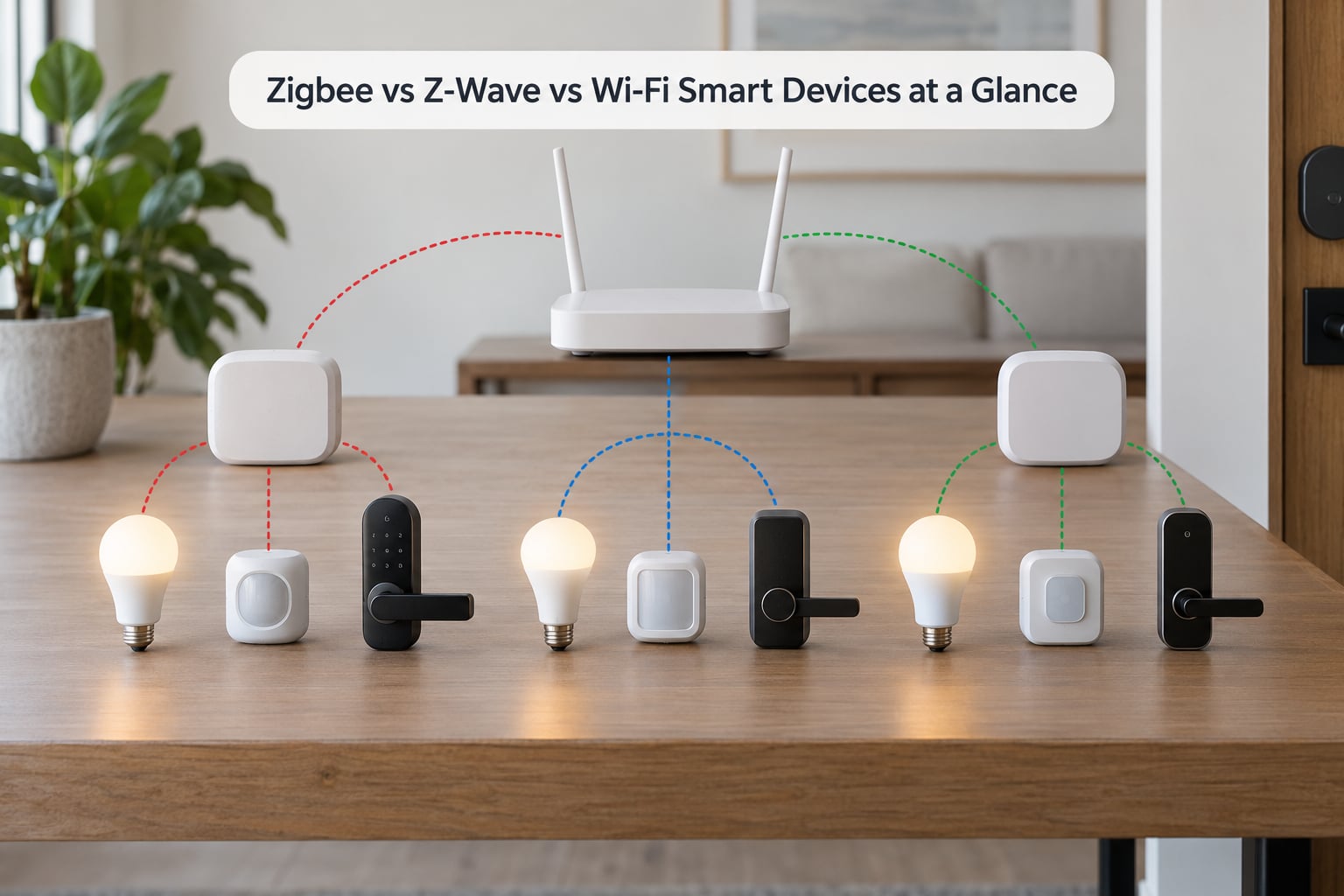
The table below is the shortest useful summary of this comparison. Wi-Fi gets a full column here because most other write-ups treat it as an afterthought, and that is exactly where people get their purchase wrong.
| Factor | Zigbee | Z-Wave | Wi-Fi |
|---|---|---|---|
| Frequency band | 2.4 GHz, channels 11 to 26 | Sub-GHz: 868 MHz EU, 908 MHz US | 2.4 GHz and 5 GHz |
| Typical data rate | 250 kbps | 9.6 to 100 kbps | 150 Mbps and up |
| Range per hop indoors | About 10 to 15 metres | About 20 to 30 metres | Varies with router and walls |
| Network shape | Self-healing mesh | Self-healing mesh | Star, each device talks to the router |
| Device limit | Theoretical 65,000 nodes, practical far fewer | 232 nodes per mesh | Often 50 to 100 on a consumer router |
| Hub needed | Yes, a coordinator plus a hub app | Yes, a Z-Wave controller | No |
| Shares spectrum with Wi-Fi | Yes | No | It is Wi-Fi |
| Battery sensor life | Often 1 to 2 years on a coin cell | Often 2 to 3 years on a coin cell | Not practical |
| Works without internet | Yes, if the hub is local | Yes, if the hub is local | No, unless set up locally |
| Typical device cost | Low | Two to five times higher for comparable sensors | Low to mid, highest for cameras |
| Best for | Sensors, bulbs, plugs, heating | Locks, alarms, tough buildings | Cameras, speakers, displays |
Two numbers deserve a note. The Zigbee node figure is a protocol ceiling, not a promise; in practice your coordinator and hub set the real limit, often somewhere around 100 to 200 paired devices before automations start crawling. The Wi-Fi limit is about your router, not the protocol.
How Do Zigbee, Z-Wave and Wi-Fi Smart Devices Work?
Zigbee and Z-Wave are low-power radio protocols built for many small devices. Wi-Fi is a transport technology, the same one your laptop uses, applied to devices that happen to be light switches.
Zigbee vs Z-Wave vs Wi-Fi Smart Devices: The Core Differences
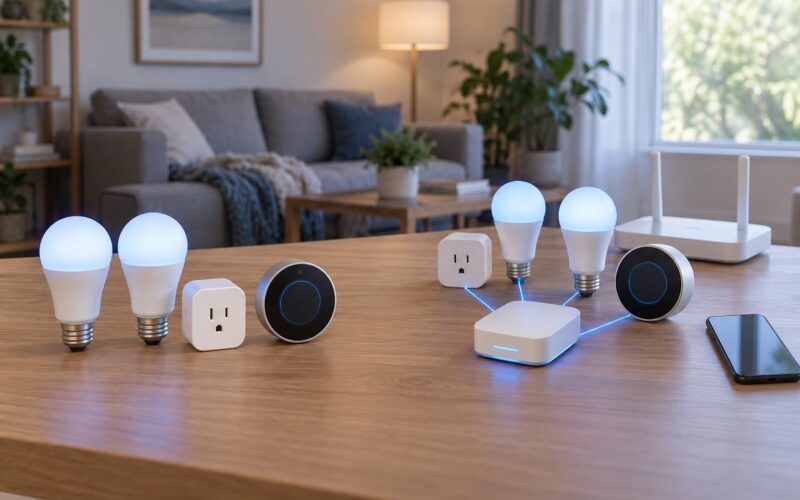
Zigbee and Z-Wave both run a mesh. Every mains-powered device plugged into the wall also acts as a repeater, so the network grows coverage as you add bulbs, plugs and relays. Battery devices never repeat for others, which is worth remembering because it explains most dropped-connection complaints.
Wi-Fi has no mesh in this sense. Each device is its own client on your router’s network, and it reaches you only as far as the router does. That is fine for two devices and painful for thirty.
The other difference is what they need to do their job. Zigbee and Z-Wave devices speak to a hub, coordinator or controller first. On that hub, you decide whether automations run locally or in the vendor’s cloud. Wi-Fi devices usually connect straight to the vendor’s cloud through the router, which is why so many become useless paperweights when a company shuts down a service.
Switching hubs later has a real cost. Moving from one Zigbee coordinator to another, or from one automation platform to another, usually means re-pairing every single device. Plan your hub choice before you buy twenty sensors.
Where Zigbee Is the Better Choice
Zigbee is the default for most people because the device selection is enormous and the hardware is cheap. Aqara, Philips Hue, IKEA Tradfri, Sonoff, Shelly and dozens of smaller names all speak Zigbee 3.0 or Zigbee Home Automation, and most of those devices are a fraction of the cost of a Z-Wave equivalent.
Battery life is the second reason. A coin-cell contact sensor on Zigbee usually runs one to two years, which is fine, and much of that figure depends on radio conditions. In a home where the mesh is noisy, sensors wake more often to retry and drain faster than the box claims. That is a mesh quality problem, not a protocol problem.
You will need a coordinator. That is a USB dongle or an onboard radio in a hub, running software such as ZHA or Zigbee2MQTT on Home Assistant, Hubitat, Homey or SmartThings. This is where beginners get stuck, but it is a one-time setup, and once it works it usually keeps working for a decade.
Zigbee is the right pick when you want many cheap sensors, a lot of bulbs, radiator valves and plugs, and you are comfortable putting a hub together.
Where Z-Wave Is the Better Choice
Z-Wave sits below 1 GHz, on 868 MHz in Europe and 908 MHz in North America. That lower band is crowded with almost nothing else, which means it keeps working in a flat where three neighbouring routers are fighting each other. If your neighbours’ Wi-Fi is dense, Z-Wave is the calmer option.
Range per hop is also better, typically 20 to 30 metres indoors against Zigbee’s 10 to 15. It penetrates thick masonry more reliably. In a Victorian terrace, a solid-walled house or a three-storey build, that difference decides whether your basement sensor keeps reporting.
Z-Wave is the tradition among smart locks, alarm sensors and in-wall switches, and it has been for years. Fibaro and Zooz are the names you meet most. Devices must pass the Z-Wave Alliance certification, which is a slower process and part of why the catalogue grows more slowly than Zigbee, but it also means firmware quality tends to hold up better.
Two warnings. Z-Wave is regional: 868 MHz hardware will not pair with 908 MHz hardware, so check the band for your country before buying anything. And comparable Z-Wave sensors often cost two to five times what a Zigbee one does, which is the reason people hesitate.
Z-Wave is the right pick when locks and security matter more than cost, the building is awkward, or your 2.4 GHz band is already noisy.
Where Wi-Fi Is the Better Choice
Wi-Fi is right for anything that moves data. Cameras, video doorbells, speakers, displays and TVs need throughput that 250 kbps could never provide, and no hub or coordinator sits between them and you.
Setup is genuinely the easiest of the three. No coordinator, no channel planning, no pairing a second time. If a device is Wi-Fi, it finds your network and joins it. For a renter in a small flat with three devices, that is the whole decision.
The problems arrive with scale. Wi-Fi devices draw far more power, usually mains with no battery option at all, so they all compete for your router’s connections and for your 2.4 GHz airtime. Consumer routers commonly start struggling somewhere around 50 to 100 clients, and the symptoms look like general slowness across the home rather than a smart-home fault. Forums describe exactly this: thirty or more Wi-Fi devices saturating a router until everything feels unstable.
Cloud dependence is the other one. Most Wi-Fi gear talks to a vendor server, so a service shutdown turns working hardware into scrap. That is the single most common complaint in the smart-home communities, and it is worth weighing before you buy four cameras from one brand.
Wi-Fi is the right pick for a handful of mains-powered devices where simplicity beats scale.
Compatibility: Can You Use Zigbee and Z-Wave Together?
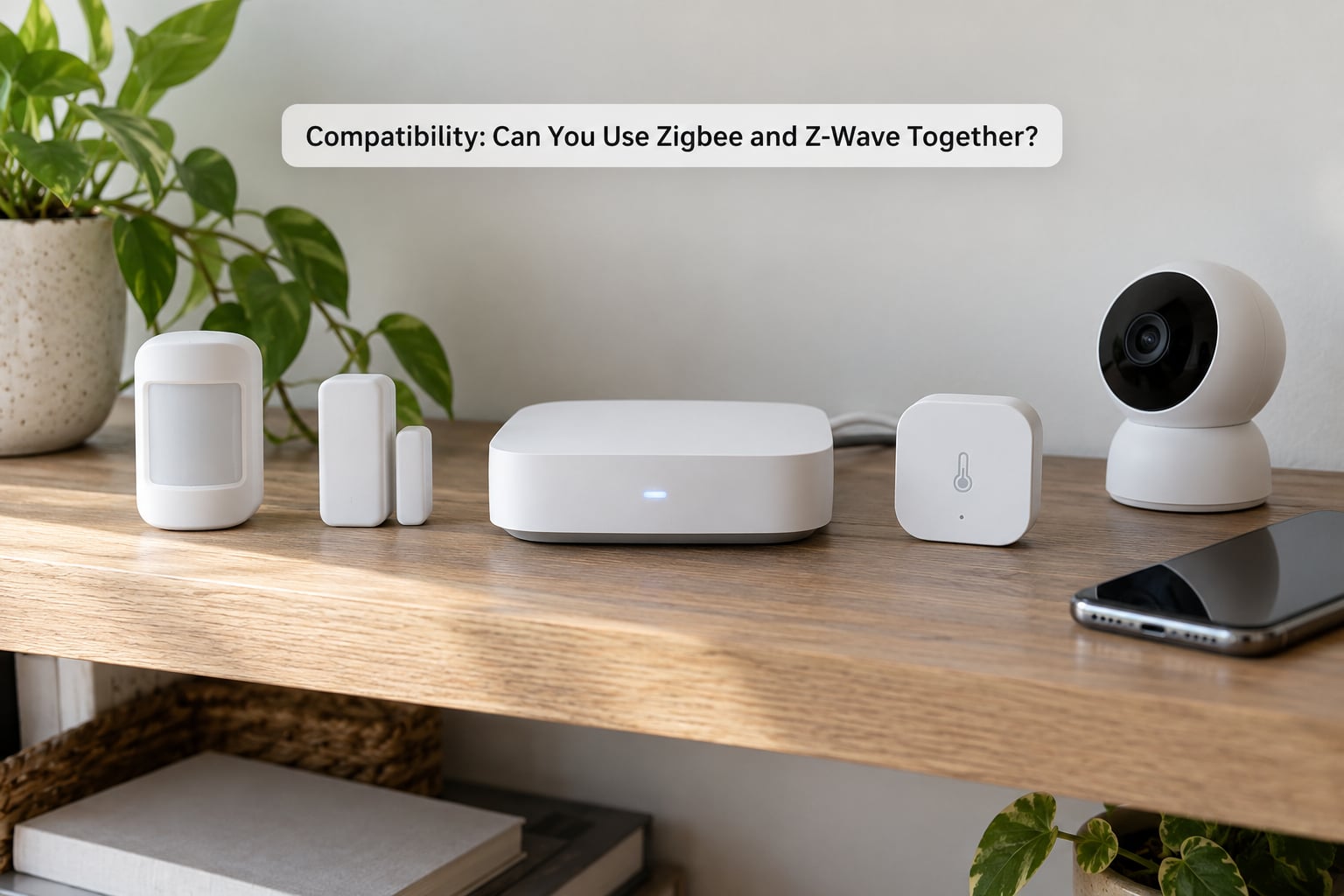
Yes, and most serious setups do exactly that. Multi-protocol hubs such as Home Assistant, Hubitat, Homey and SmartThings speak both radios, and they will happily run a Zigbee sensor and a Z-Wave lock in the same automation. Users regularly run networks with dozens of Z-Wave devices alongside well over a hundred Zigbee ones without trouble.
Cross-protocol talking is narrower. A Zigbee device can rarely command a Z-Wave device directly. What happens instead is that both report into the hub, and the hub runs the automation. That is usually fine and occasionally better, because the logic lives in one place rather than being split across two radio networks.
What Matter and Thread Change About the Answer
Matter and Thread sit above these radios rather than replacing them. Matter is a common application layer that runs over Wi-Fi, Thread and Ethernet; Thread itself is a low-power IPv6 mesh built on the same 2.4 GHz band Zigbee uses. A Matter-over-Thread device gets Zigbee-like power behaviour and Wi-Fi-like interoperability.
Is Zigbee obsolete with Matter? No. Matter still needs a radio underneath, and for years that radio has been Zigbee or Z-Wave. Z-Wave is not going away either; certified devices keep shipping and the Z-Wave LR (Long Range) specification extends range further. But Matter does mean that if you are building something new today and every device you want carries the Matter badge, you have more freedom than you did.
Before you buy anything, check two things: does the device work with your hub locally, or only through the vendor’s app and cloud, and does it use a band your region supports.
Range, Power Use and Reliability Compared
Range depends as much on your building as on the protocol. Z-Wave generally wins on distance per hop. Zigbee is close behind, and both get extended by mains-powered repeaters. Wi-Fi has the largest theoretical range but is entirely dependent on where the router sits, and it degrades sharply through several walls.
Power use is not close. Zigbee and Z-Wave are designed to idle at microamps and wake briefly to send a few bytes. Wi-Fi radios stay associated with the network constantly, which is why Wi-Fi devices are mains-only in practice.
Latency follows the same shape. A mesh command takes a handful of milliseconds per hop, so a distant sensor on a busy mesh can take a second or two. A direct Wi-Fi command to a nearby bulb is quick, and a camera stream is the only case where the difference actually matters to you.
Why Zigbee Devices Keep Dropping Off the Mesh
Four causes account for nearly all of it. Battery sensors are being used as repeaters somewhere in the chain, when they cannot be. The coordinator is in a bad spot, often right beside a USB 3.0 port or a router antenna. The channel is colliding with Wi-Fi, which is fixed by moving Zigbee to channel 15, 20 or 25 instead of overlapping your 2.4 GHz Wi-Fi channels. And there are too few mains-powered devices to cover the floor.
Adding a smart plug or a mains repeater halfway between the coordinator and the weak room fixes the problem more often than any software change.
Security, Privacy and Setup Compared
Zigbee and Z-Wave both use AES-128 encryption on the radio, and Z-Wave adds its S2 security framework, which handles device authentication more strictly. Neither is a security guarantee on its own, but both beat an unauthenticated radio by a wide margin.
The bigger difference is where your data goes. With a local hub, automation runs inside your house and keeps running when the internet drops. With a cloud-only device, the same switch stops responding the moment your provider has an outage or changes its terms. This is the argument local-control users make most often in the Home Assistant and Hubitat communities, and it is a good one.
Setup effort ranks in the same order as cost: Wi-Fi takes minutes, Zigbee takes an afternoon with a coordinator, and Z-Wave takes an afternoon with slightly more fiddling on certification quirks. Accounts are another factor. Most vendors require a login even when the hub handles everything locally, which means a vendor’s terms-of-service change can still affect you.
Keep firmware current wherever you can. Local-control hubs can often update devices without a vendor app, which removes another point of failure.
Which Should You Choose?
Choose based on your device list and your building, not on which protocol has the better reputation.
- Mixed battery sensors, bulbs and plugs: Zigbee with ZHA or Zigbee2MQTT on Home Assistant. Cheapest path to a lot of devices.
- Premium security and locks: Z-Wave, and buy your devices within your region band.
- Cameras and a video doorbell: Wi-Fi, with the cloud question settled before you buy.
- Renter in a small flat: Two or three Wi-Fi devices and no hub at all.
- Thick walls, three storeys, dense flats: Z-Wave, or Zigbee with careful repeater placement.
- New build wired for it: Matter over Thread where the badge exists, otherwise Zigbee.
Which Protocol for Which Device
Here is the mapping most people find useful. Where two protocols work, the second option is the one to consider if you have already committed to that hub.
| Device | Best fit | Reason |
|---|---|---|
| Door and window contact sensor | Zigbee, then Z-Wave | Battery, low data rate, many units |
| Motion and presence sensor | Zigbee, then Z-Wave | Battery, needs long battery life |
| Bulbs and light strips | Zigbee | Mains powered, cheap, doubles as repeater |
| Smart plugs and relays | Zigbee | Cheapest per socket and extends the mesh |
| Smart lock | Z-Wave, then Zigbee | Security-critical, battery reporting, needs reliability |
| In-wall switch | Z-Wave, then Zigbee | Mains powered, neutral wiring is the constraint |
| Radiator valve and thermostat | Zigbee, then Z-Wave | Battery, long life, scheduled heating |
| IP camera and video doorbell | Wi-Fi | Needs video bandwidth |
| Smart speaker and display | Wi-Fi or Ethernet | Constant audio and video traffic |
| EV charger and large appliance control | Wi-Fi with Ethernet option | Safety cutoffs and firmware updates |
A community rule of thumb worth keeping: Z-Wave for built-in switches and locks, Zigbee for plugs and bulbs. It is not physics, but it has survived years of real installations.
Start with the hub, not the protocol. Decide which app you will live in, check that your must-have devices are on its compatibility list, and only then choose the radio. Buying sensors first and a hub later is the most common expensive mistake.
Frequently Asked Questions
Which is better, Zigbee, Z-Wave or Wi-Fi?
It depends on the device and the building. Zigbee suits cheap battery sensors, bulbs and plugs. Z-Wave suits locks, alarms and thick-walled homes. Wi-Fi suits cameras, speakers and displays, and needs no hub. Most homes that work well run two of the three together rather than committing to one.
Is Z-Wave more reliable than Zigbee?
In a busy radio environment, usually yes. Z-Wave runs below 1 GHz, away from the 2.4 GHz congestion that affects Zigbee. Both are self-healing meshes and both need mains-powered devices placed well. A badly sited Zigbee network with battery devices used as repeaters will drop devices; a well-sited one is dependable.
Do Zigbee and Z-Wave devices work without internet?
Yes, if your hub runs the automations locally. Zigbee and Z-Wave commands travel over the local mesh to a hub on your network, so switches, sensors and locks keep responding with the internet unplugged. Voice assistants and remote access stop working. Cloud-only devices from any vendor lose control entirely when the connection drops.
Can one smart-home hub use both Zigbee and Z-Wave?
Yes. Home Assistant, Hubitat, Homey and SmartThings all carry both radios and run the two networks side by side. Usually the devices report into the hub and the hub holds the automation logic, because direct cross-protocol pairing between a Zigbee sensor and a Z-Wave lock is rare. Check the hub compatibility list before buying.
Is Wi-Fi bad for smart-home devices?
It is fine for a small number of mains-powered devices and poor for anything battery-powered or numerous. Wi-Fi draws far more power, adds load to your router, and usually depends on a vendor cloud. Around fifty to a hundred clients, a consumer router starts showing strain across the whole home. Keep Wi-Fi for cameras, displays and speakers.
Can I mix smart-home brands and protocols?
Yes, as long as one hub speaks all of them. Choose the hub first, then check that every must-have device appears on its supported list. Within Zigbee, profile differences between Zigbee 3.0 and Zigbee Home Automation can cause pairing quirks, so mixing brands of coordinator software and devices occasionally needs patience.
Bottom Line
There is no single winner in zigbee vs z wave vs wifi smart devices. Start from the hub and the app you will live in, list the devices you actually need, and pick the radio that suits that list: Zigbee for volume and cost, Z-Wave for locks and awkward buildings, Wi-Fi for cameras and anything with a screen. Fix the hub choice first, because that is the decision you do not want to redo twice.