Most people do not need a smart home hub. Skip it if everything you own or plan to buy works over Wi-Fi or Matter and you are fine with basic schedules and a voice assistant. Buy one the moment you add Zigbee or Z-Wave sensors, want automations that keep running during an internet outage, or plan a whole-home install with 20 or more devices.
That is the whole argument, and the rest of this guide is the detail behind it: how each setup works, where the differences actually show up, and how to check your own devices in a couple of minutes.
Table of Contents
- Smart Home Hub vs No Hub at a Glance
- What Is a Smart Home Hub?
- What Does a Hub-Free Smart Home Setup Look Like?
- Which Devices Work Better Without a Hub?
- Why local control changes the smart home hub vs no hub answer
- How Do Reliability and Response Times Compare?
- What About Privacy, Security and Data Control?
- Smart Home Hub vs No Hub: Setup, Cost and Upgrades
- Which Should You Choose?
- Frequently Asked Questions
- Do I need a smart home hub if my devices support Matter?
- Can I use Zigbee or Z-Wave devices without a hub?
- Does a smart home hub work when the internet is down?
- Is a hub-free setup cheaper in the long run?
- How many smart devices do I have before a hub is worth it?
- Bottom Line
Smart Home Hub vs No Hub at a Glance
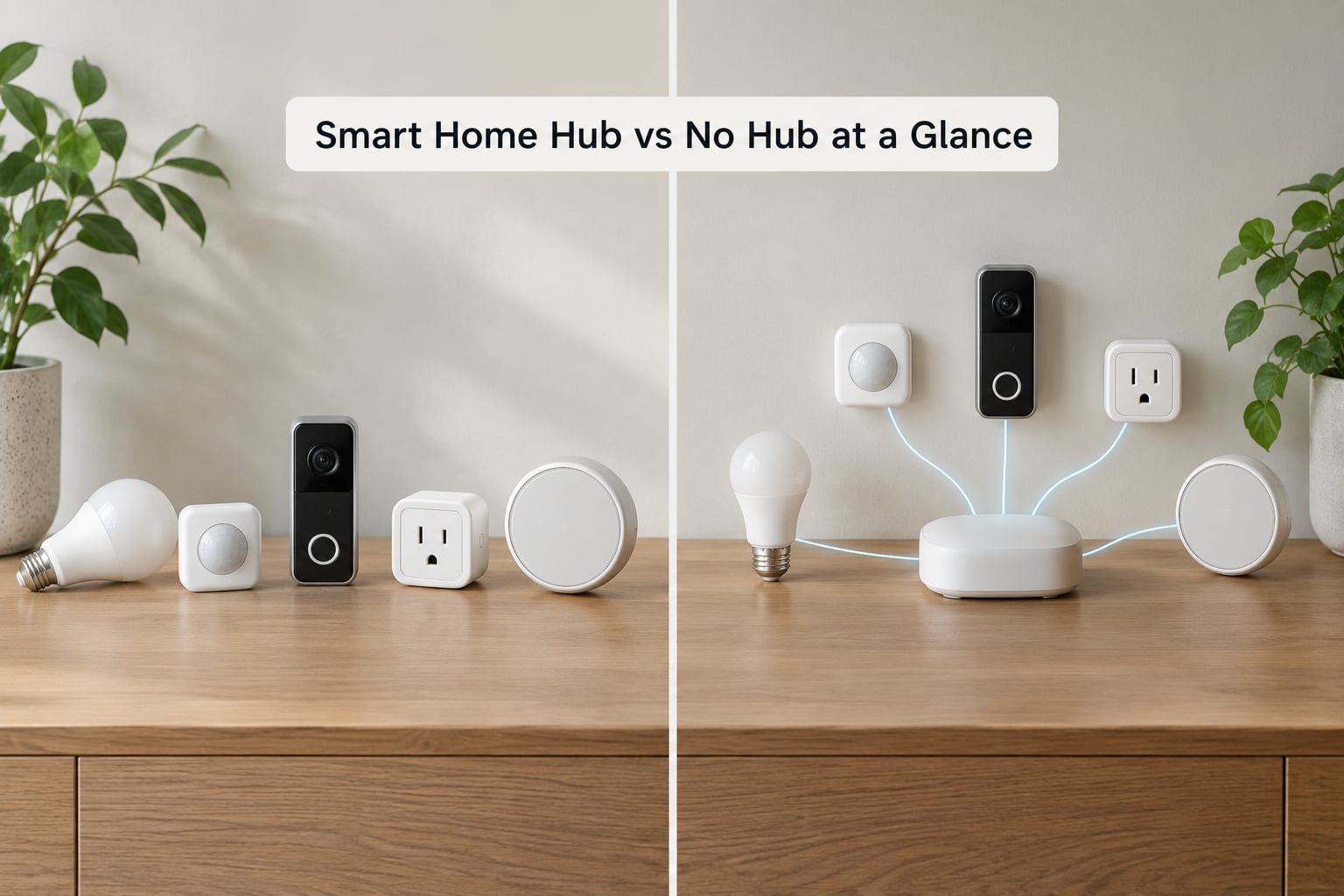
| Criterion | Hub-free setup | Hub-based setup |
|---|---|---|
| Best fit | Small apartment or first room, Wi-Fi and Matter devices only | Mixed protocols, sensors, locks, whole-home installs |
| Device compatibility | Limited to what the vendor app or assistant speaks | Zigbee, Z-Wave, Thread, Matter and some Wi-Fi in one place |
| Setup effort | Unbox, plug in, pair in an app | Pair each device to a coordinator, then build routines |
| Speed | Command often round-trips through vendor servers | Local execution, usually close to instant |
| Works during an outage | Only if the device keeps local schedules | Yes, for anything the hub runs locally |
| Privacy | Traffic and usage data usually pass through the vendor cloud | Can be processed entirely on the hub |
| Ongoing maintenance | Firmware and app updates per device, plus vendor accounts | One box to maintain, but more setup up front |
| Cost shape | No extra hardware, possible subscriptions later | One box up front, no subscription on most platforms |
| Lock-in | High, since devices live inside one brand’s app | Lower, since the hub is a separate piece of hardware |
Read that table for shape, not for rules. Plenty of people mix both approaches in one home and it works fine.
What Is a Smart Home Hub?
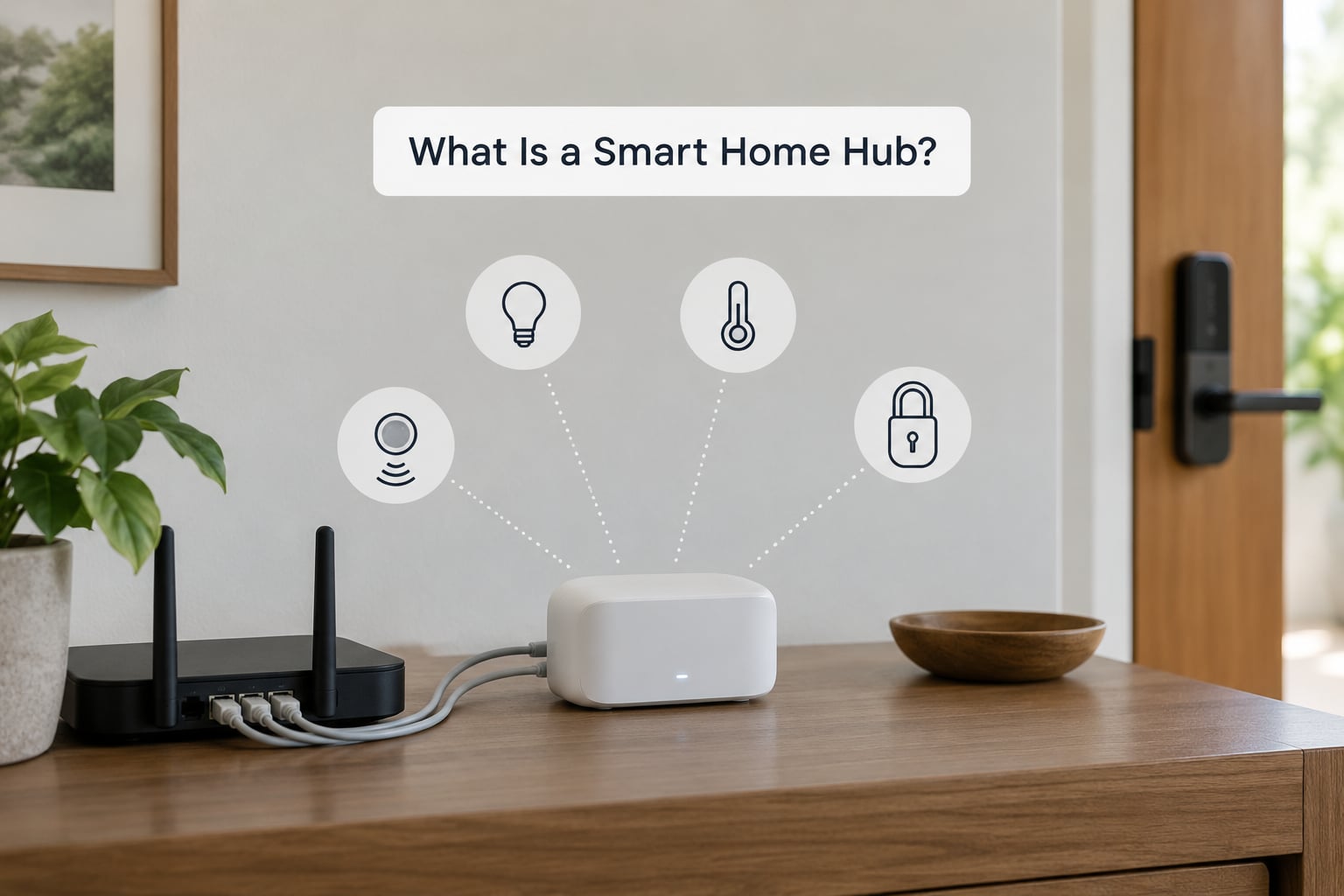
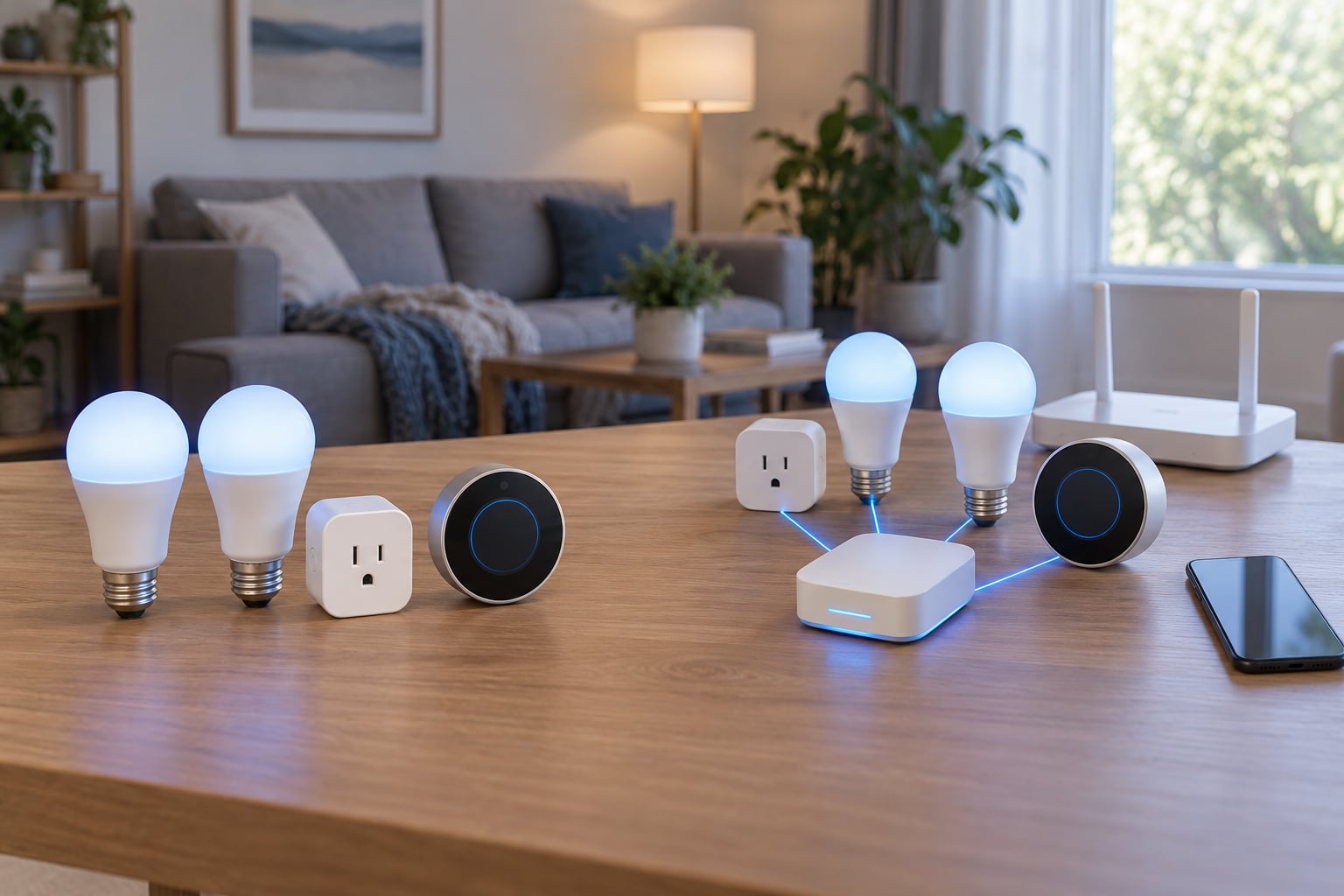
A smart home hub is a small box that sits between your devices and the rest of your network. Zigbee, Z-Wave and Thread devices cannot talk to your phone or router directly, so the hub pairs with them as a coordinator, receives their low-power radio signals, and passes commands along. Most hubs also hold your routines, so a motion trigger runs without a message ever leaving the house.
The confusion starts because vendors use “hub” for at least five different things.
- Protocol hub — a multi-protocol box such as a SmartThings station, an Aqara hub or Hubitat Elevation. This is what most people picture when they hear “hub.”
- Coordinator — strictly the radio role inside a Zigbee network. Some boxes are only this.
- Bridge — a single-brand converter, like a Philips Hue Bridge, that exists because that one product line predates Matter.
- Border router — a Thread device that lets Thread sensors reach the wider IP network. Newer phones, speakers and TVs can be one.
- Controller — the app or hub holding the actual Matter pairing. On Apple Home this role sits with a HomePod or Apple TV.
A listing that says “requires hub” is usually telling you a coordinator role is missing, not that you need an expensive whole-home platform.
What Does a Hub-Free Smart Home Setup Look Like?
A hub-free home still has a coordinator. It just lives in someone else’s data centre, which is exactly what the phrase “no hub required” on a retail box means. Your devices join your Wi-Fi, register with the manufacturer’s servers, and the app or voice assistant sends commands through those servers to the device.
In practice that path supports a lot:
- Wi-Fi bulbs, plugs, cameras, thermostats and appliances controlled from the manufacturer’s app.
- Voice control through a smart speaker or display.
- Device-to-device routines built inside one brand’s app, such as a motion sensor switching a light on.
- Remote access from anywhere, since the path runs through the cloud rather than your own network.
Matter devices complicate the picture slightly. A Matter over Thread device needs a Thread network to join, and if your router, phone or speaker includes a Thread border router, that border router is doing part of the hub’s job without a separate box.
Which Devices Work Better Without a Hub?
Wi-Fi-only products are the natural fit for a hub-free setup, because Wi-Fi is already in the house and the phone is already on that network. A camera, a robot vacuum or a Wi-Fi thermostat is straightforward this way.
Battery-powered sensors are where the picture changes. A door sensor, a leak sensor or a motion sensor runs for years on a coin cell, so it uses Zigbee, Z-Wave or Thread rather than Wi-Fi. Each of those needs a coordinator on the network before it can report anywhere. That is a hardware fact, not a brand preference.
Smart locks sit in the same camp, and so do many light switches and thermostats that rely on wall wiring and a low-power radio rather than a Wi-Fi chip.
Why local control changes the smart home hub vs no hub answer
If your only goal is “the living room lamp turns on when I say so,” a hub changes nothing you will notice. The moment you want “when the front door opens after sunset, turn on the hall light, start the camera recording and send me a notification,” a local hub is a different experience. The rule fires on the hub itself rather than on four separate cloud round-trips.
That is the axis the search question keeps circling. It is not about which setup is smarter, it is about where the thinking happens.
How Do Reliability and Response Times Compare?
Cloud-dependent setups are noticeably slower on anything beyond a single on-off command. A typical chain looks like this: sensor sends a radio message to its bridge, the bridge calls the vendor cloud, the cloud decides the rule fires, the cloud calls the second vendor’s cloud, and only then does the light switch on. Each hop adds delay, and any one of them failing means nothing happens at all.
A local hub collapses that chain into one hop inside your house. That is why enthusiasts on r/homeautomation and r/homeassistant consistently describe local automations as the reason they run Home Assistant, Hubitat or a similar platform, and why “works when the internet is down” shows up again and again as the thing buyers care most about.
Two reliability traps deserve a mention, because they are the ones people actually hit.
Wi-Fi contention. Every Wi-Fi device shares airtime with your streaming, gaming and laptops. A few dozen smart devices is manageable. At 100 or 200 devices, the router is doing real work, and the fix is usually a better router or a dedicated mesh rather than a hub.
Separate Thread networks. If your phone, your TV and your speaker each run their own Thread network, devices paired to one may never appear in the app that lives on another. The fix is making one device the border router and joining the rest to it. Forum threads on this are full of people who did not realise they had two Thread networks.
Enthusiasts still treat Zigbee as more reliable and easier to get working today than Matter over Thread, while accepting Matter as the direction everything is heading. That is a fair read for 2026, especially for a first sensor purchase.
What About Privacy, Security and Data Control?
This is the axis most buying guides skip, and it can decide the question on its own. A hub-free setup routes your presence, your schedules and your voice commands through the vendor’s servers as a condition of working. A hub that processes rules locally keeps that traffic on your own network.
If that matters to you, check three things before buying anything:
- Does the platform run automations without a cloud round-trip?
- Can you see and delete stored recordings and usage history?
- Does the vendor publish a software support lifetime?
Security-wise, both approaches have the same baseline. Every device needs a unique password, two-factor authentication on the account, and firmware kept current. Matter improves the second of these because commissioning is standardised and credentials are exchanged on the local network, so a misconfigured device is less common.
Smart Home Hub vs No Hub: Setup, Cost and Upgrades
Here is where the trade-off stops being technical.
| Factor | Hub-free | Hub-based |
|---|---|---|
| Up-front | Nothing extra | One box, plus cabling if you want Ethernet |
| Recurring | Possible subscriptions for video history or extended diagnostics | Usually none on consumer platforms |
| Time to first working routine | About ten minutes | An afternoon, sometimes a weekend |
| Mixed brands | Awkward, often a second app or a cloud relay | Normal, that is the point of a hub |
| Adding a device later | Easy if same brand, fiddly if not | Consistent, same coordinator handles it |
| Moving house | Full reset of every device and account | One handoff or transfer of the network |
| Failure mode | Vendor shuts down a cloud service | Hub box fails, and you replace one thing |
The setup time is the number people underestimate. Getting a hub, pairing twenty sensors so they all report, naming rooms, then writing a routine that does what you meant takes far longer than the box’s setup wizard implies. Home Assistant users describe it honestly as a weekend project that became three weeks.
On cost, the honest comparison is not one box against nothing. Over five years a hub-based home usually wins because the coordinator is a separate purchase from the devices, while a hub-free home keeps buying brand-specific accessories that will not talk to the next thing you buy.
Five mistakes show up repeatedly.
- Buying a hub before owning a single device that needs one.
- Ending up with three brand bridges, which is the opposite of the unified control you wanted.
- Buying a Zigbee-only box and discovering later you need Z-Wave. Home Assistant users dodge this with a USB radio that handles both in one stick.
- Assuming Matter means every device category is covered. Cameras, robot vacuums and many appliances still are not.
- Ignoring whether the thing you already own is already a controller.
Which Should You Choose?
Go hub-free if you are in a rental or a small apartment, everything you own is Wi-Fi or Matter over Wi-Fi, and your automations are simple schedules and voice control. A smart speaker you already own may be doing more than you think, since newer models double as Thread border routers and Matter controllers. Check that before buying anything.
Buy a hub if you are adding sensors, locks or battery-powered switches, you want rules that run when the internet is down, or you are building out more than about ten devices across more than one brand. This is also the setup that survives a router upgrade or an internet outage without you walking through the house resetting things.
Note the Apple Home exception. Apple Home works with all-Matter devices and no third-party hub, but a HomePod or Apple TV still has to be the home hub for automations and away-from-home access. The protocol is open, the controller requirement is not.
If you run Home Assistant and want one box to cover Zigbee and Thread, a USB radio that supports both is often enough, and you skip the standalone hub entirely.
Frequently Asked Questions
Do I need a smart home hub if my devices support Matter?
A Matter controller is optional for basic control if your devices run over Wi-Fi, since the manufacturer app or voice assistant can act as one. It is still worth having for local automations, faster response, less cloud dependence, and one place to manage every accessory. Check whether your existing speaker or TV already includes a Matter controller and a Thread border router before buying hardware.
Can I use Zigbee or Z-Wave devices without a hub?
Usually not. Zigbee and Z-Wave devices need a compatible coordinator, bridge or hub to reach your phone, voice assistant or automation platform, because neither radio can speak to your router directly. Some manufacturers bundle that role into an existing product, such as a bridge or a speaker, so look at what you own before adding a separate box.
Does a smart home hub work when the internet is down?
That depends on the hub and the devices. A hub that processes supported Zigbee, Z-Wave, Thread or Matter accessories locally keeps running its automations during an outage. Cloud-only devices and routines that depend on remote servers will not. If your routines include a lock, a leak sensor or an alarm panel, local processing is the reason to choose a hub.
Is a hub-free setup cheaper in the long run?
It can be cheaper for a small collection of Wi-Fi devices because there is no extra hardware to buy. Costs rise when devices require subscriptions, when replacements stay locked to one brand, or when you end up buying a bridge for each new product line. Over five years, a hub-based setup often costs less because one coordinator replaces several brand-specific boxes.
How many smart devices do I have before a hub is worth it?
There is no hard number, but the pattern holds: under about ten Wi-Fi devices is fine without one, past twenty mixed devices becomes painful without one, and fifty or more almost always needs a hub. The count matters less than the mix. A single Zigbee sensor forces the decision regardless of how few devices you own.
Bottom Line
Start with the devices you already own or have already picked, check what each one actually needs to join your network, and only then decide on the smart home hub vs no hub question. Wi-Fi and Matter over Wi-Fi means skip the hub. One Zigbee or Z-Wave sensor, a rule that must run during an outage, or a mixed-brand home is enough reason to buy one.