Matter is the common language that lets smart home devices from different brands understand each other. Thread is the low-power mesh network that carries their messages around your house. Most modern smart home gear is one or the other, and some devices do both.
If you have been reading about Matter and Thread and still can’t tell which one a product needs, that confusion is fair. The two get bundled together in packaging, reviews and forum threads, and most explanations blur the difference. This guide keeps them apart, then puts them back together so you can tell what you actually need before spending anything.
Everything below is current as of October 2026. Support for device types keeps expanding with each Matter release, so double-check the specific model on the box rather than trusting a general article — including this one.
Table of Contents
- Matter and Thread Smart Home Explained at a Glance
- What is Matter and why does it matter for smart homes?
- What you gain as a shopper
- What is Thread and how is it different from Matter?
- Why mesh networking suits small sensors
- What Thread is not
- How do Matter and Thread work together?
- Do Matter and Thread work with phones, Alexa, Google Home, and Apple Home?
- Which Matter and Thread devices can you buy?
- How to check a device supports Matter and Thread
- What hub or controller do you need for Matter and Thread devices?
- How do you start a Matter and Thread smart home?
- When Matter over Thread devices will not pair
- What are the limitations and security considerations?
- Frequently Asked Questions
- Do I need both Matter and Thread for a smart home?
- Can I add Matter support to an older smart device?
- Is Thread the same as Wi-Fi or Bluetooth?
- What is a Thread border router?
- Does buying a Matter device mean it works with every smart-home platform?
- Are Matter and Thread products worth buying for an inexpensive smart home?
- Conclusion
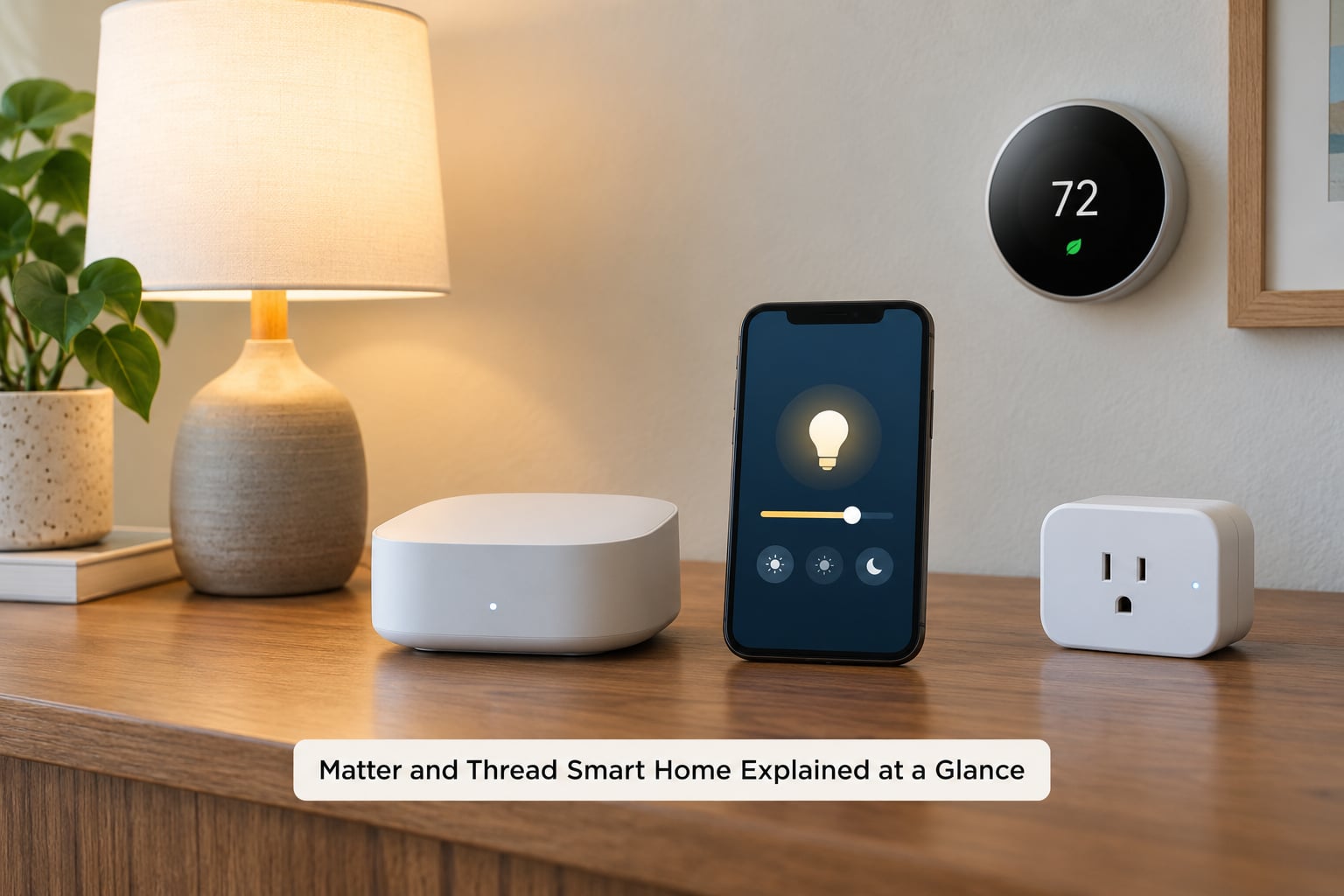
Matter and Thread Smart Home Explained at a Glance
| What it is | Matter | Thread | Both together |
|---|---|---|---|
| Plain English | The language devices speak | The road the message travels on | A device speaks Matter over Thread |
| Layer | Application layer | Network transport layer | Stacked, always |
| Job | Pairing, device types, control, automation | Carrying data between devices, hopping through walls | Command sent from your app, relayed to the bulb |
| Topology | No topology of its own | Self-healing mesh, many hops | Mesh of Matter devices |
| Power draw | Set by the device | Very low, built for coin-cell sensors | Years of battery life on sensors |
| Radio | Runs over Wi-Fi, Thread or Ethernet | 2.4 GHz, IPv6 | 2.4 GHz radio |
| Hub needed | Yes — a Matter controller | Yes — a Thread border router | One box can do both jobs |
| Network limit | Defined by the controller | About 250 devices in one mesh | Typical homes never hit it |
| Typical devices | Locks, thermostats, TVs, blinds, plugs | Motion, door and leak sensors, bulbs | Most new small sensors |
| Internet needed | Only for setup and remote access | Only for remote access | Local control keeps working offline |
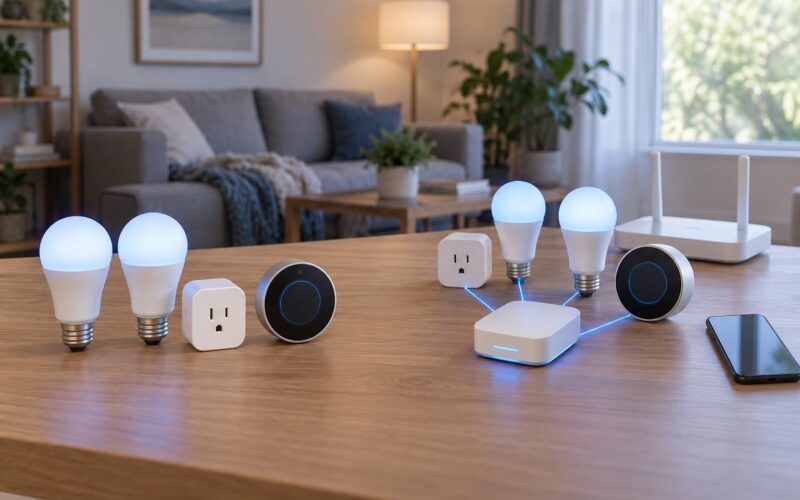
A quick example of the pairing in action: you tap a Matter bulb in your phone app. The app talks to a Matter controller, which hands the command to a Thread border router. That router pushes the message into your home’s Thread mesh, and the bulb — two rooms and one wall away, without a direct line of sight to the router — picks it up and turns on.
What is Matter and why does it matter for smart homes?
Matter is an open application-layer standard that gives compatible products a shared language for control and automation. Without it, every manufacturer invents its own commands, and mixing brands means building workarounds.
The line worth memorising: Matter is the language devices speak; Thread is the network they speak it over.
It came out of Project Connected Home Over IP, launched in 2019 by the Zigbee Alliance, which was renamed the Connectivity Standards Alliance in 2021. The Zigbee name disappearing is a common source of confusion — the old Zigbee Alliance still maintains the Zigbee standard, but Matter is a separate and much broader effort with hundreds of member companies behind it.
What you gain as a shopper
Broader compatibility is the headline. A certified Matter device from one brand can usually be added to a phone’s platform from another, as long as that platform supports the device type.
Setup tends to be faster too. Rather than creating an account, learning a vendor app and hunting for a hub, pairing usually happens through the platform you already use.
You also stop depending on a single manufacturer’s roadmap. That matters if a company changes direction, prices out its cloud service or stops shipping updates.
What Matter does not do is rescue devices you already own. A bulb bought in 2016 with a proprietary radio cannot be made Matter-compatible by an app update. The one partial exception is Matter bridges, which let a hub translate older Zigbee or Z-Wave devices into a Matter-compatible view so they show up alongside newer gear.
What is Thread and how is it different from Matter?
Thread is a low-power mesh networking protocol built on IPv6. It is the radio layer that moves data, not a set of commands for devices. Its job is to get a message from point A to point B reliably without draining batteries.
Why mesh networking suits small sensors
Instead of every sensor talking directly to a hub, each device relays for its neighbours. If one goes offline, traffic routes around it. Thread calls this a self-healing mesh, and it is why adding devices generally makes the network stronger rather than more congested.
Users migrating from Zigbee report that this multi-hop range is the thing that changed their experience, particularly in larger homes where a single-hop sensor at the back of the house used to drop out. Thread costs a little more power per hop, but sensor duty cycles are so low that the difference rarely matters.
What Thread is not
Thread is not a replacement for your Wi-Fi router, and it is not an internet service. It runs on the 2.4 GHz band, which is the main source of headaches in real homes — more on that later.
One product can absolutely support both Matter and Thread, because they answer different questions. Matter says what the device is and how it is controlled; Thread says how the bytes get there. A device advertising Matter over Wi-Fi is speaking the same language over a different road.
How do Matter and Thread work together?
Matter and Thread work together as two layers of one stack. Thread moves the packets, and Matter decides what they mean.
Here is the stack from the top down, which is the single most useful mental model for this topic:
- Application — Apple Home, Google Home, Alexa, SmartThings, Home Assistant
- Matter — device types, pairing, permissions, commands
- Transport — Thread, Wi-Fi, or Ethernet
- IP — IPv6 (or IPv4 on Wi-Fi setups)
- Physical — 2.4 GHz radio or a cable
The path a command actually takes, step by step:
- You tap a light in the app or ask a voice assistant.
- The Matter controller — an app plus a hub or smart display — authenticates you and picks the device.
- The controller hands the instruction to a Thread border router, which connects the Thread mesh to your home network.
- The router transmits into the mesh, and the message hops through any powered devices in between.
- The light executes it and reports its new state back along the same route.
Because the whole path is local IP, automations and direct control keep working when your internet drops. Remote access and voice control from outside the house do not, because those depend on a cloud connection.
One clarification that gets repeated constantly: Thread needs internet access through a border router to reach the wider network, but it does not replace your Wi-Fi router or your internet connection. The border router is a translator sitting on the local network.
Do Matter and Thread work with phones, Alexa, Google Home, and Apple Home?
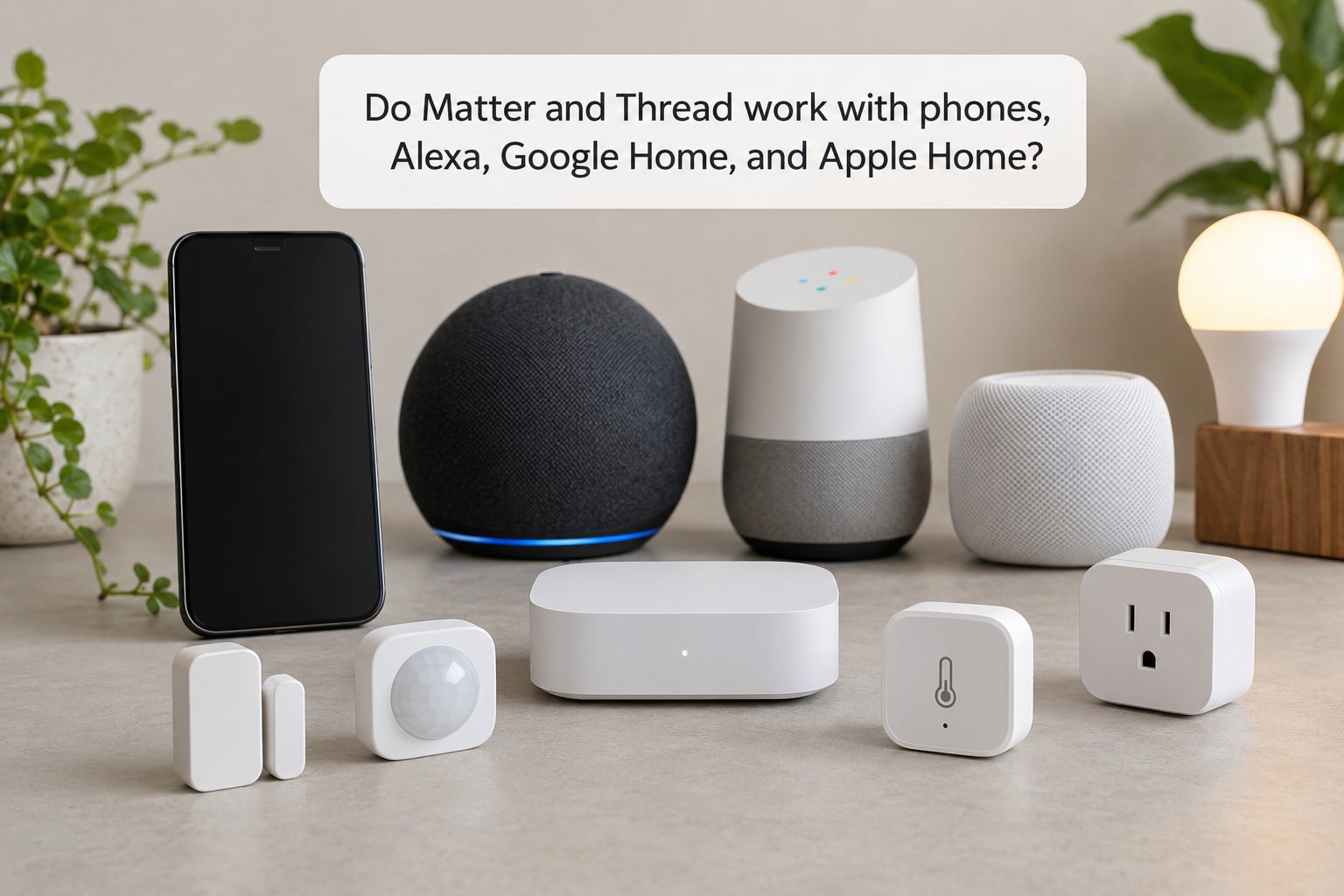
Usually yes, but support is a chain of conditions rather than a single yes or no. A device works when four things line up: the device supports Matter for its type, your platform version supports that device type, you have a Matter controller, and if the device is Matter over Thread you also have a Thread border router reachable from the same account.
As of October 2026, the major platforms — Apple Home, Google Home, Alexa, Samsung SmartThings and Home Assistant — all act as Matter controllers, and most current models ship with Thread border router functionality built in. Which model matters more than which brand: an older speaker or TV in the same ecosystem may not include it.
The roles are easy to mix up. A Matter controller is the brain that pairs and automates. A Thread border router is a translator for the radio mesh. Plenty of hardware does both, and plenty does only one.
Because device type support expands with each Matter release, treat any platform support list as dated. Check the release notes for your specific platform version before you plan a purchase around it.
Which Matter and Thread devices can you buy?
Matter and Thread devices now cover most of a normal smart home: bulbs, dimmers and wall switches, plugs, thermostats, locks and keypads, blinds and garage doors, motion and door sensors, leak sensors, robot vacuums, TVs and speakers, and a growing set of cameras.
The important distinction is that device categories split by transport. Bulbs, plugs and thermostats are usually mains-powered, so Matter over Wi-Fi is common and perfectly fine. Battery sensors — motion, door, leak — are where Matter over Thread genuinely earns its place, because the mesh reach and low power are worth more there than simplicity.
How to check a device supports Matter and Thread
Look for three things before you buy, because listings often blur them.
- The Matter logo on the packaging or spec sheet confirms certification.
- The device type — certification is granted per type, so a certified light says nothing about locks or cameras.
- The transport wording — Matter over Thread, Matter over Wi-Fi, or both. This is the one buyers most often miss, and it is the reason a device may fail on a home without Thread.
A useful warning: the Matter logo confirms the standard, not the feature list. A certified thermostat may expose only a subset of its controls through Matter, with the rest locked inside the manufacturer’s app.
What hub or controller do you need for Matter and Thread devices?
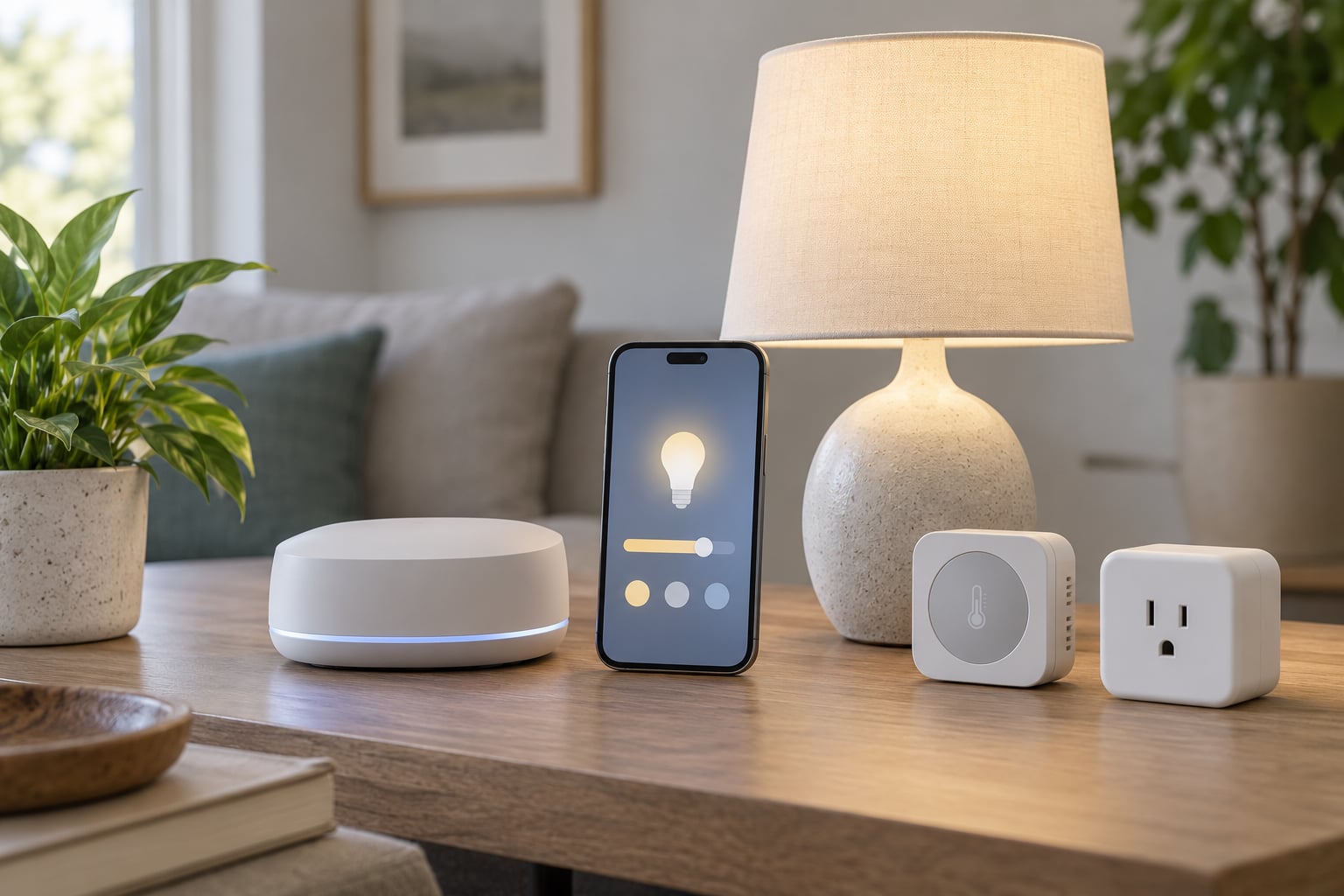
You need a Matter controller, and you need a Thread border router. Many people end up buying one box that does both jobs, and that is usually the sane starting point for a new setup.
A few practical points before you decide:
- Account placement matters. Controllers and border routers need to sit on the same network and usually the same account as the devices they serve. Splitting them across two homes or two ecosystems is a frequent cause of failed pairing.
- Location matters. Put the router in a central spot with clear line of sight rather than tucked into a cupboard, because the mesh depends on the first hop working.
- Know your device type support. Confirm the controller’s platform version handles the categories you plan to buy, not just the ones you already own.
- Simple hub or broader hub? A dedicated Matter hub stays small and stable. A broader smart-home hub adds radio protocols for legacy devices and more automation power, at the cost of more configuration.
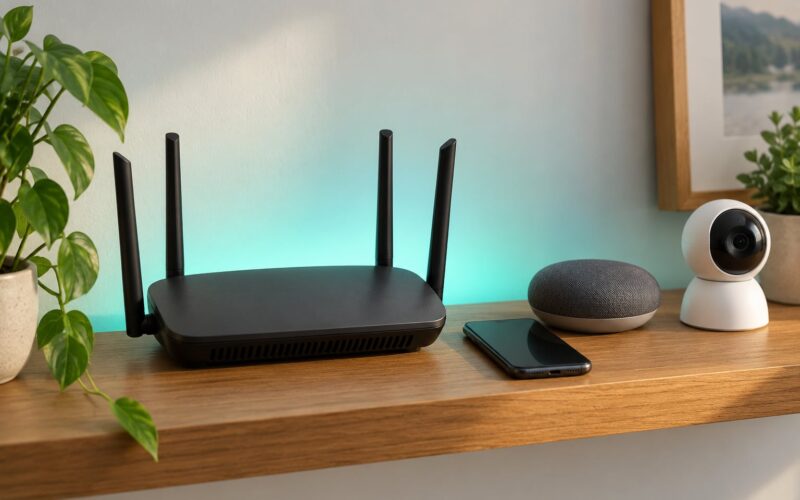
If you already own hardware that doubles as a border router, check before buying anything. In practice that usually means a recent mesh router, a smart display, a streaming box or a smart speaker from the same ecosystem — the app for each will list its Thread border router status somewhere in the network or device settings.
How do you start a Matter and Thread smart home?
Start small and prove the chain works before you buy a houseful of sensors. One controller, one border router, one device is enough to validate everything.
- Choose your platform first. Pick the ecosystem you will actually live in, then confirm it supports the device types you want.
- Confirm the border router. Verify your existing router or hub already handles Thread before adding hardware.
- Update everything. App, controller firmware and the router’s firmware. Older firmware is a leading cause of pairing failures.
- Add the hub to the main home network. Avoid guest networks and VLAN setups you have not tested; segmentation is the other big cause of failures.
- Pair one device near the border router before moving it to its real position.
- Test the basics. Turn it on from the app, from voice, and from inside an automation.
- Then expand outward, adding sensors in rooms as you go.
When Matter over Thread devices will not pair
The most common causes, roughly in order of frequency:
- 2.4 GHz congestion. Thread, Zigbee and Wi-Fi all share the 2.4 GHz band. Overlapping channels push devices off the mesh, and this is one of the most reported complaints in Home Assistant and HomeKit communities. Fix it by separating channels where your gear allows it and by keeping the 2.4 GHz width narrow rather than auto-splitting.
- No border router, or the wrong one. The device cannot reach a Thread network it is not part of.
- Network segmentation. Guest Wi-Fi, IoT VLANs or client isolation will block discovery.
- Outdated firmware on either the controller or the device.
- Mixed credentials. A device commissioned onto one Thread network will not join another, and re-pairing usually means removing it first.
If you are migrating from Zigbee, keep the old hub running at first. Thread setups are often described as rocky in the first week, and users who pulled their Zigbee kit on day one ended up with devices that could not talk to anything.
What are the limitations and security considerations?
None of this is magic, and the gaps are worth knowing before you commit.
- Feature parity is incomplete. Matter covers a defined set of device types with defined commands. Anything outside that set stays in the manufacturer’s app.
- Cloud dependence is partial. Local control works offline; remote access, some voice features and vendor firmware updates do not.
- Mesh placement still matters. Thread self-heals, but it cannot route through a metal cupboard. Too few powered devices and poor placement will show up as dropouts.
- Certification is a floor, not a ceiling. Two certified locks can behave very differently depending on how much of the lock each exposes.
- Password reuse is the real risk. Reusing your email password across dozens of small devices means one leak exposes all of them. Give every device a unique password.
- Firmware support varies by vendor. Check how long a manufacturer commits to updates before you build a house around its devices.
On the plus side, Matter traffic between devices is encrypted and authenticated locally, and the standard requires a secure commissioning process rather than an open join window. The realistic risks are account-level ones: weak credentials, no multi-factor authentication, and abandoned cloud services — not unencrypted radio traffic.
Frequently Asked Questions
Do I need both Matter and Thread for a smart home?
Not for every device. Matter over Wi-Fi products only need a Matter controller. Thread becomes necessary when you add battery-powered sensors, or any device labelled Matter over Thread, because those need a Thread border router to reach your network. Most combined hubs handle both, so buying one covers both cases.
Can I add Matter support to an older smart device?
Usually not directly. Matter runs on hardware radios and a secure element, so older Zigbee, Z-Wave or proprietary devices cannot be upgraded by a firmware update. The workaround is a bridge: a Matter controller or hub that translates your legacy devices so they appear alongside newer ones, usually with some loss of detail.
Is Thread the same as Wi-Fi or Bluetooth?
No, though all three use the 2.4 GHz band. Thread is a low-power IPv6 mesh protocol built for devices that sleep most of the time and wake to send a short message. Wi-Fi keeps a connection open and draws far more power, and Bluetooth is designed for short personal-area links rather than whole-home routing.
What is a Thread border router?
A device that connects your Thread mesh to your home network. Thread devices speak IPv6 among themselves but cannot reach your router, phones or the internet on their own, so a border router relays traffic between the mesh and the local network. Many recent mesh routers, smart displays and streaming boxes include this function.
Does buying a Matter device mean it works with every smart-home platform?
No. Certification covers specific device types, and each platform supports a growing but still partial list of them. Also check the transport: a Matter over Thread device needs a border router on your chosen platform. Older hardware from your favourite brand may lack the radio even when the platform supports the category.
Are Matter and Thread products worth buying for an inexpensive smart home?
For a new setup, yes. Thread sensors run for years on a coin cell, and buying Matter now keeps your options open if you change platforms later. You do not have to replace working Zigbee gear to benefit, though. Keep the old hub alongside the new one until you have tested every replacement.
Conclusion
Matter gives devices from different brands a common language. Thread gives those devices a cheap, reliable way to talk to each other across a house. You need the first to mix ecosystems, and the second to run small battery sensors properly.
Before your first purchase, check five things: which platform you will use, whether that setup already includes a Thread border router, whether the device’s transport is Thread or Wi-Fi, which device types your platform version supports, and how long the vendor commits to firmware updates. Get those right and the rest is setup, and setup is the easy part.