If you’re searching for an answer to why is my wifi slow at night, the honest one is evening congestion. Between roughly 7 PM and 11 PM your provider’s busiest hours, your own household’s streaming and device updates, and the neighbours’ routers all land on the same pipe and the same 2.4 GHz airwaves at the same time, which is why the drop feels sudden rather than gradual.
That matters because the three culprits need three different fixes, and guessing wrong means spending money on a router that was never the problem. Updated for 2026, this guide walks through the diagnosis first and the fixes second.
One more thing worth saying up front: if your wired devices slow down at the same time your wireless ones do, Wi-Fi is not your problem at all. That single observation narrows the search dramatically.
Table of Contents
- Why Is My Wi-Fi Slow at Night? The Main Causes
- How to Confirm When the Problem Happens
- Run the same speed test at 8 PM and at 8 AM
- Compare a wired result with a wireless one
- Watch latency separately from speed
- Common Causes of Slower Wi-Fi After Dark
- Peak hours on a shared cable or DSL line
- Streaming, gaming, and video calls at home
- Overnight updates, backups, and game patches
- 2.4 GHz interference and crowded channels
- Router and modem problems
- Repeaters making things worse
- Quick Fixes to Try Tonight
- How to Fix Wi-Fi Congestion on Android Devices
- How to Improve Your Router and Wi-Fi Signal
- When to Call Your Internet Provider
- Frequently Asked Questions
- What time of day is the internet slowest?
- Is 2.4 GHz or 5 GHz faster?
- Can Wi-Fi signals get congested?
- Why does my internet go down at 2 AM?
- Why is my ping high at night when my download speed looks fine?
- Does fibre internet slow down during peak hours?
- Start With the Simplest Test
Why Is My Wi-Fi Slow at Night? The Main Causes
Nighttime slowness is almost always one of these six things, and they stack on top of each other every evening.
The main causes of nighttime slowdowns:
- Peak-hour congestion on a shared line. Cable and DSL connections share capacity with every other subscriber on the same neighbourhood node, and that node is at its busiest in the evening.
- Household streaming load. A single 4K stream can eat more bandwidth than the rest of the house combined, and it usually starts the moment everyone sits down.
- Background updates. Phone system updates, game patches, and cloud photo backups are commonly scheduled for the small hours and will saturate a line that looks idle on paper.
- Crowded 2.4 GHz airwaves. Neighbouring routers wake up in the evening too, and the 2.4 GHz band only has a handful of non-overlapping channels.
- Router heat and ageing hardware. A router in a closed cabinet after four or five years of 24/7 uptime throttles itself to stay alive, and it usually does it in the evening when the house is warm.
- Repeaters and extenders. A repeater halves your usable throughput and adds a hop of delay, so an evening problem gets noticeably worse once one is in the chain.
Roughly speaking, the first three are about your provider and your household, and the last three are about the hardware in your living room.
How to Confirm When the Problem Happens
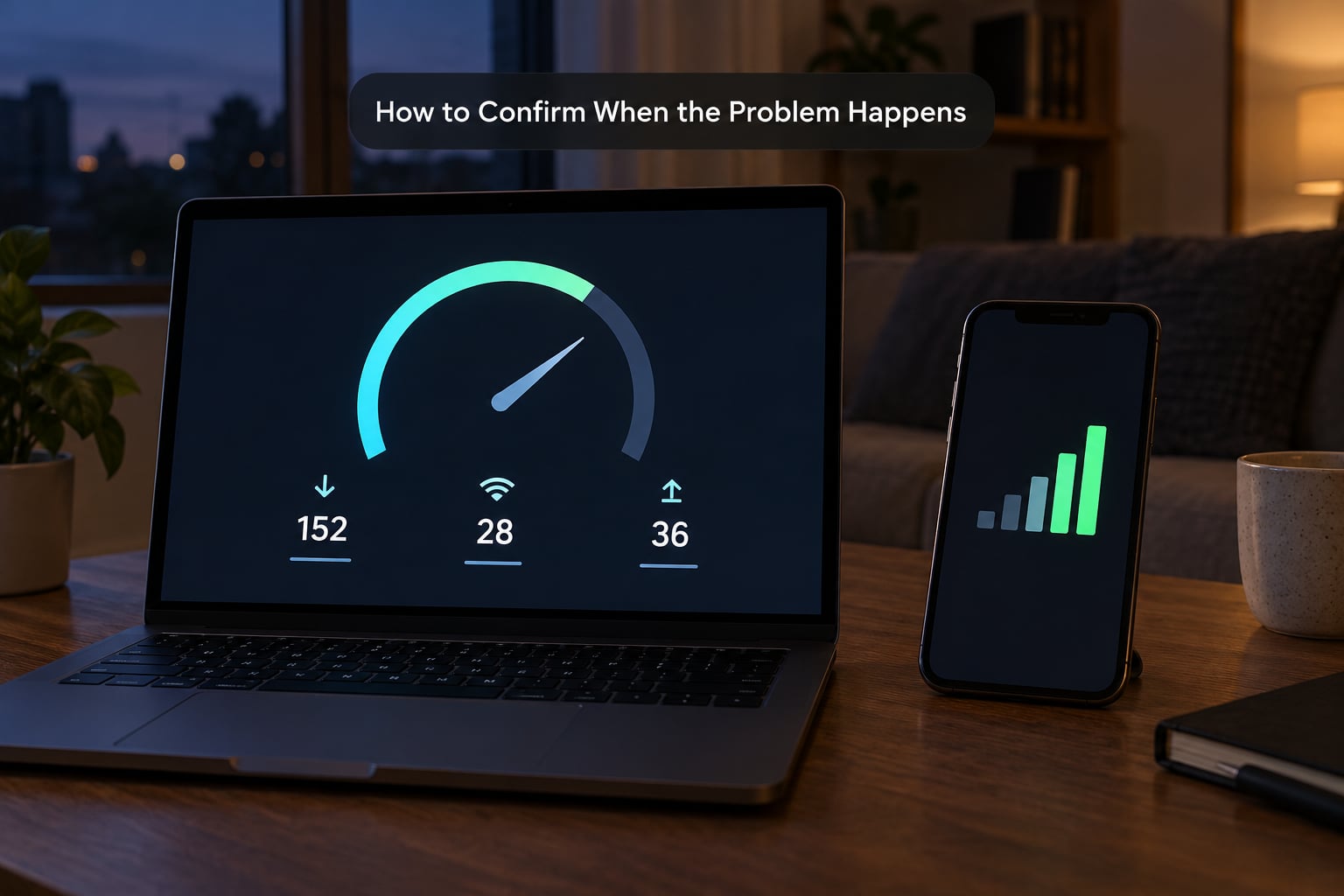
Guessing takes an evening and usually ends at the wrong answer. Ten minutes of testing tells you which layer is actually broken.
Run the same speed test at 8 PM and at 8 AM
Use whatever speed test you trust and run it at the same time both days, wired if you can. A line that delivers 200 Mbps at breakfast and 40 Mbps at 9 PM has a peak-hour problem upstream of your devices, and no router change will fix it.
Compare a wired result with a wireless one
Plug a laptop into an Ethernet port and run the test again. Slow on both means your ISP or your modem, since Wi-Fi is not involved at all. Fast on wired and slow on wireless means the evening congestion is happening over the airwaves in your house.
Watch latency separately from speed
Gamers know the difference already. A download of 200 Mbps with 90 ms ping is bufferbloat, which means a queue has formed in your router while something else saturates the line, and that is why calls and games stutter while the speed test still looks fine.
These are the combinations you are most likely to see:
| Symptom | Likely cause | First thing to try |
|---|---|---|
| Slow on wired and wireless, only after dark | Peak-hour congestion at your provider | Run the same test at 8 AM to confirm the window |
| Slow on wireless only, fast on wired | 2.4 GHz congestion or too many smart devices | Switch the device to the 5 GHz network |
| Speed fine, ping spikes above 80 ms in the evening | Bufferbloat from a saturated upload queue | Find and pause the device uploading data |
| One device only is slow, everything else is fine | Aged network adapter or a stuck background task | Forget and rejoin the network on that device |
| Everything dies at about the same minute each night | Scheduled update, backup, or failing hardware | Check the router admin log for restart events |
| Second-floor rooms only drop out at night | Repeater or extender adding load and delay | Bypass the repeater and test directly |
Keep the results. A dated log of what happened, when, and how slow is the single most useful thing you can hand an ISP, and it is the piece most people arrive at support without.
Common Causes of Slower Wi-Fi After Dark
The list above is what to suspect. Here is what is actually happening in each case.
Peak hours on a shared cable or DSL line
Cable and DSL both deliver your connection over infrastructure shared with your neighbours, through a node that handles a defined group of homes. When most people are online at once, the slice you get from that node shrinks, so speed falls without anyone touching your setup. Fibre rarely behaves this way because the strand carries far more traffic per line, which is why fibre users tend to notice no evening slowdown at all.
Streaming, gaming, and video calls at home
Evening is when the household itself becomes the load. Two 4K streams, a game console downloading assets, and a work call running at the same time will exceed a 100 Mbps plan on Wi-Fi alone, especially once range and walls start eating into it.
Overnight updates, backups, and game patches
This is the one that surprises people. Consoles and phones routinely download multi-gigabyte patches between midnight and 6 AM, and photo apps back up camera rolls continuously. Nobody on your network switched anything on, yet the line is full. If your connection goes down at 2 AM rather than 8 PM, this is the first thing to check.
2.4 GHz interference and crowded channels
Yes, Wi-Fi signals get congested, because only a few 2.4 GHz channels do not overlap. In an apartment block, every neighbour router adds noise, and your own router has to slow down each transmission to retry. Neighbouring networks become more active in the evening, so the same router that coped at breakfast struggles at 9 PM. The 5 GHz band has far more room and is the better choice for speed, with 2.4 GHz kept for range and smart devices.
Router and modem problems
Routers live in hot, enclosed spaces and run for years without rest. Heat makes them throttle, and a router that is overheating will look like a congested one on every speed test. Placement matters just as much: a router boxed into a cupboard, on the floor, or beside a TV is the most common self-inflicted evening slowdown there is.
Repeaters making things worse
There is a well-known case on a networking forum of a two-level apartment where a normal 16 Mbps line collapsed to roughly 16 kbps every evening, with a repeater installed. Repeaters re-broadcast everything they receive, so they consume airtime and halve throughput for clients behind them. If one was added to fix coverage and coverage still is not right, removing it from the chain is a cheap test.
Quick Fixes to Try Tonight
Work down this list in order. The first four take minutes and cost nothing.
- Restart the modem and router properly. Unplug both, wait a full 60 seconds, power the modem first, and only power the router once the modem’s status lights have settled. Sleeping gear holds memory errors that show up as evening slowdowns.
- Pause what is downloading. Check the console, the phone, and any laptop running an update or a cloud sync, then pause all of it and test again.
- Move closer to the router. One test from the same room tells you whether you have a coverage problem or a capacity problem.
- Switch the device to 5 GHz. If your router broadcasts one band name, split it, or connect to the 5 GHz SSID directly.
- Plug the heavy devices into Ethernet. A TV, desktop, or console on a cable stops competing for airwaves entirely.
- Reschedule updates and backups. Set console downloads and photo backups to daytime, and turn off automatic game patching if your settings allow it.
- Update the router firmware. Outdated firmware is common on gear that has been running for years and is worth a reboot cycle every few months.
- Give the router air. Move it out of a cabinet and off any surface that traps heat.
If the speed test comes back strong after those eight steps, you have fixed it for the evening. If it is still slow, the fault is not in that list.
How to Fix Wi-Fi Congestion on Android Devices
Android phones are usually the device that notices the slowdown first, because they also start backing themselves up. These paths are for stock Android and the Xiaomi/Redmi interface, and the equivalent on other skins sits in the same place under Data usage.
- See what is eating your data. Open Settings, Wi-Fi, tap the network name, then Data usage, and check the per-app breakdown for anything large in the last few hours.
- Turn off automatic downloads. In Settings, Apps, Google Play Store, Auto-update apps, choose Wi-Fi only or Off for apps you would rather update in the morning.
- Stop background mobile data. In Settings, Data usage, Data saver, enable data saver so apps cannot use mobile data in the background while your Wi-Fi is congested.
- Review Mi Cloud or Google backup. In the Mi Cloud or Google Photos app, open backup settings and switch camera roll backup from automatic to manual if it runs overnight.
- Forget and rejoin the network. Long-press the saved network, choose Forget, then reconnect. This clears a stale DHCP or DNS assignment that survives a normal restart.
- Reset network settings last. Settings, System, Reset options, Reset Wi-Fi, mobile and Bluetooth clears saved networks and pairing records, so you will need to re-enter passwords.
Wi-Fi Assistant, the scan button in the Wi-Fi menu, is a fast way to see which band your phone picked up on a dual-band router.
How to Improve Your Router and Wi-Fi Signal
If the diagnosis pointed at the airwaves rather than your provider, these are the changes that matter.
Place it properly. Put the router on a shelf in an open room, roughly halfway between your provider’s cable inlet and the far end of the house, and off the floor. Height and clear line of sight beat almost every antenna specification.
Pick the right band. 5 GHz and 6 GHz give faster throughput with less congestion but shorter range, which suits a desk or a living room. 2.4 GHz reaches further and penetrates walls better, which suits smart bulbs, cameras, and the far bedroom. Split the bands rather than forcing one name across the house.
Change the channel. Most routers pick a channel automatically and sometimes pick badly. Setting a fixed channel on a 2.4 GHz network, chosen from the least busy one, is free and often visible in the improvement the same night.
Ethernet before extenders. Running a cable to a second router or access point is always faster and adds no delay. A mesh system is the right answer for a house with dead zones. A repeater is the last resort, because it costs you throughput.
Know when replacement is justified. Buy new gear when the router is at the end of a Wi-Fi generation your provider now expects, when it overheats even in the open, or when a wired test in the same room is still poor. Do not buy new gear because a wireless test is poor; that is an airtime problem, and a faster radio in the same crowded channel does not add airtime.
When to Call Your Internet Provider
Some symptoms sit firmly on your provider’s side of the wall, and no amount of router work will touch them.
- Slow on a wired Ethernet connection at 9 PM and fine at breakfast.
- Dropped connections or outages that follow the clock, night after night.
- Degraded service in peak hours that neighbours on the same node also report.
- Poor performance outdoors or right at the service entrance point, which points to the line itself.
- A scheduled drop that begins within minutes of itself each evening, which on forums has pointed to failing provider hardware in a warm cupboard rather than congestion.
Before you call, write down the dates, the clock times the problem starts, the wired and wireless speed results, and what was streaming or downloading at the time. Providers can act on a pattern; they cannot act on “it is slow at night”. If the answer is a throttling cap on your plan, ask directly whether your line is subject to one and what the limit is.
Frequently Asked Questions
What time of day is the internet slowest?
For most home connections the slowest window is early evening, roughly 7 PM to 11 PM, because that is when people get home, start streaming, and play games at the same time. Overnight can also be slow if consoles and phones download patches. Testing the same way at 8 AM and 9 PM tells you which window you are actually in.
Is 2.4 GHz or 5 GHz faster?
5 GHz is faster and much less congested, so use it for laptops, phones, TVs, and consoles. 2.4 GHz reaches further and passes through walls more easily, so it suits smart home devices and distant rooms. Running both bands on separate names and letting each device pick its band gives you speed up close and coverage far away.
Can Wi-Fi signals get congested?
Yes. The 2.4 GHz band has only a few non-overlapping channels, so routers in neighbouring flats compete for the same air, and yours slows down each transmission to retry when it collides. The 5 GHz and 6 GHz bands have far more room. Evening congestion is worse because neighbouring networks are active at the same time yours is.
Why does my internet go down at 2 AM?
Because that is when scheduled work runs. Consoles download multi-gigabyte patches, phones install system updates, and photo apps back up camera rolls, all without anyone asking. Check your console’s download queue and your backup settings, switch them to daytime or manual, and the overnight drop usually disappears. A physical drop at the same minute every night is a different story and points to hardware.
Why is my ping high at night when my download speed looks fine?
That is bufferbloat. When one device saturates the connection, queued data waits in the router or in your provider’s equipment, and latency climbs even though throughput holds up. Find the uploading device, usually backups, cloud sync, or a torrent client, pause it, and check whether your router has QoS settings that prioritise gaming and calls.
Does fibre internet slow down during peak hours?
Much less often than cable or DSL, because fibre does not share a neighbourhood node the same way and carries far more traffic per line. If your fibre connection still drops in the evening, suspect your own router, repeaters, or household load rather than the provider. A wired speed test at 9 PM compared with 8 AM settles which one it is.
Start With the Simplest Test
If you only do one thing tonight, pause every download, restart the modem and router, then run one speed test at 9 PM and a second at 8 AM. Those two numbers decide whether you are looking at your provider, your household, or your own airwaves.
Why is my wifi slow at night, narrowed to one line: if it is slow on wired and wireless in the evening, that is your provider’s busy node and no router will fix it. If it is slow on wireless only, that is your 2.4 GHz channel, your streaming, or a repeater, and all three are fixable tonight for nothing.