To improve sleep score on a wearable, work outwards from the biggest penalties: sleep duration, then bedtime consistency, then awakenings, then deep and REM balance. Before changing habits at all, confirm the device is actually recording the night, because most stuck scores turn out to be a settings problem rather than a sleep problem.
A sleep score is a single number out of 100 that your watch builds each night from sleep duration, deep and REM time, how long you were awake, and supporting signals such as heart rate variability (HRV), resting heart rate and how consistent your bedtime was. Every brand weights those inputs differently, and none of them measures brainwaves.
That last point matters more than it sounds. Wearables estimate sleep stages from an accelerometer, an optical heart-rate sensor and sometimes skin temperature trends. That is why the same night can score 62 on one watch and 88 on another, and why trackers tend to overestimate total sleep time. Treat the score as a trend line you steer by, not a verdict.
Table of Contents
- What Counts as a Good Sleep Score (and Why It Differs by Brand)
- What You Need Before You Start
- Step-by-Step: How to Improve Sleep Score on a Wearable
- Set a Consistent Sleep and Wake Schedule
- Build a Calm Bedtime Routine
- Use Your Wearable’s Sleep Tracking Features Correctly
- Improve Sleep Quality With Light, Activity and Meal Timing
- Review What Is Lowering Your Score
- Adjust the Device Settings and Environment
- Track Progress for at Least Two Weeks
- Know When to Stop Chasing the Number
- Common Mistakes to Avoid
- Frequently Asked Questions
- What is a good sleep score on a smartwatch?
- Why am I getting excellent sleep scores if I sleep less than 8 hours?
- Why is my Garmin sleep score so low?
- How does my watch know I’m in deep sleep?
- How long does it take to improve a sleep score?
- Should I stop tracking my sleep altogether?
What Counts as a Good Sleep Score (and Why It Differs by Brand)
There is no universal good score, because there is no universal formula. Bands below reflect published guidance from each brand plus what reviewers report; check your own app, since scoring algorithms get updated and can shift historical numbers.
| Device and app | What a strong score looks like | What drags it down |
|---|---|---|
| Garmin Connect | Mid-70s to low 80s; Garmin’s own published average sits near 71, with roughly 5 percent of users averaging higher | Heavy weighting on HRV and resting heart rate, so a hard training week tanks the score even with good sleep |
| Oura app | 70 to 79 is good, 85 and above is the target range; below 70 is flagged as worth working on | Timing regularity and temperature deviation contributors, plus any night under the sleep goal |
| Apple Health and Watch | No single vendor sleep score; Watch grades stages as Good, Fair or Poor, and third-party apps convert it to a number | Apple is stricter on short total sleep, and tends to report less deep sleep than a ring worn on the same night |
| Google Health and Fitbit | Sleep Score typically runs 70 to 100, with 80 treated as a good night | Short duration and irregular sleep windows; Fitbit leans on duration and efficiency |
| Xiaomi Smart Band with Mi Fitness | Reports a 0 to 100 score; reviewers generally describe the grading as lenient | Missing nights and phantom awakenings that some GalaxyFit and Mi Band users report seeing in the chart |
| Samsung Health and WHOOP | Samsung gives a 0 to 100 sleep score; WHOOP splits sleep performance from a 0 to 100 percent recovery score | Both lean hard on HRV and recovery state, so training and stress load show up overnight |
What You Need Before You Start
You need four things: the wearable itself with a full night of charge, its companion app updated to the current version, and the phone permissions that let the app read health data and reach the network in the background. On Android that includes Battery optimisation set to Unrestricted, since a killed background process is the usual reason a night shows up blank.
Then give yourself two weeks of existing data before you change anything. You cannot tell whether a fix worked without knowing where you started, and a single night is far too noisy to judge. Know your current seven-day average, your usual bedtime and your average sleep duration. Write them down.
Step-by-Step: How to Improve Sleep Score on a Wearable
Set a Consistent Sleep and Wake Schedule
Lock your wake time first, not your bedtime. A fixed wake time anchors everything upstream, and most scoring algorithms reward timing consistency more than most people expect.
Keep the window tight, ideally within about an hour, including weekends. If you genuinely cannot, that is fine, but expect your consistency component to stay low and stop treating it as a character flaw. Shift workers and frequent travellers will never win this part of the score, and no amount of effort changes that.
Build a Calm Bedtime Routine
Give yourself a 30 to 60 minute wind-down that repeats in the same order. Dim overhead lights, drop the room temperature, put the phone on charge outside arm’s reach, and do something boring and physical rather than something stimulating.
Slow breathing helps some people settle. Three minutes of box breathing, four seconds in, four held, four out, is a reasonable place to start. Keep expectations modest: this is a relaxation technique, and it is not scored by your watch.
Use Your Wearable’s Sleep Tracking Features Correctly
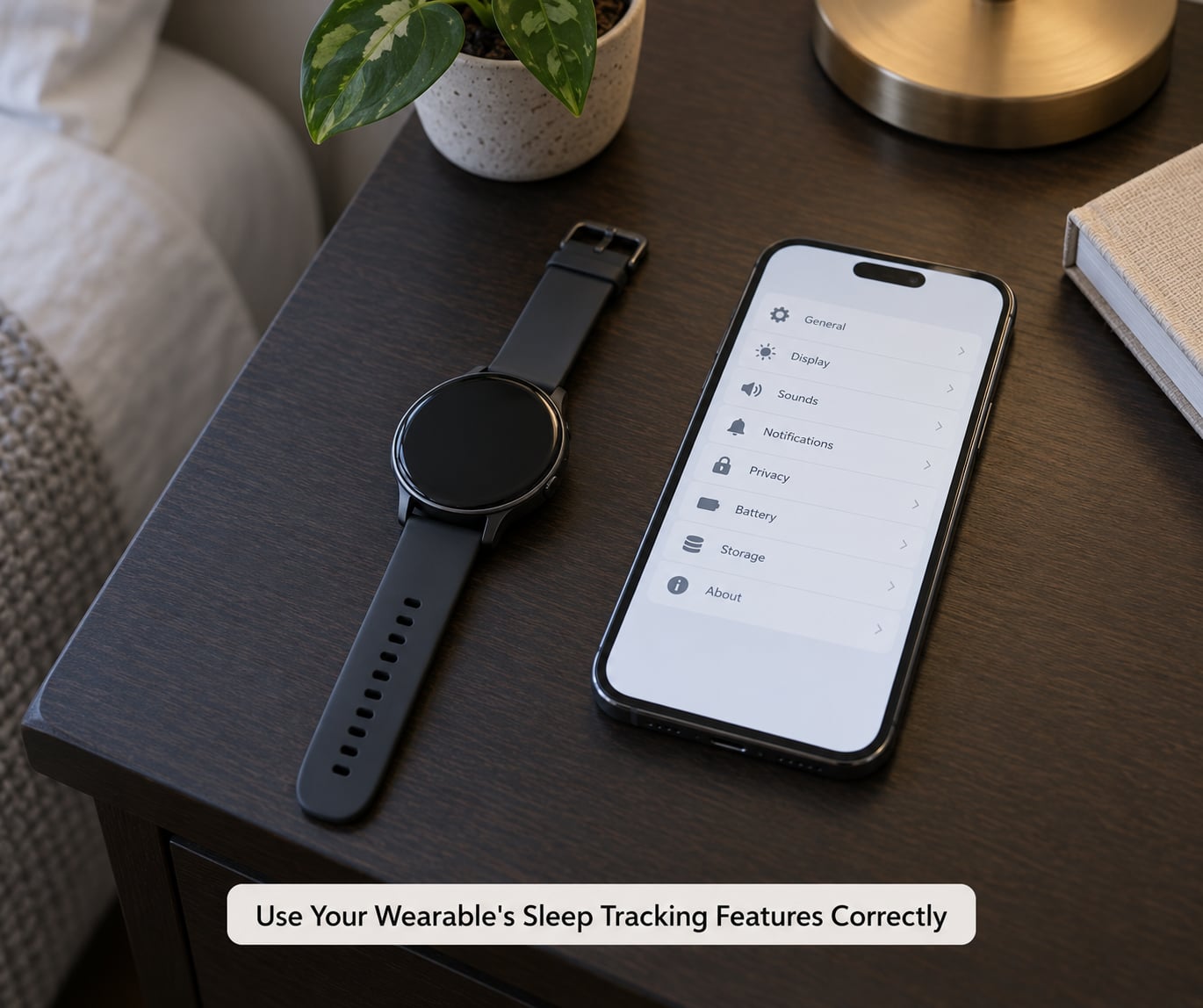
This is the step people skip, and it explains more stuck scores than any habit change. Work through this list before you blame your bedtime.
- Wear detection on so the device knows it is on your wrist at night. On Mi Fitness this sits under the device’s sleep or all-day monitoring options; on Garmin it is part of the sleep and body battery settings.
- Continuous heart rate on, not the 24/7 mode that samples in bursts. HRV and resting heart rate carry real weight in Garmin, Oura, WHOOP and Samsung scoring, and sparse sampling flattens them.
- Snore and cover-to-sleep detection on where your model supports it, usually under sleep-related toggles in the health app.
- Background sync and permissions intact: allow the health app to run in the background, allow notifications so alarms fire, and check that the sleep stage permission was granted.
- Screen off, device charged, band snug. A loose strap or a watch that went to 2 percent at midnight produces a short, fragmented night that no habit fix will repair.
One caveat worth repeating from the forums: wearing the watch all day and training hard in the evening can change the overnight reading, because recovery state feeds HRV. That is real signal, not a settings bug, but it means a hard workout can lower tomorrow’s score before you even go to bed.
Improve Sleep Quality With Light, Activity and Meal Timing
Get daylight early. Outdoor light within an hour of waking sets the circadian clock that governs tonight’s sleepiness, and it is the cheapest habit on this list.
Move the training session earlier when you can, since late hard sessions raise overnight heart rate. Set a caffeine cutoff around mid-afternoon, since caffeine half-life runs about five to six hours. Finish dinner two to three hours before bed, and treat alcohol carefully: it fragments the second half of the night even when it makes you fall asleep faster.
Review What Is Lowering Your Score
Stop reading one number and start reading components. Every app exposes a breakdown somewhere in the sleep details view, and that breakdown tells you which lever to pull.
| What dropped | What it usually means | What to change |
|---|---|---|
| Total sleep duration | The night simply was not long enough | Move bedtime earlier by 15 to 20 minutes at a time; do not change it more than once a week |
| Bedtime regularity | Large swings in sleep and wake times | Fix the wake time and let bedtime follow it |
| Awake time and interruptions | Caffeine, alcohol, a late meal, a noisy or warm room, or a watch that mistook movement for wakefulness | Cut caffeine earlier, drop alcohol, cool the room, and tighten the strap |
| Deep sleep percentage | Often noise rather than a real signal; it depends on total duration too | Cooler, darker bedroom, no late exercise, longer night overall |
| REM sleep | REM lengthens with a full night; short nights cut it first | Add 20 minutes of sleep rather than chasing REM directly |
| HRV and resting heart rate | Stress, illness, alcohol, or hard training in the previous day or two | Ease training, hydrate, and give it a few nights before reacting |
Deep sleep percentages deserve particular scepticism. Short nights produce low deep percentages mathematically, and trackers disagree with clinical sleep studies about stage timing. Forty minutes of deep sleep in a seven-hour night is unremarkable.
Adjust the Device Settings and Environment
Check your sleep goal against what your life actually allows. Most people set an eight-hour goal and then quietly fail it nightly, which caps their duration component permanently. Set a goal you hit, then raise it later.
Set a smart alarm so the watch wakes you inside a light sleep window instead of at a fixed moment, and turn off non-essential notifications so the device is not buzzing beside your head. Enable sleep breathing notifications and snore detection if your model has them, and read those as prompts to look at the room, not as findings.
Aim for a cool, dark, quiet bedroom. Reviews of the sensing stack consistently point to a cool room and blackout curtains as the environment changes readers report first. Nothing here is medical guidance: a wearable cannot diagnose sleep apnoea or restless legs, and if you snore heavily, wake gasping, or feel unrefreshed after eight hours, that is a conversation for a clinician rather than a settings menu.
Track Progress for at Least Two Weeks
Compare seven-day averages, never single nights. One bad evening, one late meal, one restless patch and your nightly score swings by fifteen points in either direction while your actual physiology barely moves.
Change one thing at a time and give it five to seven days. Users report that consistency-driven gains show up inside a week, while duration changes take longer because they compound. If the number has not moved after two weeks of honest effort, change a different variable rather than adding more.
Also keep a benchmark that is yours, not a friend’s. Comparing your Garmin 71 against someone’s Oura 94 tells you nothing, because the formulas are not comparable.
Know When to Stop Chasing the Number
There is a documented condition called orthosomnia, described by Baron and colleagues in a 2017 paper in the Journal of Clinical Sleep Medicine: sleep technology can become an obsession that makes sleep worse. People stay in bed longer trying to raise a metric, feel anxious before bed, and judge the night by the score in the morning.
If that sounds familiar, the fix is a rest day from tracking. Some people check the app once a week; others turn the display off on the wrist and read only the seven-day trend. Sleep is a biological process, and the watch is a rough reporter with good intentions.
Common Mistakes to Avoid
- Chasing a perfect score. A 100 is rare even for people who sleep well. Aim for a stable seven-day average instead.
- Wearing the device wrong. Loose straps, all-day-display-off charging habits and missing background permissions cause phantom awakenings and short nights.
- Changing everything at once. Fix two things and you will never know which one worked.
- Treating wearable data as a diagnosis. No consumer device detects sleep apnoea or restless legs reliably. Symptoms belong to a doctor.
- Comparing scores across brands. Different formulas, different sensors, different thresholds.
- Panicking after one bad night. Algorithms also get updated, which can retroactively change old scores and make a working fix look broken.
Frequently Asked Questions
What is a good sleep score on a smartwatch?
It depends on the brand. Garmin treats the mid-70s to low 80s as adequate and publishes an average near 71. Oura calls 70 to 79 good and points people toward 85 or above. Google Health and Fitbit run from 70 to 100 with 80 seen as a good night. Apple Watch does not publish a single score at all. Compare your device against its own bands, not someone else’s number.
Why am I getting excellent sleep scores if I sleep less than 8 hours?
Most algorithms weight duration against your personal goal, not against a universal eight hours. If your app target is 7 hours, a 6 hour 50 minute night with excellent continuity can score well. Some trackers also overestimate total sleep time. If you consistently feel unrefreshed on a high score, trust that feeling and talk to a clinician rather than assuming the number is wrong.
Why is my Garmin sleep score so low?
Garmin weights HRV and resting heart rate heavily, so a hard training block, illness, alcohol or stress can produce a poor score even when your sleep looks fine. Garmin’s own figures put the average user near 71, so most scores people call disappointing are simply normal. Check HRV and resting heart rate first in the sleep details, then look at duration and timing.
How does my watch know I’m in deep sleep?
It does not know directly. Watches combine accelerometer and gyroscope motion data with optical heart-rate signals, including HRV and breathing rate, and classify the resulting pattern as light, deep or REM. Deep sleep features very little movement with a low, steady heart rate, so the algorithm infers it from the absence of movement. Real stage detection needs EEG in a sleep study, so treat the stages as estimates.
How long does it take to improve a sleep score?
Timing and duration changes show up within about a week, because the algorithm needs several nights to recognise a new pattern. Consistency gains typically appear in five to seven days, which is the window most users report. Deeper changes, like fewer awakenings from a cooler room, take two to three weeks. Judge progress on the seven-day average and never on a single night.
Should I stop tracking my sleep altogether?
Only if the number is making you anxious or keeping you in bed past when you would naturally wake. That pattern has a name, orthosomnia, and was described by Baron and colleagues in 2017 in the Journal of Clinical Sleep Medicine. A reasonable middle ground is checking the seven-day trend once a week and ignoring the nightly figure. Many people keep tracking and simply stop reacting to the score.
Start tonight with the boring part: charge the watch, confirm wear detection and continuous heart rate are switched on, and set a fixed wake time for the next two weeks. Everything else on this list works faster once the device is recording the night properly, and the seven-day average will tell you the truth long before a single score does.