If your computer lives on one desk and rarely travels, a mini PC is the better desktop replacement: you get more performance and more upgrade room per unit of money, and the screen you already own becomes the expensive part you don’t repurchase. Buy a laptop instead when the machine has to leave the desk. That split is the whole answer, and the rest of this guide is the detail behind it.
I’ve set up both kinds of machines in home offices and watched people switch between them, and the decision rarely turns on raw speed. It turns on three questions: where does the computer go, who else needs a screen, and what happens in year four when it needs more memory. Answer those and the format picks itself.
Table of Contents
- Mini PC vs laptop as a desktop replacement at a glance
- Performance: which computer handles more work?
- Mini PC vs laptop performance: which tier you actually need
- Why laptops slow down when the load stays high
- Price and total cost of ownership
- Desk comfort and everyday use
- Portability and flexibility
- Upgrades, repairs, and lifespan
- Gaming, graphics, and specialized work
- Power use, connectivity, and setup
- Which should you choose?
- Frequently Asked Questions
- Are mini PCs just as good as desktops?
- Can a mini PC replace a desktop computer?
- What is the downside to a mini PC?
- Which is better for me, a laptop, a desktop, or a mini PC?
- What are the disadvantages of mini PCs compared with laptops?
- Are desktop computers being phased out?
- Conclusion
Mini PC vs laptop as a desktop replacement at a glance
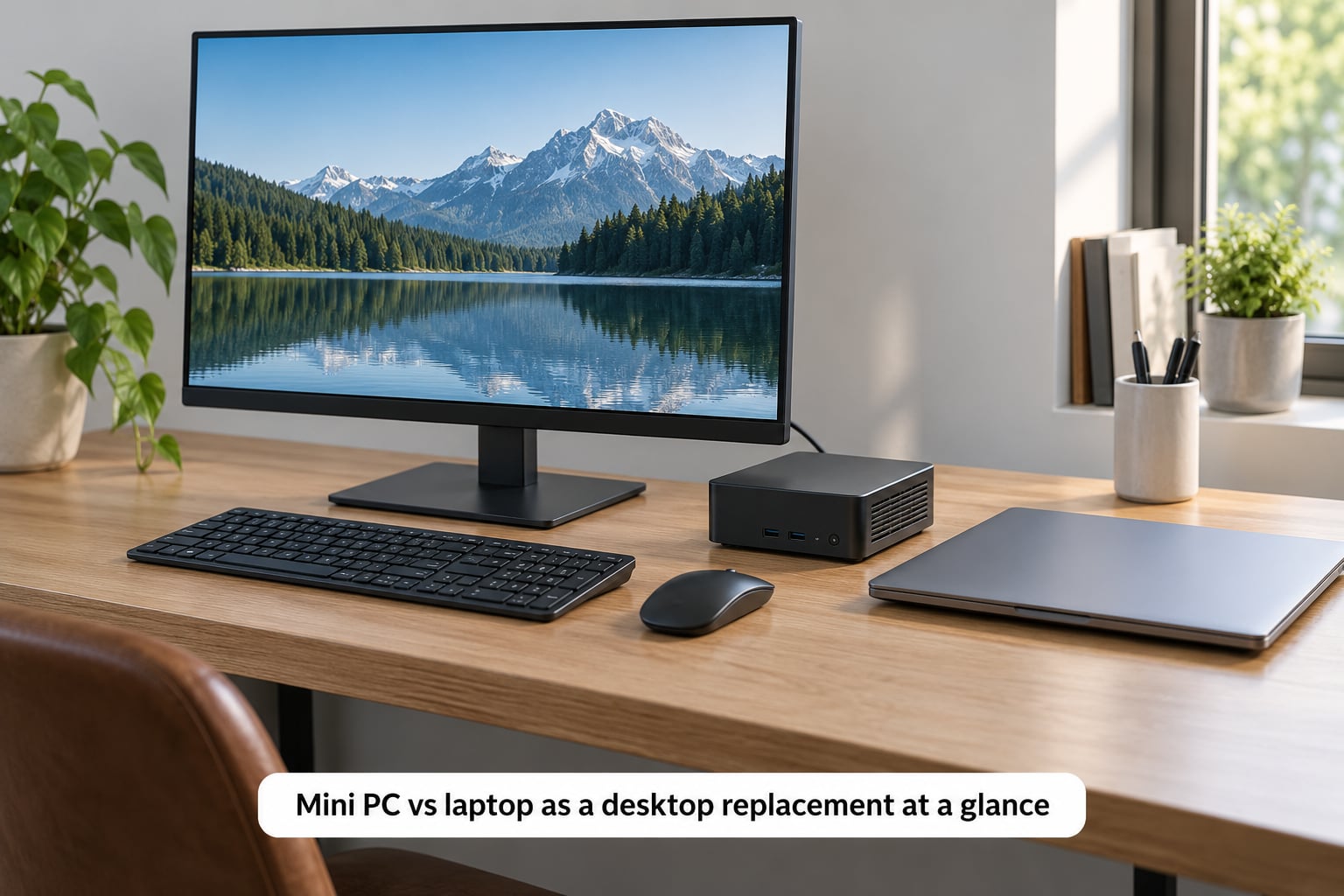
Here is the short version. A mini PC is a small, low-power desktop with no built-in screen, battery or keyboard. A laptop bundles all of that into one object you can carry. Everything below that table is nuance on these ten rows.
| Criterion | Mini PC | Laptop |
|---|---|---|
| Screen, keyboard and battery | Not included, except for a small display on some models | All bundled |
| Performance per unit of money | Usually higher | Usually lower, since the same money buys a screen and battery |
| Heat and fan noise under sustained load | Cooler and quieter, no battery to power | Warmer, fans spin up more often |
| Memory and storage upgrades | Usually replaceable SO-DIMM and M.2 slots | Often soldered on thin models, replaceable on thick ones |
| Moving between rooms or travelling | Awkward, the screen and input devices travel separately | Designed for it |
| Typical power draw while in use | Often 6 to 25 watts | Often 15 to 45 watts |
| Desk comfort over a long session | Full-size monitor, external keyboard and mouse | Depends entirely on the built-in panel and keyboard |
| Second monitor | Common, sometimes three or four outputs | Common on larger models, sometimes needs a dock |
| Repairs and resale | Parts are easy to swap, resale value varies | Thin models are hard to open, batteries wear out |
| Best for | A fixed desk, an office, a study that stays put | Commuting, travel, several workspaces |
Performance: which computer handles more work?
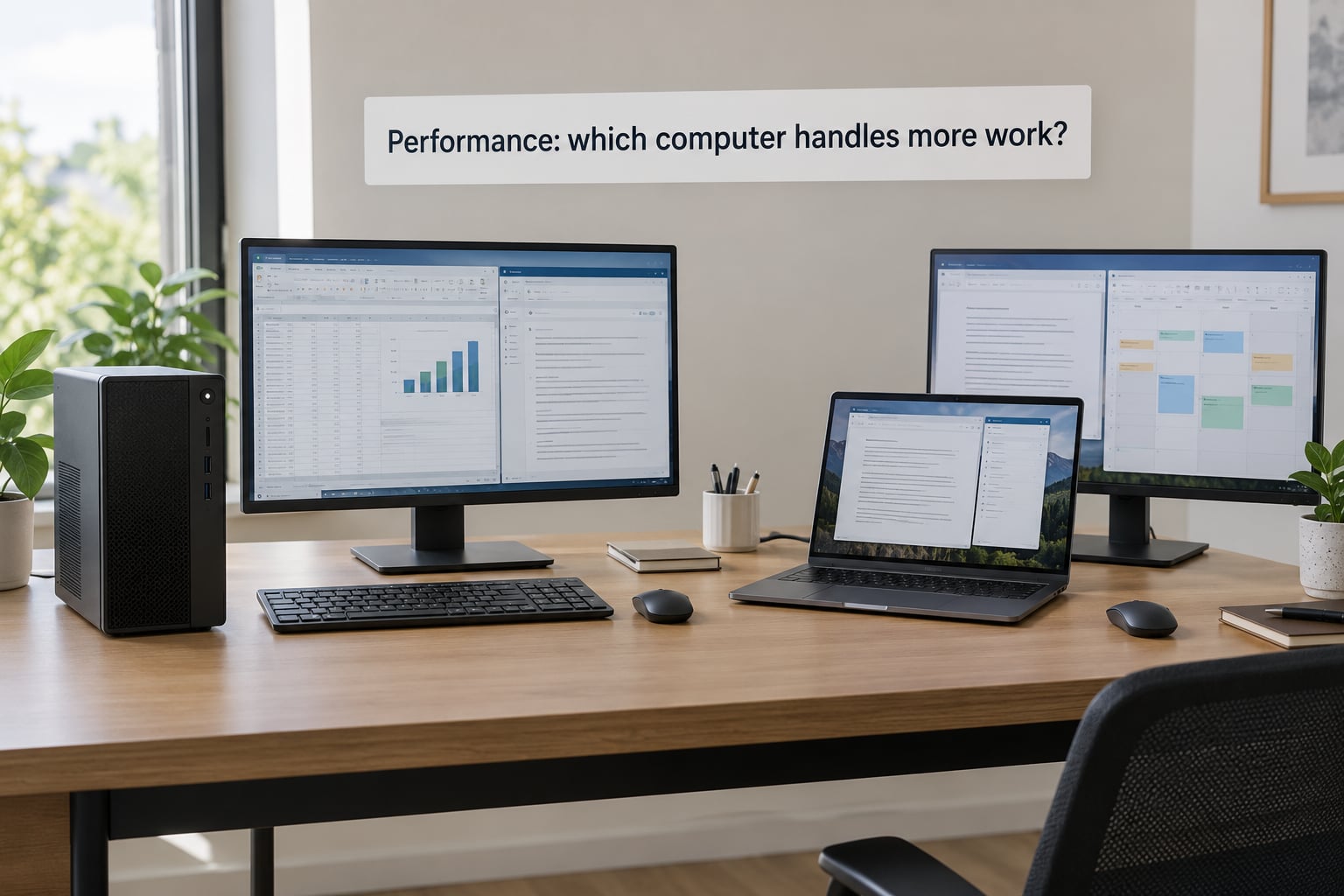
At the same budget, a mini PC is usually the faster machine. That is not because mini PCs are magic, it’s because the same money is not spent on a panel, a battery and a hinge assembly. Put that saving into a faster processor or more memory and the desktop-class box simply has more headroom.
Mini PC vs laptop performance: which tier you actually need
Office work, browsing with a lot of tabs, video calls, spreadsheets, streaming and light photo editing all run comfortably on an entry-level chip such as the Intel N100 or N97 class. Those parts are fanless, sip power, and are the sweet spot for documents, browsing and a spare second machine.
Code compiling, heavy spreadsheets, light video editing and dozens of browser tabs want a Ryzen 7 7840HS-class or Core Ultra-class part with 16 GB of memory or more. Mini PCs in that class outperform most thin laptops of the same price. Laptops with a discrete GPU still hold their own for anything GPU-bound.
Why laptops slow down when the load stays high
A laptop has to keep a screen, a battery and a cooling system happy at the same time, inside a thin shell. Under a long render or a compile, the processor hits its thermal or power limit and slows down on purpose. A mini PC with the same chip usually sits cooler because there’s no battery to charge and no panel to drive.
That said, form factor alone decides very little. A well-cooled laptop with good memory can beat a badly ventilated mini PC. Check what the machine actually does for ten minutes straight, not what it does for thirty seconds.
Price and total cost of ownership
The mini PC’s price is not the real number. Add a monitor, a keyboard, a mouse and possibly a dock or dock cable, and the gap against an all-in laptop narrows fast. The honest comparison is a mini PC plus those four items against a laptop of similar computing power.
The maths depends on what you already own. If a monitor is sitting in storage because a laptop replaced your old tower, that screen is free and a mini PC is the obvious buy. Starting from nothing, a low-end laptop bundles a usable screen and keyboard for money a monitor alone would cost, and a lot of people are surprised by that.
Running costs are small either way but consistently favour the mini PC. Assume roughly 8 hours of use a day at typical household electricity rates: a mini PC drawing 10 watts for 2,900 hours a year is about 29 kWh, while a laptop averaging 25 watts over the same hours is closer to 73 kWh. Neither figure is a big line on a bill, but the mini PC also produces less heat in the room and less fan noise.
Over four or five years, two more items show up. Laptop batteries are consumables and often swell after a few years of heat. Mini PCs mostly need a new drive or extra memory instead, and parts are cheap. Resale goes the other way: a used mini PC is a niche market, while a used business laptop has plenty of buyers.
Desk comfort and everyday use
For a full working day, the mini PC route is more comfortable, and not by a small margin. A monitor on a stand puts the top of the screen at eye level, and an external keyboard and mouse let you position your hands where they belong. A laptop on a desk pushes the screen up and the keyboard toward you, which is fine for an hour and tiring by the fourth.
Noise matters more than people expect in a shared room. Many office-class mini PCs run completely fanless because their chips stay under 15 watts, so a home office or a study stays quiet. Laptops spin their fans whenever they load up.
The one case where the laptop wins on comfort is a cramped space. If the desk is a shelf in a small dorm room, a laptop that folds up and disappears is worth more than a large monitor you have nowhere to put.
Portability and flexibility
A laptop includes a display, keyboard, touchpad, battery, camera and network hardware in a single object. That is why it can go to a client meeting, a lecture hall or a kitchen table in ten seconds. The mini PC’s equivalent claim depends on a whole travel kit, and the screen is the awkward part, not the computer.
People do travel with mini PCs using a folding portable monitor, a travel keyboard and a small mouse. It works, and plenty of them write about it, but you’re carrying more weight and more pieces than a single laptop, and you depend on finding a surface and a spare outlet. A 14-inch laptop in a sleeve is simply a smaller problem.
There’s a middle option worth knowing: a laptop plus a cheap external monitor for the desk. You get one machine that travels and a comfortable workstation at home, though the cost runs higher than either format on its own.
Upgrades, repairs, and lifespan
Here’s where the usual argument flips. Many thin laptops solder memory and storage onto the motherboard, and some have a single storage slot, so a model that feels future-proof on paper can’t grow an inch. A lot of mini PCs use standard SO-DIMM memory and M.2 drives that you swap in minutes with a screwdriver.
Before buying either, check three things: how many memory slots and how many storage slots the machine has, whether they’re reachable without destroying the chassis, and what the warranty covers. Owners on r/suggestapc and r/MiniPCs raise the same point repeatedly, that a model with soldered memory and one storage slot rules itself out for anyone who wants to keep a machine for years.
Repairs run the same way. A desktop-class box opens up, the drive and memory come out, and a dead part can be replaced with a generic one. Laptop repairs usually mean a service centre and a part matched to the exact model. Neither form factor is being phased out, and both are still made in volume, so the lifespan difference is really about what happens in year three.
Gaming, graphics, and specialized work
This is where laptops still win, and no amount of desk comfort changes it. A laptop with a dedicated GPU has memory bandwidth, cooling and a power budget that a mini PC of the same class can’t offer. Modern titles, 3D rendering, machine learning work and heavy video timelines all lean on the GPU.
Mini PCs answer with external graphics. Thunderbolt 4 and USB4 docks can host an external GPU, and several higher-end mini PCs have enough bandwidth for it to be worth doing. Expect a cable, an enclosure and a power supply to manage, and a fair amount of money on top. Casual gaming, older titles, indie games and light creative work run fine without any of that.
A dedicated laptop GPU is the simpler answer when graphics are the job rather than the hobby. That’s the clearest case for spending more on a laptop.
Power use, connectivity, and setup
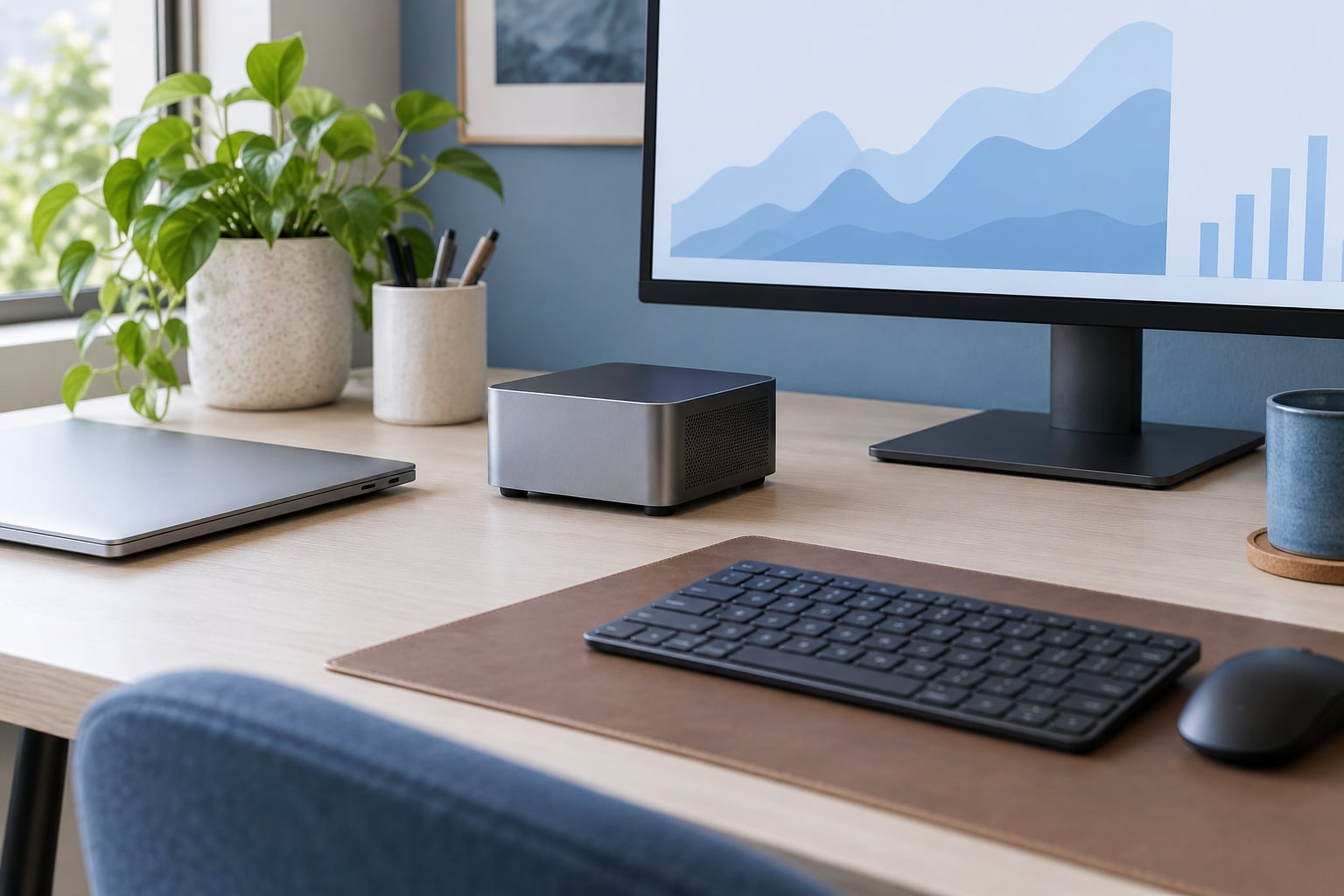
Setting up a laptop takes about a minute. A mini PC takes twenty minutes: plug in the monitor, connect the keyboard and mouse, and set the display as the main screen. That setup happens once, and after that the mini PC is arguably the tidier desk, since the machine can sit on a VESA mount behind the screen or under the desk.
Ports favor the mini PC in one respect. Most offer multiple display outputs, so two or three monitors is often a matter of cables alone, with 2.5GbE ethernet common on the better office models. Laptops have plenty of ports too, but the thin ones may need a dock for a second screen or a wired network.
On power, the mini PC usually wins. On cable clutter, the laptop wins, because one machine with built-in networking needs one charger instead of a monitor cable, a network lead and a power brick.
Which should you choose?
Choose a mini PC when most of these are true: you work at the same desk most days, you already own a monitor or can add one, you want the most performance and upgrade room for the money, your work is documents, browsing, code, spreadsheets or light creative work, and you plan to keep the machine four years or more.
Choose a laptop when most of these are true: you commute, travel or work from more than one place regularly, your space is limited, you need a GPU for gaming or 3D work, you want one box that works the moment it opens, or you are buying for someone who will not enjoy assembling a setup.
Three questions settle it in under a minute:
- Does the computer ever leave the desk? If yes, buy the laptop. Everything else is secondary.
- Do you already own a monitor, keyboard and mouse? If yes, the mini PC comparison changes completely in its favour.
- Is your work limited to graphics-heavy tasks? If yes, you need a dedicated GPU, which usually means a laptop.
One compromise deserves a mention: a laptop with a weaker display is still a fine buy when you plan to attach an external monitor at your desk. Many people do exactly that, and it gives them a travel machine and a comfortable workstation from one purchase.
Frequently Asked Questions
Are mini PCs just as good as desktops?
For office work, browsing, media, programming and light creative tasks, a current mini PC is a genuine desktop and handles those jobs well. The gaps show up in sustained heavy workloads, multi-monitor high refresh gaming and workstation software that needs a dedicated GPU. There you still want a full tower or a laptop with discrete graphics.
Can a mini PC replace a desktop computer?
Yes, for most home and office use. Connect it to a monitor over HDMI or DisplayPort, add a keyboard and mouse, and it boots a full desktop operating system. People on r/MiniPCs regularly report replacing a laptop with a mini PC and reclaiming desk space with performance they describe as more than adequate. Check the display outputs and memory slots before buying.
What is the downside to a mini PC?
The main downsides are the ones peripherals create. You need a monitor, keyboard and mouse, which pushes the real setup cost above the machine’s price. It is not portable on its own, some models have limited or soldered memory, and fanless units can slow down under sustained heavy load. Check the RAM and SSD slot count before you commit.
Which is better for me, a laptop, a desktop, or a mini PC?
Buy a laptop if the computer travels, a mini PC if it stays on one desk and you want maximum performance and upgrade room per dollar, and a full tower if you need a dedicated GPU, lots of internal drive bays or maximum expandability. People who already own a monitor, keyboard and mouse get the best result from a mini PC, because their sunk cost is doing the work.
What are the disadvantages of mini PCs compared with laptops?
Mini PCs arrive without a screen, keyboard, mouse or battery, and they cannot be carried to another room without those extras travelling with them. Some models ship with soldered memory or a single storage slot, which limits how long they stay useful. Very small fanless cases can also throttle during long renders, and the second-hand market is smaller than for laptops.
Are desktop computers being phased out?
No. Full-size desktops are still sold in volume for gaming, workstations and multi-drive builds, and mini PCs have added a small-footprint tier rather than replacing the tower. Laptops dominate because they are convenient, not because desktops are disappearing. For a desk-bound setup, the choice today is between a laptop and a compact box, and both are firmly mainstream.
Conclusion
If the computer is going to sit on the same desk for the next several years, a mini PC is the stronger desktop replacement. You spend less on parts you already need, get a monitor and proper input devices for a comfortable day, and can add memory and storage as your work grows.
Buy a laptop when the machine has to move, when a GPU matters, or when you want a working computer the moment you open the box. The compromise many people land on is a laptop plus an external monitor, which costs more and covers both situations.
Before you buy anything, list four things: the monitor you will use, the keyboard and mouse, the software that has to run well, and how much performance you actually need. That short list settles the mini PC vs laptop question faster than any specification table.