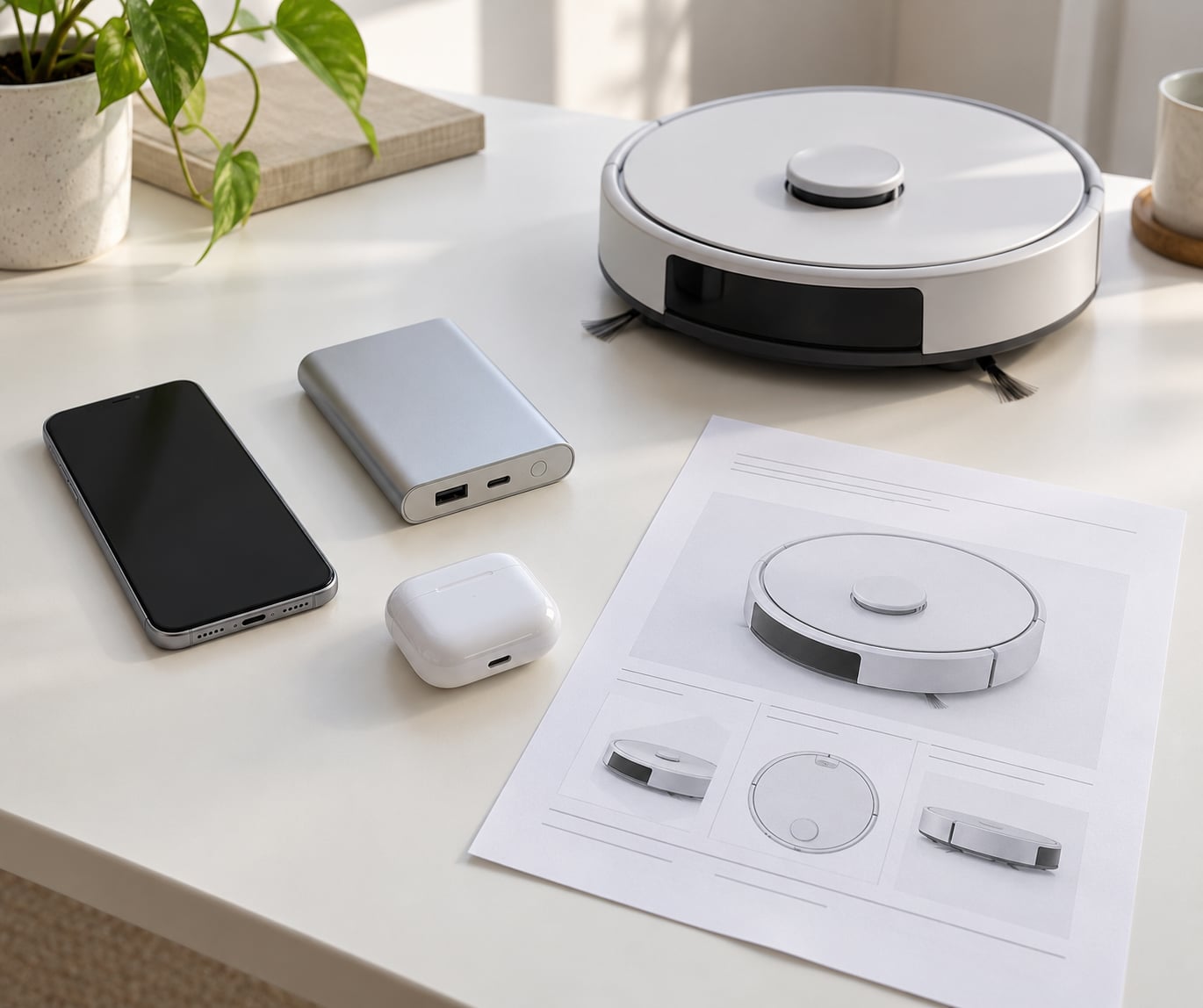
A product spec sheet is the manufacturer’s list of measurable technical details for a device — processor, memory, storage, display, battery, connectivity — written so you can compare one model against another. The problem is that the same page usually mixes those measurements with marketing adjectives, and the two look identical on screen. Once you learn to separate them and read in a fixed order, a spec sheet stops being a wall of numbers and becomes a checklist you can finish in a few minutes.
The fastest way to learn is to apply the same seven-step method to any device, then use a category-specific shortlist for the numbers that actually change daily use. That is what this guide covers, from smartphones and smart-home kit to laptops and displays.
Updated for October 2026.
Table of Contents
- What Product Spec Sheets Actually Tell You
- How to Read Product Spec Sheets Before Buying Tech
- What to inspect, why it matters, and what disqualifies a product
- How to Read Common Smartphone Specifications
- How to read a phone spec sheet without getting lost
- How to tell 128GB from 256GB on a listing
- Why megapixels are the weakest camera number
- How to Read Specs for Smart-Home Devices
- Which Specification Numbers Matter Most?
- How to Spot Marketing Jargon and Missing Information
- How to Compare Specifications Across Different Brands
- Frequently Asked Questions
- How to read phone specs?
- How do I know if my phone is 128GB or 256GB?
- What specifications should I look for when buying a laptop?
- Can you explain RAM in a simple way?
- Does 4 cores mean 4 processors?
- What do the specs on a product page actually mean?
- Conclusion
What Product Spec Sheets Actually Tell You
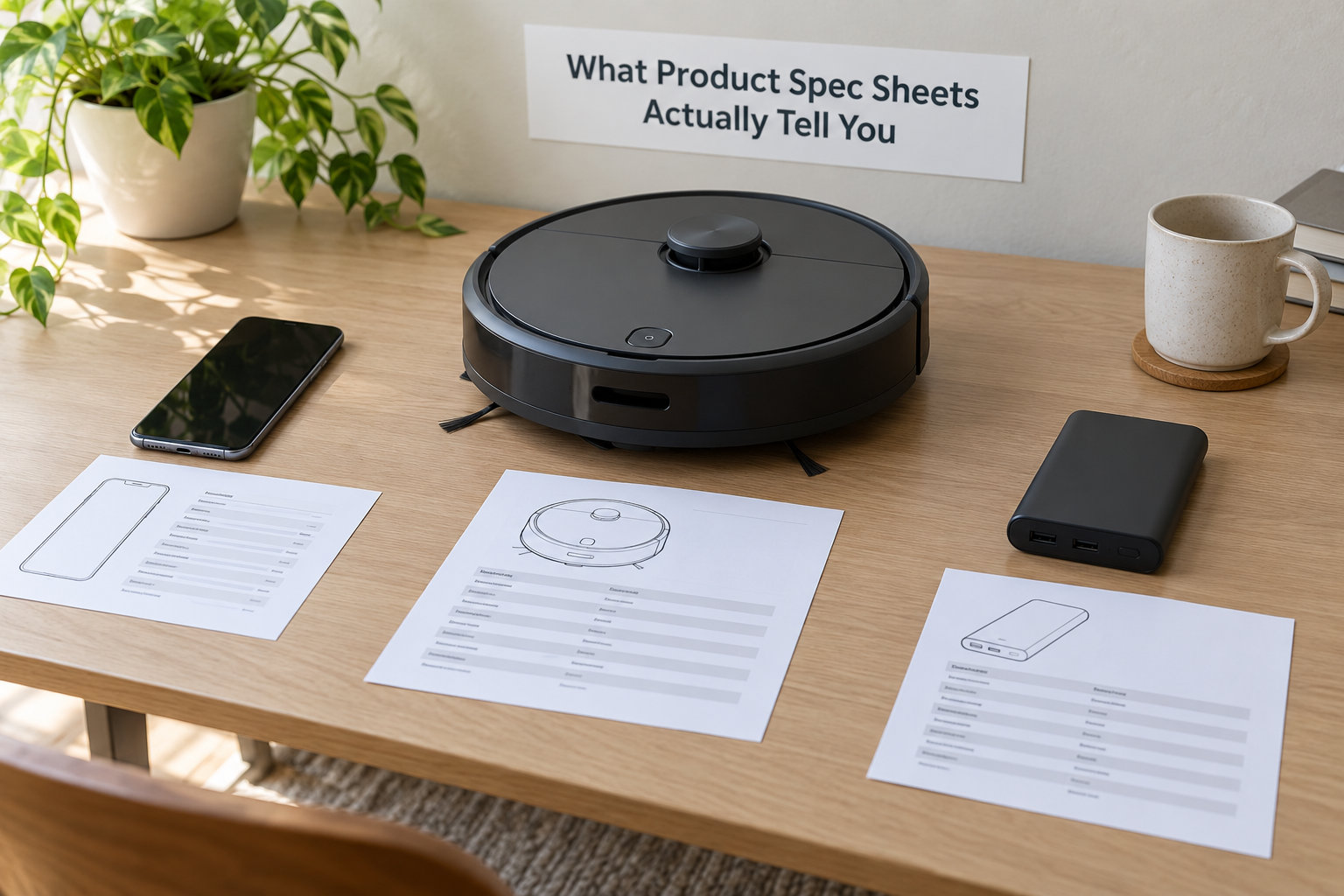
There are four different documents that all get called a spec sheet, and they are not equally trustworthy. Knowing which one you are looking at tells you how much weight to put on every number inside it.
| Source | Who writes it | How far to trust it |
|---|---|---|
| Manufacturer product page | Marketing team, checked by engineers | Highest for specifications, lowest for adjectives |
| Manufacturer support or specs page | Product documentation team | Most precise, often dry, sometimes out of date |
| Retailer listing | Anyone, including third-party sellers | Check the model number before reading anything else |
| User manual PDF | Regulatory or localisation team | Best source for regional model variants and certifications |
Two things are genuinely worth trusting on any of these pages: numbers with a unit attached, and numbers that appear in the fine print or the footnote area. Marketing claims are usually written to be un-falsifiable — the word “up to” is doing a lot of work in “up to 30 hours of playback” — while a footnote that says “tested at 50 percent volume on a 5 percent screen brightness” tells you the real conditions.
Specifications also go stale. A guide recommending 4GB of RAM as a comfortable target was probably reasonable years ago and is now below the floor for most multitasking, which is why the date on any advice you read matters more than the confidence in it.
How to Read Product Spec Sheets Before Buying Tech
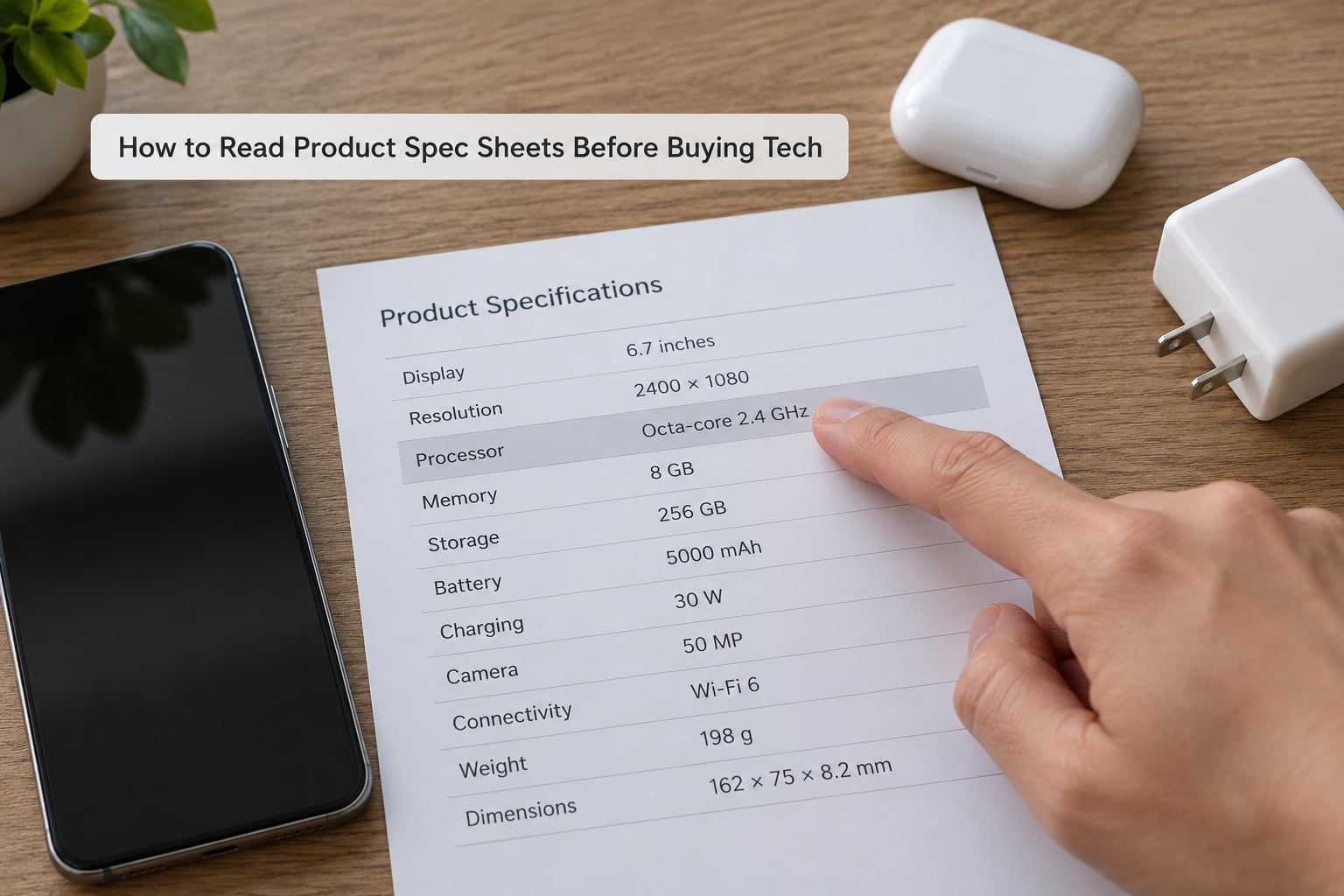
Read the sheet in the same order every time. Seven steps, roughly ten minutes, and you will have covered everything a competitor’s marketing department would rather you skipped.
- Find the exact model number. Not the marketing name. The name is reused across regions, storage tiers and refresh years; the model number is not.
- Sort the page into specs and adjectives. Anything with a unit, a standard code or a capacity is a specification. Anything without one is a claim.
- Check the generation, not the tier. A model number carries the year and the tier together. “Series 8” tells you far less than the full part number.
- Read the power and capacity numbers. Battery capacity, watt-hours, charging watts, graphics power limits — these explain real-world performance more reliably than tier labels.
- Check what you cannot change later. Soldered memory, a single storage socket, a fixed battery and non-expandable storage all lock you in after purchase.
- Check warranty, certification and regional variants. The IP rating, the warranty length and the region code decide whether the device works where you live.
- Verify the retailer’s copy against the manufacturer’s page. Listings that mix variants are common, and the mismatch is usually in the headline number.
What to inspect, why it matters, and what disqualifies a product
| Inspect | Why it matters | Red flag |
|---|---|---|
| Full model number | Identifies the exact configuration and region | Listing shows only a marketing name or no number at all |
| Units on every figure | Capacity without a unit cannot be compared | Battery listed in “mAh” with no voltage, display brightness with no unit |
| Fine print under battery claims | Shows the test conditions behind “up to X hours” | No conditions given at all |
| Memory and storage form | Decides whether you can upgrade later | Memory described only as “onboard” with no slot count |
| Region or SKU code | Decides charger standards, bands and warranty | Different region code than the country you are shipping to |
| Software support period | Determines how long you get security patches | Support duration simply not mentioned |
If a listing fails two or more of those checks, stop there. The price looks attractive because the specification is not the one you think it is, and that gap is where the disappointment comes from.
How to Read Common Smartphone Specifications
Phone spec sheets follow a fixed order, and once you know it you can scan any of them in under two minutes. Read top to bottom: chipset, memory, storage, display, battery, charging, camera, connectivity, durability, software support.
How to read a phone spec sheet without getting lost
The chipset line is the one to read most carefully, because it determines everything else. A model number on its own means nothing without the generation, which is usually the first or second part. Compare chipsets within the same generation, never across years, because the names repeat.
Next is memory. RAM is working memory and is measured in gigabytes — it decides how many apps stay open at once and how well the phone holds up in a few years. Storage is the same number with GB or TB and decides how many photos and videos you can keep. Two phones with the same chipset can feel completely different if one has half the RAM of the other.
The battery figure, capacity in milliamp-hours, needs a screen size next to it before it means anything. A larger battery in a larger phone does not last longer in hours. Divide the capacity by the screen diagonal, the display’s own power draw and the chipset’s efficiency, and you get a rough hours figure that tracks reality far better than the marketing claim.
Display lines deserve a slow read. Resolution tells you sharpness, the panel type tells you contrast and viewing angles, peak brightness in nits tells you whether the screen is readable outdoors, and the refresh rate tells you how smooth scrolling feels. On paper those four numbers describe three very different phones.
How to tell 128GB from 256GB on a listing
Look for the storage line in the full specification block, not the headline, and check the unit. Retailers write 128GB, 128 GB, 128Go and sometimes just 128 in different places on the same page. If the page shows several storage options as selectable variants, the listing covers more than one device and the price you see may not be the price of the configuration you want.
Note the usable figure too. A chunk of storage is taken by the operating system, so a 128GB phone typically hands you closer to 110GB. A rule of thumb is to buy two tiers above what you think you need, because photos and video files get bigger every year.
Why megapixels are the weakest camera number
Megapixels count the pixels on the sensor and say almost nothing about photo quality. Sensor size, aperture, lens quality, processing and stabilisation decide far more. A 50-megapixel sensor crammed into a thin budget phone will produce worse low-light shots than a 12-megapixel sensor in a larger body.
The same applies to the odd ISO values that appear in camera spec tables. Those are sensitivity settings from the sensor’s own range, and the lower the number the less the camera amplifies the signal. Forum users on dpreview have long asked why a listing will quote ISO 472 without saying what it is for, and the honest answer is that nobody reading a shopping page needs it.
Video specifications follow their own logic. Look for the resolution, the maximum frame rate and whether that frame rate is recorded internally or downsampled from a higher mode. Then check stabilisation, since it matters more for handheld video than resolution does.
How to Read Specs for Smart-Home Devices
Smart-home spec sheets are the hardest to read, because the numbers describe physical performance while the compatibility lines decide whether the device is useful to you at all. Check compatibility first and performance second — a robot vacuum with excellent suction in an ecosystem you do not use is an expensive ornament.
Look for three things in the connectivity section. The wireless standards tell you which ecosystems the device joins: Wi-Fi covers most brands but needs a stable 2.4GHz network, Thread is a low-power mesh standard that usually runs alongside Matter, and Zigbee is an older mesh standard that many sensors still use. Matter is the one to prioritise, because it is the common language designed to replace the per-brand silos.
Then look for local control. Devices that run their automations on the device itself keep working when the internet connection drops; devices that require a cloud account stop entirely. Manufacturers rarely advertise this, so the manual is the place to check.
Update policy matters as much as any physical number. A device that stops receiving security patches after two years is a liability in a house, and the spec sheet is often the only place that period is stated.
Physical figures use familiar units and need the same context treatment. Vacuum suction is quoted in pascals or air watts, and higher is better up to a point — beyond roughly 250 air watts you are mostly adding noise. Robot height in centimetres tells you whether it clears your furniture. Sensor range in metres tells you whether it sees the far corner of a room. Filter type tells you what happens when you need a replacement, and whether a proprietary filter is going to be a recurring cost.
Which Specification Numbers Matter Most?
Not every number deserves equal attention, and for most categories a small set of them predicts daily experience far better than the rest. This is the reference table to keep open while comparing two products.
| Device | Specs that drive daily use | Does higher always mean better? |
|---|---|---|
| Smartphone | RAM, storage, battery capacity, chipset generation, IP rating, software support years | Mostly yes for RAM and storage. Not for megapixels. |
| Laptop | CPU model and generation, RAM type and socketed or soldered, SSD size and slot count, battery watt-hours, display brightness | Not always. A bigger SSD with no second slot is worth less than two smaller slots. |
| TV and monitor | Panel type, brightness in nits, HDR format, HDMI version, input lag, refresh rate | No. OLED wins contrast, Mini-LED wins brightness, and price is the tiebreaker. |
| Headphones and earbuds | Driver size, codec support, battery with case, IP rating, microphone count | No. Driver size alone tells you very little about tuning. |
| Smartwatch | Battery life in days, GPS mode, water rating, health sensor suite, update support | Yes for battery, since it is quoted in the same unit across brands. |
| Smart home | Matter or Zigbee support, local control, update period, power draw, sensor range | Yes for range and update period. Irrelevant for brand-new wattage. |
The pattern in the last column is the useful part. A number is only comparable when every brand measures it the same way, and where they do not, the number is theatre. Battery life quoted in hours is not comparable. Battery capacity in milliamp-hours is.
How to Spot Marketing Jargon and Missing Information
Jargon is not always dishonest — it is often just unfalsifiable. “Premium materials”, “advanced audio tuning”, “AI-enhanced photography” and “optimised performance” contain no measurement, so there is no way to check them and no way they can be wrong. Look for the unit; if there isn’t one, it is decoration.
Certain patterns repeat. “Up to” always describes a best case, usually the easiest test condition available. “Peak” and “boost” describe a moment, not a sustained state — a laptop’s advertised turbo figure can be limited to a few seconds before it throttles back. Star ratings on appliances are measured under laboratory conditions, usually empty and at a specific ambient temperature.
Missing information is just as informative. A page that says “long battery life” without a figure has no figure. A display brightness quoted with no unit, a capacity without a voltage, a driver size without an impedance, an IP rating for a device sold in a region where it is not certified — each one means the manufacturer had nothing measurable to publish.
Regional differences hide in the fine print. Chargers, radio bands, plug standards and warranty validity all differ between the domestic and imported version of the same model. The manual PDF and the region code on the box are where you find this, and it is rarely on the product page.
When a spec genuinely cannot be found, ask the retailer for the underlying figure: the test conditions behind a battery claim, the base speed behind a transfer rate, the panel brightness measured rather than peak. If the answer is a repeat of the claim, you learned something about the listing.
How to Compare Specifications Across Different Brands
Comparing two phones or two laptops from different brands is harder than it looks, because the same word rarely means the same measurement. The reliable approach is to align the categories first, then compare one line at a time, then go back and confirm nothing important is defined differently.
Start with the category. A mid-range chip from one brand and a flagship chip from another are not the same class of part, and comparing their clock speeds tells you nothing useful. Then set the tier: do not compare a device from this year’s range with one that launched two years ago, even at similar prices, because improvements are not distributed evenly across the timeline.
Line by line, ask three questions of every figure. Is the unit identical? Are the test conditions identical? Is the model year identical? When any answer is no, the comparison is invalid until you correct for it — a brightness figure measured in a dark room or a battery figure measured with the screen off is not a fact about the device.
Then check the things that sit outside the spec table: what is in the box, whether the charger is included, what the warranty covers and for how long, and who the seller actually is. A third-party marketplace listing with a thin warranty can undercut a direct listing by more than the specification difference is worth, and the spec table will never tell you that.
One last check for refurbished or imported units: read the label on the box or the device itself for the model number, region code and serial, then confirm those match the listing. Mismatched region codes are the single most common reason a warranty claim gets refused.
Frequently Asked Questions
How to read phone specs?
Start at the chipset line and work down in a fixed order: chipset, RAM, storage, display, battery, charging, camera, connectivity, durability, then software support years. Ignore the marketing adjectives and read only figures with a unit attached. Check the full model number first, because storage and RAM tiers share the same product name but are different devices.
How do I know if my phone is 128GB or 256GB?
Look in the full specifications block rather than the headline, and confirm the unit is written as GB. If the listing offers several storage options, it covers more than one variant and the displayed price may not match the configuration you want. Remember the usable figure is lower than the printed one, because the system takes a share.
What specifications should I look for when buying a laptop?
Check five things: the full CPU model number including generation, the RAM type and whether it is soldered or in a replaceable socket, the SSD size and how many storage slots exist, the battery capacity in watt-hours, and the display brightness. These five decide both the price and how long the machine stays usable after you buy it.
Can you explain RAM in a simple way?
RAM is the desk you work on. Documents, tabs and apps open at once all sit on it, and when it is full the system has to move things to the slower drive. A phone with 8GB has more desk space than one with 4GB, which is why the smaller one slows down sooner. On a laptop, check whether the memory is replaceable before you buy.
Does 4 cores mean 4 processors?
No. A core is one physical computing unit inside a single processor chip, so a 4-core CPU is one processor with four units on it. Threads are the paths those cores can work on at once, and modern chips usually run more threads than cores. For everyday use, cores describe the chip, and threads describe how much it can do in parallel.
What do the specs on a product page actually mean?
They are the manufacturer’s official list of measurable technical details, written so buyers can compare models. Numbers with a unit, a standard code or a capacity are specifications you can check. Descriptive phrases without a unit, such as premium materials or optimised performance, are marketing claims that cannot be verified. The specification lines deserve your time; the adjectives do not.
Conclusion
Here is the fast version: find the full model number, split the page into numbers-with-units and adjectives, check the generation, look at the power or capacity figures, confirm what you cannot upgrade later, check warranty and region, then verify the retailer’s copy against the manufacturer’s own page. Ten minutes of that beats an hour of reading reviews.
Before you spend, verify three numbers specifically — memory, battery capacity, and the update support period. Those are the three that most often make a device feel disappointing two years after purchase, and all three are printed on the spec sheet. In 2026, treat any buying guide without a visible date with caution, because the minimum thresholds for memory and connectivity have moved a long way in a short time.