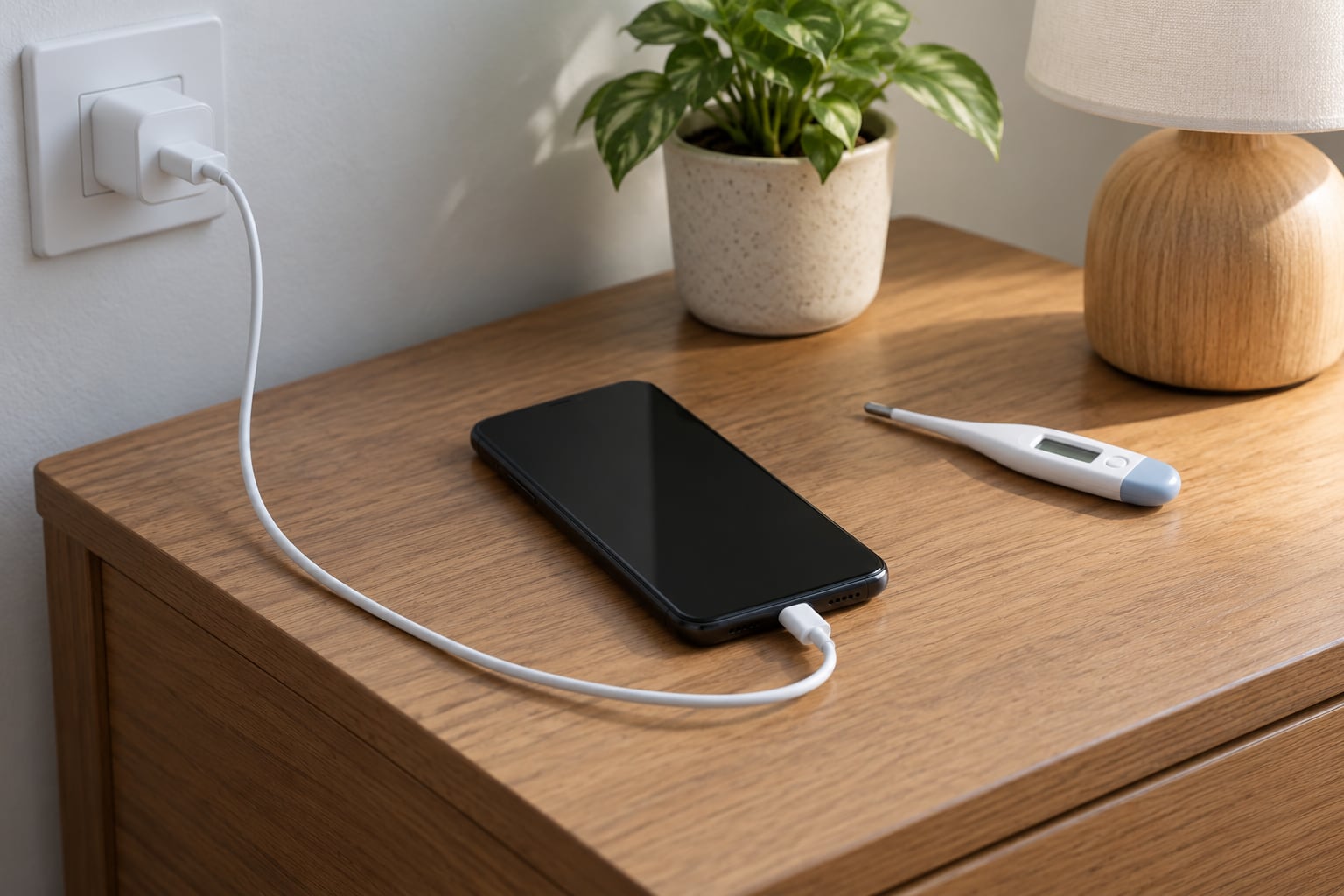
No — charging your phone overnight is generally safe. Modern phones cut off the charging current at 100%, so an overnight session will not overcharge the cell or ruin it. What the extra hours do is add a little long-term wear, mostly through heat and hours spent sitting at a full charge.
The distinction most articles skip is between dangerous and imperfect. One is a genuine hazard you should act on. The other is a slow trade-off that a couple of settings can largely fix.
Here is the short version, updated for 2026:
- Safe to do? Yes, with a compatible charger, an undamaged cable, and a hard surface.
- Will it overcharge? No. Charge control circuitry stops pushing current at 100%.
- Will it catch fire? Only in the unusual cases — swollen battery, frayed cable, cheap adapter, or charging under bedding.
- Does it shorten battery life? Slightly, over years, mostly from heat and time at a high state of charge.
- What should I do? Turn on your phone’s battery protection feature and leave it on a hard, uncovered surface.
The rest of this guide separates the mechanism, the genuine risks, and the settings that actually change something, so you can stop worrying about a habit you have been doing for years.
Table of Contents
- Is It Bad to Charge Your Phone Overnight?
- How Overnight Charging Works
- Why Overnight Charging Can Still Age the Battery
- Does Overnight Charging Damage Your Battery?
- When Overnight Charging Can Become Unsafe
- How to Charge Your Phone More Safely Overnight
- Can You Leave Your Phone Plugged in at 100%?
- Is It Bad to Charge Your Phone Overnight With Any Charger?
- Which Overnight Charging Habit Is Best?
- Frequently Asked Questions
- Is it bad to charge your phone overnight every night?
- Should I unplug my phone when it reaches 100%?
- Can charging overnight make a phone battery swell?
- Is it safe to use a cheap overnight charger?
- When should I replace a phone battery after frequent overnight charging?
- Bottom Line
Is It Bad to Charge Your Phone Overnight?
Direct answer: it is fine to charge your phone overnight, and millions of people do it every night without damage. A phone left plugged in for eight hours is not sitting in a bath of electricity — it reaches full, stops taking meaningful current, and then trickles just enough to replace what it uses.
Two things make it a poor habit rather than a dangerous one. The first is heat, which is the real enemy of lithium-ion cells and the one thing worth actively managing. The second is time at 100%: a cell held near full voltage for eight hours ages a little faster than one parked at 60%.
So the honest framing is this. Overnight charging is not bad for your safety when the equipment is sound. It is mildly suboptimal for battery longevity, and the fix costs one trip into Settings.
How Overnight Charging Works
Understanding the sequence kills most of the fear. Plug a phone in and it draws current quickly, tapering as the cell fills — that is the bulk of the charge. Near 100% the power management circuit reduces current in steps, which is the “trickle” phase most people hear about.
Once the battery is genuinely full, the phone draws only what it needs to run itself while plugged in. Screens, background sync, signal searching, and a warm room all cost power, and the charger quietly replaces it.
This is why Reddit threads across r/iphone, r/ios and r/GooglePixel keep reporting the same thing: a phone that lost 5 to 15 percent overnight while plugged in. That drop is not a broken battery or an overcharge. It is the phone consuming power, the cell self-discharging in warmth, and small capacity differences between the charger and what the phone draws.
Some phones also cycle deliberately. Users on older Samsung models reported the battery dipping and recovering overnight, which traced back to the phone releasing a little charge to relieve cell stress, then topping up. Odd-looking, and not a fault.
Why Overnight Charging Can Still Age the Battery
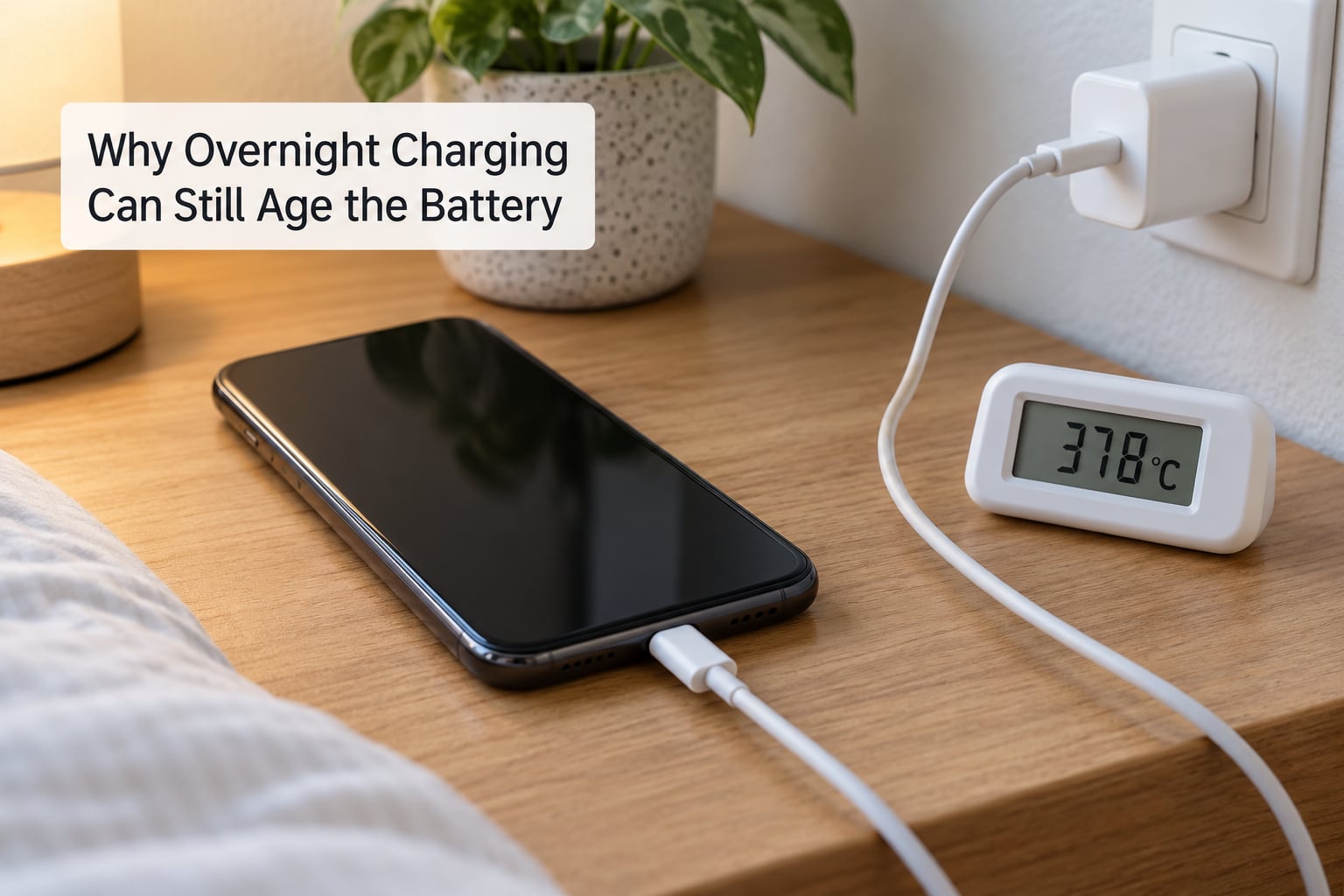
A lithium-ion cell does not wear because of time plugged in. It wears because of time spent hot and time spent at high voltage. Both are worse during an eight-hour session than during a twenty-minute top-up.
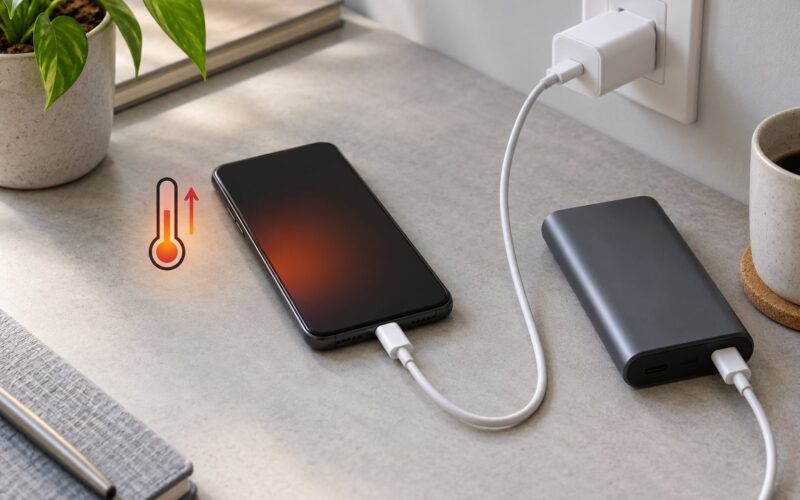
Heat is the dominant factor. Every charge generates warmth, and a phone under a pillow or inside a thick case traps it. Elevated temperature speeds the chemical ageing inside the cell, and it does so permanently — heat does not switch off when you unplug.
State of charge is the second. Cells held near 100% sit at their highest voltage, which is harder on the electrolyte over time. The widely cited design target of 400 to 500 charge cycles before capacity drops toward 80 percent assumes reasonable thermal conditions, not a phone baking under a duvet for eight hours.
The cost is real but modest. Owners comparing nightly full charging against stopping around 80 percent typically land somewhere near 1 to 3 percent extra capacity loss per year, and plenty of users report no measurable difference at all. Treat that as a range, not a promise, because battery chemistry, ambient temperature and charger behaviour all shift it. Heat is the variable that can push a phone well outside that band.
The people who notice the biggest drop are usually the ones charging an older device, under a blanket, in a hot room. Newer phones with charge-protection features hold closer to 80 or 90 percent for most of the night and finish on schedule, which is exactly the behaviour the feature was designed to produce.
Does Overnight Charging Damage Your Battery?
No, not in the way most people picture it. There is no sudden damage from leaving a phone connected for seven hours, and the battery will not be dead in a year of nightly charging.
What happens is slow capacity fade, measured in small percentages a year rather than large jumps. It compounds with every other habit: a phone kept in a hot car, one that regularly hits 0 percent, one charged in direct sun.
Frequent partial charging is also gentler than the “always drain to zero” advice that still circulates. Lithium-ion cells dislike deep discharge, and topping up from 40 to 60 percent is much easier on them than a full cycle to 0 percent and back.
There is one real exception: a physically damaged cell. If your battery is already swollen, the phone is overheating while idle, or the back panel is lifting, overnight charging is the wrong question. Stop charging it and get the battery replaced.
Check the health readout on your own device. iPhone users find it under Settings, Battery, then Battery Health and Condition. Android phones surface it under Battery or Battery Care depending on the brand, and Xiaomi shows battery health inside the battery settings as well. Under 80 percent is the point where a battery replacement starts to make more sense than a new phone.
When Overnight Charging Can Become Unsafe
Genuine charging fires are rare, and they share a short list of causes. Every one of them is something you can see.
- A swollen or damaged battery. The screen lifting off the frame, a bulge you can feel through the case, or a chemical smell means stop charging immediately and stop using the phone until a repair shop looks at it.
- A frayed, bent or pinched cable. A cable damaged at the connector or under a rug can arc, melt and ignite. If the plastic feels warm, discoloured or loose, replace it.
- Cheap or unsupported adapters. Adapters with no UL, CE or equivalent certification, or ones advertising absurd wattage for a phone that cannot use it, are the items most often involved in incidents.
- Soft or covered surfaces. A bed, sofa, pillow or blanket blocks ventilation. This is the single most avoidable risk, and it is the one that shows up in nearly every charging fire report.
- Moisture. A wet port or a charger used with wet hands can short. Dry everything before reconnecting.
- Unreliable power strips and travel adapters. Cheap multi-plug strips and travel adapters without surge protection add failure points that have nothing to do with your phone.
A phone that gets mildly warm on a nightstand is normal. A phone too hot to hold, or one whose charge icon is flapping on and off, is not. Treat warmth you cannot tolerate with your palm as a signal to unplug.
Sleeping next to a charging phone is fine as far as electricity goes. The old warning about radiation is misplaced — a phone at rest draws a trickle of power, and a phone that is actively transmitting at full signal is what contributes to exposure, not the charger. If it bothers you, put the phone on the far side of the room; the battery benefit is identical either way.
How to Charge Your Phone More Safely Overnight
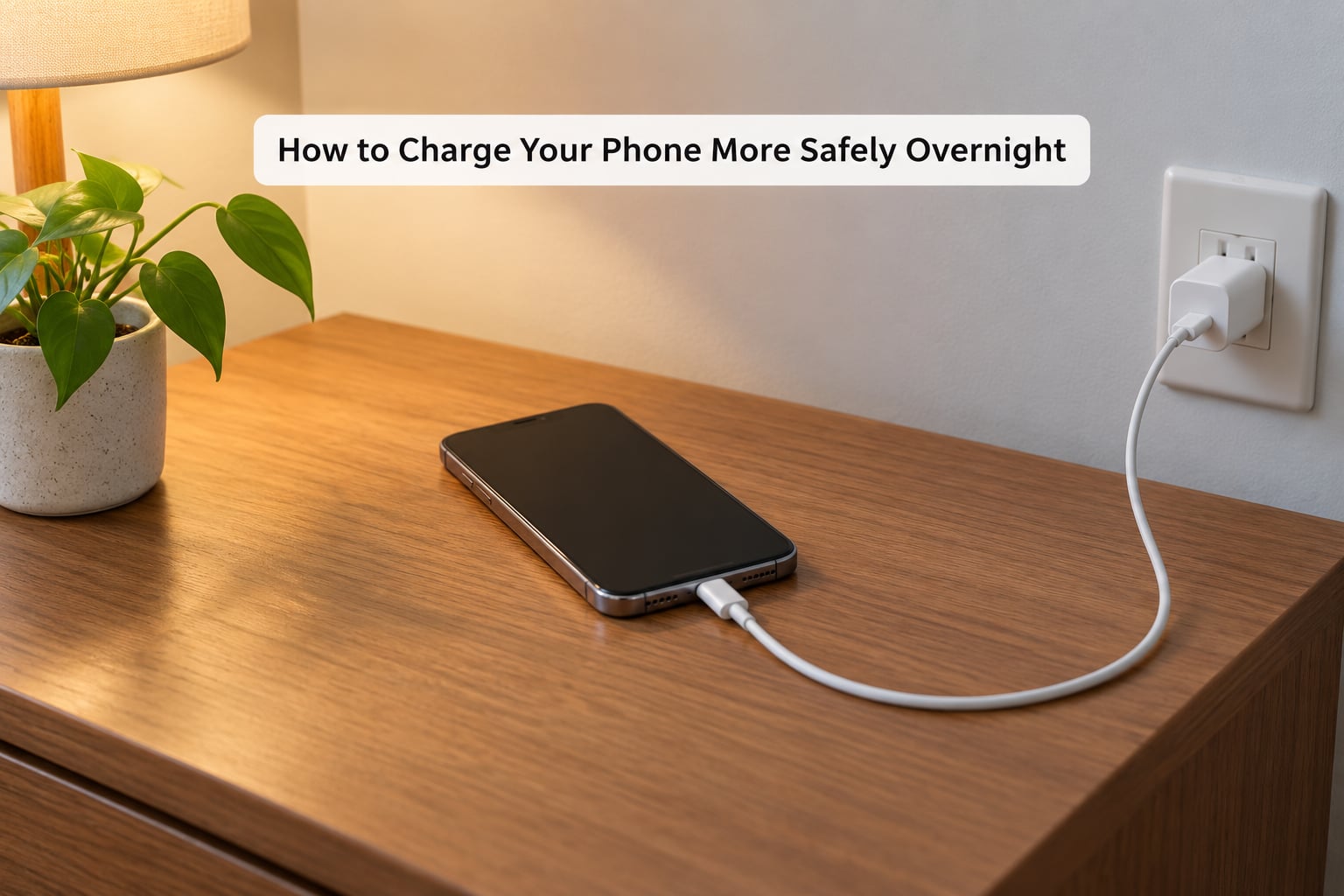
Seven steps, in the order they matter. The first two do most of the work.
- Use a hard, uncovered surface. A nightstand, desk or shelf. If your phone spends the night on a bed, that habit is worth changing before anything else on this list.
- Take the case off if you charge with it on. Cases trap heat. This matters most for thick or leather cases and for phones that already run warm while charging.
- Use the charger the phone came with, or a certified replacement. Look for UL, CE or equivalent marking, and MFi on Apple cables. Match the wattage to what the phone supports rather than the largest number on the box.
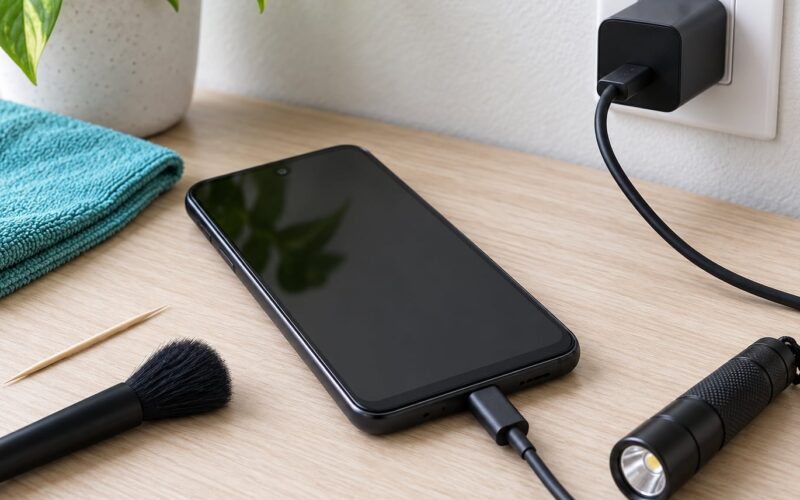
- Inspect the cable and port. Look for kinks, exposed wire, or a connector that wiggles. Clean lint out of the port with a dry wooden toothpick.
- Turn on your battery protection setting. This is the step most people skip, and it does more for longevity than anything else here.
- Avoid fast charging when you can. A slower charger delivers less heat. If you keep a low-wattage adapter in the bedroom for overnight sessions and use the fast one in the morning, your battery will thank you.
- Check the phone before you leave it connected. Feel the back, look at the port, confirm nothing smells off. Ten seconds of attention catches almost every serious problem.
Wireless charging pads are the exception to the low-heat rule. Inductive charging runs warmer than a wired connection, often noticeably so, so a phone sitting on a pad all night gets more thermal stress than one on a cable. Pads with active cooling fans handle it better.
Smart plugs solve the same problem for free. Schedule the outlet to cut power a few minutes before your alarm, and the phone sits at 100 percent for minutes rather than hours.
Here is where the charge limit lives on each major brand, since the names differ everywhere:
| Brand | Feature name | Settings path | What it does |
|---|---|---|---|
| Apple | Optimized Battery Charging | Settings, Battery, then Charging Options | Learns your routine and holds around 80 percent overnight, finishing on time |
| Apple (iOS 18 and later) | Set a charging limit | Settings, Battery, Charging Options, Charging Limit | Caps charging at a chosen level such as 80 or 90 percent |
| Samsung | Adaptive Charging and Battery Protection | Settings, Battery, then Charging | Delays charging overnight; Battery Protection caps the maximum |
| Google Pixel | Adaptive Charging and Charging Optimisation | Settings, Battery, Adaptive Charging | Holds at 80 percent overnight, tops up before the alarm |
| Xiaomi | Battery protection | Settings, Battery, Battery protection | Limits maximum charge and helps hold it at a set level |
| OnePlus and Oppo | Smart charging and Battery Health | Settings, Battery, then Battery health or Charging settings | Optimised overnight charging plus a selectable limit |
On gaming phones, bypass charging lets the phone run directly from the adapter while the cell stays near its current level, which is genuinely gentle. The cell simply is not cycling, so overnight gaming with bypass on costs the battery almost nothing.
Can You Leave Your Phone Plugged in at 100%?
Yes, and the phone will not overcharge. Modern phones stop accepting meaningful current at full, so a plugged-in phone at 100 percent is drawing a trickle to stay topped up, not pushing energy into a full cell.
What it still does is sit warm at a high voltage for hours, which is exactly the combination that ages a cell fastest. On a phone with charge protection, the battery may not even reach 100 percent overnight — many devices hold 80 to 90 and top up shortly before your alarm.
Is It Bad to Charge Your Phone Overnight With Any Charger?
No, but charger and cable quality matter more than the duration does. A certified adapter with the right protocol negotiates a safe current and drops it as the cell fills. A poor adapter can push more current than the phone expects, hold the phone in a hotter state, or fail in ways that never involve the phone’s own protection circuitry.
An undersized charger is the more common nuisance. A 5W adapter on a phone that expects 45W takes many hours, so the phone spends longer warm and often runs at a lower but continuous rate. A fast charger matched to an unsupported protocol can also cause the phone to cycle the connection, repeatedly heating and cooling instead of settling.
The manufacturer’s specified protocol beats the biggest wattage number on the box. If the label is vague, the plug fits loosely, or the adapter rattles, replace it.
Which Overnight Charging Habit Is Best?
There is no single winner, because the best habit is the one your phone supports and you will actually keep. Here is how the four common approaches compare.
| Habit | Convenience | Heat exposure | Battery longevity | Device support |
|---|---|---|---|---|
| Plugged in all night with protection on | Highest | Low to moderate | Best of the overnight options | iPhone, Samsung, Pixel, Xiaomi and most newer Androids |
| Plugged in all night without protection | Highest | Moderate to high, more on a bed or in a case | Acceptable, slightly worse year on year | Every phone |
| Overnight on a wireless pad | High | Highest, inductive charging runs warm | Worst of the overnight options | Most flagships and many mid-range models |
| Stop around 80 to 90 percent manually | Lowest, needs a timer or smart plug | Lowest | Best overall, including daytime use | Any phone, with a plug or timer |
A note on the 80 percent limit, since it comes up constantly: it is not a trade of battery life for convenience, it is a trade of a little convenience for battery life. Most users find the drop at 80 percent is barely noticeable on a modern phone, though an older device with reduced capacity will feel it sooner. A smart plug on a schedule gets you the same result with no settings to learn.
Frequently Asked Questions
Is it bad to charge your phone overnight every night?
No. Charging your phone overnight every night is safe with a compatible charger and a cable in good condition. The phone stops taking meaningful current at 100 percent, so there is no overcharging. The long-term cost is small: extra hours at full charge and extra heat, worth roughly 1 to 3 percent of extra annual capacity loss. Turning on Optimized or Adaptive Charging removes most of that.
Should I unplug my phone when it reaches 100%?
You do not have to, because the phone handles it. Once full, it draws only what it needs to run itself while plugged in. Unplugging still helps slightly, since it stops hours of sitting at a high state of charge, but the difference over a year is small. A smart plug on a timer is the easy compromise: full by morning, no hours parked at 100 percent.
Can charging overnight make a phone battery swell?
Swelling is not a normal result of overnight charging, and a healthy cell with working protection circuitry will not do it from a normal charger. Swelling comes from physical damage, a defective cell, heat abuse, or an unsuitable adapter. If the screen lifts off the frame, the back panel bulges, or you notice a chemical smell, stop charging the phone and have the battery replaced before using it again.
Is it safe to use a cheap overnight charger?
Only if it carries a recognised safety mark such as UL or CE, and the cable is undamaged. Uncertified adapters are the items most often involved in charging incidents, because their protection circuitry may be absent or inadequate. Price alone is not the issue, but a loose-fitting plug, no printed ratings, or a rattling body are clear reasons to buy a different one. Match the charger’s protocol to what your phone supports.
When should I replace a phone battery after frequent overnight charging?
Look at the health readout rather than the calendar. Once capacity falls below about 80 percent, charging gets slower, the battery runs hotter, and you lose the usable screen time you bought. Below that point a battery replacement is usually worth it on a phone you like. Frequent overnight charging on its own does not trigger a specific deadline, and heat is what accelerates the decline.
Bottom Line
Start with two changes tonight. Use a charger and cable you trust, and put the phone on a hard, uncovered surface instead of a bed or a pillow.
Then open your battery settings and turn on Optimized Charging, Adaptive Charging, or Battery protection, whichever your phone calls it. That single setting is worth more than any other change on this page.
And unplug the moment a phone becomes unusually hot, swollen, or smells strange. Those three signs are the only real emergency in overnight charging. Everything else is a slow, manageable trade-off — and a small one at that.