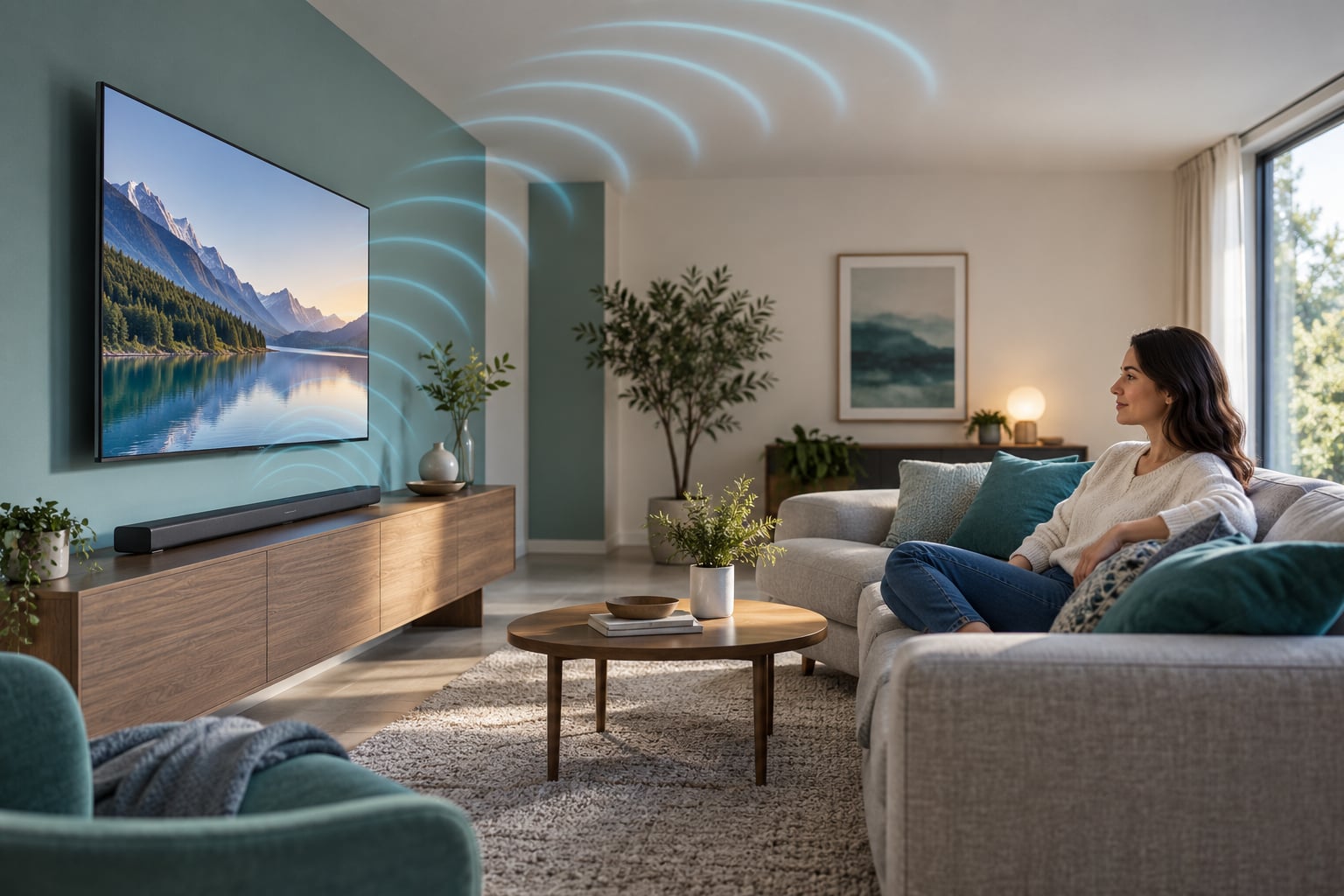
A Dolby Atmos soundbar is a single speaker bar that plays object-based audio, which means individual sounds — a helicopter, a footstep, rain on a roof — can be placed anywhere in a three-dimensional space instead of being locked to fixed channels. Combined with upward-firing drivers that bounce sound off your ceiling, it fakes overhead audio from one box on a TV stand. Here is how the technology actually works, what you need to set it up, and where the marketing overstates it.
- Dolby Atmos places sounds as separate objects in 3D space rather than in fixed speaker channels.
- A soundbar fakes height by firing sound upward at the ceiling and letting it reflect back down to your seat.
- You need a TV with HDMI eARC, an Atmos source (streaming, disc or game) and matching settings switched on.
- The ceiling matters. Vaulted, sloped or very high ceilings weaken the effect more than most ads admit.
- Channel counts like 5.1.2 and 7.1.4 describe speaker layout, not sound quality on their own.
Table of Contents
- What Is a Dolby Atmos Soundbar?
- How Does Dolby Atmos Sound Different?
- What Do the Dolby Atmos Specifications Mean?
- Channel counts like 5.1.2 and 7.1.4
- True Dolby Atmos vs virtual Dolby Atmos
- Codecs: Dolby TrueHD, Dolby Digital Plus and MAT
- HDMI eARC and passthrough
- Atmos-ready and certification badges
- What Do You Need for Dolby Atmos?
- How Do You Set Up a Dolby Atmos Soundbar?
- 1. Place the bar correctly
- 2. Connect with HDMI
- 3. Turn on eARC in the TV settings
- 4. Match the soundbar input to the source
- 5. Play an Atmos title and confirm it
- Dolby Atmos Soundbar Explained for Beginners: How to Choose
- What Are the Common Dolby Atmos Myths?
- “More channels always means better sound”
- “Atmos gives you a visible 3D bubble”
- “You need expensive speakers in the ceiling”
- “Atmos means heavier bass”
- “Atmos and Dolby Vision are the same upgrade”
- Is Dolby Atmos Worth It for Beginners?
- Frequently Asked Questions
- Does my TV need Dolby Atmos to use an Atmos soundbar?
- Can I use Dolby Atmos over Bluetooth or Wi-Fi?
- What is the best HDMI setting for a Dolby Atmos soundbar?
- Does a Dolby Atmos soundbar need to be connected to the internet?
- Is Dolby Atmos better than stereo for music?
- Conclusion
What Is a Dolby Atmos Soundbar?
Dolby Atmos is an audio format where every sound is treated as a separate object with information about where it should appear — above you, beside you, behind you. A Dolby Atmos soundbar is a wide speaker bar that decodes that mix and uses upward-firing drivers to fire sound at your ceiling, which reflects it back down so you hear it as coming from overhead.
Two things are being combined here. The format is Atmos, a way of mixing and encoding audio. The hardware is a soundbar, one long speaker that sits under or in front of your TV and handles dialogue, effects and bass, often with a separate wireless subwoofer.
Older surround systems put sound into fixed slots: front channels, side channels, rear channels. Atmos replaces some of that rigid grid with metadata — instructions telling the receiver where each object sits and how loud it should be at each speaker. The bar then renders those instructions for whatever speakers it actually has.
How Does Dolby Atmos Sound Different?
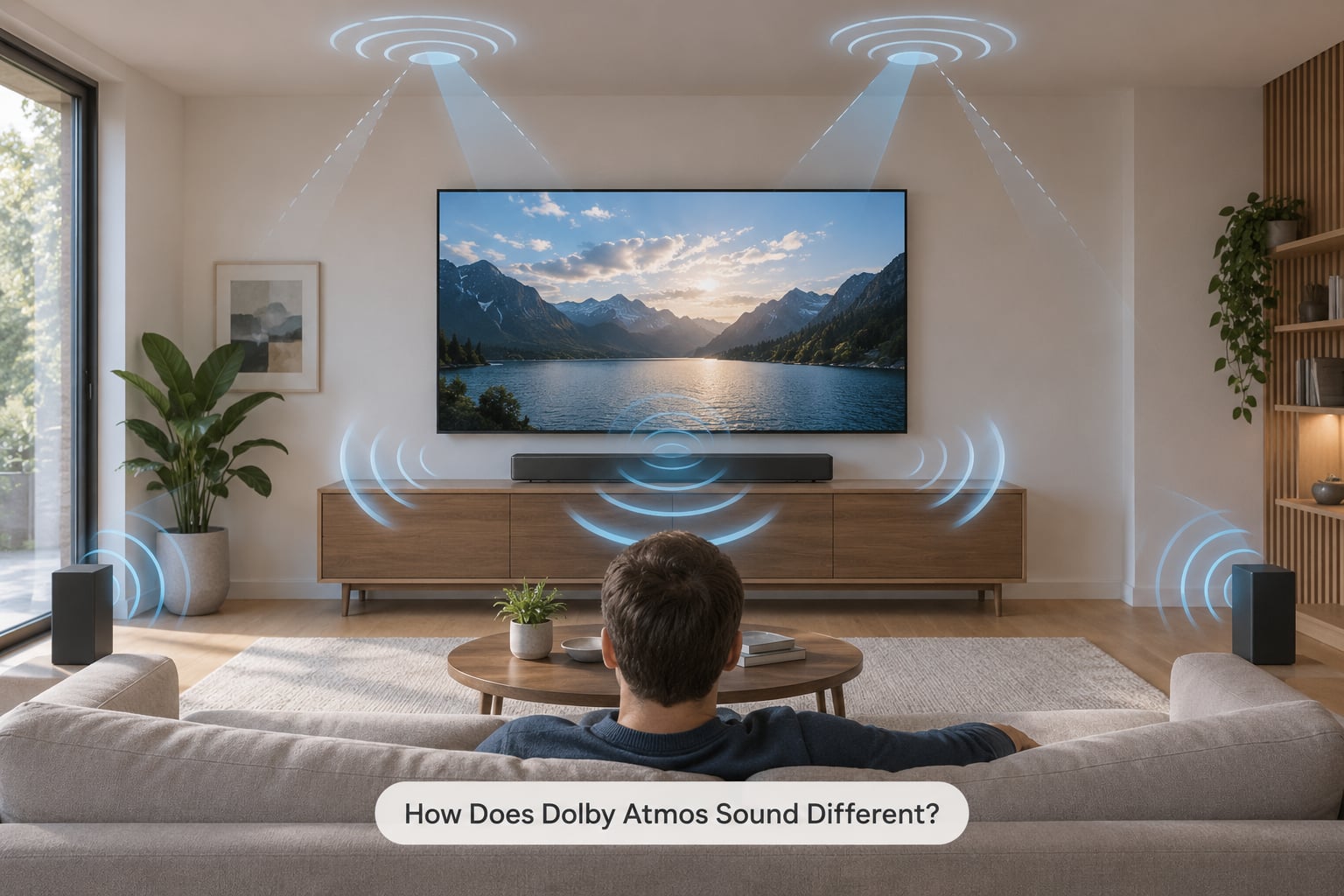
The difference is mostly vertical. Stereo gives you a wall of sound in front of you. Conventional surround adds sound from behind or beside you. Atmos adds a top layer, so a plane can pass overhead and rain can fall above rather than around you.
Here is a plain comparison of the three formats.
| Format | Where sound comes from | What you notice first |
|---|---|---|
| Stereo | Two channels in front of you | Clear dialogue, but the soundstage stays flat and wide |
| Conventional surround (5.1 or 7.1) | Front, side and rear speakers, mostly at ear level | Sounds wrap around you; effects come from beside or behind |
| Dolby Atmos | Same channels plus height effects and individual sound objects | Sounds sit at different heights, and dialogue often stays clearer in busy scenes |
Because each object is rendered separately, a mixing engineer can place a helicopter directly above your head and keep a whisper of dialogue at the front. That separation is also why Atmos tracks often sound cleaner than their stereo versions, not just more dramatic.
Beginners sometimes expect a literal top layer they can point at. In practice the ceiling reflection arrives as ambience, a sense of space and openness above the mix. It is subtle on most single-bar systems and much stronger with wireless rear speakers or in-ceiling height speakers.
What Do the Dolby Atmos Specifications Mean?
Specifications on soundbar pages are dense, but only a handful of terms actually change your experience. Here is what each one is telling you.
Channel counts like 5.1.2 and 7.1.4
The first number counts full-range channels (5 or 7 main and surround channels), the .1 is a subwoofer channel, and the last number counts height channels. So 5.1.2 means five channels, one sub and two upward-firing height drivers. A 7.1.4 bar adds two more surround channels and four height drivers. Bigger numbers usually mean a wider stage, but the count describes the layout, not the tuning, the driver quality or the room fit.
True Dolby Atmos vs virtual Dolby Atmos
True Atmos means real upward-firing drivers that physically send sound at the ceiling. Virtual Atmos means the bar has only front drivers and fabricates the surround and height effect by processing the audio. Virtual versions can sound perfectly good in a small room; they simply do not depend on a ceiling, and their effect is fixed by the manufacturer rather than adjusted to your space.
Codecs: Dolby TrueHD, Dolby Digital Plus and MAT
Codecs are the compression formats carrying the audio. Dolby TrueHD is lossless, used mostly on Blu-ray and some streaming. Dolby Digital Plus is lossy and is what most Netflix, Disney+ and Max titles use. Dolby MAT is Dolby’s older lossless codec for disc and streaming. A soundbar decoding TrueHD and passing bitstreams through will handle all three, so you are covered regardless of what you watch.
HDMI eARC and passthrough
eARC is the return channel on your TV’s HDMI that carries Atmos audio back from the TV to the soundbar, including lossless TrueHD. Passthrough means the soundbar decodes the audio itself rather than letting the TV convert it first. If your TV does not support eARC, you lose Atmos in most cases.
Atmos-ready and certification badges
“Atmos-ready” usually means the bar can decode Atmos but may rely entirely on virtual processing or needs extra speakers for the height effects. A genuine Dolby Atmos logo on the packaging means the bar was tested against Dolby’s reference rendering for its channel layout.
What Do You Need for Dolby Atmos?
You need four things working together, and if any one of them is missing you get plain stereo instead.
- A TV with HDMI eARC or ARC. Most TVs from the last several years have eARC on one specific port, often labelled eARC, ARC or “eARC/ARC audio return”. Check the port, not just the TV.
- An Atmos source. Streaming services label Atmos titles in the audio or language menu; Blu-ray discs carry it on most major studio films; consoles flag it in the game settings.
- A decoder. In most homes that is the soundbar itself. No separate receiver is needed.
- Matching settings. The TV’s audio output must be set to pass through or bitstream, and the soundbar input must match that source.
Optional extras help. A wireless subwoofer adds the low effects that a slim bar cannot produce on its own, which matters more for Atmos films than people expect. Rear satellite speakers add genuine side and rear sound, which is where virtual processing is weakest.
You do not need a dedicated home theatre room. An Atmos soundbar in a normal living room with a flat ceiling is the most common setup, and it is where most of the benefit shows up.
How Do You Set Up a Dolby Atmos Soundbar?
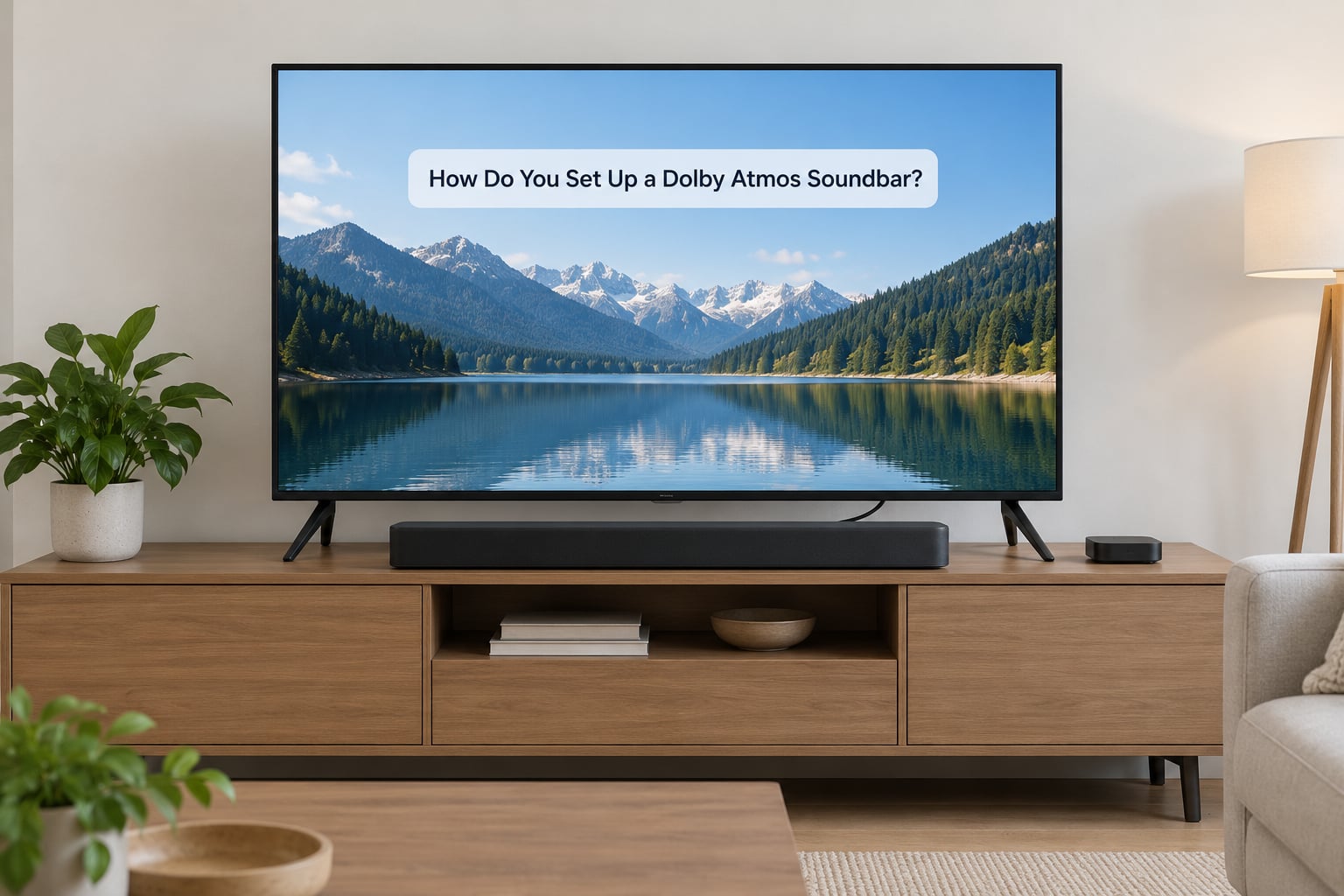
Setup takes about 15 minutes, and half of that is finding the right menu. Exact labels differ by TV brand and by streaming app version, so treat the menu names below as the path rather than the wording.
1. Place the bar correctly
Centre the bar under the TV with a little clearance around it, since upward-firing drivers need air above. Keep it away from cupboards that reflect sound straight back at you. If you have a wall-mounted TV, check the bar has room to breathe.
2. Connect with HDMI
Plug the soundbar’s HDMI out (often labelled eARC or ARC) into the TV’s matching eARC/ARC port, then plug your streaming box or console into another HDMI port on the TV. Any modern high-speed HDMI cable works; you do not need a special brand.
3. Turn on eARC in the TV settings
In the TV’s sound or output menu, enable eARC or ARC audio return, then set the audio output format to passthrough, bitstream or “PCM/enhanced” depending on the wording. On Samsung, LG, Sony and Hisense TVs this sits under Sound, Audio Output or Soundbar settings.
4. Match the soundbar input to the source
On the soundbar or in its app, assign the input that the TV uses (usually HDMI 1 or HDMI 2) and enable its own passthrough or bitstream option if it has one. Some bars also need the TV’s Dolby Atmos mode switched on in the soundbar device menu.
5. Play an Atmos title and confirm it
Start something you know is Atmos. A small Dolby Atmos or eARC indicator on the soundbar display usually appears when the format is active. If it does not, check the TV’s audio output format first — that setting is the cause more often than anything else.
Dolby Atmos Soundbar Explained for Beginners: How to Choose
Choose on room fit and source first, then on sound quality. A bigger channel count on paper does not beat a well-tuned bar matched to your space.
Start with the room. Under about 12 by 12 feet with furniture against the walls, a bar with virtual height processing and a wireless sub often performs better than a wide premium model pushing sound into a crowded space. Larger or open-plan rooms reward real height drivers and rear speakers.
Check the ceiling next. A flat ceiling roughly 7.5 to 9.5 feet high gives upward-firing drivers a workable surface. Vaulted, sloped, beamed or textured ceilings scatter the reflection and the overhead effect drops away.
Then check formats and connectivity. Confirm Dolby Atmos decoding, TrueHD support, eARC compatibility, and whether the bar ships with the HDMI cable and subwoofer you need. On playback, look for reliable firmware updates, since formats and streaming services change over the product’s life.
Calibration is worth one look. A room correction feature that adjusts to your furniture and walls can do more for clarity than an extra pair of height drivers. Dialogue and night modes are genuinely useful in a shared living room.
Above all, audition it if you can. Play film content with action and dialogue, not only music, and listen from your normal seat. For a first Atmos soundbar explained simply, this decision is mostly about fit and tuning, not the length of the feature list.
What Are the Common Dolby Atmos Myths?
Several claims attached to Atmos soundbars do not survive contact with a real living room. These are the ones that trip up beginners most.
“More channels always means better sound”
Channel count describes layout, not quality. A 7.1.4 bar in a small room with cluttered walls can sound worse than a 3.1.2 bar tuned for that space. Judge the tuning, not the arithmetic.
“Atmos gives you a visible 3D bubble”
This is the biggest gap between the demo and the sofa. Ceiling-bounced height energy arrives as spaciousness and ambience, not as a pinpoint you can point at in the air. If you were expecting a helicopter hovering in a fixed spot above you, a single-bar system will not deliver that — and you are not doing anything wrong.
“You need expensive speakers in the ceiling”
You do not. Upward-firing drivers in the bar are designed to work by reflection, which is exactly why ceiling height and surface matter so much to them.
“Atmos means heavier bass”
Bass comes from the subwoofer, not the format. A bundled compact sub will run out of headroom on the deep effects scenes where Atmos films tend to place their biggest low-frequency hits.
“Atmos and Dolby Vision are the same upgrade”
They are separate. Dolby Vision is picture, Dolby Atmos is sound. A TV or source can support one and not the other, and pairing them buys you nothing extra in audio terms.
Is Dolby Atmos Worth It for Beginners?
For most first-time buyers, yes — mostly because of the sound quality rather than the height effects. Owners upgrading from flat-panel TV speakers frequently report the biggest change as cleaner dialogue and a fuller soundstage, not as sound moving overhead. That matches how Atmos mixes are actually used.
It is worth it when you watch streaming movies and series in a normal living room with a flat ceiling and your TV has eARC. The value drops when your main viewing is podcasts, talk shows and two-channel music, or when your ceiling is unusually high or vaulted. In a very small room, a good stereo or 3.1 system can please more for the money.
The honest failure mode is buying for the demo. Soundbars are often compared in channel surround by store staff playing compressed music, where Atmos does almost nothing. Instead, audition with content you know well and watch for dialogue intelligibility and whether effects sit behind you rather than in one blob. If the bar makes you lean forward to hear dialogue, it is the wrong bar regardless of its logo.
Frequently Asked Questions
Does my TV need Dolby Atmos to use an Atmos soundbar?
No, your TV does not need Dolby Atmos of its own. The soundbar does the decoding. What your TV does need is HDMI eARC or ARC so it can send the Atmos audio back to the soundbar. Look for the eARC or ARC label on one specific HDMI port, enable eARC in the TV sound settings, and set the audio output format to passthrough or bitstream.
Can I use Dolby Atmos over Bluetooth or Wi-Fi?
Usually not in the way you want. Bluetooth audio is compressed and commonly limited to basic surround or stereo, so object-based Atmos metadata is often dropped. Wi-Fi streaming can carry Atmos in some ecosystems, but the most reliable route for movies is HDMI. Use Bluetooth or Wi-Fi for music, and HDMI eARC for film and series audio.
What is the best HDMI setting for a Dolby Atmos soundbar?
Set the TV audio output format to passthrough, bitstream, or enhanced mode, and turn on eARC or ARC audio return on the matching HDMI port. On the soundbar side, select the input the TV uses and enable its own passthrough option if it has one. Exact menu names vary by brand, but the goal is the same: the soundbar decodes the original Atmos stream itself.
Does a Dolby Atmos soundbar need to be connected to the internet?
No. A soundbar decodes and plays Atmos audio entirely offline once the source is playing. You need internet for streaming services, firmware updates, and any app-based setup or calibration features. Bluetooth music and discs work without any network connection, so a network outage only stops streaming, not the Atmos playback you already have.
Is Dolby Atmos better than stereo for music?
It depends on the recording. Music mixed in Atmos can place vocals and instruments at different positions, which some listeners love and others find smeared or oddly distant. Ordinary stereo music played on an Atmos soundbar is usually upmixed and gains processing rather than real positioning. For most casual listening, a good stereo mix through the same soundbar sounds more natural than the upmixed version.
Conclusion
Start simple. Pick an Atmos soundbar that fits your room and ceiling, connect it to the eARC port on your TV, set the audio output to passthrough, then play something you know is mixed in Atmos and listen for how dialogue and effects sit. Judge the sound from your own seat, not from the specification list — that is the whole beginner’s path from flat TV audio to a room that sounds bigger than it is.