How to set up a soundbar with a TV is mostly one cable and two menu changes: run an HDMI cable from the port labeled ARC or eARC on the TV to the port labeled TV-ARC (or HDMI OUT) on the soundbar, then switch the TV’s audio output to that soundbar. Expect about 10 to 15 minutes for the whole job, and no tools beyond the cable that came in the box.
The part that trips people up is the port. Plenty of HDMI sockets look identical, and only one of them sends audio back to the soundbar. Plug into the wrong one and you get a picture on the bar’s HDMI input but silence, which sends people off to check cables that were never the problem.
Table of Contents
- What You Need
- Step-by-Step: How to Set Up a Soundbar with a TV
- Choose the Right Connection Method
- Connect the Soundbar and Select the TV Audio Output
- Configure Sound, Control and Test the Setup
- Common Mistakes and Quick Fixes
- Frequently Asked Questions
- What is the best way to connect a soundbar to my TV?
- Do I use HDMI in or out for a soundbar?
- What setting should my TV be on for a soundbar?
- Why is there no sound on my HDMI ARC soundbar?
- How do I fix lip sync or audio delay on a soundbar?
- Do I still need a soundbar if my TV has Dolby Atmos?
- Conclusion
What You Need
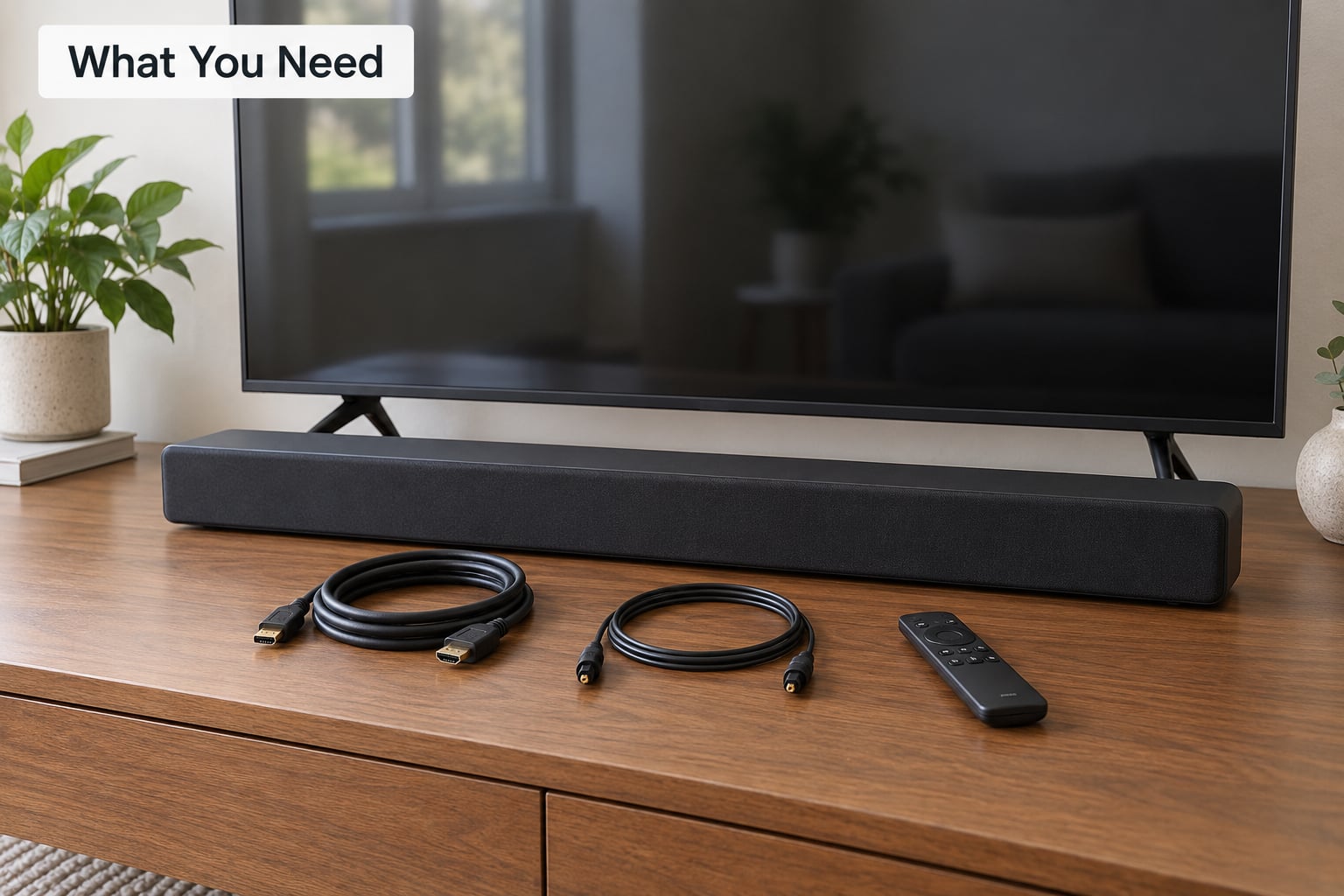
You need the soundbar, the TV, and a cable that matches a port on both of them. Most bars ship with an HDMI cable, an optical cable, or both, so check the box before buying anything.
Before you unplug the TV, turn it around or look along the bottom edge and find these:
- On the TV: an HDMI input labeled ARC or eARC, and an output labeled Optical, Digital Out or S/PDIF.
- On the soundbar: an HDMI OUT (TV-ARC) port for the return channel, or an Optical IN port if you would rather use a fiber cable.
- Everywhere: an HDMI-CEC feature, which is called Anynet+ on Samsung, Bravia Sync on Sony, and Simplink on LG.
If your TV has four HDMI ports and none of them say ARC, check the manual or the spec page. On most sets only one port supports the return channel, and on newer models it is the HDMI 2.1 port that also carries 4K at 120Hz, usually port 2 or port 3.
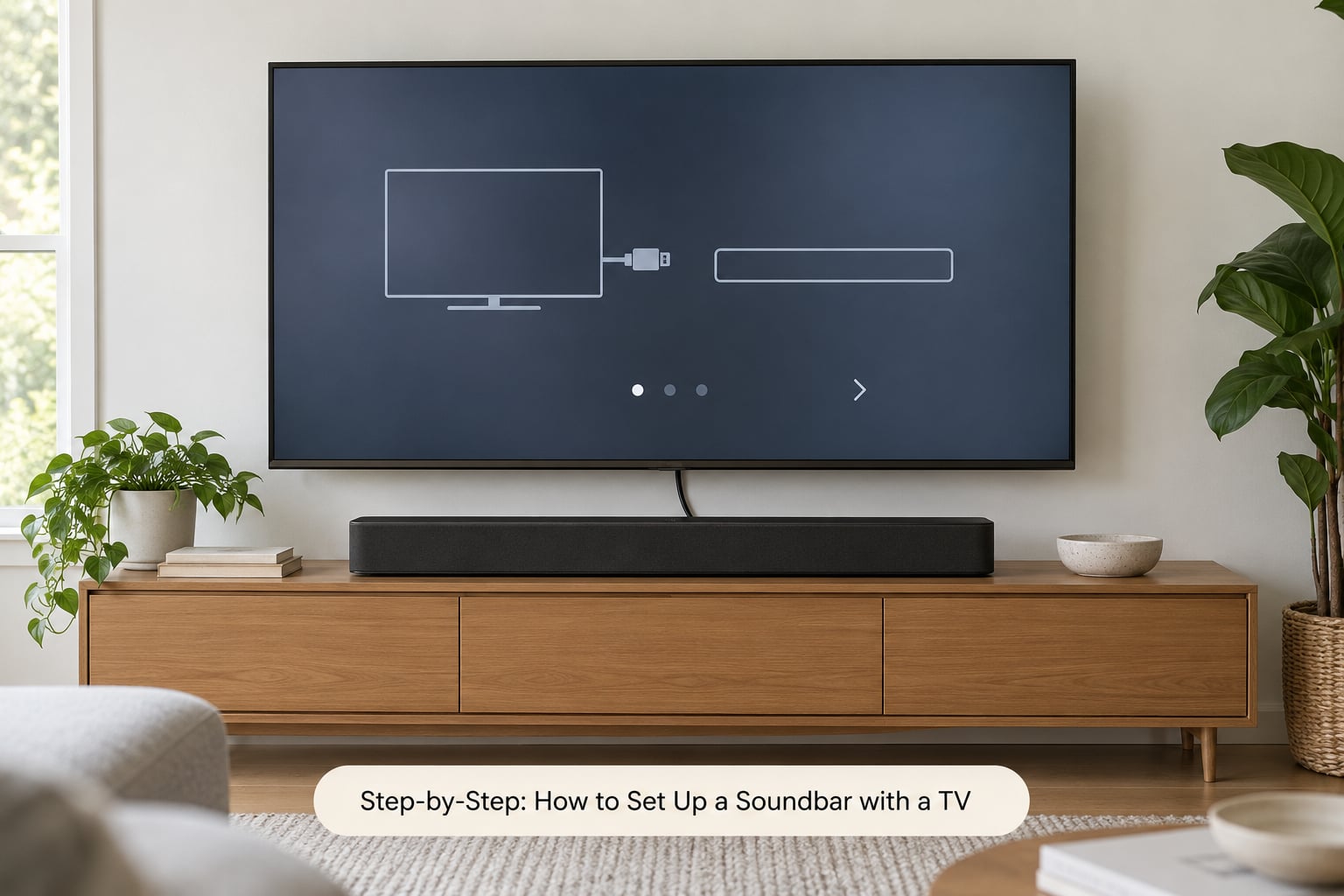
Step-by-Step: How to Set Up a Soundbar with a TV
Choose the Right Connection Method
Use HDMI ARC or eARC whenever both devices have it. It carries the highest bandwidth, it is the only wired option that can pass Dolby Atmos from streaming apps to the soundbar, and it lets the TV remote control the bar’s volume through HDMI-CEC.
| Method | Cable needed | Audio quality | Atmos from TV apps | TV remote controls volume | Delay |
|---|---|---|---|---|---|
| HDMI eARC | Ultra High Speed HDMI | Highest | Yes | Yes | None |
| HDMI ARC | Any speed HDMI | Very good | No | Yes | None |
| Optical (TOSLINK) | Fiber optic | Very good | No | Usually | Minimal |
| Bluetooth | None | Fair, compressed | No | No | Noticeable |
| AUX or RCA | 3.5mm or red/white | Basic stereo | No | Sometimes | Minimal |
HDMI ARC is a return channel built into HDMI. One cable carries picture to the TV and sound from the TV back down to the soundbar, so there is no second cable to hide.
eARC (Enhanced Audio Return Channel) adds bandwidth, which is what lets the TV hand over an Atmos or Dolby Digital Plus signal untouched. Both devices must support it, and it needs an Ultra High Speed HDMI cable, which is the ethernet-style one with the marketing name on the packaging. A cheaper cable usually still works for plain ARC, but users report intermittent dropouts with eARC on older cables.
Optical is the pragmatic fallback: it never drops out over a long run, it is the answer whenever the TV has no ARC port at all, and it cannot carry Dolby Atmos or Dolby Digital Plus. If you buy a bar for Atmos and connect over optical, the Atmos logo simply will not light up, and that is not a fault.
Bluetooth and the old red-and-white RCA or 3.5mm jacks exist for apartments, older sets, and rooms where running a cable is not practical.
Connect the Soundbar and Select the TV Audio Output
Plug one end of the HDMI cable into the TV’s HDMI input marked ARC or eARC, and the other into the soundbar’s HDMI OUT (TV-ARC) port. Many soundbars label it with a TV icon or the word ARC rather than an HDMI number, and some bars have a switch on the back that has to be set to TV or ARC before it will listen.
Then change the TV’s audio output. The setting name changes with the brand, so here is where it usually lives:
| TV platform | Path to the audio output setting |
|---|---|
| Samsung | Settings > Sound > Sound Output > Soundbar |
| LG | Settings > Sound > Sound Output > Audio Device |
| Sony Bravia | Home > Settings > Sound > Audio Output |
| TCL (Google TV) | Settings > Sound > Audio output |
| Google TV / Android TV | Settings > Sound and vibration > Output |
| Fire TV | Settings > Sound > Audio and Dolby Atmos |
Whatever you pick, leave the TV volume at zero before you switch over. Otherwise the built-in speakers keep playing alongside the bar and you get an echo effect that gets blamed on the soundbar.
Make sure HDMI-CEC is on too: Anynet+ on Samsung, Bravia Sync on Sony, Simplink on LG, and Control for HDMI or HDMI-CEC on Vizio and Roku TV. That is what lets the TV remote adjust the bar’s volume and turn the bar on with the set.
Configure Sound, Control and Test the Setup
Turn the TV on, put the soundbar on its TV or ARC input, and press play on something with dialogue. If you hear voices from the bar and not the TV, the setup worked. Run a couple of minutes of a film rather than a menu screen, because menu beeps pass on almost any connection while dialogue tests the real format.
Two settings are worth five minutes of your time once it is working. Most bars ship with a Night mode that cuts bass for late viewing, and a Dialogue or Voice mode that lifts the centre channel for news and talk shows. Sony Community users integrating a bar into an existing speaker setup ask about the same three dials: dialogue clarity, bass level, and room size. Pick the room size that matches the room you are actually in, not the largest one offered.
Finally, check auto power-on. On the bar, look for a setting called Auto Power On, TV Auto Power, or HDMI-CEC Power On, and turn it on so the soundbar wakes when the TV does. The last piece of cable management is simply to run the cable down the back of the stand or inside the wall channel.
Common Mistakes and Quick Fixes
No sound on the soundbar at all. Work down this list in order, because the first item causes most of the failures. Confirm you used the port labeled ARC or eARC. Confirm the TV audio output is set to the soundbar. Set the TV volume to zero. Check the bar is on the correct input. Then swap the cable, or try a different HDMI port on the TV.
The TV sees the soundbar but says no signal. On many sets the ARC port is disabled when the input is set to PC or when a variable audio out setting is enabled. Reset the sound settings to factory defaults and reconnect from scratch. Older Samsung models in particular have refused to recognize a bar on the ARC port until firmware was updated on both sides.
Dialogue is out of sync with the lips. Open the audio delay or lip-sync setting on the TV, not the soundbar, and nudge it in small steps. On Samsung it sits under Sound > Audio Format > Audio Delay; on LG it is Sound > Audio Output > Lip Sync. Bluetooth always sounds worse here, so switching to optical or HDMI fixes it permanently.
The TV remote will not change the soundbar volume. Turn HDMI-CEC on, then reconnect the HDMI cable while the TV and bar are both switched off. Some brands also require you to select the bar in Sound Output rather than just plugging it in.
Bluetooth keeps cutting out or reconnecting. Clear the pairing on both devices, forget the TV from the soundbar’s paired-device list, and pair again with only one device remembered. A bar in pairing mode with nothing playing nearby will drop the link after a minute or two, which looks like a fault and is not.
Both the TV and the soundbar play at once. Turn the TV volume down to zero, or if the set offers a separate Speaker setting, choose Audio system, External speaker, or Home Theatre instead.
Frequently Asked Questions
What is the best way to connect a soundbar to my TV?
HDMI ARC or eARC is the best connection whenever your TV and soundbar both support it. One cable carries picture to the TV and sound back to the bar, it passes the widest range of audio formats including Dolby Atmos on eARC, and the TV remote can control the bar’s volume. Use optical only when the TV has no ARC port or you need a long, very reliable cable run.
Do I use HDMI in or out for a soundbar?
Use the TV’s HDMI IN port labeled ARC or eARC, and the soundbar’s HDMI OUT port, which is usually labeled TV-ARC or marked with a television icon. The HDMI IN ports on the soundbar are for a console, cable box or streaming stick, not for the TV itself. Connecting the TV to a plain HDMI input on the bar gives you video but no sound.
What setting should my TV be on for a soundbar?
Set the TV’s audio output to the soundbar, then turn the built-in speakers down or off. On Samsung it is Sound u0026gt; Sound Output u0026gt; Soundbar, on LG Sound u0026gt; Sound Output u0026gt; Audio Device, and on Sony Home u0026gt; Settings u0026gt; Sound u0026gt; Audio Output. Turning the TV volume to zero stops echo and double audio, which is the usual cause of people thinking the bar is faulty.
Why is there no sound on my HDMI ARC soundbar?
Start by checking that you plugged into the port actually labeled ARC or eARC, then confirm the TV audio output is set to the soundbar and the TV volume is at zero. Next make sure the bar is on the TV input and that HDMI-CEC is switched on. If it still fails, try a different cable and a different HDMI port, then update the firmware on both devices before anything else.
How do I fix lip sync or audio delay on a soundbar?
Adjust the audio delay or lip-sync control on the television rather than on the soundbar, since that is where the mismatch is measured. Nudge it in small steps of 20 to 40 milliseconds and test with a scene that has talking and visible movement. If the delay is caused by Bluetooth, it will never fully resolve; an HDMI or optical connection removes it at the source.
Do I still need a soundbar if my TV has Dolby Atmos?
A Dolby Atmos label on the TV only describes what the panel can decode and send out, not what its built-in speakers can play. Flat speakers still handle Atmos badly because there are no separate height or rear channels. Connecting an Atmos-capable soundbar over HDMI eARC unlocks the formats the TV is already receiving, which is often the cheapest upgrade available in a living room.
Conclusion
The fastest reliable setup is one HDMI cable from the TV’s ARC or eARC input to the soundbar’s HDMI OUT, the TV audio output switched to the soundbar, the TV volume at zero, and HDMI-CEC turned on so one remote runs both.
If audio is missing, check those five things in that order before you buy a new cable. Starting with the port label on the TV solves more setups than anything else. Updated for 2026, and the same steps apply whether you have a bar from last year or one you just unboxed.