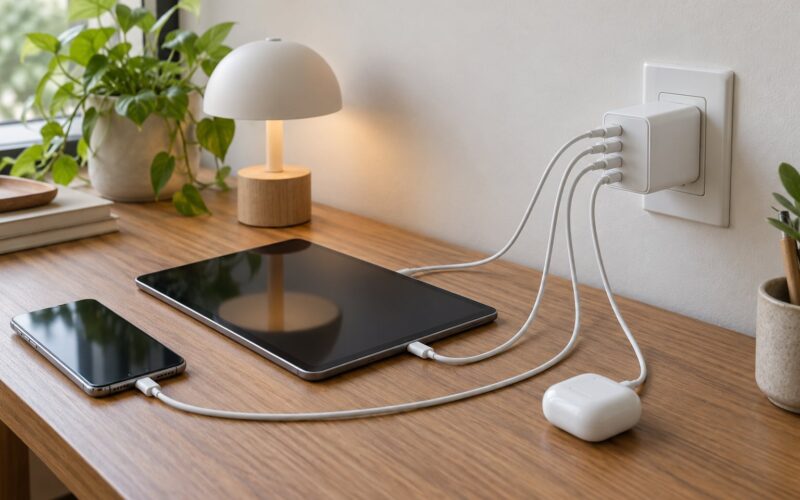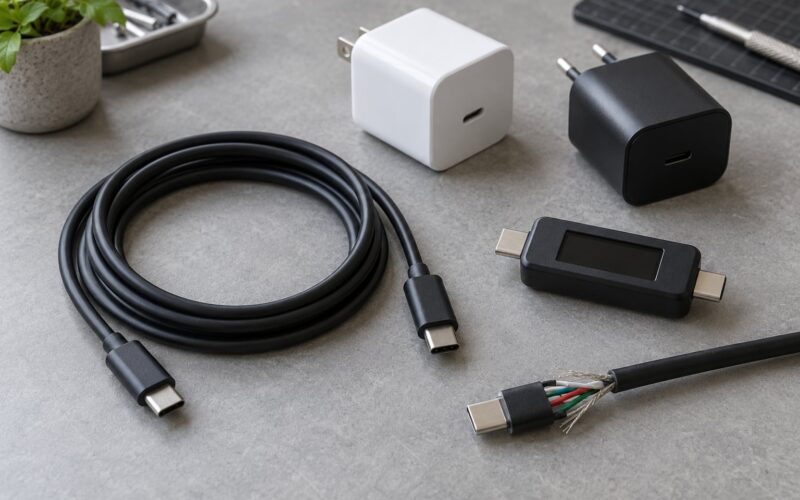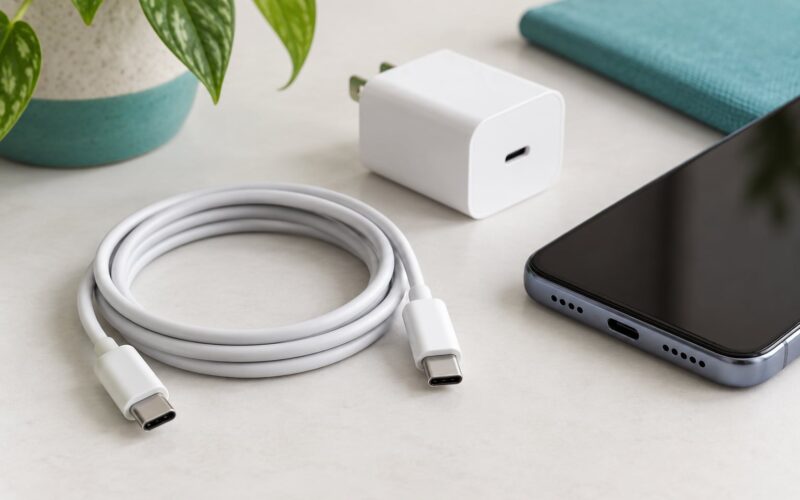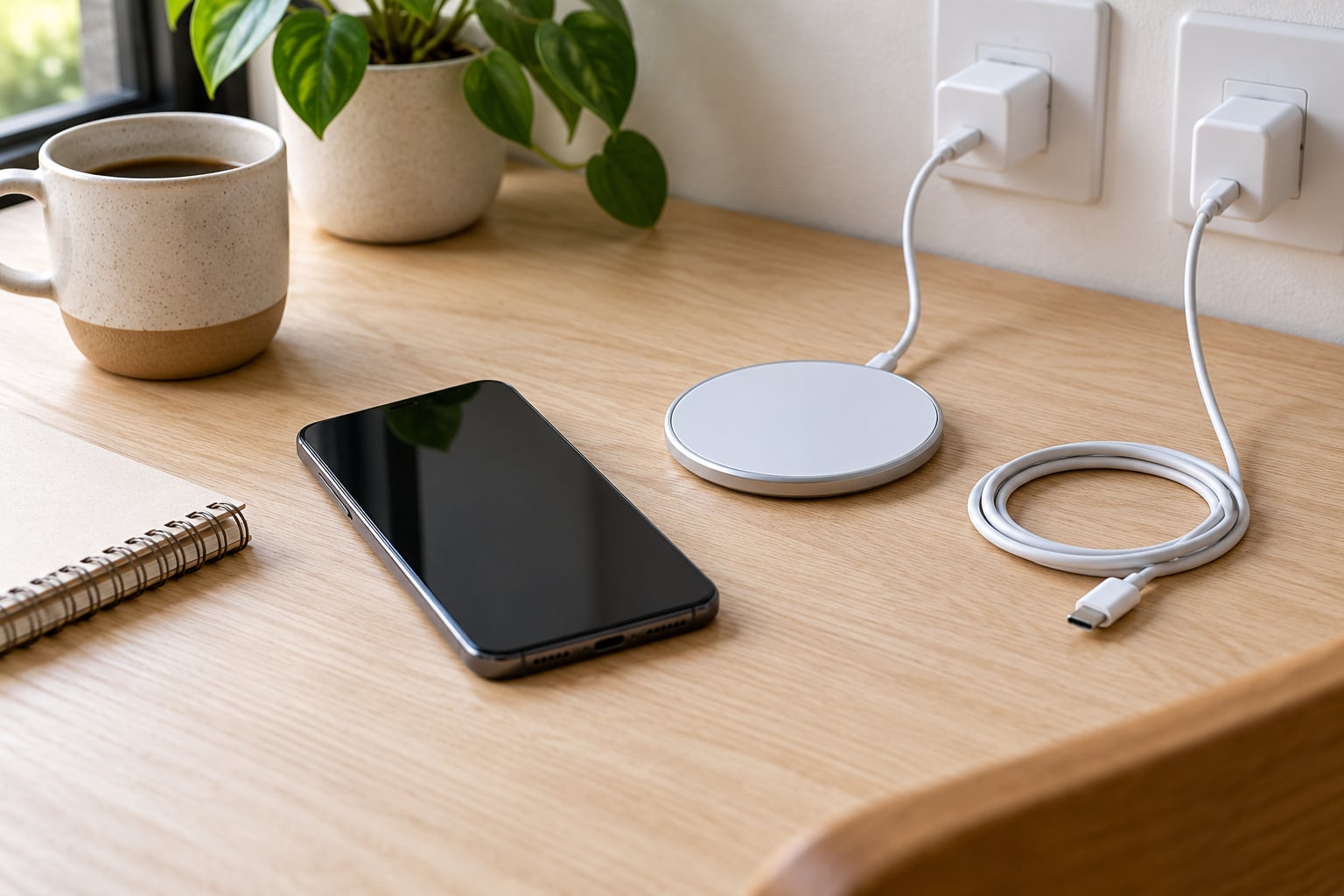
Cable charging is faster, and usually by a wide margin. With the same phone and the same wall adapter, a wired connection typically takes 30 to 50 minutes to go from 0 to 80%, while a wireless pad with an equal wattage on the box can take 45 to 90 minutes. This guide breaks down wireless charging vs cable charging speed with real wattage figures, minute-by-minute charge times, and the situations where wireless actually comes out ahead.
Most of that gap is physics, not marketing. A cable pushes power straight into the phone, while a pad throws it across an air gap and loses a chunk of it to heat, conversion steps and imperfect coil alignment. Once you see where those watts go, the recommendation for your desk or nightstand gets pretty obvious.
Table of Contents
- Wireless Charging vs Cable Charging Speed at a Glance
- Which Charging Method Is Faster in Real Use?
- How to measure your own charging speed
- How Wireless Charging Speed Works
- How Cable Charging Speed Works
- Wattage, Charging Time, and Battery Health
- Wireless Charging vs Cable Charging for Different Phones
- Budget and mid-range Android phones
- Flagship phones with wired fast charging
- Phones with Qi2 or MagSafe
- Older micro-USB and Lightning phones
- Cases, rings and wallet sleeves
- Which Should You Choose?
- Frequently Asked Questions
- Do wireless chargers charge faster than wired chargers?
- How much slower is wireless charging than cable charging?
- Is MagSafe faster than wired charging?
- Does wireless charging damage battery health?
- Is it better to charge with cable or wireless overnight?
- Why is my wireless charger slower than the advertised wattage?
Wireless Charging vs Cable Charging Speed at a Glance
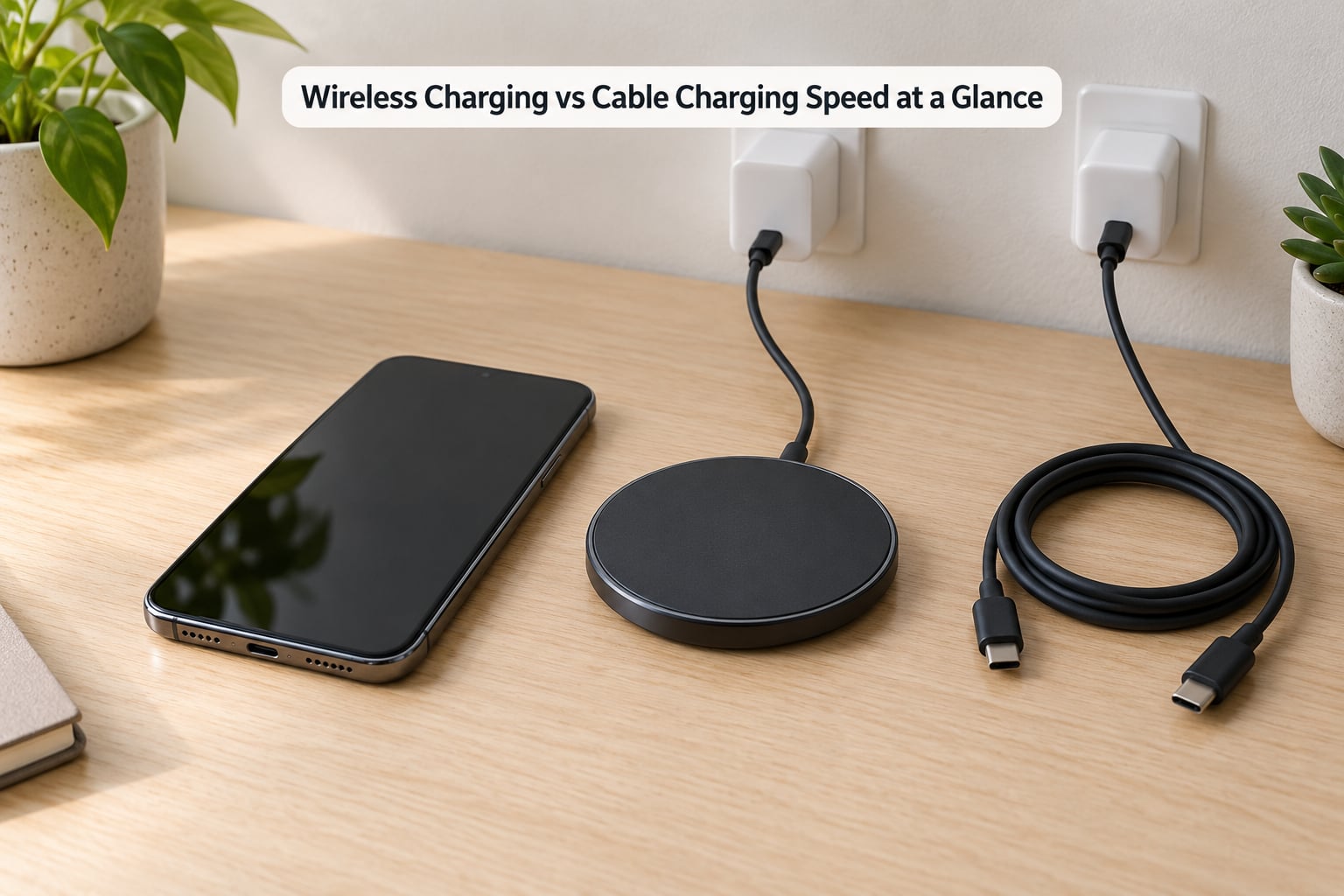
| Factor | Cable charging | Wireless charging |
|---|---|---|
| Real-world speed | 0-80% in roughly 30-50 minutes on a typical phone | 0-80% in roughly 45-90 minutes on a comparable pad |
| Typical peak into the phone | 20W to 45W on most flagships, 100W+ on some models | 5W on basic Qi, 15W on Qi2 and MagSafe, 25W on newer Qi2 |
| End-to-end efficiency | About 85-90% | About 70-80% |
| Heat produced | Lower, and usually spread along the cable and adapter | Higher at the coil, which trips the phone’s thermal limit |
| Alignment | Any angle, any position | Coil must sit over coil, or speed drops sharply |
| Thick case | No effect | Can cut speed or stop charging entirely |
| Port wear | Yes, with daily plugging and unplugging | None, the port is never touched |
| Data transfer while charging | Yes, on cables that carry data | Never |
| Best use | Morning top-ups, travel, shared desks | Overnight charging, desk work, keeping the port free |
One Galaxy S24 Ultra owner put a clean number on this in a Reddit thread: 0 to 80% took two hours on a 25W cable and four hours on a standard wireless pad. Same phone, same night, very different mornings.
Read the efficiency row carefully, because it explains every other line. A 15W Qi2 pad is not delivering 15W of useful energy into the battery. It is burning roughly a fifth of that as heat before the charge even starts.
Which Charging Method Is Faster in Real Use?
Wired wins on speed in nearly every measurement you can take. The gap is not fixed, though: it depends on the charger, the cable, the phone, the temperature and the battery level, so two people testing identical phones can post wildly different results.
Three things shrink or widen the difference in practice:
- What the phone accepts. A phone with a 45W wired profile and a 15W wireless coil can never be more than about a third faster on the pad, no matter which pad you buy. The phone is the ceiling.
- Where the battery starts. Wired charging ramps hardest from 0 to 50% and slows near full. Wireless follows the same curve, so the gap is widest early in a charge and narrowest at 90%.
- How hot things get. This is the part most articles skip. A phone that crosses its internal temperature limit throttles the charging current on purpose, and wireless charging generates noticeably more heat than a cable at the same nominal wattage.
That last point explains the forum pattern where people report a 25W pad charging at half its label speed. Nothing is broken. The phone cut the power because the coil area got too warm, and a user on a Reddit thread described the result as a charger that “charges at about the same rate as a computer USB port.”
How to measure your own charging speed
You do not need lab equipment. On Android, install a battery monitoring app such as Ampere, AccuBattery or CPU-Z, start a charge from around 20%, and watch the live current and voltage readout for five minutes. Multiply amps by volts for the watts actually reaching the phone.
Note the figure both flat on a pad and flat on a cable, with the same wall adapter. If wireless reads well below its label wattage, check the case, recentre the phone on the coil and confirm the adapter is rated high enough before blaming the pad. On iPhone, the fastest practical check is timing 0 to 50% twice, once per method, with the phone at the same starting temperature.
How Wireless Charging Speed Works
Wireless charging uses electromagnetic induction. A coil in the pad generates a magnetic field, a coil in the phone picks that field up and converts it back into current, and the phone’s charging circuit manages it from there. There is no physical contact, which is the whole appeal and also the source of every loss.
Three separate losses eat into the advertised number:
- Conversion loss. The pad converts mains power into an alternating magnetic field, and the phone converts that back to direct current. Each conversion step wastes energy as heat. Combined, end-to-end efficiency lands around 70-80%.
- Alignment loss. The charging coil is smaller than a dinner plate and sits off-centre inside the phone. Shift the phone even slightly and the overlap between coils drops, so less power transfers. Magnetic alignment in Qi2 and MagSafe exists mostly to solve this.
- Thermal loss. The coil area warms up, the phone throttles, and the charge slows. This is why a 15W pad often behaves like a 10W pad after twenty minutes.
Qi is the baseline Wireless Power Consortium standard, and plain Qi pads historically topped out at 5W for phones, with 7.5W and 15W available under vendor-specific extensions. Qi2 builds on it with the magnetic alignment system and raises the ceiling to 15W; Qi2.2 pushes toward 25W. MagSafe is Apple’s implementation of the same idea, and newer iPhone models draw 15W or 25W from a compatible magnetic pack.
30W wireless pads do exist, but they are usually multi-device stands that share power across a phone, a watch and earbuds rather than a single phone receiving the full rating.
How Cable Charging Speed Works
A cable charging path is almost boringly direct: the adapter converts mains to a stable voltage, the cable carries it, and the phone negotiates what it will accept over the USB Power Delivery protocol. There is one conversion step, so end-to-end efficiency sits around 85-90%.
The negotiation is where speed is actually decided. The phone and adapter exchange a request for one of the standard power profiles, and the phone settles on the highest one both sides support. A phone that accepts 45W will pull 20W from a 20W adapter and 9W from a basic one, with no complaint either way.
The cable matters as much as the charger here, and this trips people up constantly. Cables rated for 3A cap out at 60W under USB PD, while 5A cables carry 100W and more. A cheap thin cable in the box is often the 3A kind, which is why a fast phone sometimes charges slowly on the cable that came with it.
On top of that, most flagship Android phones ship with proprietary fast charging that pushes 80W to 100W and more on compatible hardware. A 5 to 10 minute top-up on a phone with one of those systems can deliver more charge than a full half hour of Qi2 wireless.
Wattage, Charging Time, and Battery Health
Faster charging is not free, and neither method damages a battery on its own. Both generate heat, and heat is the real enemy of long-term cell life. That is the whole argument.
Wireless charging concentrates that heat in one spot, right where the charging electronics sit, so it runs warmer in the region that matters most. Cable charging spreads its losses along the adapter and the cable instead. Neither option bypasses the phone’s own thermal management.
There is one behavioural difference that does matter for battery health, and it is not speed. Overnight, a phone on a nightstand pad sits at 100% for hours, and it will trickle to keep it there. A phone on a cable does the same thing if you leave it connected. The fix is the built-in charge limit most modern Android phones ship with, which stops charging at a set percentage, usually somewhere between 80% and 90%.
The 20/80 rule is the version of that idea people repeat: keep the phone between 20% and 80% for daily use and reserve 0-100% cycles for when you genuinely need them. Modern phones also use optimised charging that learns your routine and delays the last 20% until just before you usually pick the phone up.
The practical result: a nightstand pad is excellent for battery health as long as you turn on a charge limit, and a cable is no better for the cell if you leave it plugged in overnight at 100%.
Wireless Charging vs Cable Charging for Different Phones
Hardware decides more than preference does, so it helps to sort phones into groups.
Budget and mid-range Android phones
Most of these have no wireless coil at all, and charging is capped by the included adapter at 10W or 15W. For this group the comparison is not really wireless against cable; it is which cable and which brick you use. A 20W or 30W adapter is a bigger real-world gain than any wireless pad would be.
Flagship phones with wired fast charging
Devices with 45W, 80W or 100W wired profiles have the widest possible gap. The cable gets you a usable charge in the time it takes to brush your teeth, and the pad takes several times longer. This is the group where charging by cable matters most.
Phones with Qi2 or MagSafe
Here the gap narrows considerably, and on some newer models it closes. iPhone 16 series owners report magnetic wireless charging that outpaces the phone’s own USB-C wired speed in some scenarios, and 25W Qi2 pads on current Android flagships land much closer to their wired counterparts than a 15W pad ever did. Even here, the fastest wired option is usually still the fastest wired option.
Older micro-USB and Lightning phones
These cap out at 10W to 12W wired, which is slow enough that wireless becomes competitive. On an older phone, a 10W pad and a 10W cable often finish a charge within a few minutes of each other. The gap grows again with every generation.
Cases, rings and wallet sleeves
A case makes no difference to a cable and a large difference to a pad. Metal rings, card holders, kickstands and thick wallet cases either block the coil entirely or push it far enough away to halve the transfer rate. If wireless charging feels mysteriously slow, the case is the first thing to test.
Which Should You Choose?
Most people do best owning both, because the two methods win in completely different situations.
- Morning top-up before leaving: cable, every time. Speed is the only thing that matters in a 15-minute window.
- Travel, airports, car: cable. A cable works with a power bank, a car port or a borrowed outlet, and it never depends on finding a flat surface.
- Overnight on the nightstand: wireless, with a charge limit set to 80% or 90%. Drop the phone, forget about it, and keep the port free.
- Desk work: either. A vertical stand or a charging puck keeps the phone visible for notifications, and cable charging lets you use it normally while it fills.
- Shared or public workspace: cable. Wireless pads transfer no data, which removes a small security worry, but a pad may also be slower and misaligned for the next person.
- Phone kept for years: either, as long as a charge limit is on. The port never wearing out is the quiet long-term win for wireless.
Buy the cable setup for speed and the pad for convenience, and stop treating one as a replacement for the other.
Frequently Asked Questions
Do wireless chargers charge faster than wired chargers?
Almost never. A cable delivers roughly 85-90% of the power it draws to the battery, while a wireless pad delivers about 70-80% because of conversion, alignment and heat losses. On a typical phone, 0 to 80% takes 30-50 minutes on a cable and 45-90 minutes on a comparable pad.
How much slower is wireless charging than cable charging?
On the same phone with the same wall adapter, expect wireless to run roughly 20-40% slower in wall-clock time. Some pairs are worse: a Galaxy S24 Ultra owner reported two hours to 80% on a 25W cable against four hours on a standard wireless pad. The gap shrinks as the battery nears full.
Is MagSafe faster than wired charging?
On older iPhones, no. MagSafe tops out at 15W against much higher wired speeds. Newer iPhone 16 series models draw 25W from compatible magnetic packs, and owners report that beating the phone’s own USB-C charging in some scenarios. Even then, a high-wattage cable and adapter usually still win outright.
Does wireless charging damage battery health?
Neither method damages a battery on its own. Both create heat, and wireless concentrates it near the charging electronics, which is the part that ages a cell. The bigger factor is how long the phone sits at 100%. Turn on the built-in charge limit and keep it between 20% and 80% for daily use.
Is it better to charge with cable or wireless overnight?
Wireless is easier overnight because you can drop the phone and forget it, but neither method is automatically healthier. A phone left at 100% for hours wears faster than one held at 80%. Whichever you use, switch on optimised charging or a charge limit before you plug in.
Why is my wireless charger slower than the advertised wattage?
Four things usually account for it: the wall adapter bundled with the pad is often too low-wattage, a thick case or card holder blocks the coil, the phone is not centred over the charging coil, and thermal throttling cuts power once the phone warms up. Test it flat, uncased and with a higher-rated adapter before replacing the pad.
Start here: put a 20W or 45W cable and a matching adapter in the bag you actually use, and stop worrying about speed. Add a pad for the nightstand and set a charge limit to 80%. That pairing covers every situation where the difference in wireless charging vs cable charging speed actually costs you something.