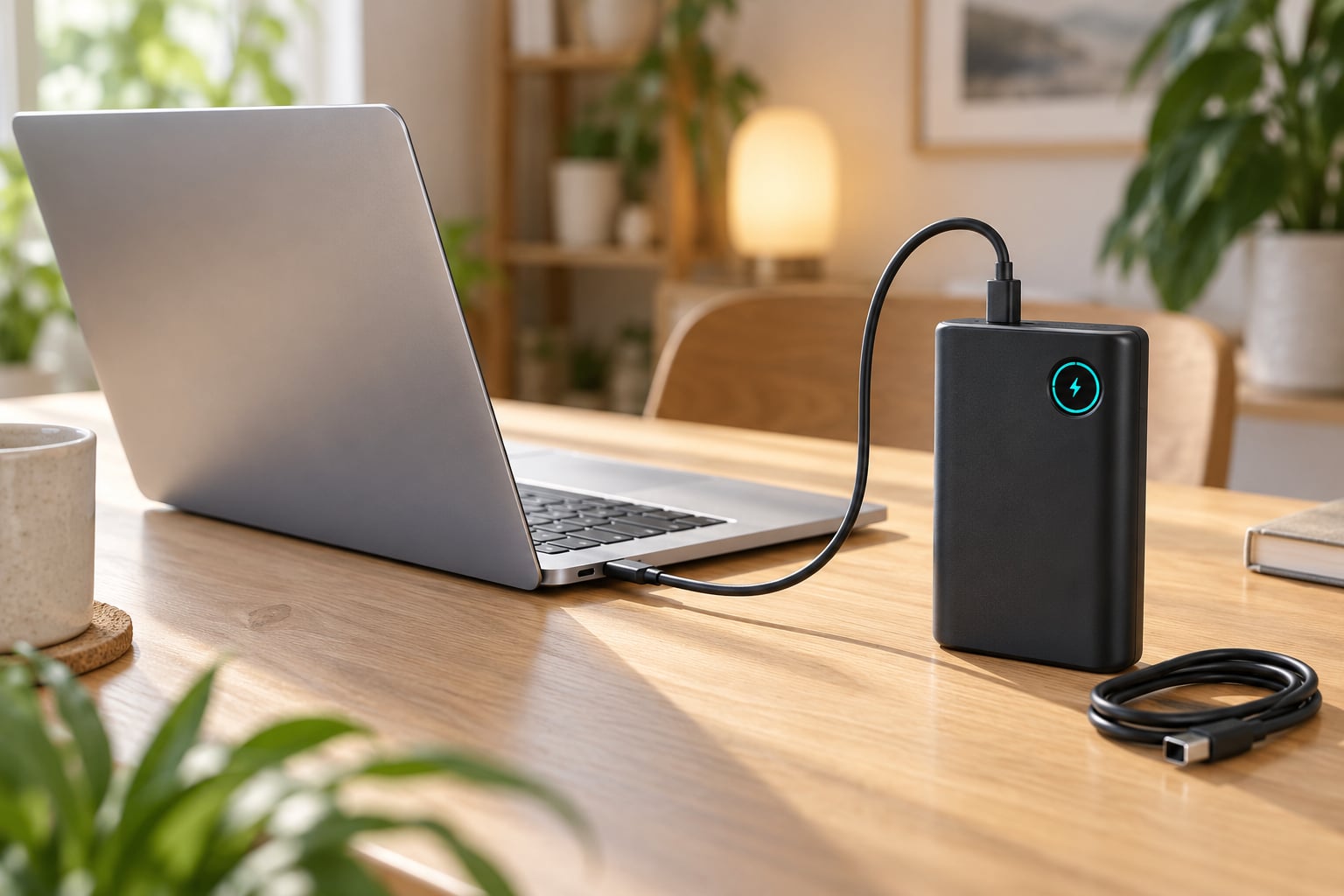
To charge a laptop with a power bank, connect a USB-C Power Delivery power bank to the laptop’s USB-C charging port using a cable rated for the wattage the laptop needs. The power bank must deliver at least as many watts as the laptop’s original charger, and capacity alone will not get the job done.
That single requirement explains most of the failures people run into. A 20000mAh bank sitting in a bag can look like a laptop charger and do absolutely nothing, because its output port hands out 10 watts and the laptop expects 65. The good news is that checking takes about two minutes, and once you know the number on your adapter label, choosing the rest is easy.
Table of Contents
- What You Need
- Step-by-Step: How to Charge a Laptop With a Power Bank
- 1. Check Your Laptop Charging Requirements
- 2. Choose a Compatible Power Bank
- 3. Select the Correct Cable and Connector
- 4. Start Charging and Check the Result
- 5. Disconnect and Store the Equipment Safely
- Common Mistakes and How to Fix Them
- Nothing Happens When You Plug In
- It Charges for a Minute, Then Stops
- The Laptop and Power Bank Get Hot
- You Need More Runtime Than the Bank Gives
- Your Laptop Has No USB-C Port
- Frequently Asked Questions
- Can I charge any laptop with a power bank?
- What size power bank do I need to charge a laptop?
- Does a USB-C power bank charge laptops at full speed?
- Can I use a regular phone power bank for my laptop?
- Can I charge my laptop while the power bank is charging?
- Is it safe to leave a laptop charging overnight with a power bank?
- Conclusion: Start With the Right Power Bank
What You Need
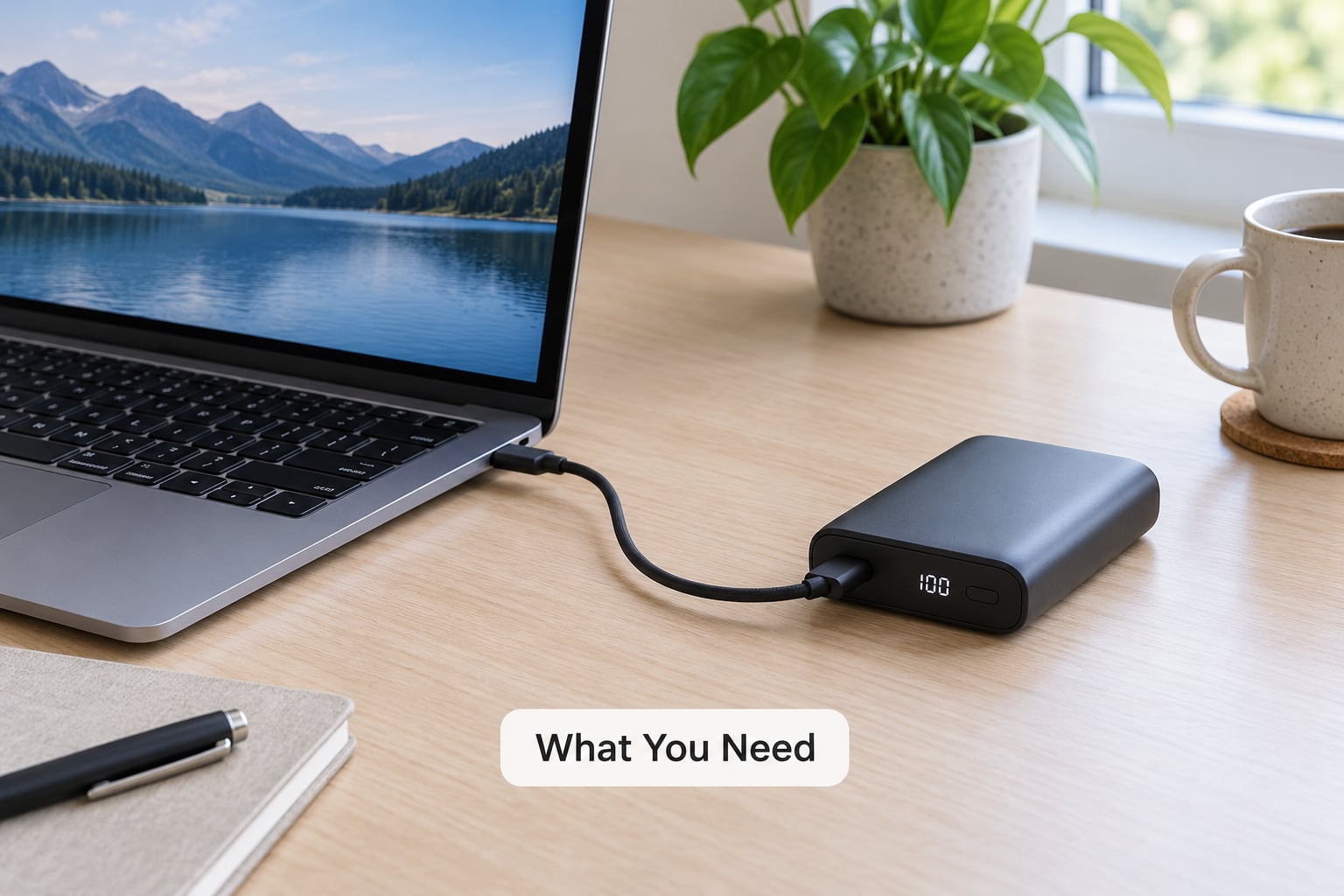
Before you connect anything, work through this list. If one item is wrong, the connection will fail silently or badly.
- Power output: at least 45W for a thin ultraportable, 65W for most mainstream laptops, and 100W or more for a gaming or workstation machine. Match or exceed the number printed on your original AC adapter.
- Charging protocol: USB Power Delivery (USB-C PD), negotiated over the USB-C port. USB-A output alone will not charge a laptop.
- Capacity: 10000mAh for a partial top-up, 20000mAh for roughly one full charge on a thin laptop, and 27000mAh if you want margin.
- Cable: a USB-C to USB-C cable rated for the wattage you need. Above 60W it should carry an E-Marker chip, which lets the cable report its own current rating to both devices.
- The right port: on most power banks only one USB-C port carries the full output. The others may be input-only, or drop to 18W.
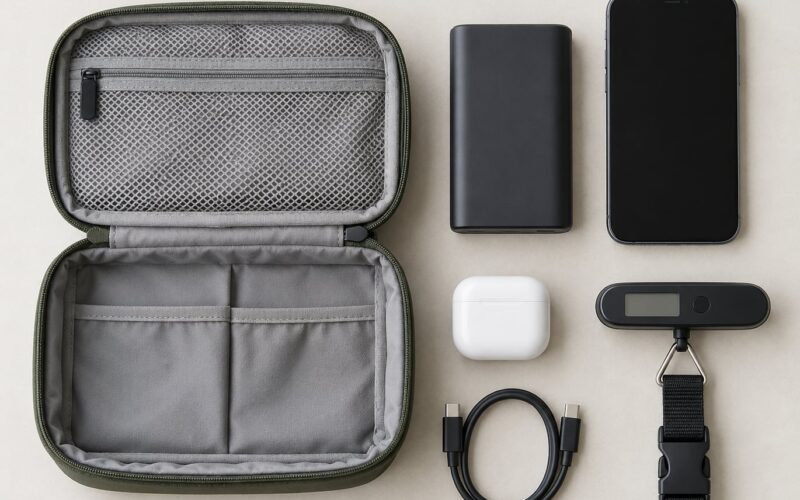
- Optional: a DC-to-DC barrel cable or a PD trigger adapter for older laptops, and a USB power meter if you want to see the real delivered wattage.
A rough capacity guide, assuming an energy density of about 3.7V per cell, which is typical for lithium cells:
| Power bank capacity | Approx. watt-hours | Realistic laptop top-ups | Airline carry-on |
|---|---|---|---|
| 10000mAh | 37Wh | Half a charge on a thin laptop | Allowed |
| 20000mAh | 74Wh | Close to one full charge | Allowed |
| 27000mAh | 100Wh | One full charge plus margin | Allowed, at the limit |
| 40000mAh and above | 148Wh and up | Multiple charges | Not permitted in carry-on or checked bags |
Most aviation authorities cap spare lithium batteries at 100 watt-hours in carry-on luggage, and banks above that limit cannot travel in the cabin at all. If you fly, plan around that ceiling.
Step-by-Step: How to Charge a Laptop With a Power Bank
1. Check Your Laptop Charging Requirements
Read the label on your laptop’s original AC adapter. It lists an input line such as 20V with 3.25A, and the wattage equals volts multiplied by amps. That example gives 65W, which is the number your power bank needs to match.
Next, look at the port itself. USB-C means you have the easy path. A round barrel jack means step 3 will need an adapter route. Some older machines use a rectangular proprietary connector, and those are the hardest to serve.
You can confirm the supported power profiles in the laptop’s manual or in the system settings under battery or power options. Most modern USB-C laptops list 45W, 65W and 100W profiles. Anything you find there is what the charger must offer.
2. Choose a Compatible Power Bank
Pick the output tier that matches or exceeds your adapter’s wattage. Going higher is fine as long as the port can deliver it, since the laptop negotiates downward and will only draw what it can accept.
| Laptop type | Typical adapter wattage | Power bank output to look for |
|---|---|---|
| Chromebook and netbook | 30W to 45W | 45W USB-C PD |
| Thin ultraportable | 30W to 45W | 45W or 65W USB-C PD |
| Mainstream 14 inch laptop | 65W | 65W or 100W USB-C PD |
| MacBook Pro 14 inch | 70W | 100W USB-C PD |
| MacBook Pro 16 inch | 140W | 140W USB-C PD |
| Gaming laptop | 100W to 300W | 100W minimum, often two ports needed |
| Mobile workstation | 135W to 230W | Check the adapter label carefully |
A digital wattage readout is worth paying for. It is the fastest way to confirm what you are actually getting, rather than trusting a sticker.
3. Select the Correct Cable and Connector
For a USB-C laptop, use a USB-C to USB-C cable rated for at least your required wattage. Cables rated for 60W commonly carry an E-Marker chip, and that chip is what tells the power bank it may push 5A instead of the 3A a basic cable allows.
Thin cables found in bags and drawers are the usual reason a 100W bank delivers only 60W, or nothing at all. Swap in a known-good cable before you blame the hardware.
4. Start Charging and Check the Result
Plug the cable into the power bank’s high-output USB-C port first, then into the laptop. Some banks will not begin output until they detect a device on the far end, so this order matters.
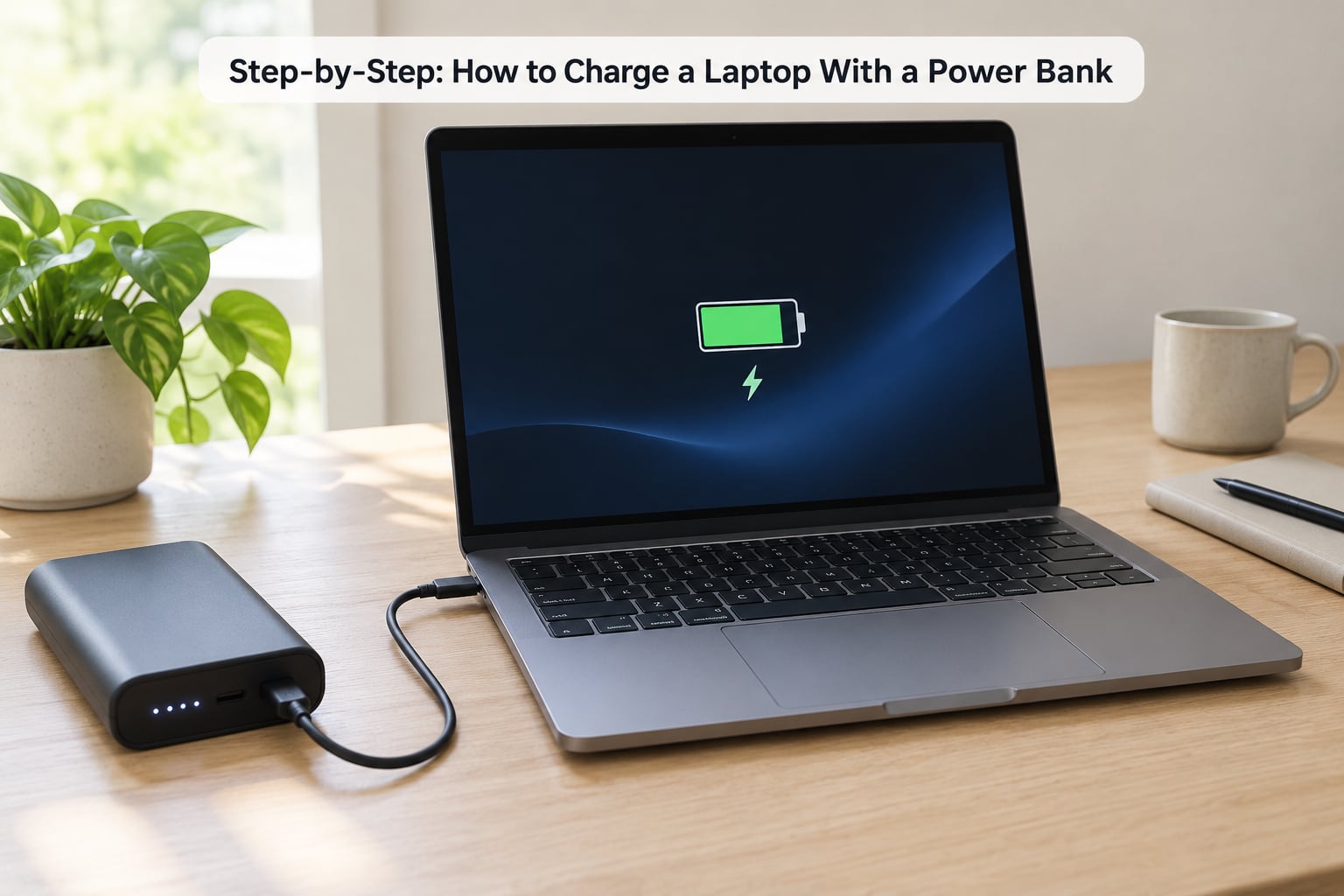
Look for three signs of success: the bank’s LED or display shows an output reading, the laptop’s charge icon appears, and the battery percentage creeps upward over a minute or two. If the percentage drops while the icon is lit, the power bank is underpowered for that machine, and the laptop is draining faster than it fills.
Expect a slower charge than a wall adapter. Conversion losses in the bank and the laptop’s own charging curve mean you may only see 65W to 75% of the bank’s rated output reach the battery.
5. Disconnect and Store the Equipment Safely
Stop the charge from the laptop side first, unplug from the laptop, then unplug from the power bank. Reversing that order can leave the bank cycling on and off against an empty load.
Check both the cable ends and the power bank for heat, discoloration, or a soft battery. Store everything in a cool, dry place, and do not leave a bank inside a hot car or a bag in direct sun.
Common Mistakes and How to Fix Them
Nothing Happens When You Plug In
Work from simplest to most complex. Confirm the cable is seated in the high-output port, try a different cable, then try the other USB-C port on the bank. Watch the bank’s display: if it reads 0W, the negotiation is failing, not the laptop.
Voltage mismatch is the usual culprit. Some laptops need 20V, some accept 15V, and some machines will happily charge down at 5V but slowly. A bank that cannot offer one of the laptop’s supported profiles will simply refuse the connection.
One number causes most silent failures: 45W. Several business-class laptops refuse to accept charge below 45W while switched on, and simply drain with the icon lit. Many of them will accept the same connection while powered down, which is a quick way to test whether wattage is your problem.
It Charges for a Minute, Then Stops
Heat is the usual reason. Once a bank or a cable warms up, protection circuits cut output. Move both out of direct sun, off a laptop’s exhaust vent, and off fabric. Restarting usually gets you a second session.
If the machine still reports a flat battery and refuses to charge after a long session, shut it down completely and leave it for an hour before trying again. Repeated failures on the same port point to the battery or its controller rather than to the charger, and those need servicing, not another cable.
Also try resetting the bank: hold its power button for 10 to 15 seconds until the indicators cycle, then reconnect.
The Laptop and Power Bank Get Hot
Heat is normal in moderation, since PD conversion always produces some waste heat. Persistent heat in the cable or connector is not. Stop charging, let everything cool, and replace a cable that is hot at the plug or discoloured. Never charge on a bed, cushion, or lap, and never cover the devices while they charge.
You Need More Runtime Than the Bank Gives
Work the math in watt-hours rather than marketing capacity. A 20000mAh bank holds roughly 74Wh, and after 30 to 40% conversion losses it delivers about 45Wh to a laptop. A 50Wh laptop battery then takes close to 70 minutes to fill, longer for the last stretch because charging slows near full.
For a heavier machine, either carry two banks or accept that a power bank is a top-up rather than a replacement. Most experienced users treat it as emergency and travel backup, not a daily substitute for the original adapter.
Your Laptop Has No USB-C Port
You still have three routes. A DC-to-DC cable plugs a barrel connector straight into the bank, bypassing PD negotiation, and works best when the bank’s voltage matches the laptop’s input exactly. A PD trigger adapter adds the missing negotiation step and works with more laptops, including many that accept 15V or 9V instead of 20V. An AC-output power bank has a full mains socket on the side, so any normal laptop charger plugs into it like a wall.
The AC-output route is the most forgiving and the heaviest. Whatever you choose, confirm the connector size and the voltage requirement on the laptop’s label first.
Frequently Asked Questions
Can I charge any laptop with a power bank?
Only if the laptop charges over USB-C with Power Delivery, or if you have the right adapter for its port. MacBooks, modern Windows ultrabooks and Chromebooks charge from any good USB-C PD bank. Older machines with a barrel jack need a DC-to-DC cable, a PD trigger adapter, or an AC-output power bank. Proprietary rectangular connectors usually need a purpose-made cable.
What size power bank do I need to charge a laptop?
Match the capacity to the laptop’s battery in watt-hours, not milliamp-hours. A 45W laptop with a 50Wh battery wants roughly a 100Wh bank, which is 20000mAh or 27000mAh at typical cell voltage. Allow for 30 to 40% conversion losses, so plan a little above what the arithmetic suggests. Above 100Wh the bank cannot go in airline cabin baggage.
Does a USB-C power bank charge laptops at full speed?
Not quite, though it is close. Power conversion and the laptop’s own charging curve mean a bank rated at 65W typically delivers 45W to 50W into the battery, and charging slows sharply in the last 20%. Machines with USB-C PD also negotiate the highest profile both sides support, so a 100W bank feeding a 65W laptop still gives you the full 65W.
Can I use a regular phone power bank for my laptop?
Rarely, and only as a slow trickle. Most phone power banks put out 5W to 18W from USB-A, which is far below the 45W minimum most laptops demand while switched on. Some ultraportables will accept a 20W USB-C profile and top up slowly with the machine off or mostly idle. Treat this as emergency power, not a charging plan.
Can I charge my laptop while the power bank is charging?
Yes, if the bank supports pass-through charging, which most USB-C PD models now do. The laptop draws power while the bank itself refills from a wall source. Expect slower laptop charging and more heat, since the bank is handling both jobs at once. Check the manufacturer notes first, and keep the setup on a hard surface with airflow.
Is it safe to leave a laptop charging overnight with a power bank?
It is workable but not ideal. Overnight sessions mean the battery sits at high charge voltage for hours, which ages it faster, and both devices run warm for a long time. Stopping between 20 and 80 percent charge is easier on battery health. Never do it on fabric, and never leave a bank that is hot to the touch or swollen.
Conclusion: Start With the Right Power Bank
Read the label on your laptop’s AC adapter, multiply the volts by the amps, and buy a USB-C PD power bank that meets or exceeds that number on its highest-output port. Use a cable rated for the same wattage, and keep both devices on a hard, ventilated surface while they charge.
Get those three things right, and learning how to charge a laptop with a power bank takes about as long as plugging in a cable. Get the wattage wrong, and no amount of extra capacity will help.