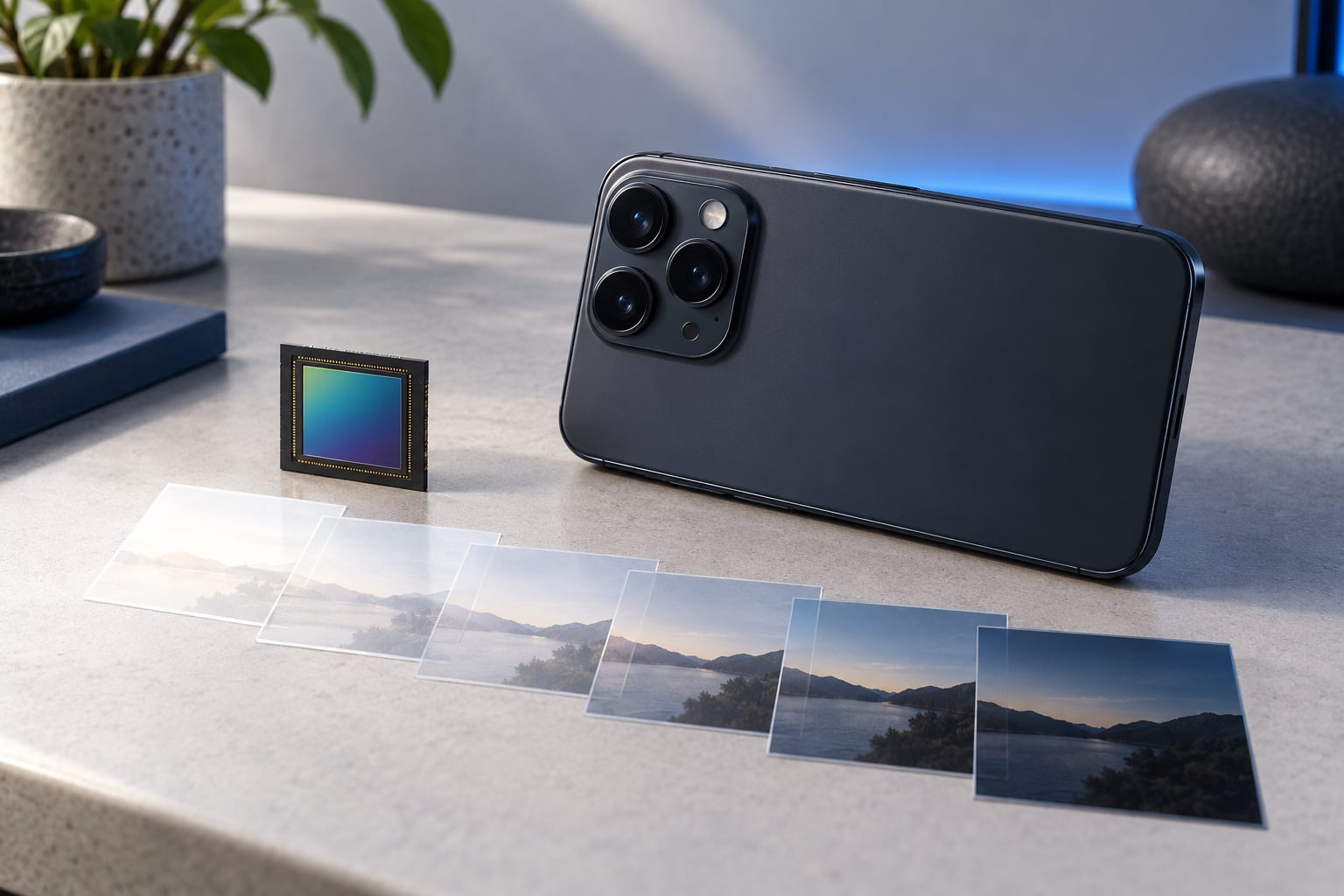
Computational photography is the practice of using software and several captured frames to build one finished photo, instead of relying on a single exposure through a lens. On a phone it is the reason a dim restaurant shot comes out usable, why a sunset keeps its colour, and why a 30x zoom still shows a recognisable face.
That covers the short version. What follows is the longer one: how the process works step by step, which techniques do the heavy lifting, where AI genuinely helps, where the results fall apart, and what to look at when you are comparing two phones. I have kept the numbers honest and skipped the marketing language.
One quick note before we start. Nearly every digital camera is computational to some degree, including a DSLR. The interesting question for phone users is not whether computation exists, but how much of the image you are actually looking at was captured by the sensor and how much was assembled afterwards.
Table of Contents
- How Does Computational Photography on Phones Work?
- The capture pipeline, step by step
- The image signal processor and the chip behind it
- What Is the Difference Between Computational Photography and Traditional Photography?
- Is computational photography cheating?
- RAW and Pro mode: turning processing down
- Which Computational Photography Techniques Are Used on Phones?
- HDR: why a sunset does not blow out
- Night mode: the longest exposure your hands can manage
- Portrait mode and depth maps
- Computational zoom versus optical zoom
- Stabilisation and alignment
- Panorama stitching, AI denoising and generative edits
- What Is AI’s Role in Computational Photography?
- Does Computational Photography Make Phone Cameras Better?
- How Does Computational Photography Affect Phone Camera Specs?
- What Should You Look for in a Phone Camera?
- Settings and habits that get you better photos
- Frequently Asked Questions
- Is computational photography the same as AI photography?
- Is computational photography cheating?
- Can you turn computational photography off on a phone?
- How does computational zoom work without a telephoto lens?
- Why do my phone photos look over-processed?
- Is a phone camera as good as a mirrorless camera?
- Conclusion
How Does Computational Photography on Phones Work?
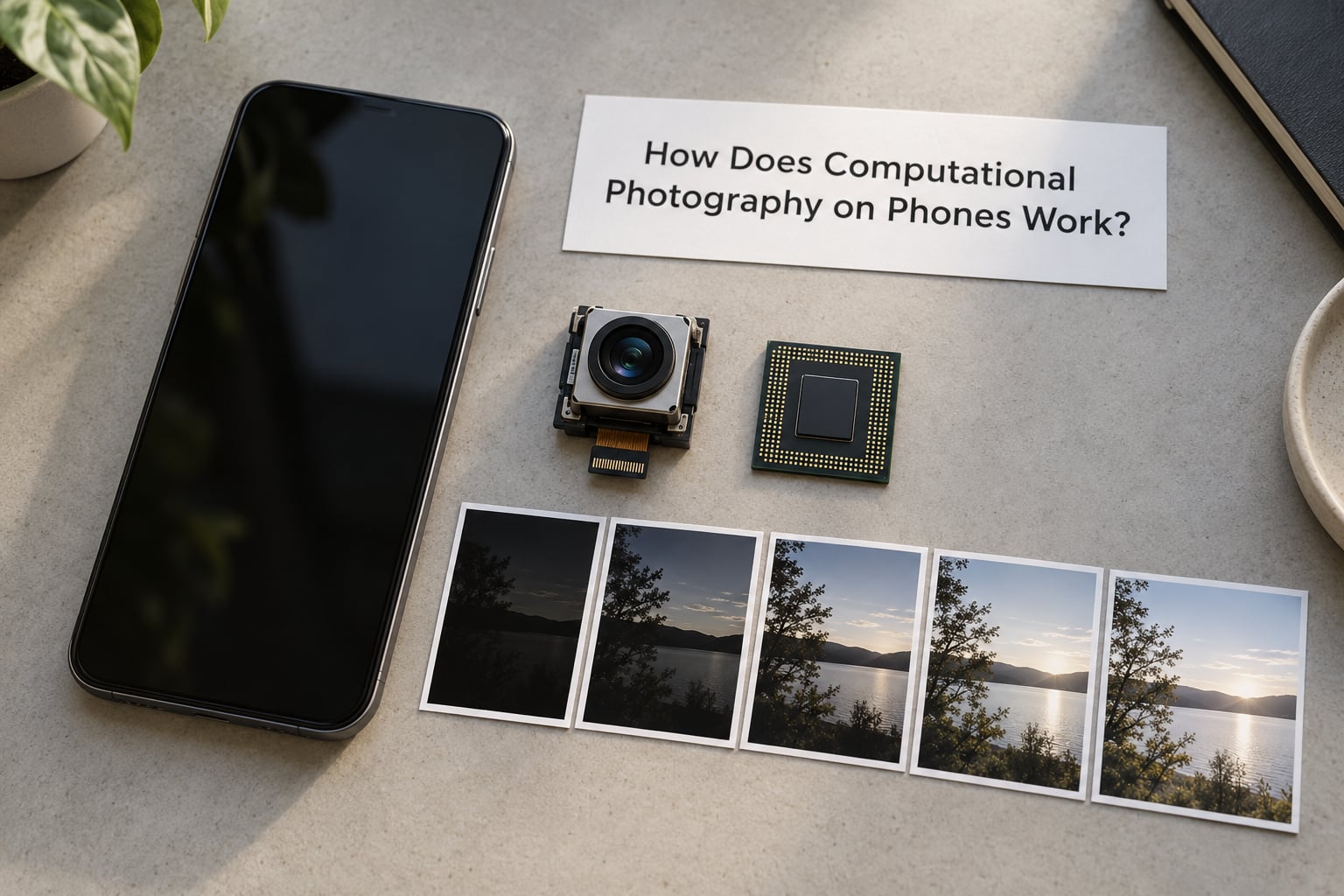
A phone camera cannot capture the whole scene the way your eye does. The sensor is small, the lens opening is tiny, and the device has to save a full-resolution image in about a tenth of a second. Computational photography is the set of tricks that closes that gap.
The core idea is simple: capture more information than the sensor can hold in one shot, then use algorithms to work out what the final picture should look like. Often that means taking several frames in quick succession and merging them.
The capture pipeline, step by step
Here is roughly what happens between pressing the shutter and the file appearing in your gallery. Exact steps vary by brand, but the order is remarkably consistent.
- Metering and autofocus. The camera reads the light in the frame and drives focus, usually with contrast detection and sometimes a phase-detection sensor. Metering is a computation too, so the exposure is already an estimate rather than a measurement.
- Burst capture. The phone shoots a short series of frames. Often these are bracketed exposures: one brighter, one darker, several close together. In low light they are stacked at a high ISO to gather more signal.
- Alignment. Because your hands move, each frame is shifted and rotated to line up with the others. If the scene moves, alignment fails, and that is where ghosting comes from.
- Motion and subject detection. The software decides which parts of the frame moved. Regions judged to be moving get treated differently from static regions such as a wall or a sky.
- HDR merge. Bright exposures supply highlight detail and dark exposures supply shadow detail. The merge expands the usable dynamic range beyond what a single exposure could record.
- Tone mapping. That expanded range is compressed into a displayable image. This is where the phone decides how bright the sky should be and how deep the shadows should look.
- Noise reduction and sharpening. Small sensors produce noisy images at high ISO, so denoising smooths grain while sharpening restores apparent detail. AI-based models do much of this work on newer phones.
- Local adjustments and encode. Faces, skies and other segmented regions get their own corrections, then the result is written as a JPEG or HEIF file.
The whole chain usually takes a second or two for a normal shot. Night modes that simulate a long exposure stretch this to five, ten or more seconds while the phone holds roughly still.
The image signal processor and the chip behind it
All of the above runs on hardware you rarely see. The image signal processor, usually built into the phone’s System-on-a-Chip along with the CPU and GPU, does the demosaicing, colour correction and tone mapping in real time. Vendors like Qualcomm and MediaTek build this block directly into their chips.
That is why a faster chip is not just a faster phone. More processing headroom means bigger merges, better denoising and shorter waits before the image appears. Two phones with identical camera sensors can produce noticeably different photos because of this block.
What Is the Difference Between Computational Photography and Traditional Photography?
Traditional photography assumes light passes through a lens, hits a sensor and becomes a photograph. Computational photography keeps that step, then does a great deal of work afterwards. The honest comparison is less about old versus new and more about what the hardware can do on its own.
| Factor | Computational phone photography | Traditional camera approach |
|---|---|---|
| Sensor size | Typically small, often around a quarter-inch or 1/1.5-inch class | Much larger, with individually bigger pixels |
| Aperture and lens | Fixed lens, small opening, no interchangeable optics | Interchangeable lenses with variable apertures |
| Exposure per shot | One frame out of a computed burst | A single deliberate exposure |
| Dynamic range recovery | Merged from several exposures automatically | Recovered later from RAW in software |
| Low light | Long multi-second stack, heavy denoising | Fast lenses and larger pixels gather light directly |
| Zoom | Crop plus super-resolution and fusion of multiple lenses | True optical zoom from glass |
| Background blur | Simulated from an estimated depth map | Optical blur from aperture and focal length |
| RAW access | Often limited to Pro or manual modes, and less complete | Standard and full control in any shooting mode |
| Processing style | Fixed by the vendor, updated by software | Minimal by default, tuned by the photographer |
Read that table as a trade rather than a ranking. A phone gives you an easy, finished image from a very small sensor. A dedicated camera gives you a more truthful starting point that you develop yourself.
Is computational photography cheating?
This comes up constantly on photography forums, so it deserves a straight answer. If a photograph has to be defined as one exposure taken by light through glass, then most phone images fail that test and so does the autofocus in your camera.
Contrast detection autofocus, phase detection, optical stabilisation, electronic stabilisation, even the RAW file itself are all computations. The purist position that computation is new is not quite true.
The fairer criticism is different. Computation can generate plausible detail that no lens captured, and that changes what a photograph is. Where the file looks natural, most people are fine with it. Where it invents detail on a 100x zoom, it is fair to say the result is a rendering rather than a photograph.
RAW and Pro mode: turning processing down
If you want more of what the sensor recorded, shoot RAW. RAW files keep the sensor data before tone mapping, sharpening and denoising, which means you decide how the picture looks later.
On Android, most Pro or Manual modes offer a RAW or JPEG plus RAW option. On iPhone, the built-in camera offers ProRAW, which keeps a 12-bit file with a more neutral tone curve. Xiaomi and Redmi devices expose RAW through their Pro camera mode as well.
The trade-off is honest: RAW files are larger, editing takes longer, and you give up the automatic HDR merge and the vendor’s look.
Which Computational Photography Techniques Are Used on Phones?
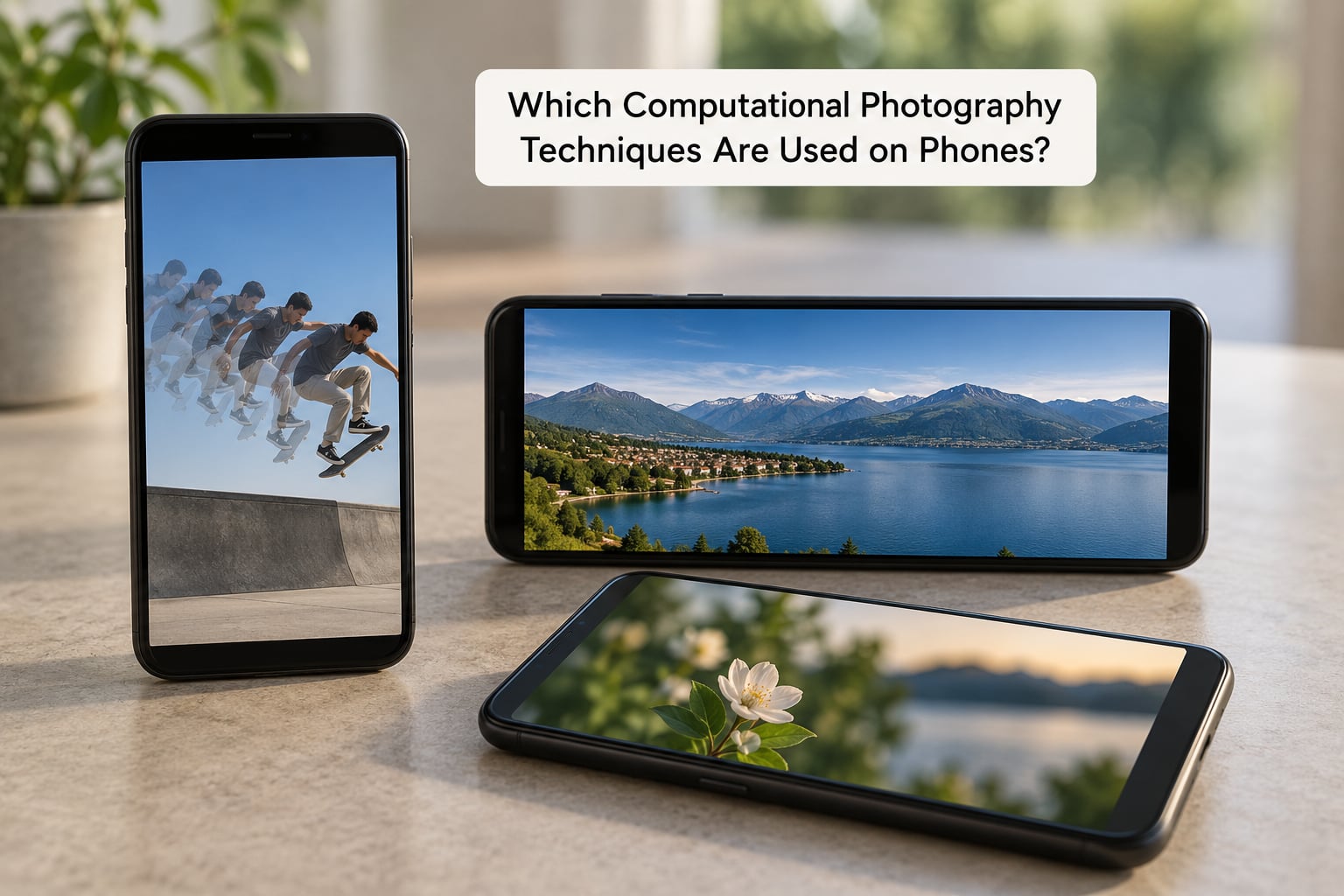
Here are the techniques you are actually using, roughly in order of how much they change the picture. Every phone uses some subset, and the good ones apply them selectively rather than all the time.
| Technique | What it fixes | Where you see it | How to test it |
|---|---|---|---|
| HDR stacking | Blown highlights or crushed shadows | Auto HDR, Smart HDR, HDR+ | Shoot a window and a dark interior together |
| Multi-frame night capture | Dark scenes, noise, colour shift | Night mode, Night Sight, Pro Night | Same dim street, night mode on then off |
| Depth estimation and bokeh | Background blur, subject separation | Portrait mode, Portrait mode f-stop slider | Shoot hair and glasses against a busy wall |
| Super-resolution zoom | Detail loss from cropping | Super Res Zoom, AI Zoom, 5x, 10x, 30x | Compare 1x, 5x and 20x on a distant sign |
| Frame alignment | Hand shake | OIS, EIS, plus software alignment | Pan across a scene at night |
| Panorama stitching | Field of view | Panorama mode, wide and ultra-wide fusion | Stitch a wide street view |
| Multi-frame denoising | Grain at high ISO | Every night mode, more visible on small sensors | Look at a dark wall at 100% zoom |
| Scene and subject detection | Skins, skies, food colour | Auto scene modes, semantic segmentation | Compare a face with and against a green screen |
| Generative edits | Removing or adding objects | Magic Editor, Eraser, object removal | Remove a passer-by and zoom in on the fill |
HDR: why a sunset does not blow out
A phone sensor has a limited dynamic range, so it cannot hold a bright sky and a dark foreground at the same brightness in one exposure. HDR fixes this by shooting several exposures and combining them so each area of the frame is captured at a comfortable level.
Some vendors push it hard and lift shadows aggressively, which gives that grey, flat look people complain about online. Others keep it restrained. Toggle HDR off and shoot the same scene to see the difference instantly.
Night mode: the longest exposure your hands can manage
Night mode is exposure stacking with stabilisation. The phone shoots many short frames over several seconds, averages them to push noise down, and merges the result. Longer modes look better on static subjects.
The catch is the one every reviewer mentions: people, cars and pets move during the exposure, so they ghost or double. Night mode is excellent for a lit building and unreliable for your child blowing out candles.
Portrait mode and depth maps
Phones estimate depth rather than measuring it, usually by using the slight blur differences across the sensor or by detecting the subject with a neural network. That estimate becomes a depth map used to blur the background and brighten the face.
The failure mode is famous: hair, glasses, ears and foreground clutter get misread, so you get a halo around the head or a punched-out background. Shooting in good light, with a simple background, fixes most of it.
Computational zoom versus optical zoom
Optical zoom changes the focal length with real glass, so detail is captured at full resolution. Computational zoom crops the sensor and asks software to invent the missing detail back.
Many phones now fuse frames from more than one lens: a wide camera, an ultra-wide and a telephoto cooperate to produce one image. Fusion at 2x to 3x often beats digital zoom on the main lens, which is why a jump between 1x and 2x can feel inconsistent. The honest rule: zoom holds up reasonably to about 5x on most flagships, then degrades quickly.
Stabilisation and alignment
Optical image stabilisation physically moves the lens elements to counter hand shake. Electronic stabilisation crops and re-frames digital video, which trims your field of view. Software frame alignment handles the rest for stills.
Stabilisation matters more with small sensors, because those cameras are slower and more sensitive to shake.
Panorama stitching, AI denoising and generative edits
Panorama mode is the oldest computation of all. The phone records your sweep as a series of overlapping frames and stitches them into one very wide image, correcting for exposure differences as it goes.
AI denoising trains a network to recognise noise patterns and remove them while preserving edges. Generative edits go further and reconstruct content, which is where the honest questions about authenticity start.
What Is AI’s Role in Computational Photography?
Computational photography and AI photography are related but not identical. Computational photography is the whole category of using software to build the final image, and plenty of it is mathematics with no learning involved: alignment maths, tone mapping curves, optical flow.
AI is the part where a trained neural network makes the decisions. That covers scene recognition, denoising, sharpening, detail generation, colour, subject detection and choosing which frame from a burst looks best.
Where AI clearly earns its place is denoising and semantic segmentation. Separating a person from a background so the phone can brighten skin and darken a blown sky is well suited to a trained model.
Where claims get slippery is super-resolution and generative editing. Reconstructing a moon shot on a 100x zoom is impressive and is not the same as capturing it. If your priority is a record of what was there, treat those features as creative tools rather than evidence.
Does Computational Photography Make Phone Cameras Better?
For almost every everyday situation, yes. The gains are largest exactly where the hardware is weakest.
In bright daylight the difference is small, because the sensor already captures plenty. In low light, backlit scenes, moving subjects, portraits and zoom, the improvement is dramatic. A handheld shot at night from a phone would be unusable without stacking, denoising and tone mapping.
The trade-offs are real. Processing takes time, so Night mode holds the viewfinder for several seconds and burst shots lag. Artifacts appear where assumptions fail, including ghosting, halos, smeared zoom detail and an over-sharpened look.
Results are also inconsistent in ways a camera is not. The same move can look fine in daylight and smeared at night. Synthetic bokeh changes between devices and can miss hair. Generative edits rewrite parts of the frame.
And the whole thing depends on software. Vendor updates change the look of your photos, sometimes noticeably. A phone that stops receiving updates quietly loses techniques it had.
How Does Computational Photography Affect Phone Camera Specs?
Spec sheets describe the starting point, not the result. Megapixels are the weakest predictor of image quality you will see on a box.
A 108-megapixel sensor defaults to a much lower resolution in most modes, binning pixels together for cleaner images. Pixel size matters more, since larger pixels gather more light before the shot. Sensor size matters more than that still.
Aperture controls depth of field and light intake, and most phone lenses sit wide open with a fixed opening, which is why simulated bokeh exists at all. Optical stabilisation tells you how the phone handles shake at slow shutter speeds.
Then there is the chip and the software. The processor’s image signal processor determines how good the denoising and tone mapping can be. Supported years of updates determine whether the phone keeps getting better. A two-year-old flagship often beats a new budget phone at this game, because the computation is doing the work.
What Should You Look for in a Phone Camera?
Skip the megapixel count and check these instead, in roughly the order they affect your photos.
- Low-light behaviour. Take a test shot of a dim room or a street at night. Check noise, colour and how the phone handles a moving subject.
- Stabilisation. Look for optical image stabilisation, or EIS for video, on the main and telephoto lenses.
- Zoom consistency. Compare 1x, 2x, 5x and 10x on the same distant object. A big drop in clarity after 2x is common and worth checking.
- HDR behaviour. Shoot a high-contrast scene and see whether shadows look natural or washed out.
- Portrait accuracy. Test with hair and glasses, not a blank wall. That is where depth estimation reveals itself.
- Software support. Check how many years of camera updates are promised.
- Manual control. If you care about processing, confirm Pro or ProRAW capture exists.
Settings and habits that get you better photos
Turn off HDR when you want natural contrast, and turn it back on for backlit scenes. Use Night mode only for static subjects. Wipe the lens; a fingerprint costs more detail than any setting.
If you want less processing, switch the camera to Pro or Manual and shoot RAW or JPEG plus RAW. Editing that file yourself gives you the vendor’s processing power without the vendor’s look.
Third-party camera apps built around RAW can do the same thing, and they sometimes expose manual focus and long exposures that the stock app hides. The trade is that you lose the automatic HDR merge and AI scene handling.
Frequently Asked Questions
Is computational photography the same as AI photography?
No, though they overlap heavily. Computational photography is the whole practice of building a photo with software and multiple frames, and much of it is classical maths like alignment and tone mapping. AI photography is the part where a trained neural network makes the decisions, such as denoising, scene recognition, subject detection and detail generation. You can have heavy computation with no AI at all.
Is computational photography cheating?
It depends on your definition. If a photograph must be one exposure through glass, most phone images fail that test, but so do autofocus, stabilisation and RAW processing in a dedicated camera. The fairer criticism is that computation can generate plausible detail no lens captured, which is a fair reason to treat high zoom and generative edits as rendering rather than record.
Can you turn computational photography off on a phone?
Not entirely, because autofocus, metering and demosaicing are always running. What you can do is cut the heavy processing: switch off auto HDR, avoid night mode in bright scenes, and shoot RAW or ProRAW from the Pro or Manual mode. RAW keeps the sensor data before tone mapping, sharpening and denoising, so you decide how the picture looks.
How does computational zoom work without a telephoto lens?
Past the optical limit, the phone crops a smaller region of the sensor, which loses real detail, then uses super-resolution to reconstruct an image at the expected resolution. Many devices also fuse frames from a wide, ultra-wide and telephoto camera at once. That fusion is why 2x and 3x sometimes look better than plain digital zoom, and why 20x and beyond turn mushy.
Why do my phone photos look over-processed?
Usually it is aggressive shadow lifting and sharpening in the HDR and denoise stages, often combined with a tone curve that flattens contrast. Strong contrast between a bright sky and a dark subject makes it worse, since the algorithm lifts the dark side hard to match the bright one. Shoot the same scene with HDR off and compare; the difference is usually obvious.
Is a phone camera as good as a mirrorless camera?
For daylight snapshots and casual travel, a current phone is genuinely competitive and much more convenient. A mirrorless camera wins in low light, at high zoom, with moving subjects and for RAW control, because it gathers light optically instead of computationally. Photography forums generally report reaching for the phone more often and the dedicated camera less often, which says as much about convenience as quality.
Conclusion
Computational photography on phones is the software layer that makes a small sensor behave like a much larger one. Your camera captures a burst of frames, merges them, denoises the result, maps the tones and segments the scene before saving a finished photo.
It delivers most where hardware is weakest: low light, backlit scenes, zoom and portraits. It also brings processing time, artifacts and a dependence on updates, and at high zoom some detail is reconstructed rather than captured.
When you compare two phones, shoot the same six things and compare them honestly: a daylight scene with fine detail, a dim indoor shot, a panning shot to test stabilisation, a portrait with hair and glasses, a distant object at 5x, and a short video clip. Those six frames tell you more than any spec sheet.