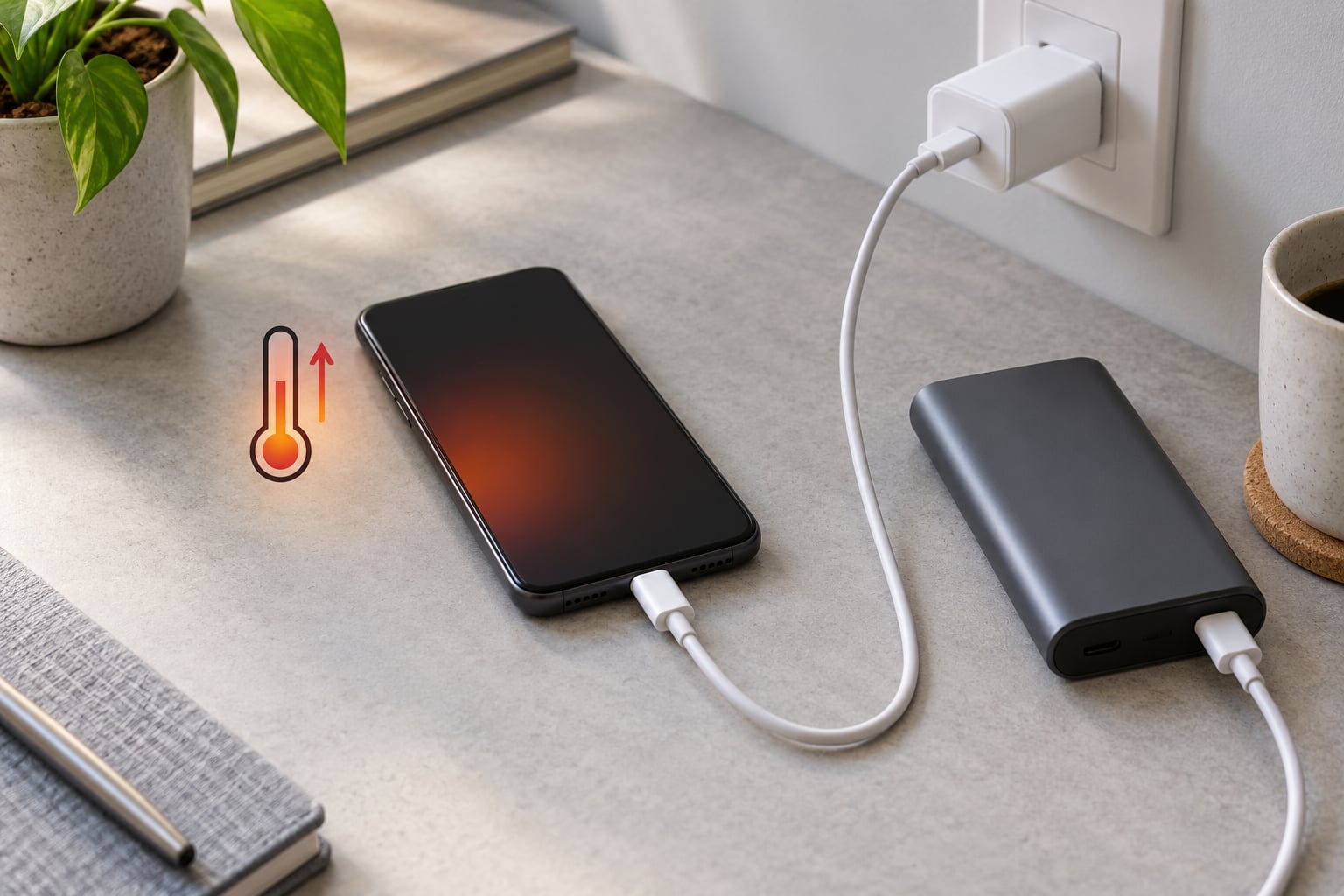
A phone gets warm while charging because charging is never 100% efficient: some energy is always lost as heat in the cable, the port, the charging circuitry and the lithium-ion cell itself. A little warmth is normal. A phone that is genuinely hot to hold means extra energy or trapped heat, and that is worth fixing.
The quick version — most cases come down to fast charging, using the phone while it plugs in, heat with nowhere to go, a cheap or damaged charger, or an old battery.
- Fast charging pushes more current into the cell at once
- Gaming, video calls or navigation while plugged in adds a second heat source
- A thick case, a pillow or a soft surface traps heat against the back panel
- Uncertified, frayed or mismatched chargers waste energy as heat
- An aging battery has higher internal resistance, so more of the power becomes warmth
Keep reading and you will learn how to tell normal warmth from a real problem, how to check your battery health, and the exact settings to change on your phone.
Table of Contents
- What Counts as a Normal Temperature?
- Why Does My Phone Get Hot While Charging?
- Fast charging raises current and heat together
- Using the phone while it charges adds a second heat source
- Trapped heat has nowhere to go
- Uncertified, damaged or mismatched chargers and cables
- An aging battery has more internal resistance
- Hot rooms, cars and sunlight
- How to Tell Whether the Battery or the Charger Is Causing the Heat
- How to Stop Your Phone from Overheating While Charging
- Settings paths by brand
- Do fast chargers ruin batteries?
- Which Charging Accessories Can Make a Phone Hotter?
- Why does my phone get hot while charging wirelessly?
- Wattage, ports and cars
- What Warning Signs Mean You Should Stop Charging
- Frequently Asked Questions
- Should I stop charging my phone if it is hot?
- Can overheating damage my phone battery?
- Why does my phone get hot when charging wirelessly but not with a cable?
- Is it bad to charge my phone while playing games?
- How do I check my battery health on Android?
- Conclusion
What Counts as a Normal Temperature?
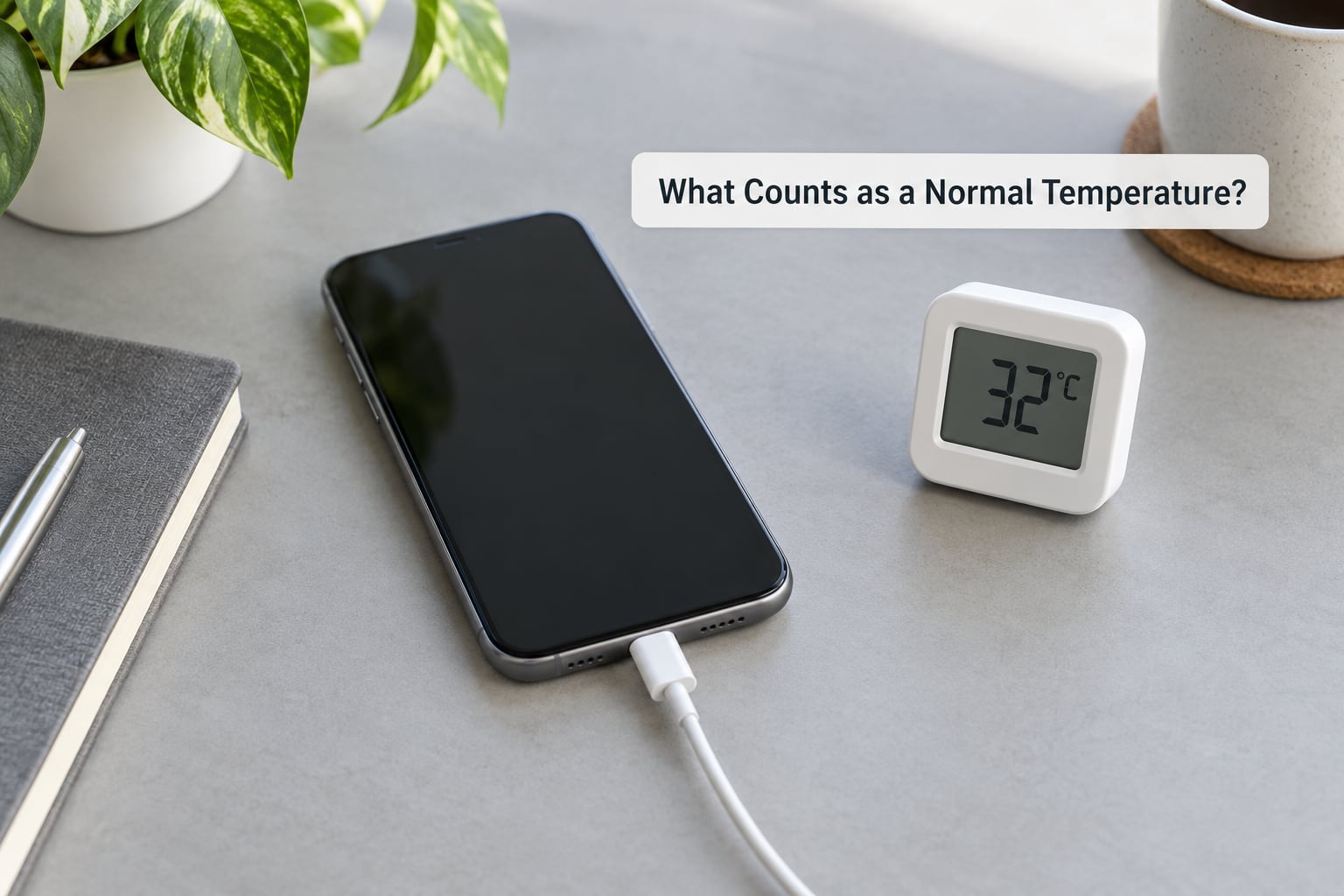
Manufacturers rate phones for charging in roughly 32°F to 95°F (0°C to 35°C). Outside that band, the phone is being asked to work in conditions it was not designed for, and the operating range itself is wider still at about -4°F to 113°F (-20°C to 45°C).
Most people do not have a thermometer handy, so use touch instead:
- Cool to slightly warm: normal, especially with the screen off.
- Warm but comfortable to hold for minutes: still normal during fast charging or heavy use.
- Too hot to keep holding for more than a few seconds: not normal. Unplug it.
- Hot with an unusual smell, a swollen back panel, or a hissing noise: stop immediately and move it somewhere safe.
Where the heat is also tells you something. Heat spread across the whole back is usually the battery and processor working. Heat concentrated around the charging port or at the cable end usually points at the port, the cable or the adapter.
Why Does My Phone Get Hot While Charging?
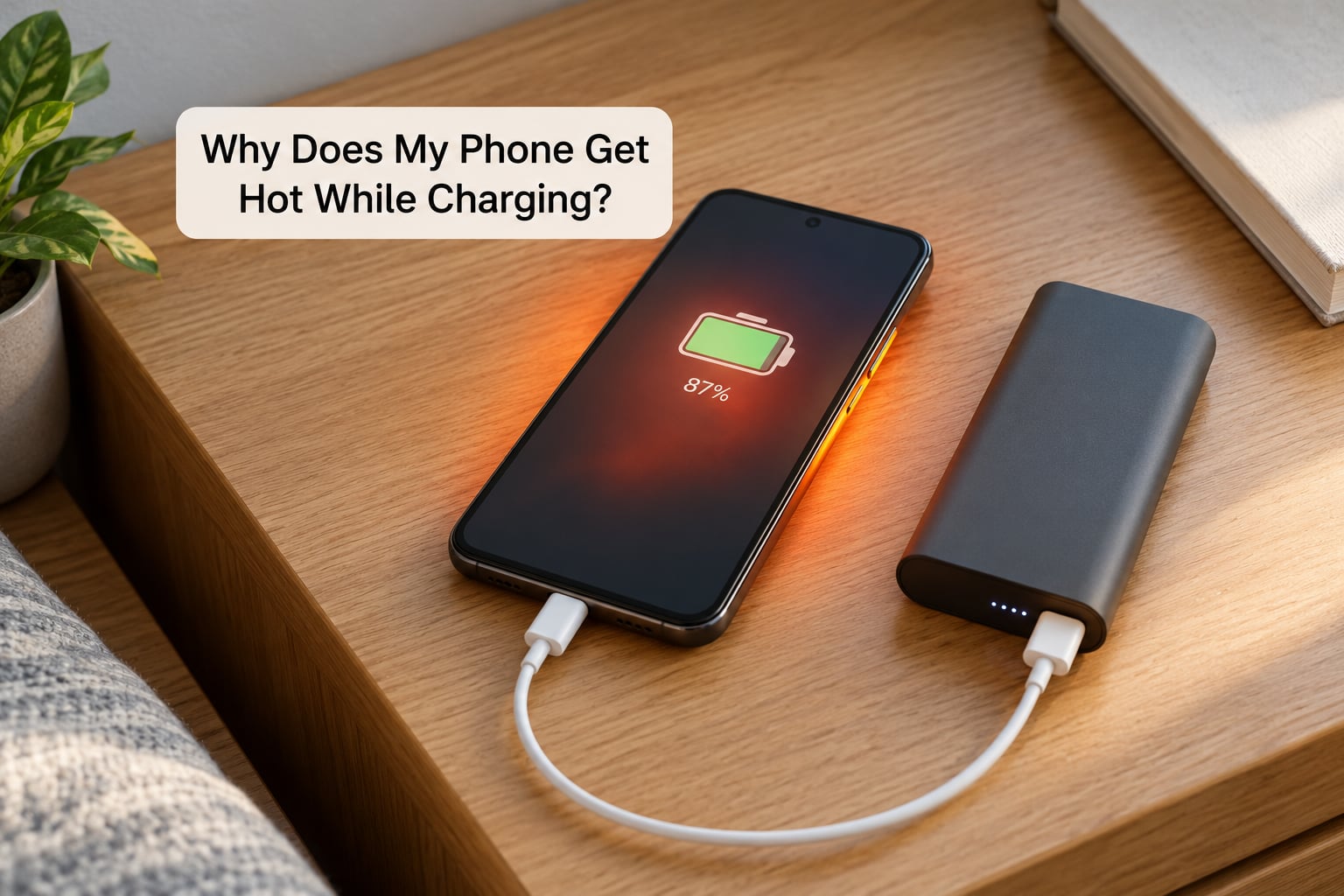
Charging moves energy in, and the phone uses energy at the same time. Whichever side produces more waste heat wins, and on a busy phone the two stack up.
Fast charging raises current and heat together
A 25W charger pushes roughly three times the current of a 5W one. The phone accepts what its charging protocol allows and turns the rest into warmth, which is why the back of the phone warms most during the first 20 minutes or so.
Using the phone while it charges adds a second heat source
The processor generates heat on its own. Streaming video, playing games or running GPS navigation while plugged in means heat from the battery and heat from the chip arrive at the same time.
Trapped heat has nowhere to go
Heat moves by conduction into whatever touches the phone. On a bed, under a pillow or inside a thick insulated case, that heat builds with no airflow to carry it away, and users on forums repeatedly name OtterBox-style cases as an overlooked cause.
Uncertified, damaged or mismatched chargers and cables
Generic wall adapters often waste energy they never deliver, and that waste becomes heat in the brick itself. A frayed cable, a bent connector or a lint-packed port adds resistance at the connection, which converts current into heat right where your fingers can feel it.
An aging battery has more internal resistance
After a few years and several hundred charge cycles, a lithium-ion cell holds less charge and pushes back harder. More of the incoming power is dissipated as warmth, which is why a five-year-old phone can run hot on a charger that barely warmed its younger self.
Hot rooms, cars and sunlight
Heat already in the environment leaves less room for the phone to shed its own. A dashboard in direct sun can exceed 140°F, well past the operating limit, and a phone left charging in a parked car can cross the danger threshold without anything being wrong with the battery.
How to Tell Whether the Battery or the Charger Is Causing the Heat
Run these tests in order. They take ten minutes and usually point at one culprit.
- Screen-off test. Unplug, close every app, restart the phone, plug it back in and leave it alone for 30 minutes. If it is only mildly warm, the charger is probably fine and your apps were the problem.
- Second-charger test. Try a different certified charger and a different cable on a known-good outlet. If the heat drops or disappears, the old adapter or cable was the source.
- Port inspection. Look into the charging port with a light. Fluffy pocket lint packed into the port makes charging slow and hot, and clearing it with a wooden toothpick is the fix most people find works immediately.
- Compare wireless and wired. If the phone is only hot on the pad, the coil alignment or the pad itself is generating the excess.
- Check battery health. On iPhone, go to Settings, Battery, then Battery Health and Charging. On Android, open Settings, Battery and look for Battery diagnostics, Battery usage or Battery health.
If the phone is only 2 or 3 years old and the heat appears on fast charging and nothing else, that is a charger and habit problem. If it happens with every cable, on any charger, with the screen off, and the battery health reading is low, that is a battery problem.
How to Stop Your Phone from Overheating While Charging
- Unplug it and move it to a hard surface. A desk or table, not a bed, sofa or lap.
- Take the case off. Thick cases insulate the back panel, which is where the heat wants to go.
- Close the apps doing real work. Games, video, camera, navigation and split-screen all add processor heat.
- Turn the screen off. A bright display at maximum brightness is a heat source of its own, so use a short timer rather than leaving the screen lit all night.
- Turn off fast charging. Slower charging spreads the same energy over more time and produces noticeably less heat.
- Move location and background services off. GPS, Bluetooth scanning and aggressive background sync keep the radio and CPU warm beside a charging battery.
- Clean the port and check the cable. Lint in the port or a cable that only works bent at one angle means resistance, and resistance means heat.
- Use a certified charger in a cool room. A certified adapter matched to your phone negotiates power correctly; an uncertified one just converts the difference into heat.
Settings paths by brand
Samsung Galaxy: Settings, Battery and device care, then Battery, and switch off Fast charging. Under the same menu, tap Background usage limits to put unused apps to sleep.
Google Pixel: Settings, Apps, See all apps, then the three-dot menu on any app and choose Restrict battery use. Battery Saver lives under Settings, Battery.
Stock Android and most Xiaomi, Redmi and Poco models: Settings, Battery, then Battery optimization, which lists the apps using the most power. Turn on Adaptive Battery under Settings, Battery, Battery saver.
iPhone: Settings, Battery, then Low Power Mode. Turn off Background App Refresh under Settings, General and keep Optimized Battery Charging on.
Do fast chargers ruin batteries?
No, not on their own. Repeated high-wattage charging at a high state of charge adds stress over time, but heat is the bigger factor. Modern phones negotiate power with the charger and cut charging speed when the cell gets warm or full, which is why charging to 100 percent and leaving it there overnight is harder on a battery than stopping at 80 percent.
Which Charging Accessories Can Make a Phone Hotter?
Why does my phone get hot while charging wirelessly?
Wireless charging is the least efficient wired-or-not option. The coil has to line up with the coil in the phone, and misalignment forces the pad to push more power and cycle it back as heat. Users on iPhone and Galaxy forums describe backs that become uncomfortably hot on Qi pads, often after a firmware update changed the charging curve.
Centering the phone on the pad helps. So does removing the case. If it only ever happens on one pad, the pad is the problem.
Wattage, ports and cars
A higher-wattage charger does not automatically overheat a compatible phone, because the phone pulls only what it supports. The exceptions are uncertified bricks, mismatched voltage, damaged cables and cheap multi-port adapters that share heat badly.
Car charging is its own category. A cigarette lighter socket often delivers less current than the phone expects, which means a long, slow charge at a high cell temperature, and a phone on a seat in direct sun adds to it. Charge in the shade, in a holder that leaves the back exposed, and expect slower charging.
What Warning Signs Mean You Should Stop Charging
- The back panel bulges, or the phone no longer sits flat on a table
- A sharp chemical or burnt-plastic smell near the port or battery
- The charging port or cable end is hot enough to discolor or melt the plastic
- Heat persists with the screen off, with nothing running
- The battery drains fast while plugged in, or the phone dies at a high percentage
- Random shutdowns, or the screen dimming and the message about charging being on hold
- Alarms, warnings or a blinking icon about temperature
That last group is thermal protection doing its job. The phone slows the processor and pauses charging until it is cool. It is the device protecting itself, not a malfunction.
If a battery smokes, hisses or swells, move away from it, put nothing on top of it, do not put it in a freezer or a fridge, and do not try to charge it again. Take it to a service center. Condensation from cooling a hot sealed battery can make the damage worse, which is why the freezer trick that circulates on forums is worth ignoring.
Frequently Asked Questions
Should I stop charging my phone if it is hot?
Stop if it is too hot to hold comfortably, if the smell is unusual, or if the back panel looks swollen. Mild warmth while plugged in is normal and does not require unplugging. If the phone pauses charging on its own with a temperature message, that is thermal protection working correctly, so let it cool on a hard surface before charging again.
Can overheating damage my phone battery?
Yes, sustained heat shortens battery life. Heat accelerates the chemical wear inside a lithium-ion cell, so a phone that regularly runs hot while charging loses capacity faster than one that stays cool. The bigger risk is leaving a swollen battery unattended, because a damaged cell can go from hot to unsafe without much warning.
Why does my phone get hot when charging wirelessly but not with a cable?
Wireless charging relies on coil alignment, and any mismatch makes the pad push harder and waste more energy as heat. It is also simply less efficient than a wired connection, so more power arrives as warmth. Center the phone, take the case off, and if it only happens on one pad, that pad is the cause.
Is it bad to charge my phone while playing games?
It is the most reliable way to overheat a phone, because the processor and the battery are both producing heat at once. Gaming plus fast charging can push a phone past its charging temperature range, which usually triggers thermal throttling and a charging pause. Charge first, play after.
How do I check my battery health on Android?
Open Settings, tap Battery, and look for Battery diagnostics, Battery usage or Battery health, depending on your brand. Samsung users find it under Settings, Battery and device care, Battery, then Battery information. The reading shows current capacity against the original rating. Below roughly 80 percent on a phone more than two years old, expect extra heat and shorter runtime.
Conclusion
If your phone is hot while charging, start here: unplug it, move it to a hard ventilated surface, take the case off, and leave the screen off for half an hour. Then inspect the charger and cable, clear any lint from the port, and stop running heavy apps while it plugs in.
If the heat still comes back with the screen off and nothing running, check your battery health. A swollen back panel or a chemical smell means service, not another charge cycle.