The best desk lamp for computer work is an adjustable, dimmable light with a controlled beam that you can place opposite your dominant hand, roughly level with your screen brightness. Judge it on lumens, color temperature, color rendering and adjustability, and ignore the wattage number on the box.
A lamp does not cure eye strain on its own. What actually drives the headaches and end-of-day fatigue most people describe is the brightness gap between a bright screen and a dark room, so the right lamp is the one that lets you close that gap without reflecting light into your eyes.
Table of Contents
- How to Pick a Desk Lamp for Computer Work
- What actually decides the purchase
- Start with the lighting task, not the wattage
- Choose a brightness range that feels comfortable at your desk
- Pick a color temperature that supports focus and comfort
- Reduce screen glare and reflections
- The placement rules that matter
- Make sure the lamp fits your desk and working style
- Check the controls, power source, and useful extras
- How to compare desk lamps for computer work
- Frequently Asked Questions
- What type of lighting is best for office work?
- What watt for a desk lamp?
- How many lumens should a desk lamp be for computer work?
- What color temperature is best for desk lighting to reduce eye strain?
- Should my desk lamp be on the left or right side?
- Is a monitor light bar better than a desk lamp for eye strain?
- Conclusion
How to Pick a Desk Lamp for Computer Work
Pick a desk lamp for computer work by matching four specs to your setup: 450 to 800 lumens of output, tunable color temperature around 4000K for daytime, a CRI of 90 or above, and an arm that holds its position. Everything else is preference.
That single sentence is the whole decision. Nearly every buyer gets stuck because product pages lead with wattage and decorative features, and both are almost irrelevant to how a lamp feels over a nine-hour day at a keyboard.
What actually decides the purchase
- Beam control. Can you aim the light at the keyboard and keep it off the screen?
- Dimmability. A lamp with a wide, smooth dimming range lets you match the room instead of fighting it.
- Color temperature range. A tunable lamp covers a bright daytime desk and a warm evening one without a second fixture.
- Color rendering (CRI). Below 80 and paper, wood and skin tones look washed out, which gets tiring over time.
- Flicker. Cheap dimmers pulse the LED rapidly. That pulse is invisible to many people and uncomfortable for others, and it is the deal-breaker most worth testing.
- Footprint and stability. On a cluttered desk or with two monitors, a wide base may not fit at all.
If you only have patience for one test, dim the lamp to its lowest setting and wave a pen across the light. If you see strobing, keep looking. If you cannot see it but you feel bothered by the light anyway, that is enough to rule the lamp out.
Start with the lighting task, not the wattage
Most desk lamps solve a different problem than the one you have. Before comparing specs, work out which of the three lighting layers you are actually missing.
- Task light. Directed light on the work surface. This is what a desk lamp is for, and it matters most when you write, draw, read print or work with your hands on the desk for hours.
- Ambient light. Soft, indirect light in the room. Cheap LED strips in a ceiling fixture or behind a shelf do this job well.
- Bias lighting. A light source behind the monitor washing the wall in a soft glow. It makes the screen look less like a lit rectangle floating in a dark room, and it is the layer most people skip.
You want at least two of the three. A bright task lamp in a pitch-dark room makes the contrast problem worse, not better, and that is a common mistake I see people make when they replace a dim setup with a bright new lamp.
Watts, meanwhile, describe energy use, not light output. An LED desk lamp drawing 8 to 12 watts can out-light an old incandescent bulb drawing 60. When a page lists only watts, treat the brightness as unknown.
Choose a brightness range that feels comfortable at your desk
Aim for roughly 450 to 800 lumens for a normal desk, dimmed down to match your screen. Higher-output lamps are useful in dark rooms or on large desks, but they need a working dimmer or they become the new source of contrast.
Guides disagree about lumens because they assume different rooms. A small desk in a dim bedroom needs the lower end. A large surface in a dark home office can take 800 to 1200 lumens, though that is only useful if you can dim it. The variable that matters is not the maximum output but how finely you can turn it down.
Match the lamp to your screen rather than to the ceiling. Hold a sheet of white printer paper next to the monitor: the paper and the brightest white area of a document should look about the same. If the paper glows, turn the lamp down.
Ergonomic guidance commonly points to 300 to 500 lux at the desk surface for screen-based work. You will rarely see lux listed on a product page, so treat it as a target for the match test rather than a number to shop by.
Pick a color temperature that supports focus and comfort
Choose about 4000K neutral white for daytime desk work, and shift to 2700 to 3000K in the evening. A tunable lamp lets you do both with one fixture, which is worth paying for if you work after dark.
| Color temperature | Appearance | Best for | Eye-strain impact |
|---|---|---|---|
| 2700K-3000K | Warm, yellowish | Evening work, wind-down | Easy on eyes, signals later hour |
| 3500K-4000K | Neutral white | Daytime desk work | Balanced, easy to read for long stretches |
| 5000K-6500K | Cool, bluish | Color-critical detail work | Bright and alert, harsher after dark |
Cool white is not dangerous in small doses, and claims that any desk lamp damages your eyes are marketing rather than science. The practical complaint is simpler: a hard 6500K lamp at full brightness in a dark room leaves you squinting at the desk and then at a brighter screen.
One extra check: if you use a monitor’s night mode, which shifts the screen warm after sunset, keep the lamp near the same warmth in the evening. Mismatched color between lamp and screen is a small thing, but people notice it constantly.
Reduce screen glare and reflections
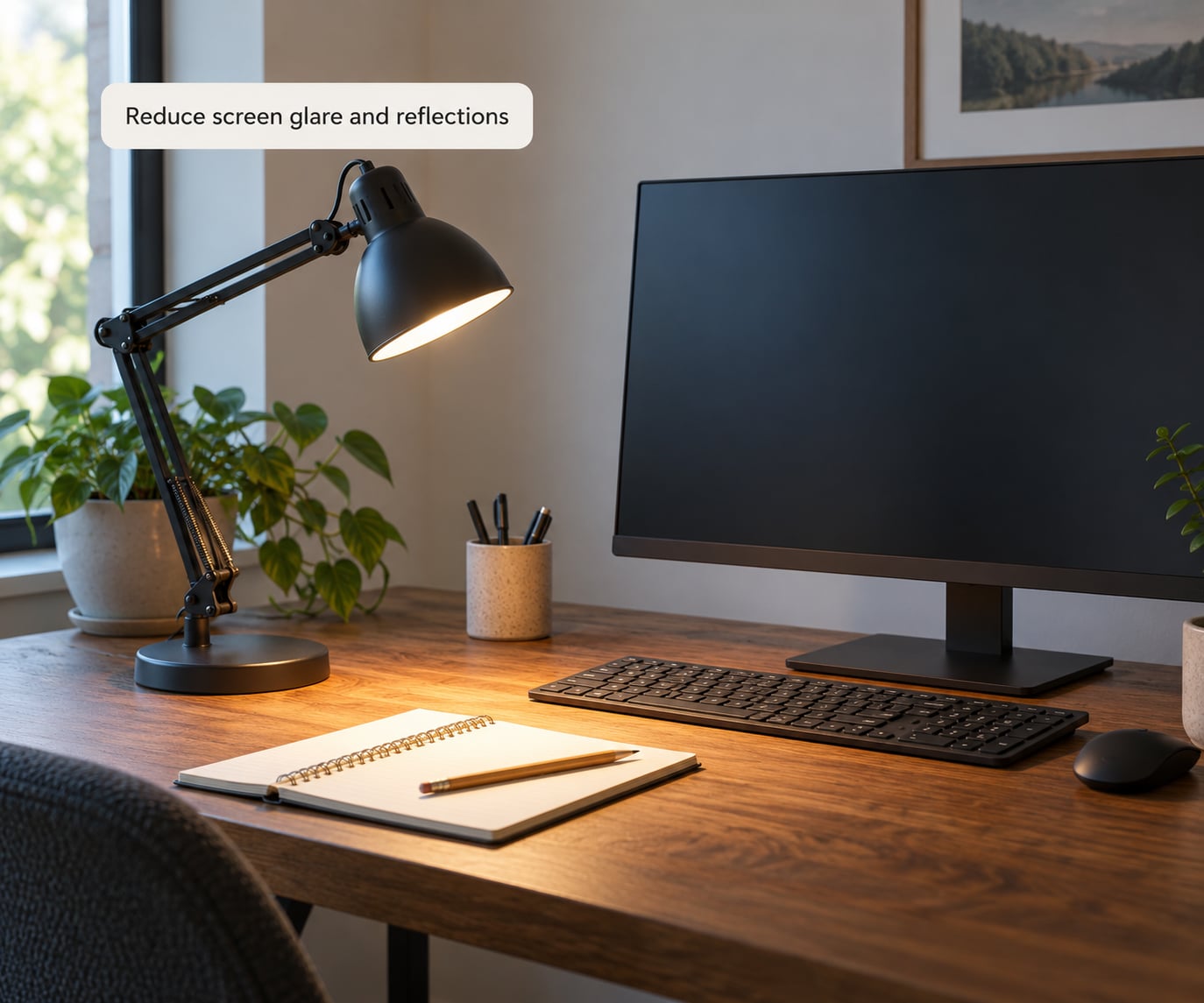
Glare is the most common complaint on lighting forums by a wide margin. It comes from light bouncing off a glossy screen into your eyes, and it is fixed by placement and beam control, not by spending more.
The placement rules that matter
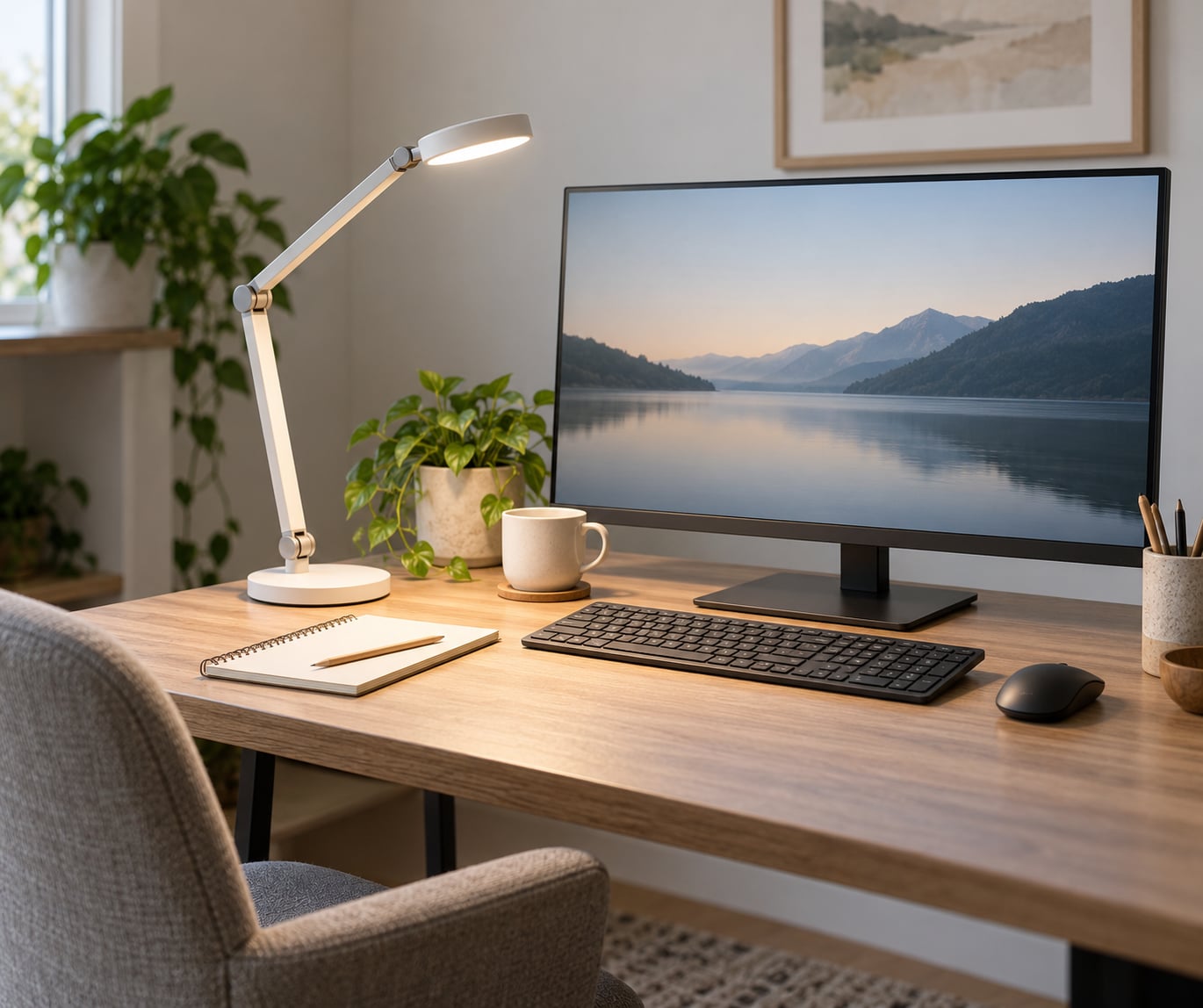
- Put the lamp on the side opposite your dominant hand. Right-handed? Lamp on the left. This removes the shadow your hand casts across your writing.
- Keep the light source beside or slightly behind your head rather than in front of you, so nothing reflects straight back.
- Angle the head down at the desk rather than toward the screen. Long, deep shades and rectangular light bars throw light forward and stop short of your face.
- Never aim across the monitor at a shallow angle. That is the single fastest way to create a hot spot on a glossy panel.
- Angle the monitor slightly, a few degrees, and use a matte or anti-glare screen coating if reflections persist.
Run the test yourself in a minute. Turn the lamp to full brightness, sit back in your normal working position, and squint at the screen. If you see a bright rectangle or a washed-out patch, move the lamp before you blame the panel.
On matte anti-glare panels, glare mostly comes from overhead lights rather than the desk lamp, which is another reason a downward beam beats a wide-dome shade.
Make sure the lamp fits your desk and working style
Format matters more than people expect. A weighted-base lamp that reads well in a showroom can be unusable in a real cubicle or on a small standing desk.
| Format | Glare risk | Desk space | Best for |
|---|---|---|---|
| Weighted base | Low, easy to position | Takes a large footprint | Clear desks, stable surface, heavy lamp |
| Clamp or clip-on | Low | Almost none | Cluttered desks, dual monitors, small desks |
| Monitor light bar | Very low, sits above the panel | None | Glare-prone desks, tight setups, video calls |
Clamp lamps are the most common entry point people recommend in communities, and the reason is simple: they solve the space problem. They do add a constraint, though. The clamp needs a thick, clean desk edge, and the light source sits higher, which means more reach but also a longer arm that can sag.
For dual-monitor setups, the arm length matters more than anything else. Check that the lamp can reach past the near monitor to light the keyboard without the head hovering over your line of sight.
Cable routing is the detail people forget. A lamp with a permanently attached cord that cannot reach the outlet forces either an extension cord or a lamp you never plug in. Cordless or rechargeable lamps solve that, at the cost of brightness and runtime.
Check the controls, power source, and useful extras
Controls should be usable without looking. Touch panels on the base are common and mostly fine, but physical buttons and a dial give you better feedback in the dark and last longer than capacitive surfaces.
- Memory. A lamp that remembers your last setting saves a small daily annoyance. Touch panels without memory often reset to full brightness, which is exactly what you do not want at 11pm.
- USB ports. A USB-A or USB-C output in the base is handy for charging a phone at the desk. It is not a quality signal, just a convenience one.
- Timers and sensors. Useful if you fall asleep mid-session, and genuinely helpful for anyone who worries about leaving a lamp on.
- App control. Fine for scheduling and remembering presets. Not worth paying a premium for on its own.
- Replaceable parts. Integrated LED modules are cheaper and lighter, but a lamp with a replaceable panel or standard fitting is easier to live with long term.
Check power draw too, since LEDs are cheap here. Most quality desk lamps sit between 6 and 15 watts, and any good lamp should run directly off a wall adapter rather than a USB port if you want full output.
How to compare desk lamps for computer work
Compare lamps on the specs below rather than on style. If a product page cannot tell you two of these values, keep looking.
| What to check | Target value | Why it matters |
|---|---|---|
| Lumen output | 450-800 lm, dimmable | Matches screen brightness without glare |
| Color temperature | 2700K-5000K tunable | One lamp for day and evening |
| CRI | 90 or higher | Colors and skin tones stay accurate |
| Flicker at low brightness | Flicker-free, no visible strobing | Avoids the most common complaint |
| Adjustability | Arm plus swivel and tilt head | Lights the desk, not the screen |
| Shade or optic | Long, deep, downward beam | Keeps light off the panel |
| Mount and footprint | Clamp for tight desks | Fits your actual workspace |
On spending tiers, extra money tends to buy four things: wider dimming range with better flicker behavior, higher CRI, arm joints that hold position under load, and a diffuser that spreads the beam evenly instead of leaving a hot spot. Build quality you can feel in the arm is the difference people notice a year later.
Spending less usually means a fixed color temperature, a narrower dimming range, and a base that takes up space you needed. None of that is fatal, but know which compromise you are accepting before you click buy.
If you can visit in person, do one thing: set the lamp beside a monitor at a similar brightness, type for a minute, and notice whether your eyes want to close. That test beats every spec sheet, and it takes thirty seconds.
Frequently Asked Questions
What type of lighting is best for office work?
Layered lighting works best: a focused task light on the desk, soft ambient light in the room, and a bias light behind the monitor. Together they cut the brightness gap between screen and room that causes most eye strain. A single bright lamp in a dark room usually makes the contrast problem worse, not better.
What watt for a desk lamp?
Watts measure energy use, not brightness, so they tell you very little about a desk lamp. Most quality LED desk lamps draw between 6 and 15 watts. Look for lumen output instead, ideally 450 to 800 lumens with a smooth dimming range, and check the color rendering index is 90 or higher.
How many lumens should a desk lamp be for computer work?
Around 450 to 800 lumens suits most desks, dimmed down until a sheet of white paper beside your monitor looks as bright as the screen. Larger surfaces or very dark rooms can use up to 1200 lumens, but only if the lamp dims well. Maximum output matters far less than control over the low end.
What color temperature is best for desk lighting to reduce eye strain?
About 4000K neutral white is the best daytime default for computer work because it reads clearly without feeling harsh. Switch to 2700 to 3000K in the evening so the room matches the warmer tone of night mode on your monitor. Lamps with tunable white handle both without a second fixture.
Should my desk lamp be on the left or right side?
Put it opposite your dominant hand, so right-handed users place it on the left and left-handed users on the right. That removes the shadow your hand casts over your work. Then angle the head down toward the desk and keep the light source beside or slightly behind you, never in front of the screen.
Is a monitor light bar better than a desk lamp for eye strain?
For glare and tight desk space, often yes, because the bar mounts above the panel and throws light forward and down rather than across the screen. For reading printed documents, drawing or hands-on work, a desk lamp still wins because it aims light at a movable target. Many setups end up using both.
Conclusion
For most readers, the right first choice is an adjustable task lamp that dims smoothly, runs from about 2700K to 5000K, has a CRI of 90 or above, and can be aimed downward at the desk. Put it opposite your dominant hand and dim it until white paper matches your screen.
Before you commit, run the glare test and check for flicker at low brightness. Those two checks catch more disappointing lamps than any other part of the buying decision.