Unplug the cable, power the phone off, hold the charging port facing down, and let it air dry for at least 24 hours before you charge again. Moisture in a USB-C or Lightning port triggers a moisture-detected warning and blocks charging on purpose. Drying it properly takes patience and airflow, not heat or rice.
Rain in a jacket pocket, a sink dunk, a coffee spill or a humidifier mist can all leave liquid sitting in the port. Most of the time the phone recovers on its own once that liquid is gone. The damage happens when people rush: plugging the cable back in while the port is still wet, or trying to speed things up with a hairdryer.
Table of Contents
- What You Need
- Step-by-Step: How to Dry a Wet Phone Charging Port
- 1. Stop charging and power off the phone
- 2. Remove visible moisture
- 3. Use gentle airflow to dry the charging port
- 4. Check the port and let trapped moisture evaporate
- 5. Test charging cautiously
- Common Mistakes
- Frequently Asked Questions
- Can I use rice to dry a wet phone charging port?
- How long should I wait before charging a wet phone?
- Is it safe to use wireless charging after water damage?
- Can I use a hair dryer to dry a charging port?
- What should I do if the phone was in saltwater?
- Why does my charging port still feel wet after drying it?
- Conclusion
What You Need
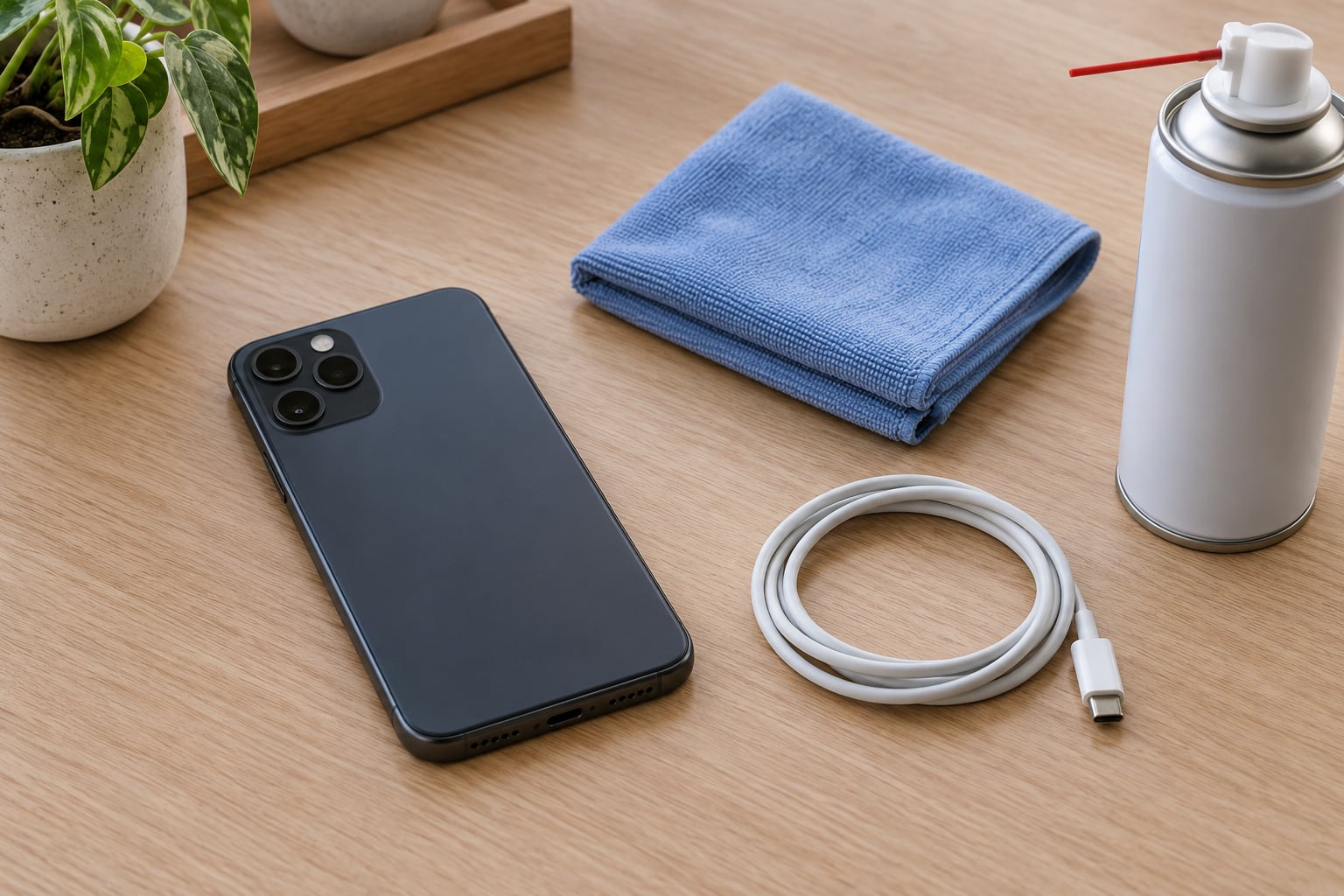
You need very little, and all of it is low risk. Lay out these items before you start so you are not improvising with whatever is on the desk.
- A powered-off phone. Nothing else matters until the device is off.
- A soft lint-free cloth or microfiber cloth. Microfiber is better than tissue, which sheds fibres into the port.
- A can of compressed air. Short bursts only, held back from the opening.
- A dry soft brush or a plastic card. Optional, useful for dry lint rather than liquid.
Never push a metal pin, paperclip, SIM ejector tool or needle into a USB-C port or into the slot of a wireless charging case. Those openings are narrower than they look, and the contact frame inside bends before it breaks loudly.
Step-by-Step: How to Dry a Wet Phone Charging Port
The whole procedure takes about five minutes of active work plus a day of waiting. Follow the steps in order, and skip nothing between them.
1. Stop charging and power off the phone
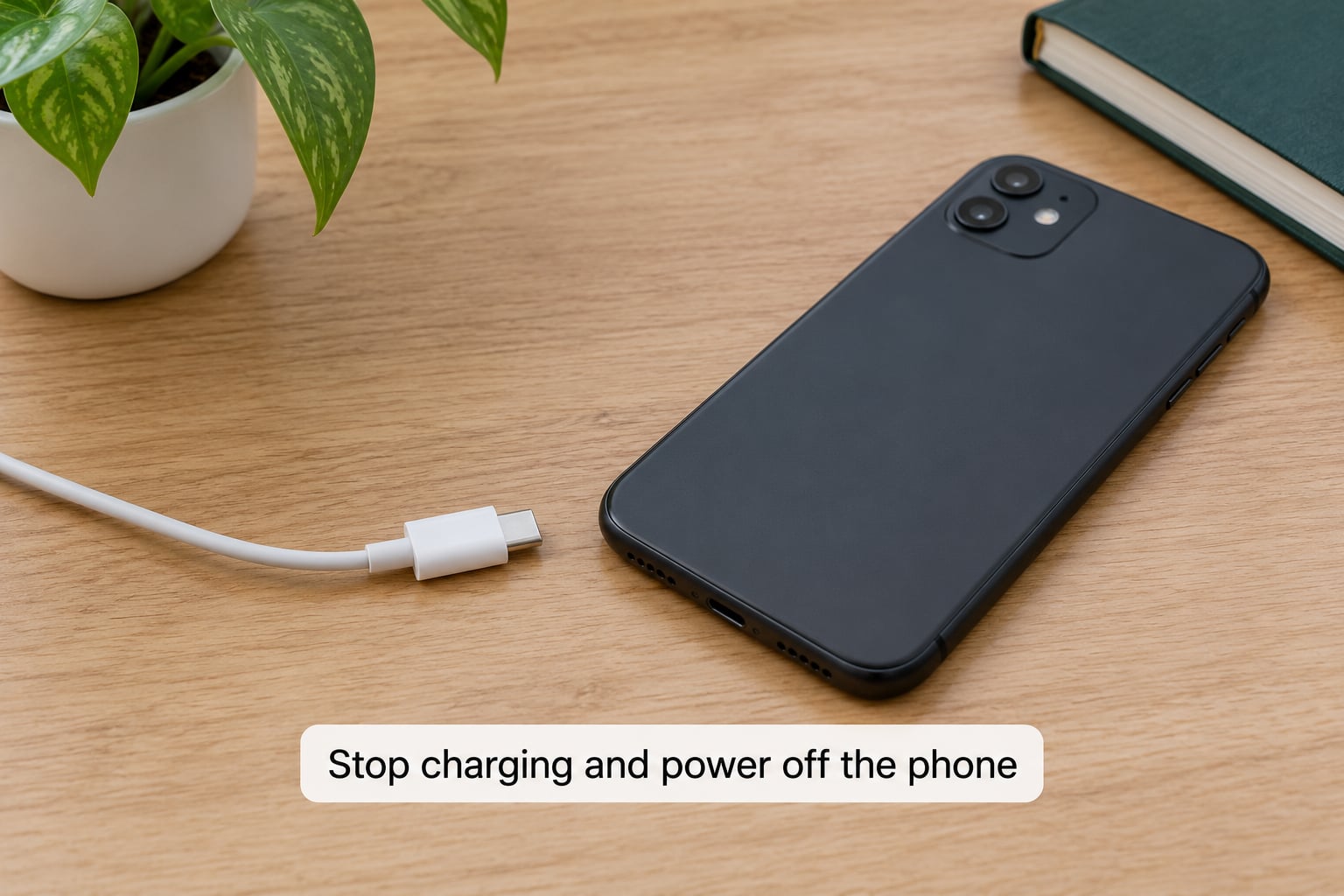
Pull the cable out immediately and stop using the port. Hold the power button until the screen goes dark, then unplug the charger brick from the wall too.
Charging a wet port pushes current through water, and that is how contacts get corroded and charging chips get damaged. Powering off stops the phone trying to negotiate USB power with a port it cannot safely negotiate.
2. Remove visible moisture
Turn the phone so the charging port faces downward and let gravity do the work. Blot the outside of the port with the lint-free cloth, then tap the phone gently against your palm a few times to shake loose droplets from the opening.
Shake softly, never hard. A hard shake drives water past the port gasket and up toward the display and the speaker mesh, which turns a small problem into a big one.
3. Use gentle airflow to dry the charging port
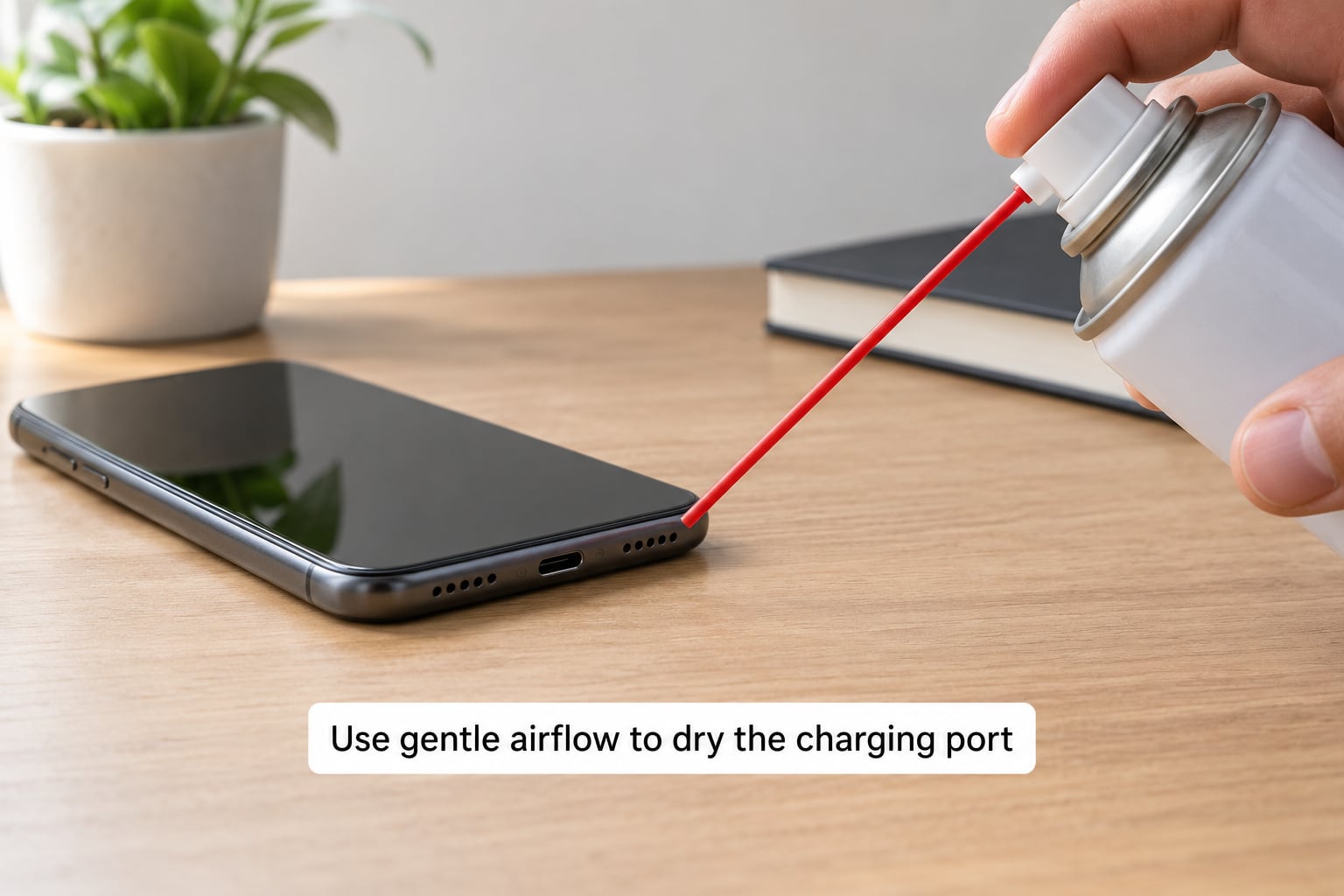
Give the port two or three one-second bursts of compressed air from about 15 cm away, keeping the can upright and never touching the phone. An offset desk fan on low works just as well for a few hours.
Stay away from a vacuum cleaner, and from a blower or heat gun, because both can generate enough warmth or suction to damage the port. If the phone lives in a charging case, remove it and dry the case separately with the same airflow.
4. Check the port and let trapped moisture evaporate
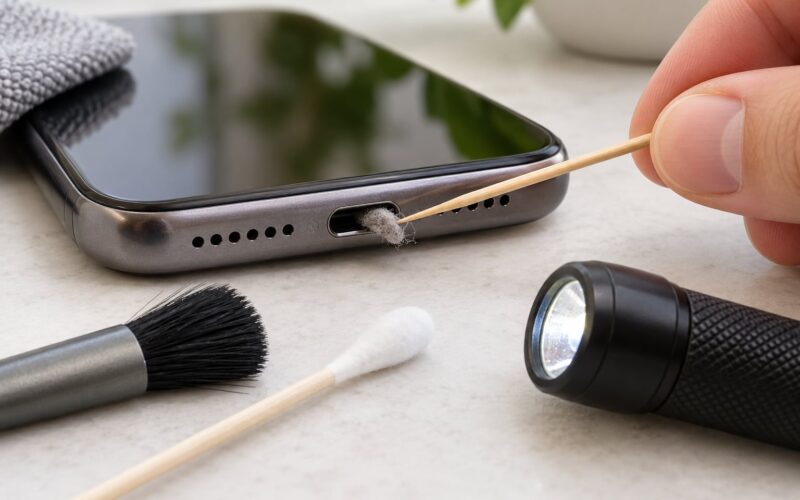
Shine a flashlight into the port and look for a wet sheen or a bead of liquid at the bottom. If you can see moisture, run another two or three air bursts and check again.
A thin wick of moisture hides behind the contact plate where light will not reach, so treat the port as wet until a full drying period has passed. Leave the phone for at least 24 hours in a dry, ventilated room, and never in a sealed bag where trapped air keeps humidity in.
5. Test charging cautiously
Inspect the cable and the connector tip first, because a wet cable end will damage a perfectly dry port. Connect it only once the full wait is over.
If the phone heats up unusually, throws a charging error, sparks or behaves strangely, unplug immediately and stop. After saltwater exposure, or if charging still refuses after 48 hours, hand the phone to a repair technician instead of trying again.
Common Mistakes
Rice does not dry a port. Raw rice absorbs almost nothing in this situation and pushes starch and dust into the connector. Air and gentle airflow do the real work.
Hairdryers and heat sources warp the port. Warm plastic deforms the connector housing and can push condensation deeper inside the phone.
Cotton swabs and toothpicks shred inside the port. Fibres and wood fragments compact into debris that mimics moisture and keeps a false alert going.
Direct compressed air at point-blank range can condense moisture inside. Cold propellant gas in a warm room creates new water. Keep distance, use short bursts.
Charging through the warning causes real damage. That alert is a safety cutoff, not an annoyance to be bypassed.
Sunlight is not a drying method. It heats the phone unevenly, fades the display and drives water further in as the casing warms.
Frequently Asked Questions
Can I use rice to dry a wet phone charging port?
Rice does very little here. Uncooked grains absorb moisture slowly at the levels a sealed pouch provides, and every grain shaken into the port leaves starch and grit that traps residue around the contacts. Airflow plus a full 24-hour wait is faster and safer. If you want a desiccant, silica gel packets actually pull water out of the air around the phone, while rice just sits there. Keep the phone in a ventilated spot, not sealed inside a container of grains.
How long should I wait before charging a wet phone?
Treat 24 hours as the minimum for a splash, and 48 hours for a dunk, a spill or a saltwater exposure. The clock starts the moment you unplug the cable, not the moment the port stops dripping. Air drying at room temperature in a ventilated space is what clears the alert. Rushing it to 30 minutes rarely works, and only when almost no water entered the port. Charging before the wait is over is the single most common cause of permanent port failure.
Is it safe to use wireless charging after water damage?
A wireless or magnetic charging pad keeps current away from the wet port, so it is a reasonable bridge while the connector dries. Dry the phone’s back first, because a damp coil area can heat unevenly. Stop using the pad if the phone gets hot, since heat and moisture together accelerate corrosion. Once the cable charge works normally again with no warning, switch back. Wireless pads cannot dry the port; they only keep you going in the meantime.
Can I use a hair dryer to dry a charging port?
No. Even on a cool setting, warm air softens the connector housing and the port surround, and it can push moisture past the gasket toward the display. Heat also warps the shape of the port so the cable no longer seats properly. Use a fan at a distance or short bursts of compressed air instead, then wait the full drying period. If the port housing already looks deformed or discoloured, stop and get it serviced.
What should I do if the phone was in saltwater?
Saltwater is the worst case because dissolved salt leaves an ionic film on the contact pins and corrodes them quickly. Power off, remove the case, and rinse the phone under fresh water only if a repair shop tells you to do so, then dry it for a full 48 hours. Expect to need professional cleaning of the contacts. Do not try rice, alcohol on a soaked phone, or any powered charging. Salt damage is fast, so act the same day.
Why does my charging port still feel wet after drying it?
Two things cause this. The first is moisture behind the contact plate, where the sensor reads damp but a flashlight shows nothing. The second is packed lint behaving like a false positive, since debris bridging the pins can trigger the same warning on a completely dry phone. Do not dig the port with a swab or toothpick to check. Air it out for another 24 hours; if the alert persists after two full days, a technician can clean the contacts and test the sensor.
Conclusion
Start by unplugging the cable, powering the phone off and pointing the charging port downward. Everything after that is about moving water out and waiting: gentle airflow, no heat, no rice, nothing metal pushed into the opening, and a full 24 to 48 hours before the cable goes back in. If the phone still warns after two days, or if it heats up or behaves oddly, stop and let a technician clean the port.