To use a smartwatch for stress tracking, you switch on the vendor’s stress or HRV feature, wear the watch snugly, take one calm manual reading, and then judge a week or two of averages instead of a single number. The watch estimates your physiological stress response from heart rate variability, resting heart rate and sometimes skin conductance. It does not read your emotions, and no consumer smartwatch is a medical device. Setup takes about ten minutes; the useful data starts on day three.
The reason this matters is that a raw score on its own is noise. A number without a personal baseline tells you almost nothing, which is why the same watch can read 60 on a calm Tuesday and 60 again during a good workout. Once you have a baseline, the score becomes a prompt: a flag to go look at your sleep, your last coffee and the meeting that ran long.
Table of Contents
- What You Need
- Step-by-Step: How to Use a Smartwatch for Stress Tracking
- 1. Turn on all-day stress monitoring in the app
- 2. Check what your watch needs to keep tracking
- 3. Wear it where the sensor can actually read
- 4. Take one clean manual baseline reading
- 5. Build a personal baseline over 7 to 14 days
- 6. Review trends, not single spikes
- 7. Log the context beside the number
- 8. Act on the pattern with an on-watch breathing session
- Common Mistakes
- Why your watch says you are stressed when you are not
- When tracking makes stress worse
- Frequently Asked Questions
- How does a smartwatch measure stress?
- What is a good stress level on a smart watch?
- How accurate is smartwatch stress tracking?
- Why does my watch say I am stressed when I am not?
- Do I need my phone nearby for stress tracking to work?
- How do I read HRV on my smartwatch?
- Start With a Consistent Baseline
What You Need
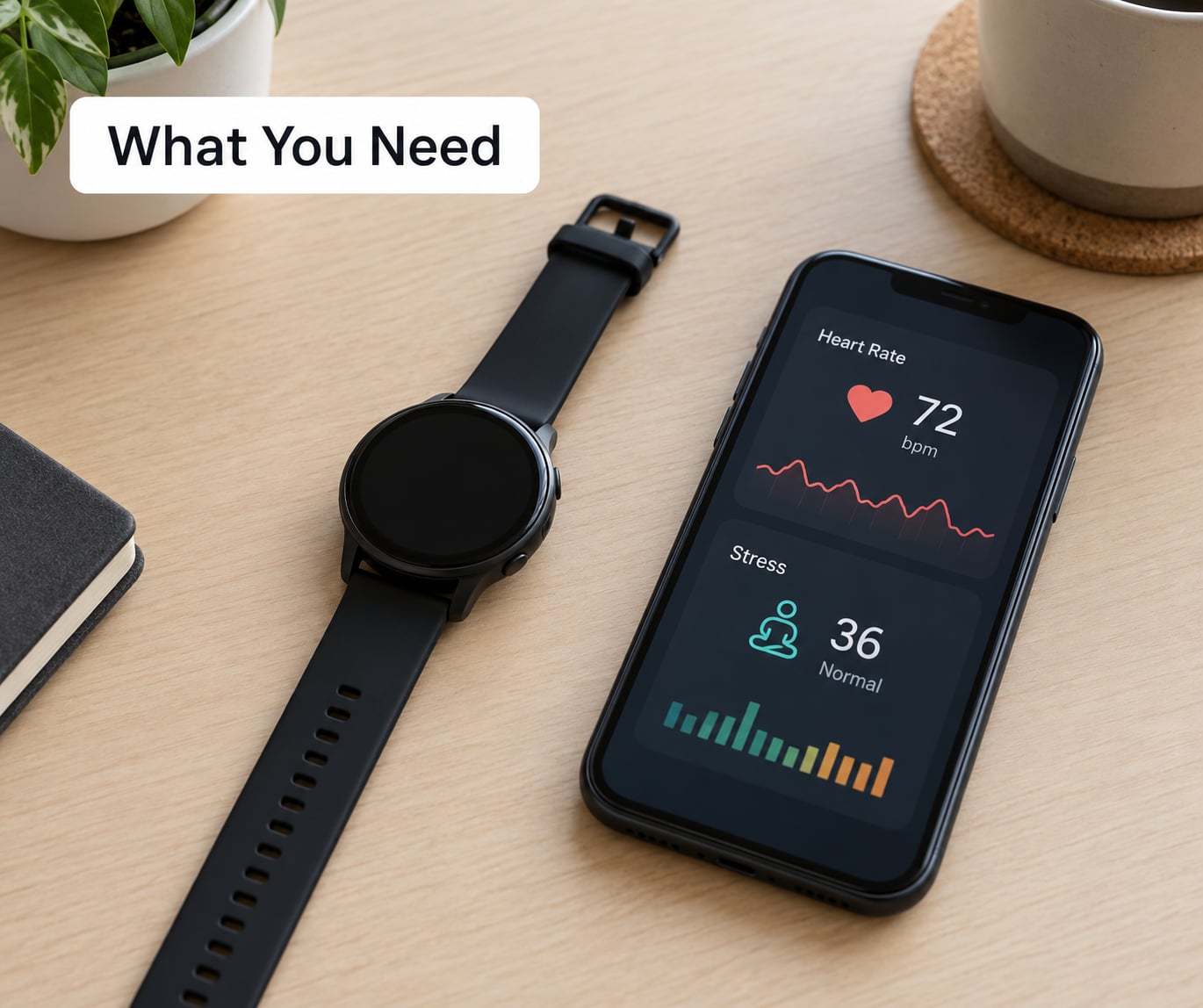
You need less than most guides suggest. The list below is everything, and every watch that records heart rate has most of it.
- A smartwatch or fitness band with an optical heart rate sensor. Nearly every current model qualifies, including budget bands.
- The companion app on your phone: Samsung Health, Wear OS, Mi Fitness, Garmin Connect, Zepp Life or the Fitbit app.
- An account with permissions granted for health data and notifications. Background access is where most tracking silently fails.
- The phone within Bluetooth range at least twice a day so readings sync.
- Five quiet minutes for a first manual reading, plus a week of existing sleep and step data to compare it against.
Menu names change between brands and between app versions, so treat the exact labels below as a starting point rather than gospel. What you are looking for is somewhere under Heart rate, Health or Stress in the app, and a toggle labelled something like all-day monitoring, always measure stress or continuous measurement.
Step-by-Step: How to Use a Smartwatch for Stress Tracking
1. Turn on all-day stress monitoring in the app
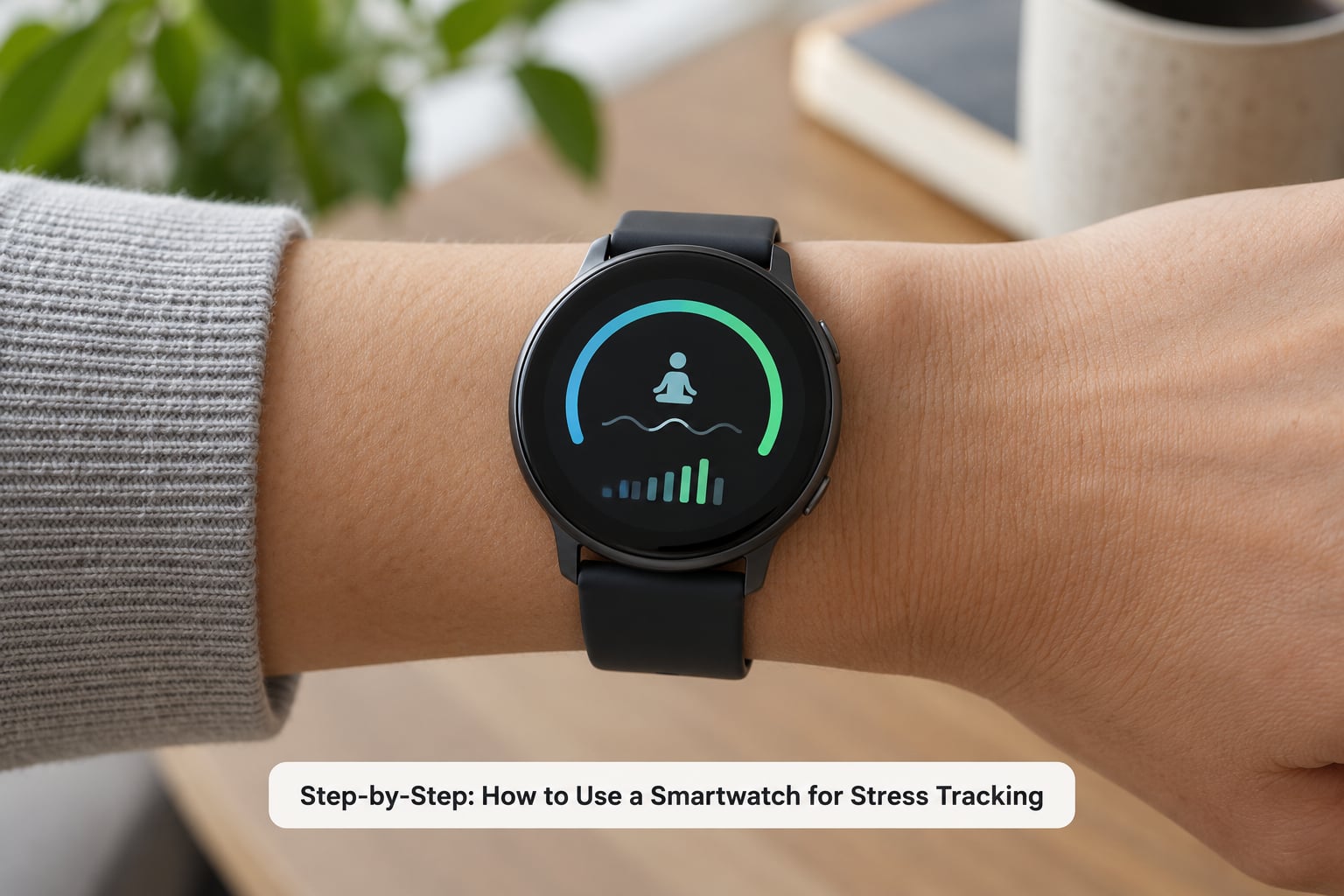
All-day monitoring is the switch that matters. Without it, the watch only samples heart rate in short bursts and your stress history will have holes. Open the health section of your watch’s app and switch on continuous measurement, then confirm that history and charts appear in the app rather than on the watch.
The path depends on what you are wearing:
- Galaxy Watch (Samsung Health): Heart rate, then Measure stress, and enable the option to measure stress continuously rather than only on demand.
- Xiaomi or Redmi (Mi Fitness): Health and heart rate, then Stress monitoring, then All-day stress monitoring. This is the toggle most people miss, because the manual Measure button works even when the toggle is off.
- Garmin (Garmin Connect): Device Settings, Health and Wellness, Stress, then turn on all-day monitoring. Calibration asks you to stay still for about a minute first.
- Fitbit: Open the Relax or stress management area in the Fitbit app. The 2-minute Relax scan needs an electrodermal activity sensor, which only Sense, Charge and Versa models have.
- Huawei or Wear OS: Health, then Heart rate, then Stress analysis, where you enable continuous monitoring.
- Amazfit (Zepp app): Health and heart rate, then Stress, then all-day monitoring.
- Apple Watch: There is no native stress score on watchOS. Use Health, Heart, then Heart Rate Variability for the underlying data, plus Breathe in watchOS or Mindfulness in the Health app for the action side.
You will know it worked when a stress reading appears in the day’s history and the app shows a chart rather than a single value. If the chart stays empty for a full day of wear, the toggle is still off or notifications are being blocked.
2. Check what your watch needs to keep tracking
Your watch usually does the calculating on-device, so it keeps sampling without your phone nearby. What it cannot always do is deliver the data. Syncing, trend charts and stress alerts generally need Bluetooth connection to your phone, and long history views on some brands sit behind a paid subscription rather than a setting.
A user on r/Huawei described an entire shift day of tracking missing from their app because the phone had stayed out of range. If your history has unexplained gaps, the phone connection is the first thing to check.
3. Wear it where the sensor can actually read
Fit is the single biggest accuracy factor you control. Strap the watch snug enough that it does not shift when you flex your wrist, about one finger above the wrist bone, and keep the underside of the sensor on clean, dry skin. Too loose and the optical sensor loses contact during movement, which produces false spikes.
Two adjustments matter in practice. Tighten it during exercise and loosen it when you are typing or writing. And wear it overnight if you want to connect stress with sleep, because a wrist sensor reading two hours of restless sleep will tell you more about your recovery than about your emotions.
4. Take one clean manual baseline reading
Most watches also take an on-demand reading, usually a 60-second or 2-minute measurement you start deliberately. That reading is worth more than the day average because you control the conditions.
Sit down somewhere quiet, let your arms rest at your side, stop talking, and keep still until the countdown ends. Do it at the same time each day, ideally in the morning before caffeine, and record the result. If the score comes back but your heart rate reading looks wrong, loosen or tighten the strap and repeat once.
Manual and all-day numbers will not match, and that is expected. The all-day figure averages your whole day including sleep and movement. The manual one is a controlled snapshot. Compare like with like: manual to manual, all-day to all-day.
5. Build a personal baseline over 7 to 14 days
Your baseline is simply your own average during a normal fortnight: a stressed week, a holiday or a training block are all poor baseline material. Note your morning manual score each day, and after ten to fourteen days you will have a range you actually recognise.
Do not borrow someone else’s normal. People with chronic conditions often say they have no reference point to compare against, and that is a real gap, not a personal failing. Your own two weeks is the only honest comparison available, which is also why scores are not portable between brands: the same resting heart rate can read high on one watch and low on another.
6. Review trends, not single spikes
One reading of 72 means almost nothing. Two weeks of evening averages tells you whether you are drifting up. Open the stress chart in the app at the same time each week, and read it beside your sleep score, resting heart rate and HRV, because those four together explain most of what the stress number is reacting to.
Where the apps offer a composite such as Body Battery, readiness or recovery, read it as one input rather than a verdict. It already bundles sleep, HRV and recent load into a single figure, so it moves for reasons that have nothing to do with how stressful your day felt.
7. Log the context beside the number
Keep a short diary: date, morning score, hours slept, anything unusual. Five words is enough. The point is to find your own triggers, and the same person finds completely different ones: a 6am alarm, back-to-back meetings, a heavy training day, two coffees before 10am.
After a couple of weeks you can usually connect a specific pattern to a specific habit, which is the only kind of insight a watch score can genuinely give you.
8. Act on the pattern with an on-watch breathing session
Every major platform ships a guided breathing activity: Breathing Activity on Garmin, Relax on Fitbit, Breathing on Samsung, Breathe or Mindfulness on Apple. A two-minute session at the pace the watch sets is enough to shift your breathing pattern, and for many people it is the only part of the feature they keep using.
Box breathing works well without any device: inhale four counts, hold four, exhale four, hold four, repeated for two minutes. Four-seven-eight is another common pattern. Use the number as a cue, not a grade, and remember the rule from the forums: if the reading says 80 and you feel fine, trust how you feel and move on.
Common Mistakes
Almost every complaint about smartwatch stress tracking comes down to one of these.
- Wearing it too loose. Movement breaks the optical contact and inflates readings. Fix: snug, above the wrist bone, dry skin.
- Comparing readings taken at different times. A morning sitting and an evening post-workout are not comparable. Fix: same time, same posture, same device.
- Treating the score as a medical reading. It is a proprietary estimate. Fix: use it as a trend prompt and let a doctor handle diagnosis.
- Forgetting permissions and background syncing. Without Bluetooth and notification access, history has gaps and alerts never arrive. Fix: check battery optimisation restrictions in your phone settings.
- Overinterpreting one high score. A single spike is usually noise, a workout, or a late meal. Fix: only act when a change persists for three days or more.
- Ignoring the obvious causes. Poor sleep, alcohol, caffeine, dehydration, illness and overtraining all raise stress readings without anything psychological happening. Fix: check those before you check your calendar.
- Switching devices mid-experiment. Scores from different brands are not comparable. Fix: stay on one watch for the length of the study.
Why your watch says you are stressed when you are not
This is the most common question in the forums, and the answer is usually physiological rather than psychological. Check these in order before assuming the algorithm is wrong.
- Poor or shortened sleep, or waking repeatedly, which the watch logs as an overnight stress spike.
- Caffeine, alcohol or a large late meal, all of which affect heart rate and HRV for hours.
- Dehydration, illness or an early-stage infection you have not noticed yet.
- Overtraining, where a hard session keeps the sympathetic nervous system elevated into the evening.
- A loose strap, movement during the sample, or cold hands reducing sensor contact.
- Skin that was wet or sweaty when the reading started.
Overnight readings deserve their own note. A high stress average while you sleep usually reflects recovery debt, late alcohol, a late meal, illness, or a restless night, not dreams. Compare it with the same night’s HRV and sleep score before drawing conclusions.
When tracking makes stress worse
Some people find a stress score makes anxiety noticeably worse, and that is not a failure of the device. Threads on r/Anxiety describe exactly this pattern, where watching a number tick up creates the very response the number was meant to detect. If that sounds familiar, turn off the score display, keep the export, and use the data quarterly with a clinician instead of hourly with yourself.
It is also fair to expect limited accuracy from a wrist optical sensor. Chest straps are more precise for heart rate and HRV, and no consumer score has been validated as a clinical stress measurement. Use trends as a diary, not as a diagnosis.
Frequently Asked Questions
How does a smartwatch measure stress?
A watch measures your heart rate many times a second with an optical sensor, then works out how much the gap between heartbeats varies. That variation, called heart rate variability, drops when your sympathetic nervous system activates. Some models add skin conductance, skin temperature and movement. A proprietary algorithm combines these into a 0-100 score.
What is a good stress level on a smart watch?
There is no universal good score, and scores differ between brands. Read your own average over one to two weeks first. Then treat 0-29 as low, 30-49 as balanced, 50-69 as moderate, 70-89 as high and 90-100 as very high. What matters is a sustained shift from your own baseline, not the absolute number.
How accurate is smartwatch stress tracking?
Useful for direction, not for precision. Wrist optical heart rate is less accurate than a chest strap, and the stress score is a vendor-specific estimate rather than a clinical measurement. Accuracy improves with a snug fit, still readings and consistent device use. Studies have questioned what some vendor stress scores actually represent physiologically.
Why does my watch say I am stressed when I am not?
Most flagged days have a physical cause rather than a psychological one. Common ones are short or poor sleep, caffeine and alcohol, dehydration, illness, overtraining, a late meal, or simply a loose strap producing a bad reading. The same applies overnight, when recovery debt shows up as stress. Check those factors before the number.
Do I need my phone nearby for stress tracking to work?
Sampling usually continues on the watch itself, so data is collected without the phone. Syncing does need Bluetooth. Without a connection, stress history and trends can sit unsynced for hours or a whole shift, and on some brands the long-term history view is part of a paid subscription rather than a free setting.
How do I read HRV on my smartwatch?
Read it as a personal trend, never against other people’s numbers. Higher values generally indicate better recovery, and values swing widely between individuals. Take a reading seated and still at the same time each day, then watch for changes across weeks rather than hours. A fall in HRV alongside rising resting heart rate usually points to recovery debt or illness.
Start With a Consistent Baseline
Do one thing this week: turn on all-day stress monitoring, tighten the strap, and take a manual reading at the same time each morning for ten days. When the average comes in, you will have the only reference point that makes the rest of the data readable. Everything after that is watching the trend move, not the number.