How to test smoke alarms and smart smoke detectors is simpler than most people expect: press and hold the test button, or the test/hush button, until the whole test cycle has played out, then release it and confirm the siren and status light ran at full output. Do that on every detector every month, and never test with a candle, a match or homemade smoke.
That last rule is the one worth repeating before anything else. A flame test can set the room on fire, and letting smoke into the chamber can contaminate or ruin the sensor you are relying on. If you have been searching for a way to test with real smoke, the short answer is that the built-in button is the correct method for any detector you depend on.
Alarms fail quietly. A dead battery, an unplugged hardwired detector or a unit past its replace-by date can leave a home with no warning at all, so a monthly test plus a quick look at the manufacture date is the minimum that makes your alarms trustworthy. In this guide I walk through the button routine, the extra steps for smart detectors running in Mi Home or Aqara Home, and how to work out what a chirp or a light actually means.
Table of Contents
- What You Need
- Step-by-Step: How to Test Smoke Alarms and Smart Smoke Detectors
- Check the Alarm Before Testing
- Use the Test Button Correctly
- Verify Smart and Connected Features
- Test Interconnected Alarms
- Confirm the Result and Record It
- Common Mistakes
- Frequently Asked Questions
- How often should I test my smoke alarm?
- Does the test button test the smoke sensor or only the battery?
- Why won’t my smoke detector sound when I press the test button?
- How do I test interconnected smoke alarms?
- Can you test a smoke detector with real smoke or a candle?
- Why is my smoke alarm chirping when there is no smoke?
- Conclusion
What You Need
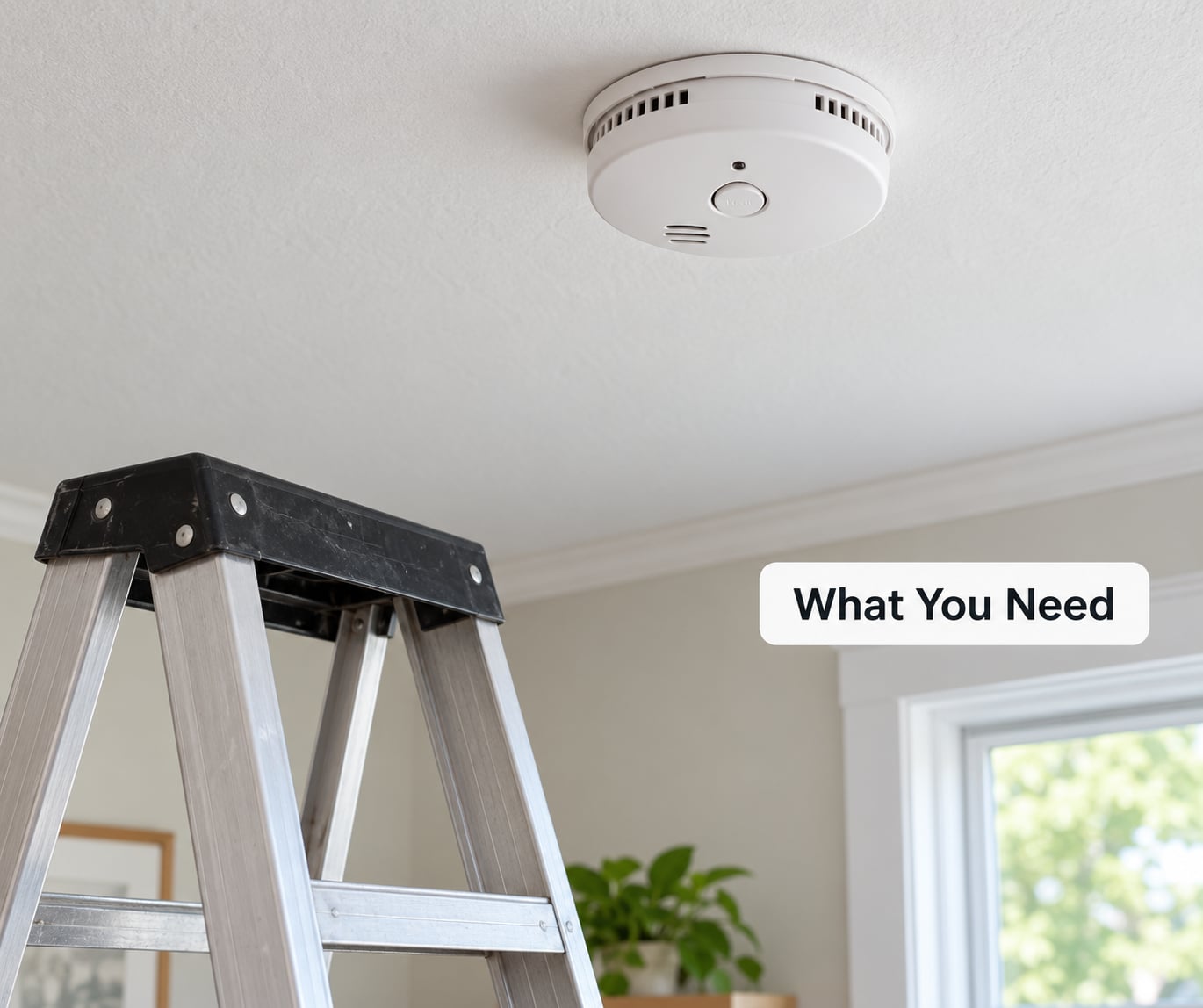
You need four things, and none of them are expensive. First, know the model. The model number is printed on the back or the mounting bracket of every alarm, and it decides whether your test button is a quick press or a ten-second hold.
Second, the manual for that model, or at least the brand name so you can find the right instructions online. General advice is fine for most units, but the manual controls where a specific brand’s test sequence, silence period and indicator colours are documented.
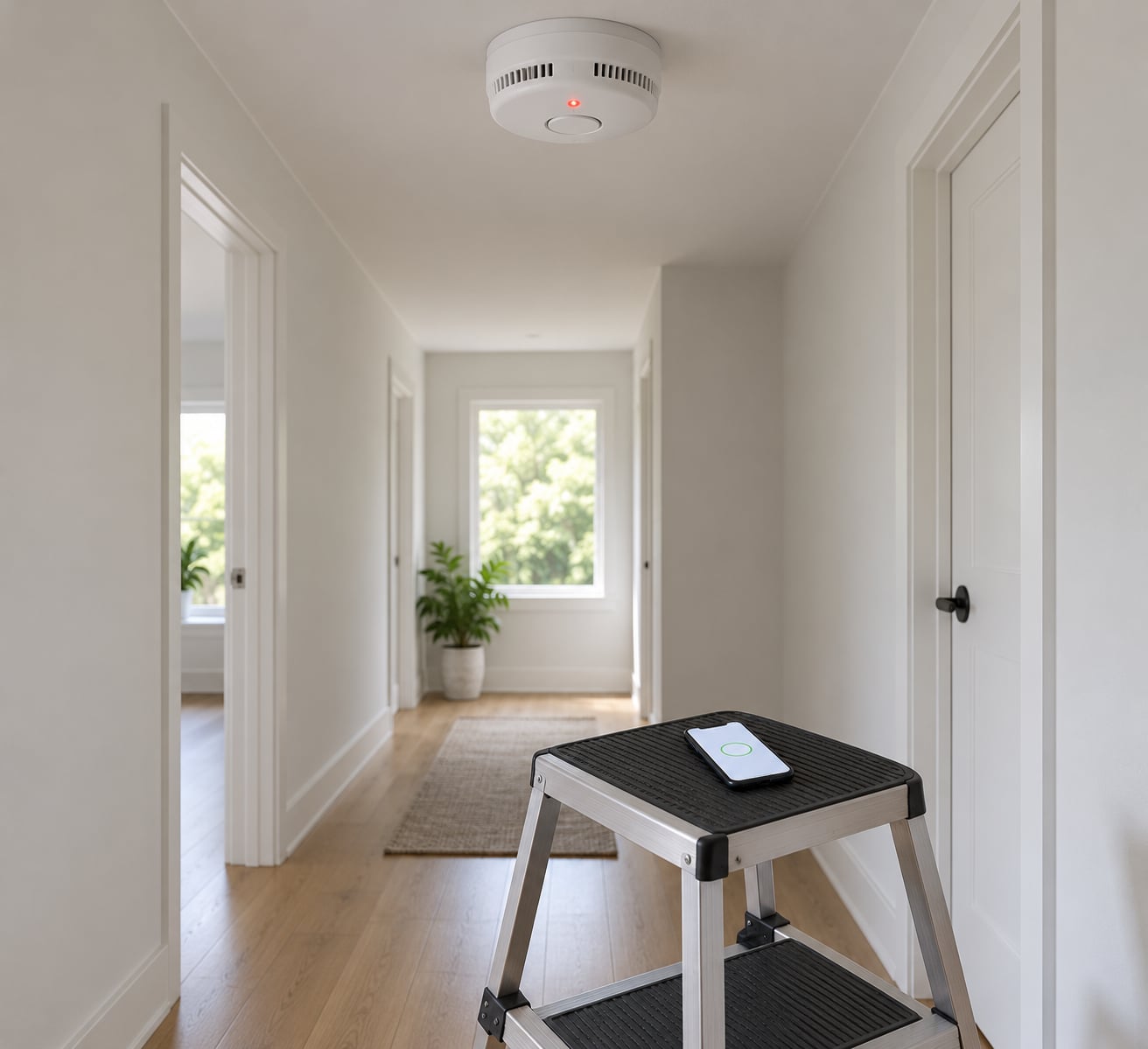
Third, a stable step stool. Testing from a chair or a stack of boxes is how people end up on the floor, and never test a ceiling detector while standing on a ladder unless you can reach it without stretching or leaning.
Fourth, access to the smart side if you have one: the Mi Home or Aqara Home app, your hub, and the phone number that receives notifications. Have a spare battery of the type your unit takes ready as well.
Before you press anything, tell everyone at home that the alarms are about to go off. The full-volume test siren startles children, pets and sleeping adults, and a startled household is the most common reason a test gets half-finished. Keep small children and animals in another room until the last detector has been checked.
Step-by-Step: How to Test Smoke Alarms and Smart Smoke Detectors
Check the Alarm Before Testing
Start by looking at the detector, not the button. Hold it still and check whether it is mounted firmly to the ceiling or wall, with no paint shadow around the edge that suggests a gap, and that it has not been knocked loose by moving furniture or drilling above it.
Look for physical damage: a yellowed or cracked housing, a chamber cover that does not clip shut, or vents blocked by dust, cobwebs or a cobbled-up layer of paint. A covered or painted-over chamber is a common cause of nuisance alarms and it will also skew your idea of whether the unit is healthy.
Check the manufacture or replace-by date. Where the date is printed differs by brand: many units have it on the back label, on the side of the housing, or on a sticker near the mounting bracket. On Xiaomi and Aqara detectors the label is usually on the rear of the disc. If a unit is past its ten-year service life, a passing button test tells you very little, so replace it instead of testing it.
Confirm the unit is still where it belongs. A detector in a bathroom, near a kitchen door, in a garage or beside a supply air vent will nuisance-alarm constantly, and testing it there will not tell you anything useful about the rest of the house.
Use the Test Button Correctly
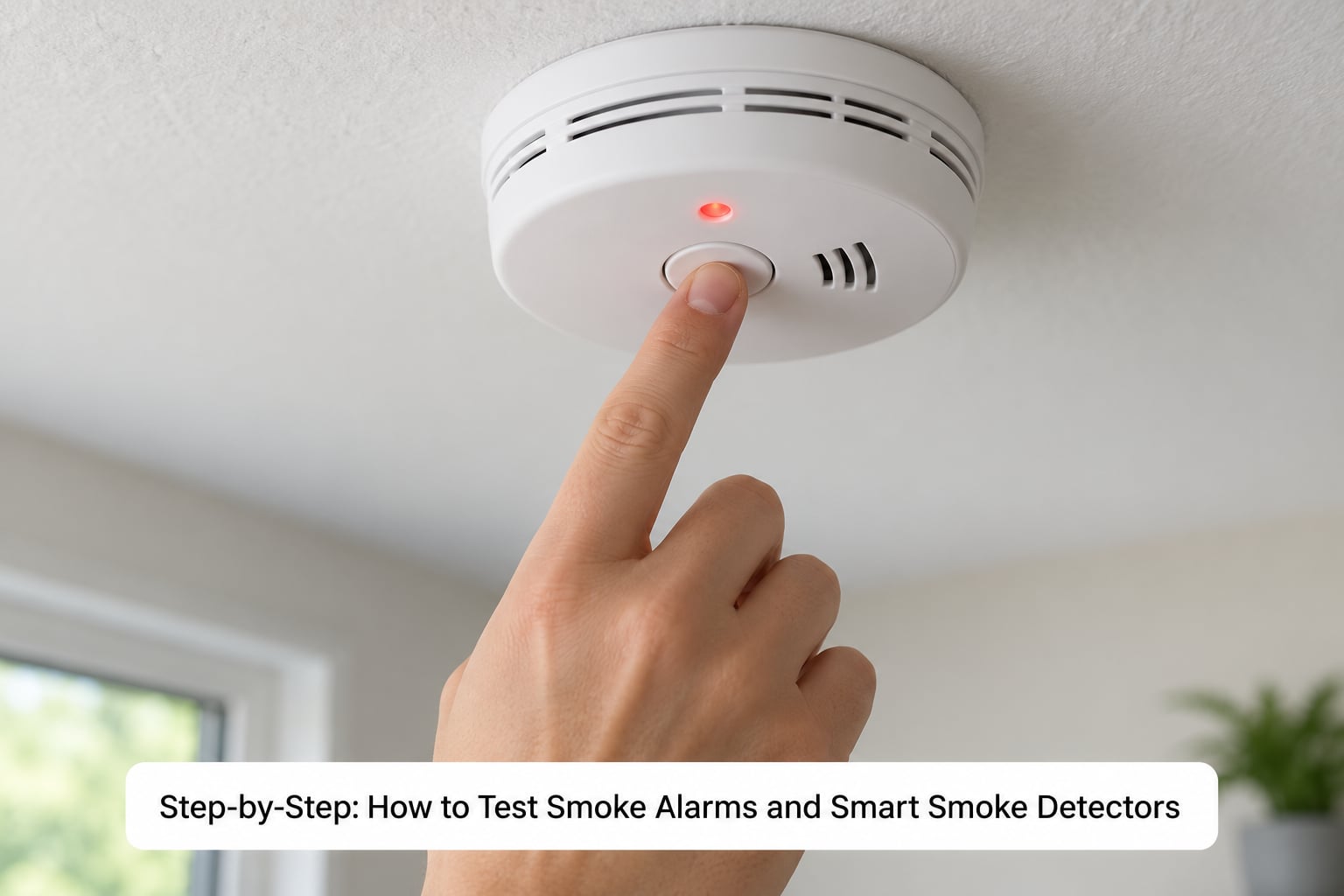
Here is the routine that works on most standard alarms, whether photoelectric, ionization or a combination smoke and carbon monoxide unit:
- Stand on your step stool and put a hand on the test button or the test/hush button.
- Press and hold it until the alarm sounds. On many units that takes a few seconds; First Alert units need the whole cycle, roughly 10 to 20 seconds, and the button must stay down for it to finish.
- Keep holding until every part of the sequence has played: the full-volume siren, the voice announcement if the unit has one, and the flashing indicator light.
- Let go. The alarm should stop cleanly and return to standby, and the light should settle into its normal periodic flash or go dark, depending on the model.
- If nothing happens, hold it for longer rather than pressing repeatedly, then move to troubleshooting below.
A successful test is loud and it is obvious. If you can hear it from the next room with the door shut, the horn works. On combination units the voice or the tone pattern tells you whether the carbon monoxide side answered too, since smoke-only and CO-only patterns differ.
The button test routes power through an internal test circuit and sounds the horn and light at full output without exposing the sensor to smoke. That is exactly why it is the right method, and also why it proves less than people assume.
Verify Smart and Connected Features
Smart detectors add a second, separate check. In the app, open the device page for your detector in Mi Home or Aqara Home and read the status card: battery level, whether the device is online, when it last reported, and any fault flag. That page confirms the radio link to your hub and the phone notifications, which the test button alone will not tell you about.
Some models offer a self-test or device test option inside that page, which sounds the local alarm and sends a push notification to the household members you shared it with. Use it to verify that notifications arrive, but keep doing the physical button test too. An app self-test reports status; it does not exercise the sensor chamber, and menu names change between app versions and models, so the manual for your unit controls what you will see.
If a notification never arrives, check that the notification permission is on for the app, that the phone is not in a mode that suppresses alerts, and that the detector is still paired with the hub. Home Assistant and SmartThings users often see the detector reporting an analogue alarm or a battery fault flag in the integration rather than in the vendor app, which is a useful second opinion when a physical test passes but the app looks unhappy.
Test Interconnected Alarms
If your detectors are linked, one button press should bring up compatible remote alarms too. From any single unit, follow that model’s procedure, usually press and hold the test button until the local siren starts, then release after the full cycle. Every linked detector should sound within a few seconds and for roughly as long.
Then go and stand next to each remote detector to confirm it actually went off. A passing sound somewhere in the house only proves one unit responded; it does not prove the one in the hallway works.
If a remote stays quiet while the one you pressed sounded, that is a unit or link fault, not necessarily a wiring fault. Check that remote’s battery or its interconnect wire at the junction box, and confirm the two units are actually meant to be linked. Units from different manufacturers often will not interconnect even when both use the same-looking wire, and mixing them is the single most common reason a linked alarm stays silent.
Confirm the Result and Record It
Interpretation is the part people skip. A full siren with no chirps afterwards means the power, horn, light and interconnect all worked. A single chirp every minute or so usually means a low battery. Three beeps repeating every 45 seconds, which is a common Kidde pattern, points to a fault or depleted battery that a battery swap may or may not clear. A rapid flashing light with no sound is an electronics fault, not a low battery.
A continuous alarm with no smoke in the house is a real event until proven otherwise, so treat it as one and check the whole home before dismissing it.
Write the result down. A line with the date, the room, the model and the result takes fifteen seconds, and it is the only way you will know next March whether that bedroom detector was ever checked. Put the same date in your phone calendar so the monthly test becomes a habit rather than an annual panic.
Common Mistakes
Testing with flame or improvised smoke. This is the mistake to drop first. Candles, matches, incense, aerosol spray and vehicle exhaust are all called out by fire-safety bodies and manufacturer instructions as unsafe ways to test, and forum advice on smoke pens is largely cautionary: smoke reaching the chamber can contaminate or damage the sensor. The button test was designed for this job.
Pressing once and moving on. A quick tap often does nothing because the unit needs a sustained hold. If you hear a click or a single beep, that is the unit starting, not the end of the test.
Treating the app check as the real test. A green status screen tells you the device is powered and connected. It does not tell you the chamber still works, and it does not replace the button test unless your manual explicitly says so.
Testing from something unstable. Chairs, boxes and the top step of a ladder are where people fall. Use a proper step stool, and if you cannot reach the detector comfortably, get a taller one or a second person.
Ignoring a low-battery chirp. A chirping alarm is not a nuisance to be silenced, it is a warning. Replace the battery, and if the chirp returns with a fresh battery, the unit is at end-of-life and needs replacing.
Assuming a smart detector replaces your existing alarms. A connected detector is an addition, not a substitute. Keep standard alarms where they are required and working.
Testing linked units in one spot. Walk to each detector. A whole-house sound proves the network woke up, not that every unit is alive.
Two habits keep the results honest. Vacuum the vents gently every few months, because dust and cobwebs are behind most nuisance alarms, and treat a detector that alarms with no smoke present as a signal rather than bad luck: cooking aerosol, humidity, dust and insects all trigger real readings, so smoke alarms can react to particles too faint for you to see. If your home has someone with hearing difficulty, confirm your alerts work for them too, whether that means a strobe, a bed shaker or phone alerts.
Frequently Asked Questions
How often should I test my smoke alarm?
Test every smoke alarm once a month, on the same date each month, and always test again right after replacing a battery, after moving into a new home, or after any work near the ceiling that could have dislodged it. A monthly test confirms the power, horn, indicator and interconnect. It does not confirm the sensor chamber is still healthy, which is why the manufacture and replace-by dates matter as much as the test itself.
Does the test button test the smoke sensor or only the battery?
The test button checks the power supply, the horn, the status light and the interconnect. It routes power through an internal test circuit and bypasses the sensing chamber entirely, which is why it is safe to use and why you should never improvise with smoke. A passing button test on a ten-year-old unit is weak evidence. If the alarm is past its replace-by date, replace it rather than trusting the test.
Why won’t my smoke detector sound when I press the test button?
Most often the button was not held long enough. Press and keep holding until the full cycle plays, which can take 10 to 20 seconds on some models. If it still stays silent, work by power source. With a replaceable battery, fit a fresh one and clean the contacts. With a hardwired unit, check the breaker and the backup battery. With a sealed ten-year battery, nothing is user-replaceable, so replace the whole unit.
How do I test interconnected smoke alarms?
Trigger one unit with the test button as its manual describes, then walk to every linked detector and confirm it sounds within a few seconds. Hold for the full cycle, since linked units often activate in sequence. If a remote stays quiet, check that detector’s battery or its interconnect wiring, and confirm both units are from the same compatible system. Mixed manufacturers usually will not link even when the wiring looks identical.
Can you test a smoke detector with real smoke or a candle?
Do not test a detector you rely on with a candle, a match, incense or aerosol spray. Flame is a straightforward fire risk, and smoke reaching the chamber can contaminate or permanently damage the sensing element, leaving you with an alarm that fails quietly later. Manufacturer instructions and fire-safety guidance both point to the built-in test button, which gives you the same confirmation without touching the sensor. It takes about twenty seconds.
Why is my smoke alarm chirping when there is no smoke?
A single chirp every minute or so is normally a low battery. Three beeps repeating every 45 seconds, a common Kidde pattern, points to a fault or a depleted battery that a swap may not clear, and a repeating pattern with a replace-by date passed means end-of-life. A chirp that keeps coming back after a new battery means the unit needs replacing. Silencing it resets nothing, so replace the battery or the alarm instead.
Conclusion
Start tonight, not this weekend. Find the model number on one detector, pull its manual or the brand’s support page, press and hold the test button until the full cycle plays, then walk to every linked detector and confirm it sounded too. Write the date on the alarm or in your phone.
Do that monthly, and treat any chirp, error light or failed test as a real warning: replace the battery as directed, and if the fault persists, arrange service or replacement rather than silencing it. That is how you test smoke alarms and smart smoke detectors in a way that actually proves something.