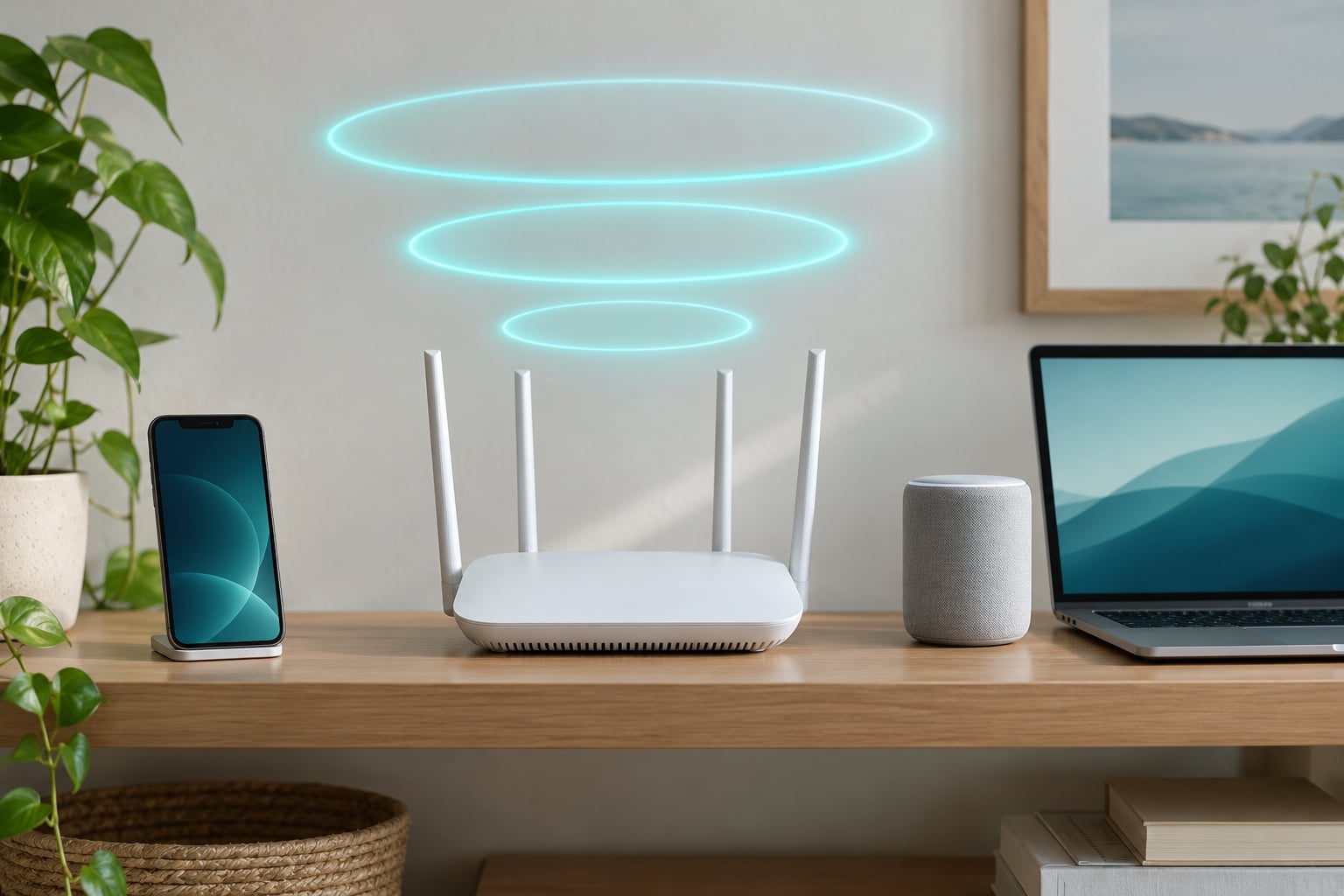
If you have been reading about wifi 6 vs wifi 6e explained comparisons and wondering which one to buy, the answer is shorter than most guides make it sound. Wi-Fi 6 uses the 2.4 GHz and 5 GHz bands, while Wi-Fi 6E extends the same technology by adding a clean, uncluttered 6 GHz band. Both are 802.11ax and both top out at the same 9.6 Gbps theoretical maximum, so the difference is not raw speed but how much clean spectrum your devices get.
Here is the short version: buy Wi-Fi 6 if your home is quiet or your internet plan is modest. Buy Wi-Fi 6E if you live in a crowded building, run a gigabit or faster plan, and already own 6 GHz phones and laptops.
- Frequency bands: Wi-Fi 6 uses 2.4 GHz and 5 GHz. Wi-Fi 6E adds a third 6 GHz band.
- Interference and congestion: 6 GHz is new spectrum with no older neighbours on it, which is where apartment dwellers feel the biggest gain.
- Speed and latency: the same 9.6 Gbps ceiling, but cleaner airtime means lower latency in practice, often around 2-6 ms on 6 GHz against roughly 10-18 ms on congested 5 GHz.
- Range: 6 GHz is faster over short distances and weaker through walls. It does not replace 2.4 GHz or 5 GHz.
- Security: WPA3 encryption is mandatory on the 6 GHz band, while lower bands allow a WPA2/WPA3 mix for older devices.
- Compatibility: a 6E router on its own changes nothing. Your phone or laptop has to support 6 GHz too.
Table of Contents
- WiFi 6 vs WiFi 6E at a Glance
- What Is Wi-Fi 6?
- What Is Wi-Fi 6E?
- WiFi 6 vs WiFi 6E: Speed and Real-World Performance
- How Do the 2.4 GHz, 5 GHz, and 6 GHz Bands Compare?
- 2.4 GHz: the long-reach band
- 5 GHz: the everyday workhorse
- 6 GHz: the clean, short-range band
- Does Wi-Fi 6E Improve Range?
- Compatibility: Which Devices Work With Each Standard?
- WiFi 6 vs WiFi 6E: Price and Value
- Which Should You Choose?
- Frequently Asked Questions
- What are the disadvantages of Wi-Fi 6E?
- How do I know if my Wi-Fi is 6 or 6E?
- Does Wi-Fi 6E go through walls better than Wi-Fi 6?
- Will my old devices work with a Wi-Fi 6E router?
- Is Wi-Fi 6E worth upgrading to?
- Is 802.11ac considered Wi-Fi 5 or Wi-Fi 6?
- Final Verdict
WiFi 6 vs WiFi 6E at a Glance
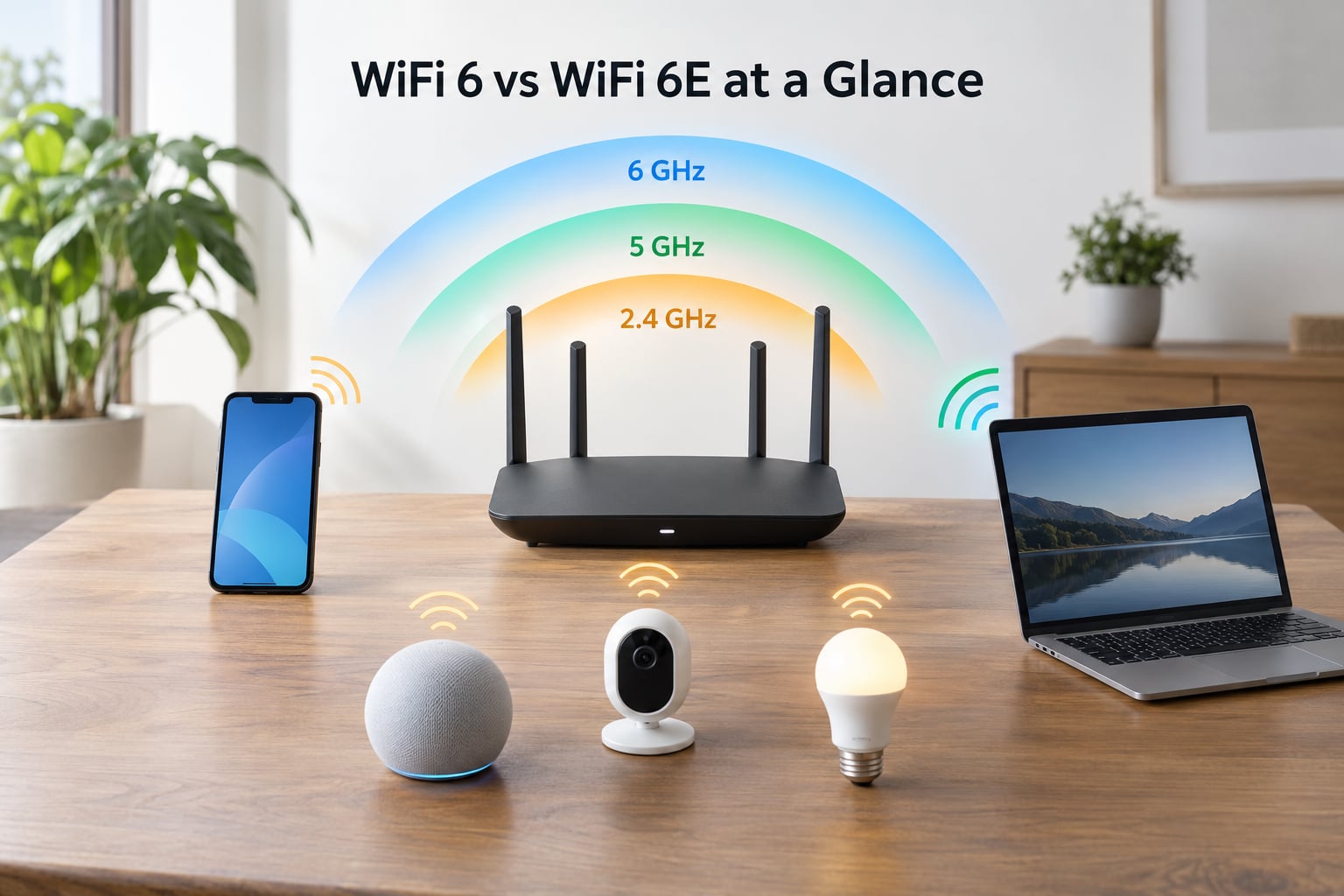
| Feature | Wi-Fi 6 | Wi-Fi 6E |
|---|---|---|
| IEEE standard | 802.11ax | 802.11ax (extended) |
| Frequency bands | 2.4 GHz and 5 GHz | 2.4 GHz, 5 GHz and 6 GHz |
| Max channel width | 160 MHz | 160 MHz, with far more of them available |
| Theoretical maximum | 9.6 Gbps | 9.6 Gbps |
| 6 GHz access | No | Yes, 1,200 MHz of new spectrum |
| Extra 160 MHz channels | None beyond the 5 GHz band | Up to seven |
| Encryption | WPA2 or WPA3 | WPA3 mandatory on 6 GHz |
| Backward compatible | Yes | Yes, older devices use 2.4 or 5 GHz |
| Latency, typical | About 10-18 ms on a busy band | About 2-6 ms on 6 GHz |
| Best for | Most homes and budget upgrades | Crowded flats, multi-gig plans, newer devices |
What Is Wi-Fi 6?
Wi-Fi 6 is the consumer name for IEEE 802.11ax, and it is worth being precise about one thing: the number 6 has nothing to do with the 6 GHz band. This comes up constantly on r/wifi and it trips up almost everyone. Wi-Fi 6 simply means the sixth generation of Wi-Fi.
It runs on 2.4 GHz and 5 GHz and it delivers four big improvements over Wi-Fi 5:
- OFDMA splits one channel into sub-channels so many small devices can transmit at the same time, which matters when 30 smart-home gadgets are trying to talk at once.
- MU-MIMO was upgraded to handle eight downlink streams at the same time rather than four.
- 1024-QAM packs more data into each transmission, raising throughput on clean spectrum.
- Target Wake Time (TWT) schedules when a device may transmit, so battery-powered sensors sleep longer between pings.
Wider 160 MHz channels are possible on Wi-Fi 6, but only in 5 GHz and only where the band is not already crowded. That last part is where most of the disappointment with Wi-Fi 6 comes from.
What Is Wi-Fi 6E?
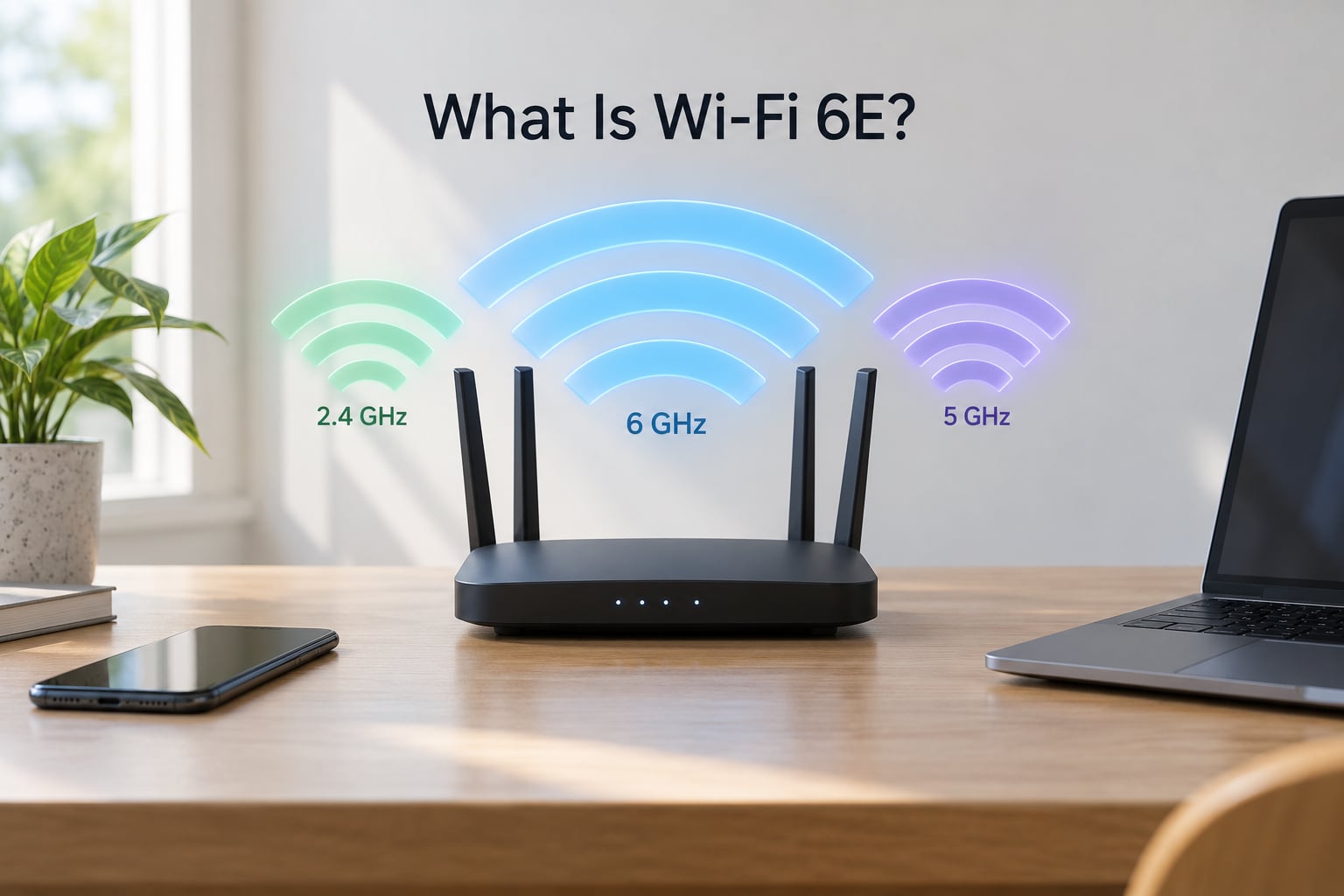
Wi-Fi 6E is Wi-Fi 6 with the E standing for Extended. Same standard, same 1024-QAM, same OFDMA, one extra radio.
What that extra radio adds is 1,200 MHz of spectrum that no legacy device can transmit on. Because old 2.4 GHz and 5 GHz hardware cannot operate there, your neighbours’ old routers leave the band alone entirely. That means up to seven additional 160 MHz channels with no competing traffic.
The trade is range. The shorter wavelength at 6 GHz gives you noticeably less reach through walls and floors. One user on r/amazoneero put it neatly: the 6 GHz band really does fly, but the range is not so great. Another regular in r/HomeNetworking recommends a node in every room once you start relying on 6 GHz.
WiFi 6 vs WiFi 6E: Speed and Real-World Performance
Both standards advertise the same 9.6 Gbps theoretical maximum, and this is where spec sheets create confusion. You will also see 19.2 Gbps quoted for Wi-Fi 6E, which comes from adding the capacity of all three bands together. Neither number describes what you will see on a laptop.
In practice, treat 9.6 Gbps as a lab figure and anything you actually achieve as roughly a fraction of it. The constraint is rarely the radio. It is your internet plan, the distance to the router, walls, and how many devices are sharing the air.
Where 6 GHz genuinely changes the result is contention. A congested 5 GHz band in a flat means your packets wait behind other people’s. A clean 160 MHz channel does not. Owners of 6E mesh systems report big improvements specifically when moving from a crowded 5 GHz setup.
How Do the 2.4 GHz, 5 GHz, and 6 GHz Bands Compare?
2.4 GHz: the long-reach band
Reaches furthest and punches through walls best, which is why your smart plugs, bulbs and sensors live here. It is also the most crowded part of the spectrum, with neighbours and microwave ovens sharing the air. Fine for a device sending a few bytes, poor for video.
5 GHz: the everyday workhorse
Much faster than 2.4 GHz and available on almost every modern device, but its usable spectrum is small. One poster on snbforums noted that 160 MHz channels on 5 GHz can be unavailable or slow precisely where you need them most, in dense housing.
6 GHz: the clean, short-range band
The fastest of the three with the least interference, and the weakest at distance. It suits the room with the router, a desk, a television and a game console. If your signal drops after one wall, that is expected behaviour rather than a faulty unit.
Does Wi-Fi 6E Improve Range?
No. 6 GHz gives you faster short-range connections and a smaller usable coverage area. If you need reach, 2.4 GHz and 5 GHz remain the answer, and a good Wi-Fi 6 router with a strong 5 GHz signal can cover the same floor space as a 6E unit.
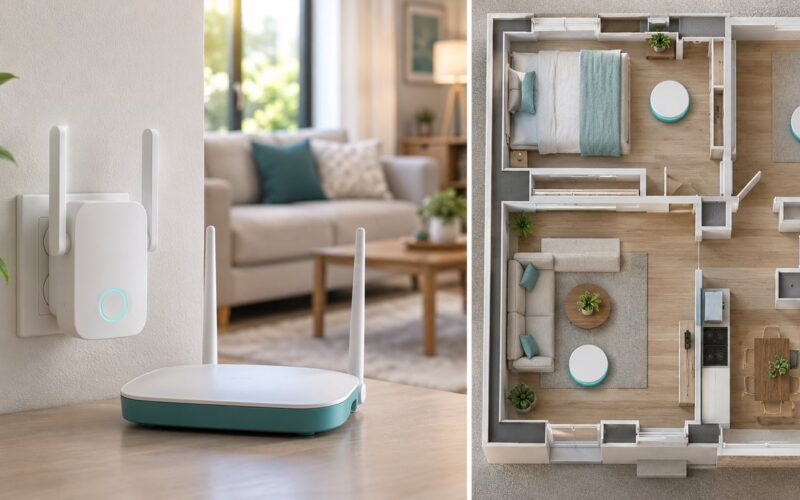
This is the single biggest reason 6E disappoints people. One node in a large house leaves most rooms on 5 GHz, so the money went on a band only the sofa uses. A mesh system with a node per room fixes it, at the cost of another unit.
Compatibility: Which Devices Work With Each Standard?
Backward compatibility is the easy part. A Wi-Fi 6E router happily serves Wi-Fi 5 and Wi-Fi 4 devices on the lower bands. The hard part is that both ends must agree before you get anything from 6 GHz.
Recent iPhone models and high-end Samsung Galaxy and Google Pixel flagships support 6 GHz, as do many current laptops. Smart-home gear mostly does not, and rarely will.
To check before you spend anything:
- On Android, open Wi-Fi settings, tap your network, and look at the frequency or band shown for the connection.
- On iOS, open Settings, then Wi-Fi, then tap the information icon next to your network to see the band in use.
- On a Windows PC, run netsh wlan show interfaces and read the radio type line.
- On your router, log into the admin page and check whether a 6 GHz SSID or band is listed.
If the router shows no 6 GHz radio, no client device will ever use one.
WiFi 6 vs WiFi 6E: Price and Value
Wi-Fi 6E gear consistently costs more than equivalent Wi-Fi 6 gear. Routers, phones and laptops all carry a premium for the extra band, and that premium is wasted on a household with zero 6 GHz clients, on a rural area where 5 GHz is not crowded, or on an internet plan under roughly 500 Mbps.
Two more practical considerations. First, 6 GHz is not licensed for Wi-Fi use in every country, so a router sold in one market may not light up the band in another. Second, WPA3 is mandatory there, which can strand very old devices on the lower bands by design.
Which Should You Choose?
Choose Wi-Fi 6E if several of these are true:
- You live in a flat or dense housing where neighbours’ 5 GHz networks are visible on your phone.
- Your internet plan runs 1 Gbps or faster and you currently see speeds well below it.
- You own at least two 6 GHz phones or laptops.
- Your main device sits in the same room as the router, or you plan a mesh system.
- You want headroom for the next five years of devices.
Stay on Wi-Fi 6 if:
- Your plan is under roughly 500 Mbps.
- You are in a low-density area with clean 5 GHz.
- Your devices are all Wi-Fi 5 or Wi-Fi 6 only.
- The router would have to cover a whole house from one spot.
One more variable for 2026 buyers: Wi-Fi 7 (802.11be) is now widely available and is a better long-term buy if you are replacing equipment anyway. Between 6E and 7 on a normal home connection, the practical difference is small.
Frequently Asked Questions
What are the disadvantages of Wi-Fi 6E?
The main drawbacks are shorter range through walls, higher equipment cost, and mandatory WPA3 encryption on the 6 GHz band. You also need 6 GHz client devices, because a 6E router alone gives older hardware no benefit. In a large home with one router, most rooms will fall back to 5 GHz.
How do I know if my Wi-Fi is 6 or 6E?
Check the band your device is connected to rather than the router model. On Android, open your Wi-Fi settings and tap the connected network to see the frequency. On iOS, tap the info icon beside your network name. If it says 5 GHz or 2.4 GHz, you are not using the 6 GHz band, even on a 6E router.
Does Wi-Fi 6E go through walls better than Wi-Fi 6?
No. The 6 GHz wavelength is shorter, so it is absorbed more by walls and floors than 5 GHz. 6 GHz delivers higher throughput in the same room but covers less space. If you need coverage across a two-storey home, plan on mesh nodes or rely on 2.4 and 5 GHz for the far rooms.
Will my old devices work with a Wi-Fi 6E router?
Yes, all of them. Wi-Fi 6E routers are backward compatible, so older phones, laptops, TVs and smart-home gear connect on the 2.4 GHz or 5 GHz bands as usual. They simply will not use the 6 GHz band, which means they see no speed change from the upgrade.
Is Wi-Fi 6E worth upgrading to?
It is worth it in crowded flats, on gigabit or multi-gig plans, and when you already own 6 GHz phones and laptops. It is not worth it on sub-500 Mbps plans, in quiet areas, or with no 6 GHz clients, because your devices will never touch the band you paid for. Check your device inventory first.
Is 802.11ac considered Wi-Fi 5 or Wi-Fi 6?
802.11ac is Wi-Fi 5. The IEEE names generations with letters and years, and the Wi-Fi Alliance renamed them for marketing: 802.11n became Wi-Fi 4, 802.11ac became Wi-Fi 5, and 802.11ax became Wi-Fi 6. Wi-Fi 6E is still 802.11ax with the 6 GHz band added.
Final Verdict
For most homes, Wi-Fi 6 is the sensible buy. Wi-Fi 6E earns its premium only when your environment is crowded and your devices support the band.
Before you spend, check five things: which bands your router actually offers, whether your phone and laptop support 6 GHz, how many people use the connection at once, what speed your plan delivers, and how far the signal has to reach. Get those right and the wifi 6 vs wifi 6e explained question answers itself.