The fastest way to stop robocalls on Android is to turn on the built-in spam filter in your Phone app, register on the National Do Not Call Registry, and switch on your carrier’s own network-level spam filtering. Add manual blocks and a spam blocker app only if calls still get through. Most people finish in about ten minutes, though the menu names change from brand to brand.
Nobody reaches zero robocalls. Spoofed numbers rotate constantly, so the honest goal is going from five a day to one a week that you ignore without thinking about it.
Here is the order I would work in: built-in filter first, carrier tool second, everything else after that.
Table of Contents
- What You Need
- How to Stop Robocalls on Android: Step-by-Step
- Turn On the Built-in Spam Protection
- Block Individual Robocall Numbers
- Use Your Carrier’s Call-Protection Features
- Set Up a Spam-Blocking App if Needed
- Remove Robocalls from Your Call History and Stop the Source
- Common Mistakes
- Frequently Asked Questions
- Why am I suddenly getting so much spam phone calls?
- Is it true that I can dial 662 to block spam calls?
- What is the code to block all spam calls?
- How do I stop 20 spam calls a day?
- Do spammers know when you block their number?
- Conclusion
What You Need
Almost nothing. You need your Android phone, the Phone or Contacts app that came with it, and about ten minutes of quiet. That covers most readers.
A few things worth confirming before you start:
- A current Phone app. Open Play Store, search for Phone by Google or the dialer your brand shipped with, and update it if a newer version is waiting. Spam filtering arrived in stages, so an outdated dialer can hide options that exist on the same phone today.
- Your brand’s menu names. Google Pixel and stock Android say Caller ID & spam. Samsung says Caller ID and spam protection. Xiaomi HyperOS and OnePlus often ship with the Google Phone app but sometimes use their own labels. Check which one you have before following any guide, including this one.
- Your carrier’s app. My Verizon, My AT&T, T-Life, Google Fi, or My US Mobile depending on who carries your line. The network-level filter lives there, not in Android.
- Optional: a spam blocker app. Only worth installing if the free steps have not worked. Free and built-in methods come first on r/androidapps and r/AndroidHelp for a reason.
- Optional: a second number. A Google Voice number or a cheap second SIM for online sign-ups. This is the long game, not the first move.
If you are setting this up for an older relative, expect to do it for them. Forum threads about helping parents describe the same pattern: Do Not Disturb plus a carrier tool, because the person will not manage app permissions later.
How to Stop Robocalls on Android: Step-by-Step
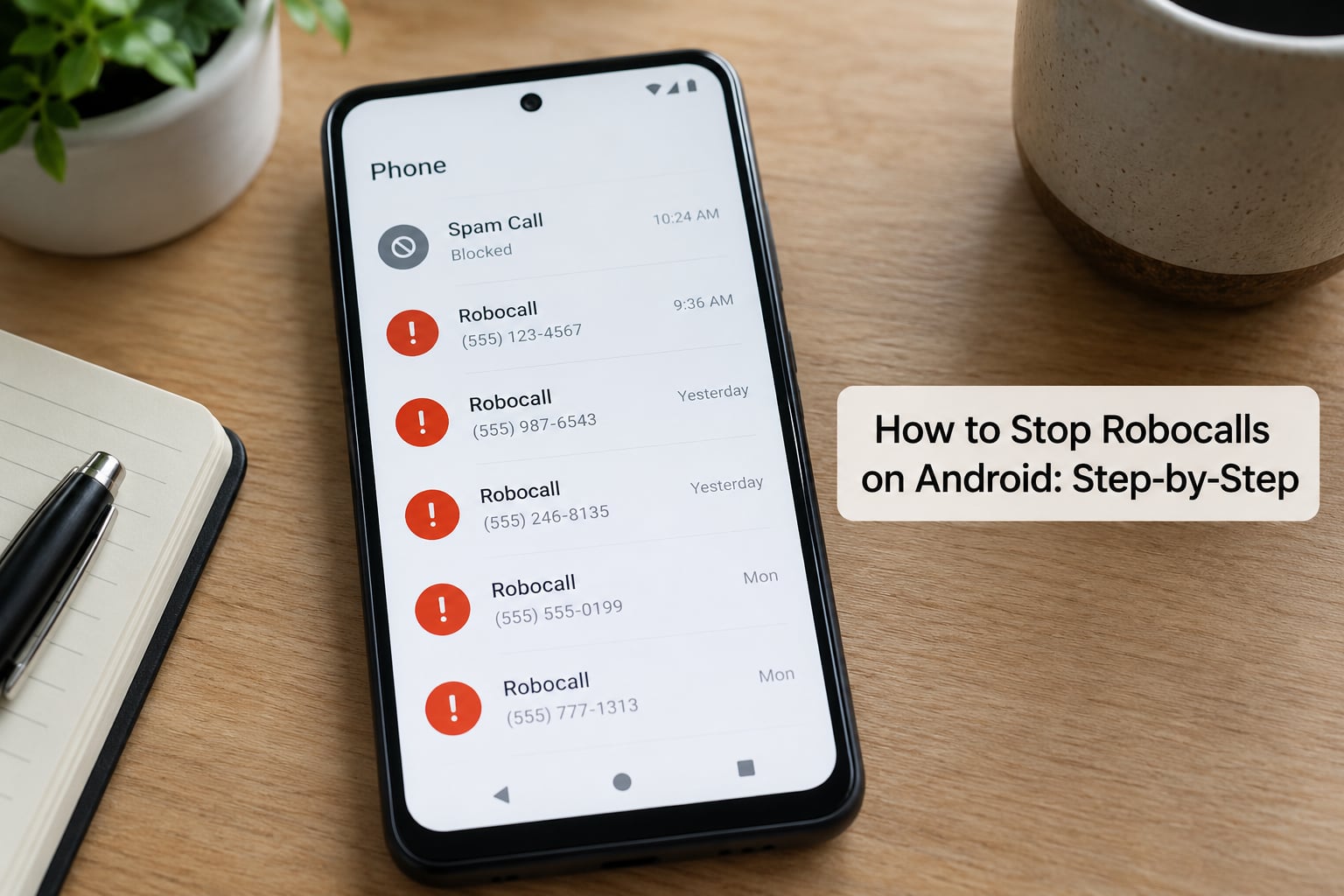
Turn On the Built-in Spam Protection
On a Pixel or a stock Android phone, the switch you want lives at Phone app, then the three-dot menu in the top corner, then Settings, then Caller ID & spam. Turn on See caller and spam ID so unknown and flagged numbers appear, then turn on Filter spam calls so Google’s database and community reports can divert obvious spam before it rings.
While you are in that screen, open Call screen protection and set Options to Highest. That raises the bar for whether an incoming call passes through and is the setting Pixel owners on r/pixel_phones most often credit for cutting spam to nearly nothing. Verified Calls is a separate toggle and worth leaving on; it asks Google to verify the caller is who they claim to be.
Samsung Galaxy uses different labels for the same idea. Open Phone, tap the three dots, tap Settings, then Caller ID and spam protection. Turn on Spam protection and then Block all spam and scam calls. You will also find Show caller ID, Block numbers and Block with custom filter on that screen.
On Xiaomi HyperOS, OnePlus OxygenOS and other Android skins, look in the dialer settings for Block numbers, Caller ID & spam or Call blocking. The wording changes between versions, so search your phone’s settings app for spam if the labels look unfamiliar. Many of these phones run the Google Phone app under the hood, in which case the Pixel path applies exactly.
Block Individual Robocall Numbers
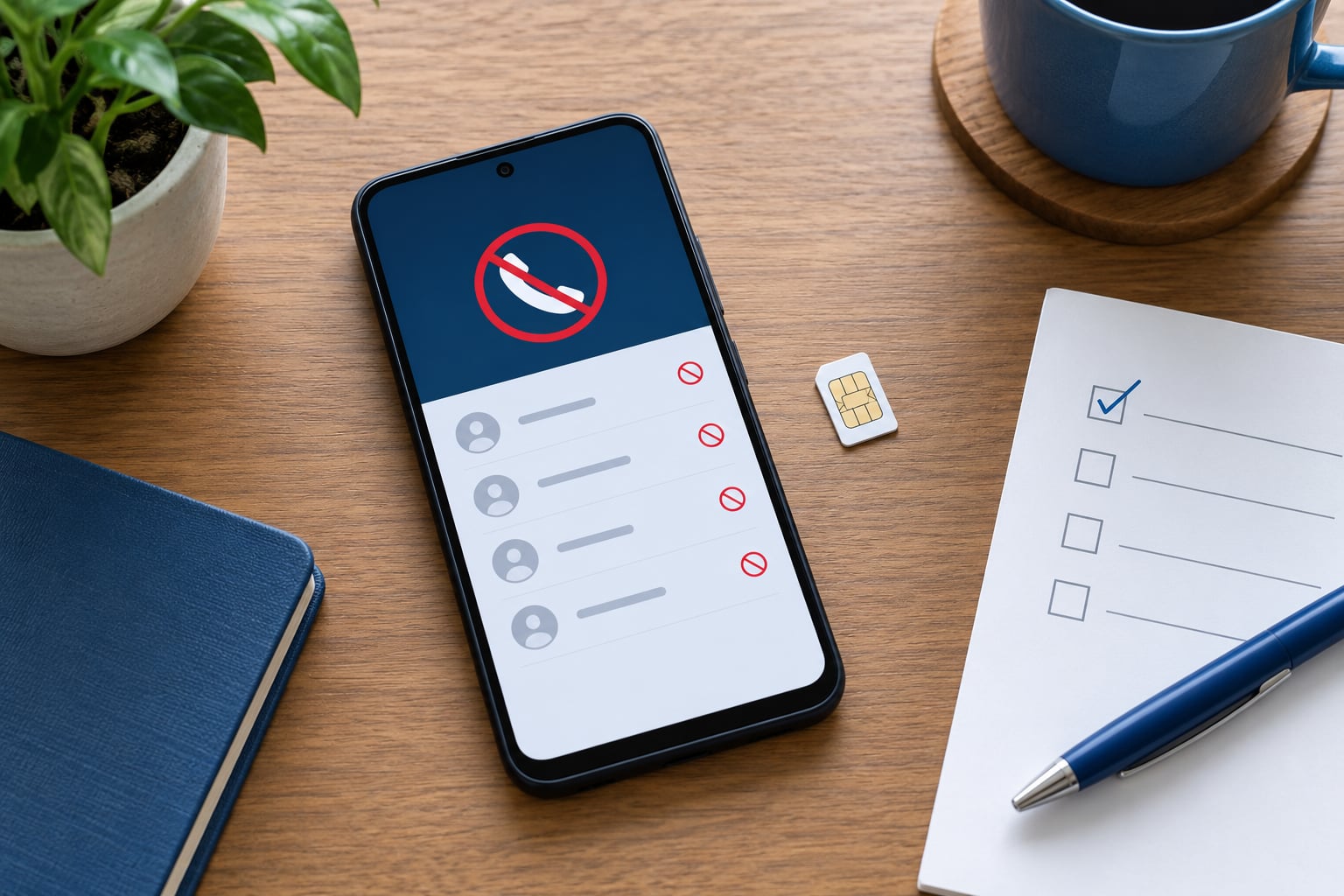
Blocking by hand takes about five seconds per number: open Phone, tap Recents, tap the number, then tap Block or Report spam. Doing both matters, because reporting feeds the spam database other Android users rely on while blocking only affects your handset.
Verify it worked by opening Phone, then Settings, then Spam and blocked numbers. Blocked numbers are listed there, along with recent spam reports on stock Android. If a number you blocked still gets through, it is likely being spoofed from a different number entirely.
Samsung Galaxy lets you block a pattern rather than one number. Under Block with custom filter you can enter digits with wildcards, which handles the case where robocalls share your area code and prefix but change the last four digits. Treat patterns carefully, because a filter that is too wide also swallows legitimate local calls.
One setting worth knowing about: Silence unknown callers, sometimes labelled Silence unknown calls on Samsung. It sends callers who are not in your contacts straight to voicemail without ringing. It is the single most recommended free method across r/androidapps and r/AskReddit, and it is also the one with the biggest trade-off.
That trade-off is real. Doctors, hospitals, delivery drivers, pharmacies and even some employers call from numbers you have never saved. Blocking every unknown caller means missing those. Silence unknown callers has the same problem, but less painfully, because a blocked call still lands in voicemail.
Use Your Carrier’s Call-Protection Features
This is the layer most guides bury, and it is the one that matters most. Carrier tools use network data, so they can stop a call before it reaches your phone at all. Android’s own filter works on numbers your handset has already received.
- Verizon: Call Filter, managed from the My Verizon app or your account page. It labels suspected spam calls and lets you block the category at network level.
- AT&T: Call Protect, now presented under the ActiveArmor name in the My AT&T app. It scores incoming calls and blocks known high-risk ones.
- T-Mobile: Scam Shield, available in the T-Life app or by dialling 662. Dialling 663 also blocks numbers that look like your neighbours, and 661 switches Scam Shield back off.
- Google Fi: spam filtering inside the Google Fi app, with a block-spam-calls toggle alongside caller ID.
- Mint and other resellers: protection usually comes through the host network’s tools inside the reseller app, where the feature is enabled by the carrier rather than by you.
Names, availability and limits vary by carrier and by country, so treat your carrier’s own app as the source of truth. Some users on resold networks report weaker filtering than the direct carriers do.
Register on the National Do Not Call Registry at donotcall.gov while you are in this section. Registration is free and covers calls from businesses that are obliged to honour it. It does not stop illegal robocalls, and there is no guarantee a scraped number has ever been on a list at all.
Set Up a Spam-Blocking App if Needed
Add an app only when the free layers are already on. Look for a published privacy policy, a clear explanation of what data it collects, a free tier that actually blocks calls, and no demand for SMS access unless the app genuinely needs it.
The four names that come up constantly are Truecaller, Hiya, Robokiller and Call Control. Hiya and Robokiller tend to be recommended in forums for their call screening, where a bot asks the caller to state their name and reason before the phone rings. That defeats most robocalls outright because automated systems cannot answer convincingly.
The cost is access to your call log and contacts, sometimes your SMS messages. An app with caller ID needs that data to work, and that is a real trade. Read the permission screen, not the store listing. If an app asks for SMS permission and does not mention texting features, decline and check whether it still blocks calls.
Paid subscriptions are common in this category and features vary by carrier and country, so check what you actually get before a trial ends. Stock Android also has a middle-ground option of its own: call screening, where Google Assistant answers first and hands the call to you only after you accept it.
Remove Robocalls from Your Call History and Stop the Source
Clear what is already there. In Phone, open the three-dot menu and delete recent spam entries, then check your voicemail and delete robocall greetings you never asked for. A long, personalised voicemail greeting also hands automated systems a signal that your number is active and worth calling back.
Check where the interruptions are actually coming from. Some are robocalls, some are spam texts and some are marketing pushes inside messaging apps. Each has its own switch: spam filtering in the Messages app, spam protection in the default SMS app, and notification controls per app in Settings.
When calls keep coming from a source you can identify, deal with the source. Report repeated offenders to your carrier, file a complaint with the FCC for illegal robocalls, and opt out wherever the number was harvested from. Checking people-finder sites and opt-out pages for your own number is tedious but it is the only place the upstream list gets cleaned.
If the volume is still unmanageable after a month, move your online life onto a second number. Keep your main number for people you know. Forum users who did this, combined with never answering an unknown number, report dropping from dozens a day to one or two a week, but that takes consistency, not settings.
Common Mistakes
Enabling caller ID and stopping there is the most common mistake. Caller ID only labels numbers. The toggle that filters anything is Filter spam calls, and on Samsung it is Block all spam and scam calls.
Blocking without reporting wastes half the tool. A block only hides that number on your phone. Reporting it adds it to a spam database that helps every other Android user, which is why experienced forum advice pairs the two actions.
Installing three blocker apps at once causes conflicts over which app handles calls, and one of them usually fails silently. Pick the one you want, set it as the default phone or dialer if it asks, and uninstall the others.
Assuming every Android phone uses the same menus is why so many guides fail readers halfway through. Samsung, Xiaomi, OnePlus, Motorola and Pixel each label these settings differently, and even stock Android shifts wording between versions.
Ignoring carrier settings leaves the strongest layer switched off. Everything you do on the handset can only filter calls that already reached it. Network-level filtering happens earlier.
Never press 1, never say yes, never confirm your name or any detail a recorded voice asks for. Responding marks your number as live and responsive, and responsive numbers get resold to other spammers. Hang up instead.
Granting call log and SMS permissions to every caller ID app you try is the quiet leak. One well-reviewed app with call access is a trade-off; four apps with SMS access is a different situation entirely. Revoke permissions for anything you have stopped using.
Expecting an app to stop spoofed numbers that keep changing is setting yourself up for disappointment. A blocklist is a list of numbers, and spoofed robocalls arrive under fresh numbers constantly. Filters and carrier tools generalise; single blocks do not.
Two habits that help more than most settings: never answer an unknown number, and keep your main number off public forms and app sign-ups. Most lists start with a number someone gave away.
Frequently Asked Questions
Why am I suddenly getting so much spam phone calls?
Robocall traffic shifts because phone numbers get bought in bulk. Data brokers and people-finder sites collect numbers, brokers package them, and calling lists change hands, so a quiet number can go active overnight. A new phone, new carrier, or even a friend passing your number to a business can trigger a burst. Porting keeps the same exposure, so switching carrier alone rarely fixes it.
Is it true that I can dial 662 to block spam calls?
On T-Mobile, yes. Dialling 662 switches Scam Shield on, 663 also blocks numbers that look like your neighbours, and 661 turns it off. The same toggle sits inside the T-Life app. Other carriers use different names for a similar tool: ATu0026amp;T Call Protect and ActiveArmor, Verizon Call Filter, and Google Fi spam filtering. Codes and feature names vary by carrier and country, so check your carrier app rather than assuming it works everywhere.
What is the code to block all spam calls?
There is no universal code that blocks every robocall on any Android phone. 662 is a T-Mobile Scam Shield shortcut, not an Android command. Android itself blocks numbers one at a time from the Phone app, or by pattern on Samsung Galaxy. For broad filtering you rely on the Phone app spam toggle, Do Not Disturb, and your carrier network tool working together.
How do I stop 20 spam calls a day?
Turn on Filter spam calls in the Phone app, switch on your carrier spam filter, block and report each repeat caller, set Do Not Disturb to allow only starred contacts, and register on the national Do Not Call Registry. Most people see a clear drop within two weeks. Letting unknown calls ring out also helps, because numbers you never answer are far less likely to be dialled again.
Do spammers know when you block their number?
Not directly. Blocking hides a number from you and tells the carrier to reject it, and the caller usually never finds out. What does get flagged is engagement: pressing 1, saying yes, or confirming details marks your number as responsive, and verified lists get resold. Silence and a short voicemail greeting are the safest response to anything you did not expect.
Conclusion
Start with the three free moves: turn on Filter spam calls in the Phone app, switch on your carrier’s spam tool, and register on the national Do Not Call Registry. Report the numbers that keep coming back rather than only blocking them. Add one reputable blocker app only if unwanted calls survive all of that, and expect to reach rare-and-ignorable rather than silence.