If you mainly want step counting, sleep and heart rate data plus the longest possible battery, get a fitness band. If you want calls and texts on your wrist, third-party apps, contactless payments, navigation and fall detection, get a smartwatch. That single question — health tracking or a phone on your wrist — resolves most of the smartwatch vs fitness band which to choose debate before you spend anything.
I’ve worn both categories for years, often at the same time, and the honest summary is that the gap between them has narrowed at the edges while widening in the middle. Basic bands now do sleep staging and heart rate variability. Entry smartwatches now do a week of battery in some cases. What still separates them reliably is software: how many things the device can do beyond counting steps, and how often you have to put it on a charger.
Table of Contents
- Smartwatch vs Fitness Band at a Glance
- What the Main Differences Mean in Practice
- Battery Life and Charging
- Health and Fitness Tracking
- Notifications, Apps and Smart Features
- Comfort, Durability and Everyday Design
- Price and Long-Term Value
- Which Should You Choose?
- Smartwatch vs fitness band for sleep and battery life
- Smartwatch vs fitness band for calls, apps and safety
- Frequently Asked Questions
- Is a fitness band better than a smartwatch for basic health tracking?
- Which device is better for running and outdoor workouts?
- Do fitness bands and smartwatches require a monthly subscription?
- How do I know if my Android phone is compatible with either device?
- Can I replace the battery in a smartwatch or fitness band?
- Is a more expensive smartwatch always more accurate for health measurements?
- Conclusion: Choose the Features You Will Actually Use
Smartwatch vs Fitness Band at a Glance
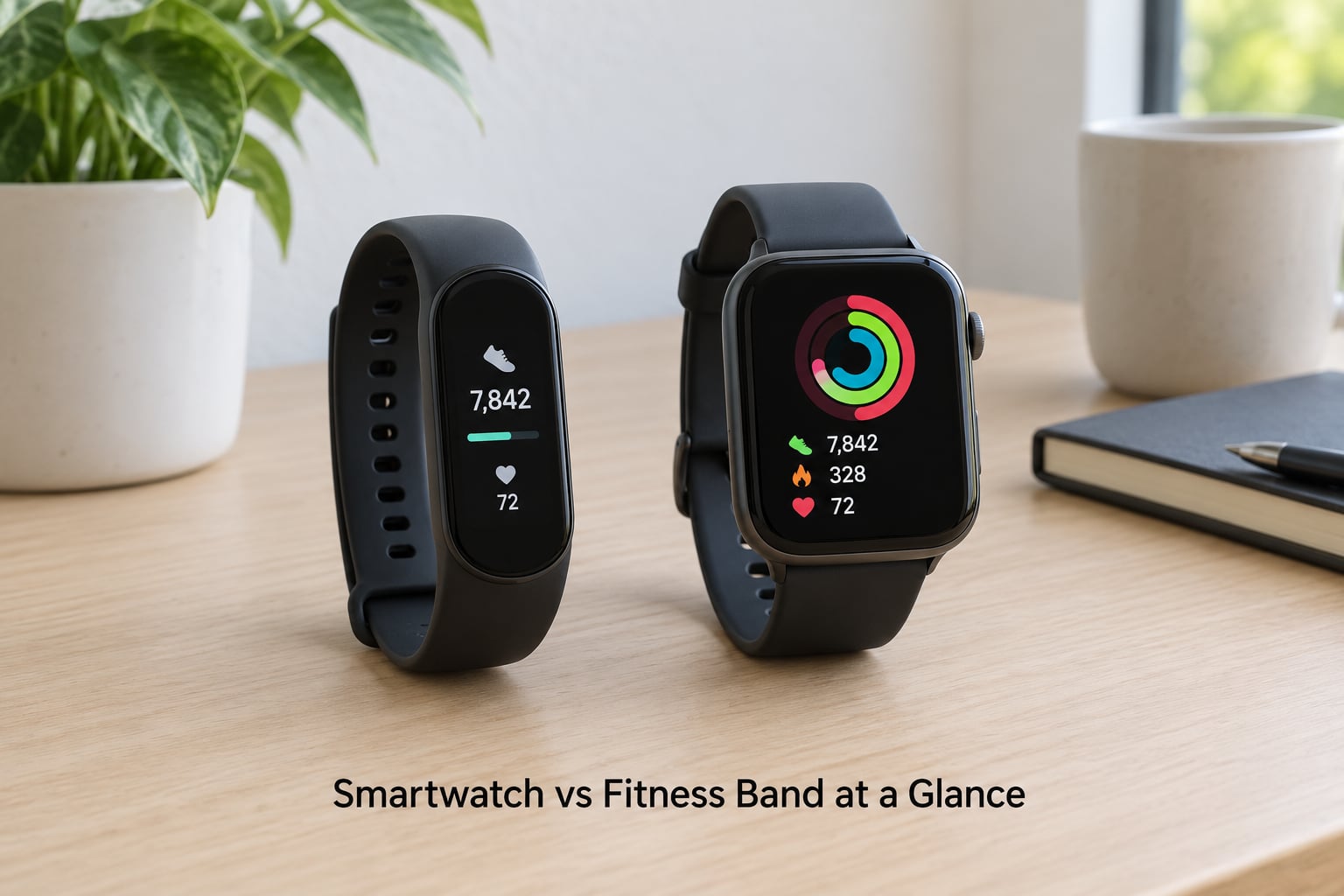
| Criterion | Fitness band (smart band) | Smartwatch |
|---|---|---|
| Screen size | Narrow AMOLED strip, roughly 1 to 1.4 inches wide | Square or round face, roughly 1.4 to 2 inches |
| Typical weight | About 15 to 30 grams | About 30 to 60 grams before the strap |
| Battery life | Usually 7 to 21 days, some models near a month | Usually 1 to 5 days, often 1 to 2 with an always-on display |
| Charging habit | Every week or two, a few minutes on a puck | Nightly or every other night, more if you use LTE or GPS |
| Notifications | Basic mirrored alerts, tap to open on the phone | Full alerts with quick replies, some apps reply from the wrist |
| Apps | Vendor app only, usually no third-party app store | App store on most Wear OS, watchOS and Galaxy Watch models |
| Calls | Almost never; phone must be in Bluetooth range | Speaker and microphone, plus LTE on cellular models |
| Onboard GPS | Rare, and usually a phone-assisted variant | Common on mid-range and flagship models, sometimes dual-band |
| Sensors | Accelerometer, gyroscope, optical heart rate, often SpO2 | Everything a band has, plus barometer, compass, bioimpedance, sometimes skin temperature |
| Safety features | Almost none beyond an alert countdown | Fall detection, crash detection, emergency SOS on supported models |
| Water resistance | Often 5 ATM, swimming-capable | Usually 5 ATM to 10 ATM plus an IP rating, swimming-capable |
| Best for | Steps, sleep, budget buying, small wrists, long battery | Calls, apps, payments, safety, an all-in-one Android companion |
What the Main Differences Mean in Practice
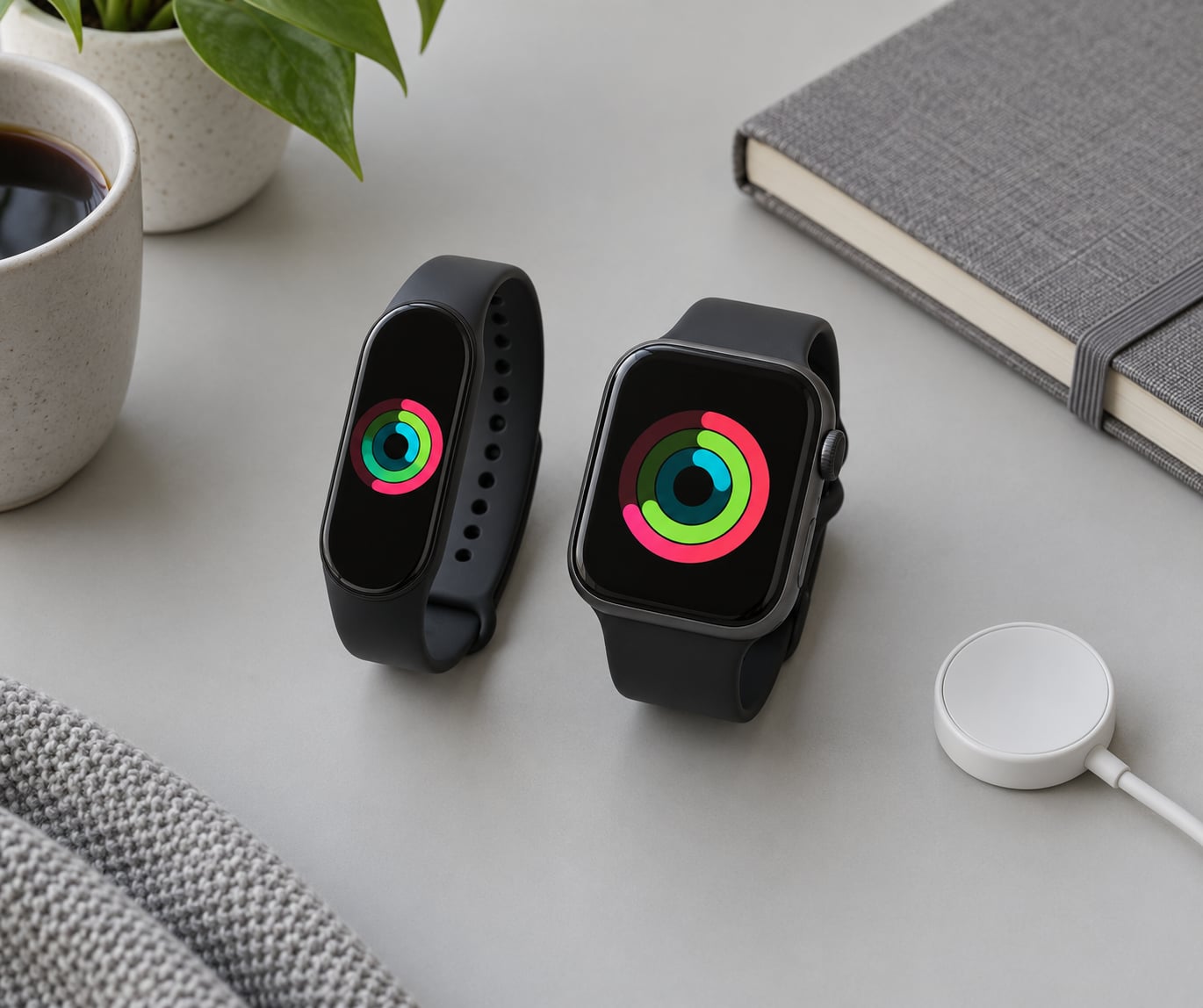
The screen is the smallest difference and the one people argue about most. A 1.5-inch AMOLED face is not obviously better than a 1.2-inch AMOLED strip for reading a step count; both are readable in daylight at low brightness.
The real divide is what the device can do while your phone is in a pocket. A band is a sensor with a notification light. A smartwatch is a second computer. That difference shows up in how quickly each one gets abandoned — bands tend to survive on a nightstand for weeks because charging is a non-event, while an unworn smartwatch usually ends up in a drawer within a month of nightly charging fatigue.
Battery Life and Charging
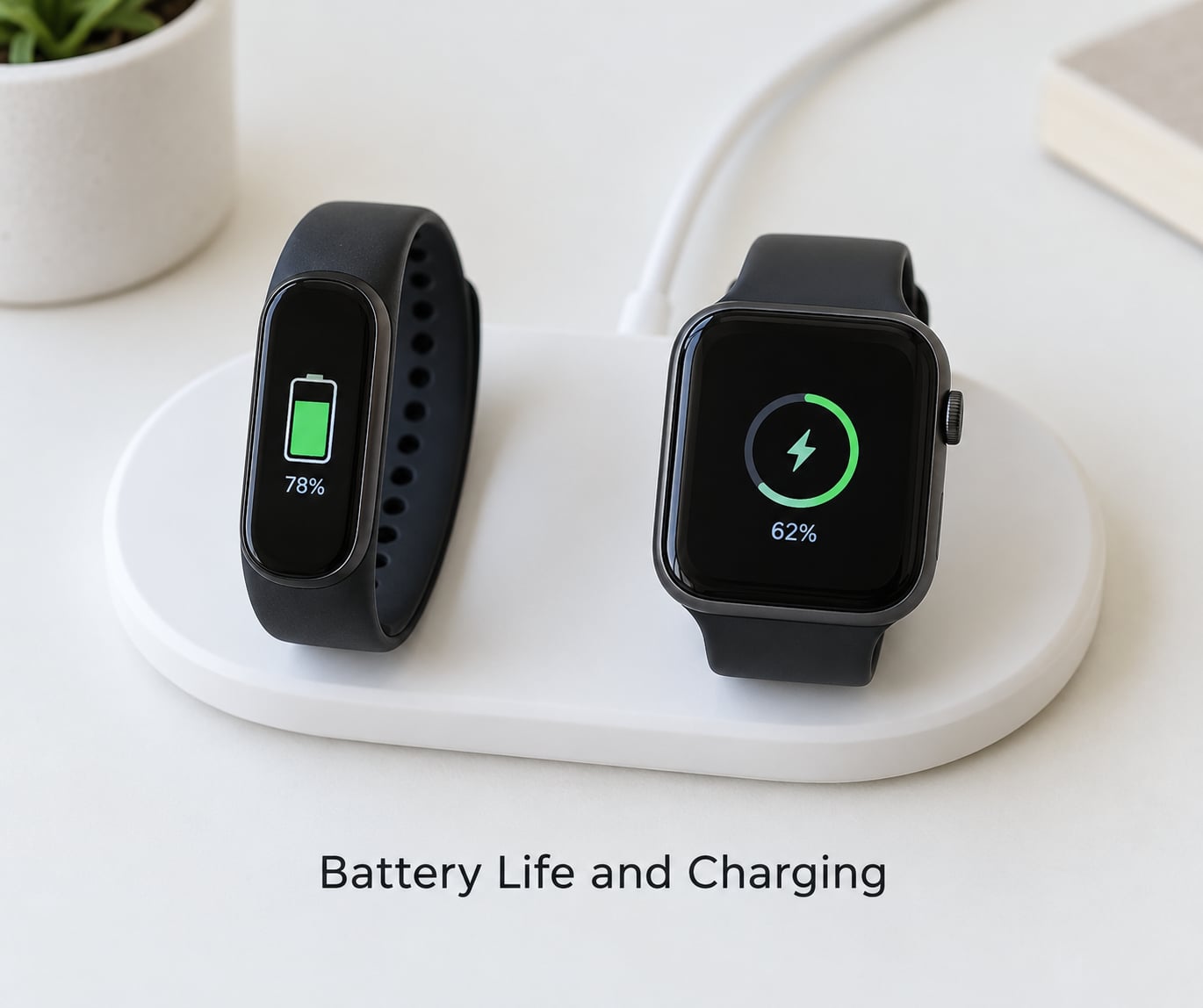
Battery is where the two categories separate most cleanly. A fitness band typically runs 7 to 21 days per charge, and the cheapest ones with AMOLED screens and continuous heart rate sit at the lower end of that. Charging takes about an hour on a small magnetic puck, and you do it while you shower.
A smartwatch realistically gives you 1 to 5 days. With an always-on display running, most models drop to one full day plus a partial second day. Adding LTE, onboard GPS or a third-party app with a background sync loop can shave several hours off that.
Degradation matters more than people expect. Band batteries are small, and after roughly two years a cheap band can lose a meaningful chunk of its original runtime. Smartwatch batteries are larger and often serviceable on flagship models, but many mid-range watches seal the cell inside and treat a battery swap as a full replacement.
One practical trick: if you want a smartwatch but refuse nightly charging, turn the always-on display off, restrict which apps may run in the background, and expect roughly double the runtime as a result.
Health and Fitness Tracking
For step counting, workouts and continuous heart rate, both categories use the same optical sensor and the same accelerometer and gyroscope. A good band and a cheap smartwatch will produce nearly identical daily step totals. This is the one area where you can save money without losing anything.
Sleep tracking is where the quality gap opens up. Basic bands record duration and light movement. Smartwatches and higher-end bands add sleep staging, heart rate variability, skin temperature trends and a sleep score, and those richer metrics are genuinely useful if you are adjusting training load. For a casual wearer who wants to know they slept badly, the band is enough.
GPS splits the categories hard. Bands rarely carry a satellite receiver, so they lean on your phone for distance, which means trails, signal loss and treadmill workouts all distort the numbers. Smartwatches with onboard GPS track independently, and dual-band models hold a lock in cities and under tree cover far better than single-band ones.
SpO2 and bioimpedance readings are useful for trends, not diagnoses. Skin temperature shifts show up when you have a fever, and resting heart rate trending up over a week tells you more than a single reading. On the forums, owners regularly report that sleep scores and readiness ratings from budget brands are optimistic or plain wrong, which is a reasonable reason to treat those numbers as entertainment rather than evidence.
None of this is a diagnosis. If you have symptoms, a doctor decides, not a wrist device — bring the trends to an appointment instead of relying on them.
Notifications, Apps and Smart Features
A smartwatch earns its size with mirrored notifications, quick replies, music controls, a voice assistant, an app store, contactless payments and, on cellular models, calls away from the phone. If any of that is something you’d use weekly, the smartwatch wins clearly.
Bands mirror alerts too, but you tap through to the phone. That is fine for messages and useless for anything requiring a typed response. Notification fatigue is the most common reason longtime watch owners go back to a band: a device that buzzes constantly on a 1.5-inch screen you cannot comfortably interact with gets muted within days.
Health data also leaves your wrist either way. Heart rate, sleep and location streams go to the vendor’s servers, then often onward to a phone app and cloud account. You can review permissions in the app settings, but if privacy is your deciding factor, a screen-less tracker or a smart ring keeps the same sensor data on a device with far fewer radios awake.
Comfort, Durability and Everyday Design
Small wrists should skip large watch faces. Anything above roughly 1.4 inches catches on a cuff, and lying on your side at night it digs in. Slim bands around 40mm work for most wrists, and low-profile straps sit flatter under a shirt sleeve.
Weight matters more than people expect during sleep. A 20-gram band disappears; a 55-gram watch is a small lump on top of your pulse, and some people take theirs off at night because of it, which loses you the sleep data entirely.
Build quality divides by price more than by category. Flagship smartwatches use sapphire or toughened glass and machined cases; budget watches often use plastic with a coated acrylic screen that scratches visibly within months. Bands are simpler objects, so a mid-range band usually feels sturdier than an entry-level watch at a similar spend.
Water resistance is usually fine for swimming on both, provided you check the rating. 5 ATM handles surface swimming and showers, not diving.
Price and Long-Term Value
Bands occupy the budget tier, and that is where most value-per-feature lives: step counting, heart rate, sleep and water resistance for a fraction of what a smartwatch costs. A good mid-range band is the cheapest way to test whether a wearable fits into your routine at all.
Smartwatches spread across four tiers. Entry models mirror a phone and drain fast. Mid-range models add proper GPS, third-party apps and better sensors. Flagships add materials, cellular, advanced health features and the longest software support, and they are the only ones whose ecosystem keeps improving for five or more years.
Hidden costs are where the two separate again. Some brands gate detailed sleep data, stress analysis or workout insights behind a paid membership that renews annually, and the best recovery metrics usually live on a subscription rather than in the free app. Replacement straps add up too, especially if you buy cheap bands and swap silicone for nylon. Check whether the free tier gives you everything you care about before committing.
Resale is thin either way, so value is better judged by how long you keep the thing. A device you wear every night for two years beats a better one you abandon in month two.
Which Should You Choose?
Smartwatch vs fitness band for sleep and battery life
Choose the band. It charges every one to three weeks, sits flat on your wrist all night and never asks you to choose between sleep tracking and a dead battery at 6am. If overnight comfort is your top priority, case size and strap profile matter more than any sensor.
Smartwatch vs fitness band for calls, apps and safety
Choose the smartwatch. Calls, quick replies, maps, payments, fall detection and emergency SOS are not available on a band in any meaningful way. If you run or cycle alone, work outdoors or want your phone to stay in a bag, that feature set is the reason to spend more.
For running specifically, look for onboard GPS and dual-band support if your routes pass between tall buildings. For weight loss, either category counts steps well, and the band will make it easier to keep wearing it long enough to matter.
A few more decisions worth making explicitly:
- For a small wrist: a slim band, or a smartwatch under about 42mm.
- For discreet wear: a band, or a smartwatch with a flat bezel and dark always-on mode.
- For students or kids: a band, ideally with a school-friendly phone-free mode.
- For an older relative: a smartwatch with fall detection and a large always-on display, paired with a simple app on their phone.
- For privacy: a screen-less tracker or a smart ring, which gather the same health data with no notification screen.
- For an all-in-one Android companion: a Wear OS or Galaxy Watch model, the two ecosystems that keep receiving new apps.
Before you buy, confirm three things: the device pairs with your exact phone model, its case fits your wrist comfortably in the size you will order, and the free version of the companion app includes the health metrics you care about.
Frequently Asked Questions
Is a fitness band better than a smartwatch for basic health tracking?
For step counting, continuous heart rate and workout logging, a fitness band matches a smartwatch because both rely on the same optical heart rate sensor and motion sensors. The band is better when your list stops there, because it costs less, sleeps flat on your wrist and charges every one to three weeks instead of nightly. Richer data like sleep staging, heart rate variability and SpO2 trends appear on both, but the smartwatch usually presents them more clearly.
Which device is better for running and outdoor workouts?
A smartwatch, specifically one with onboard GPS. Most fitness bands rely on your phone for distance, which distorts pace and route data on trails, in tunnels and under tree cover. A dual-band GPS receiver holds a lock far better between tall buildings. If your runs are all on a treadmill and you only care about calories and time, a band is perfectly adequate.
Do fitness bands and smartwatches require a monthly subscription?
The hardware itself never needs a subscription, and most brands keep step, heart rate, sleep and workout tracking in the free app. Some vendors gate deeper insights such as advanced readiness, stress breakdowns or long-term trend reports behind a paid membership billed yearly. Check the free tier before buying, and confirm which features unlock only after you pay.
How do I know if my Android phone is compatible with either device?
Most fitness bands from Xiaomi, Huawei, Amazfit, Fitbit, Garmin and Samsung pair with Android phones across a wide range of models. Smartwatches are stricter: Apple Watch only pairs with iPhone, and some Galaxy Watch features need a Samsung phone. Wear OS watches are the broadest option for Android. Confirm compatibility in the brand’s official device list before ordering, especially for older phones.
Can I replace the battery in a smartwatch or fitness band?
Sometimes, but rarely on budget devices. Flagship smartwatches from Apple and Garmin support official battery service, and some models offer self-service replacement kits. Entry-level watches and most fitness bands seal the cell inside, so a flat battery usually means buying a new device. A band that still tracks fine after two years is a good reason to keep it rather than upgrade.
Is a more expensive smartwatch always more accurate for health measurements?
No. Heart rate and step accuracy are largely the same across price tiers because the underlying sensors are similar, and a wrist optical reader is most accurate during steady activity and least accurate during weightlifting or sleep. Spend more when you want onboard GPS, better sleep staging or clinically validated readings, not for a more accurate step count.
Conclusion: Choose the Features You Will Actually Use
Start by deciding whether you want a focused fitness tracker or a broader smartwatch. If your list ends at steps, heart rate, sleep and workouts, a fitness band gives you all of it for less money and a fraction of the charging. If the list includes calls, apps, payments, navigation or fall detection, pay for the smartwatch.
Then check two practical things before ordering: that the device actually pairs with your phone, and that the size you choose is comfortable on your wrist overnight. Get those right and the choice stops being difficult.