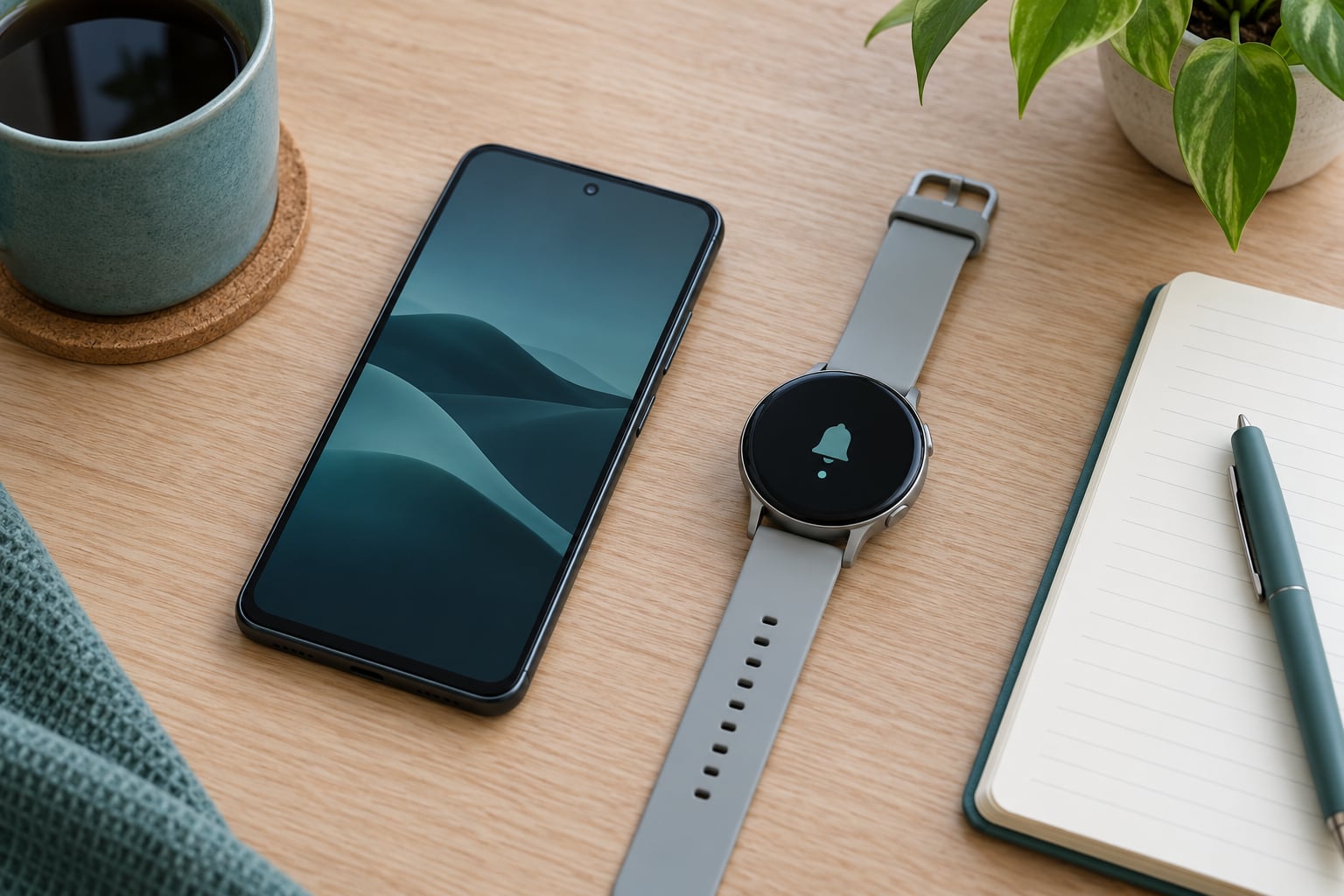
How to choose a smartwatch for Android comes down to three decisions in order: match the watch’s operating system to your phone brand, set a battery target you can live with, then pay for the features you will actually open. Get the first two right and most of the disappointment people complain about online simply never happens.
Android is the only phone platform where you can pair with dozens of watch brands across three different operating systems. That choice is freedom on one hand and a minefield on the other, because a watch can pair perfectly and still quietly drop half its features when your phone is not the brand it was built for.
Here is the whole process in order:
- Confirm your phone brand and the Android version it runs.
- Decide whether the watch must come from your phone’s brand or can be any brand.
- Pick the watch operating system: Wear OS, a lighter vendor system, or a fitness-first platform.
- Set a realistic days-between-charges number before you look at any spec sheet.
- Sort features into daily essentials, useful, and nice-to-have tiers.
- Get the case size and weight right for your wrist.
- Check the software support window and the return policy before paying.
Work down that list and the search narrows fast. The rest of this guide explains each step in detail.
Table of Contents
- How to Choose a Smartwatch for Android: Start With Compatibility
- How to Choose a Smartwatch for Android by Phone Brand
- Which Smartwatch Features Matter Most?
- Battery Life and Charging: What to Look For
- Screen Size, Design, and Comfort
- Health and Fitness Tracking: How to Compare Sensors
- Apps, Smart-Home Features, and Ecosystem Lock-In
- How to Compare Price and Total Value
- A Simple Shortlist Checklist
- Frequently Asked Questions
- Can any Android smartwatch work with any Android phone?
- Is a more expensive Android smartwatch always better?
- How long should a smartwatch battery last per charge?
- Are budget smartwatches accurate for heart rate and sleep tracking?
- Can an Android smartwatch make calls without my phone nearby?
- Do Android smartwatches require a subscription?
How to Choose a Smartwatch for Android: Start With Compatibility
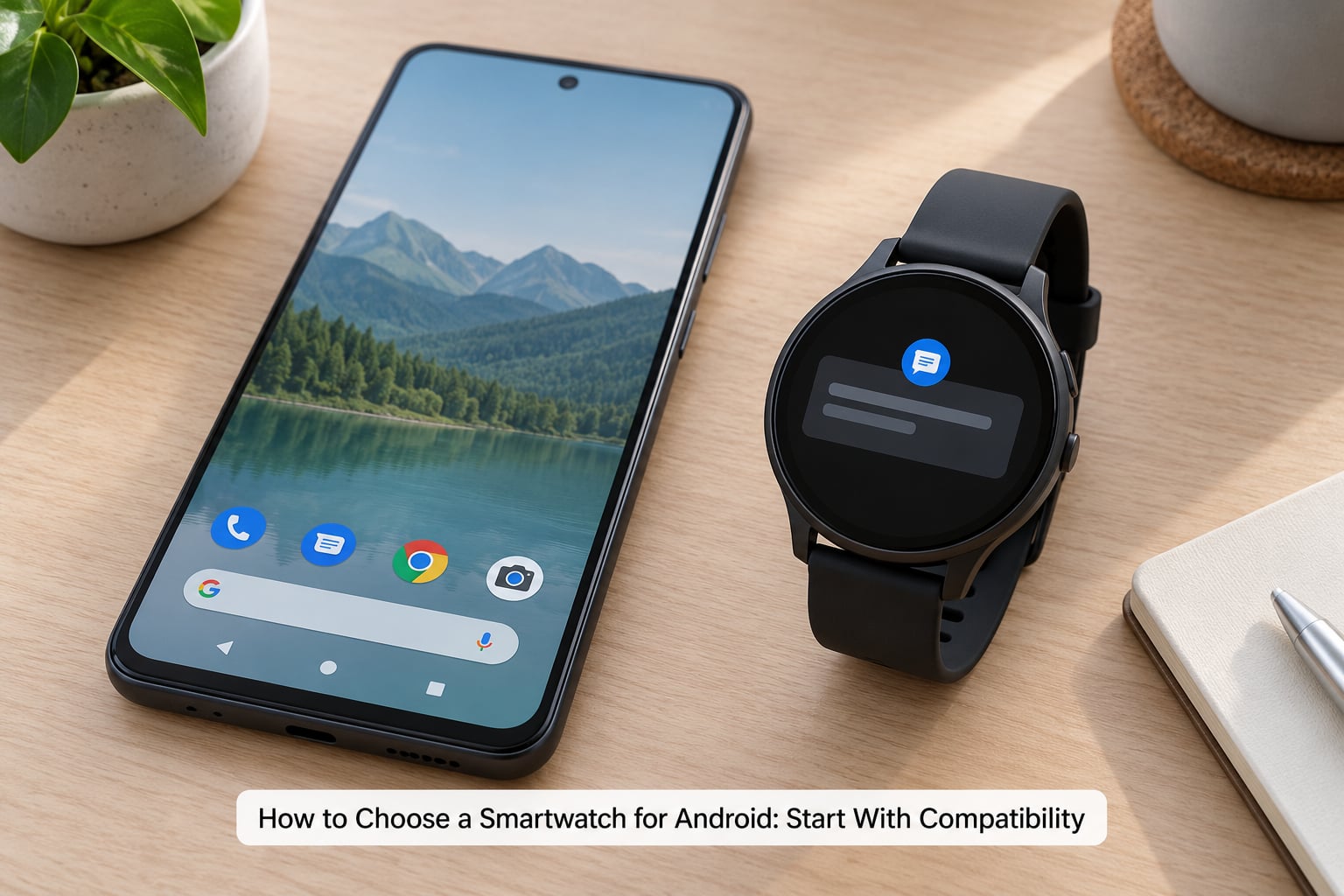
Compatibility is where Android smartwatch buyers get burned, because “works with Android” covers three very different levels of experience. Before anything else, find out which tier you would actually be buying into.
| Tier | What you get | What to watch for |
|---|---|---|
| Notification mirror | Calls, texts and app alerts on the wrist, quick replies from a preset list | No third-party apps, no voice assistant, no standalone features |
| Full-feature Wear OS | Google apps, voice assistant, payments, offline maps and music, watch faces from Play Store | Two companion apps on your phone, sometimes a vendor app plus Wear OS |
| Brand-locked extras | Everything above plus features that only run on the phone maker’s own handset | Silent feature loss the moment you pair with a different brand |
How to Choose a Smartwatch for Android by Phone Brand
Your phone maker matters more than any other single factor. Samsung phones unlock extra health data, more watch faces and deeper settings integration on Galaxy Watches, and some of that disappears on a Pixel or a OnePlus. Pixel phones pair cleanly with Google-built watches first and third. Other Android brands, including Xiaomi, Motorola and OnePlus, have historically lost functions when paired with a Galaxy Watch.
Two more checks matter here. Look up the minimum Android version the watch needs, because older budget watches still target releases several versions behind the phone you are holding. And count the companion apps: most Android watches install both a vendor app and the Wear OS app, which is normal, but some cheap models pair through a single app that nobody updates.
The practical rule I use: if your phone is a Galaxy, buy from Samsung or pick a fully independent brand. If your phone is a Pixel, buy from Google or pick an independent brand. If your phone is anything else, an independent brand removes the guesswork entirely.
Which Smartwatch Features Matter Most?
Feature lists are designed to make cheap watches look complete. Instead, sort what you care about into three tiers and ignore everything above your top tier.
Daily essentials are notifications you can read and reply to from the wrist, a raise-to-wake screen, quick voice dictation, and calendar and timer support. If a watch cannot do these well, nothing else compensates.
Useful if you use them daily covers heart rate, step counting, sleep stages, stress scores, automatic workout detection, music controls and offline maps. These are worth paying for only if you open them most days.
Nice-to-have covers SpO2, ECG, skin temperature, body composition, menstrual tracking, blood-pressure trends, third-party watch faces and voice assistant conversations. Most owners check these once or twice, then never again.
Forum threads about Android smartwatches repeat the same frustration about that third tier: buyers pay more for sensors they never look at again. Rank your own list before you start reading spec sheets.
Battery Life and Charging: What to Look For
Set a target in days, not hours, because marketing numbers are optimistic. “Up to 14 days” on a fitness watch usually means roughly a week with always-on display off and a couple of workouts a week. A feature-heavy smartwatch claiming two days usually means a night of charging.
| Watch class | Realistic charge cycle | Typical trade-off |
|---|---|---|
| Lightweight fitness watch | 5 to 14 days | Thin, light, long-lived; smaller screen and fewer smart features |
| All-purpose Wear OS watch | 1 to 3 days | Full app and assistant support; daily or alternate-day charging |
| Sport and multisport watch | 7 to 20 days | Battery endurance over smartwatch polish; less third-party app support |
Four settings decide whether you hit the top or the bottom of that range. An always-on display that stays dim all day is the single biggest drain. Raise-to-wake instead gives back a meaningful chunk of runtime. Continuous GPS and a heart-rate sensor running through a workout shorten a charge noticeably. And a watch that needs a proprietary puck instead of any Qi charger is an annoying thing to live with at a bedside table.
If charging every night would annoy you, buy for a multi-day watch. People who report a watch ending up in a drawer after two months almost always had a one-day battery, not a bad feature set.
Screen Size, Design, and Comfort
Comfort decides whether you keep wearing it, and comfort is mostly case size and weight. Measure your wrist circumference with a strip of paper before you shop, then compare it to the case diameter.
| Case diameter | Suits | Notes |
|---|---|---|
| Under 40mm | Wrists around 150mm or smaller | Often the easiest watch to sleep in |
| 40mm to 44mm | Most adult wrists, 160mm to 180mm | The safe middle ground |
| Over 44mm | Larger wrists, 180mm and up | Hard to wear through a shirt sleeve |
Weight matters as much as diameter. Watches in the 35g to 45g range disappear on the wrist; anything noticeably above 50g starts to feel heavy after a few hours, and you will find yourself taking it off at lunch.
Check the band situation too. A watch that only ships with one band means every swap costs you extra, so see whether the brand sells 20mm or 22mm straps separately and how much the ecosystem offers. Silicone is the easiest to clean and dries fast, woven nylon is cooler in heat, and leather looks sharp but dislikes sweat and water.
For water resistance, read the rating literally. IP68 means dust-tight and splash resistant, which covers rain and hand washing. A 5ATM rating means you can swim and shower with it. Neither rating means you can dive with it, and a watch rated for swimming still loses its warranty claim if you take it to depth.
One last physical check: how many buttons and how much bezel do you want? A rotating bezel is genuinely useful for scrolling lists, while touch-only controls work fine once you learn them. Do not overpay for hardware you will not use.
Health and Fitness Tracking: How to Compare Sensors
Comparing sensors means knowing what each one measures and where it stops being useful. Heart rate from an optical wrist sensor is reliable during steady activity and less reliable during weightlifting, rowing or when your arm is still and the watch tightens against bone.
SpO2 and ECG are the two features buyers overvalue most. Both are snapshots, not diagnoses, and both are region-locked in ways that catch people out: some models disable ECG entirely outside the countries where it was cleared. Check the feature list for your own country before you count it as a reason to buy.
Body composition estimates come from bioelectrical impedance, which estimates body fat from a small electrical signal through the wrist. The number drifts with hydration, meals and time of day, so treat it as a trend to watch rather than a figure to trust.
Skin temperature tracking shows you how your temperature moves overnight, which is often more useful as a recovery signal than an absolute reading. Stress scores come from heart-rate variability, so they are best used to compare your own days, not other people’s.
For runners and cyclists, GPS accuracy matters more than any other sensor. Dual-band GPS holds a lock better between tall buildings and under tree cover than single-band. Sport modes mostly matter if you train structured sessions and care about lap times and interval guidance; casual walking and gym work needs far less.
Automatic exercise detection is a nice safety net when you forget to start a workout. It is not a reason to buy one brand over another, since nearly every platform now offers it.
None of these readings are medical measurements, and none should replace a doctor or a proper clinical device for a health condition. If you are monitoring something specific, treat the watch as a prompt to check in with yourself, not a diagnosis.
Apps, Smart-Home Features, and Ecosystem Lock-In
Wear OS runs genuine third-party apps, so you can reply in WhatsApp, control Spotify playback, run offline maps, trigger lights or thermostats from your wrist, and pay at a terminal with Google Wallet. That is the strongest argument for it if you use your phone for more than calling people.
Lighter vendor systems trade that away for endurance. Notifications mirror reliably, phone calls come through, and battery life stretches to over a week, but the app situation is much thinner and smart-home control is limited to whatever the vendor built.
Offline music is worth checking closely. On some models you sync tracks from a phone app over painfully slow Wi-Fi, which is exactly the friction that makes people give up. Look for a watch that accepts direct uploads or supports a streaming trial.
Voice assistants are improving but still mostly good for timers, alarms and quick factual questions. If you plan to hold full conversations with your wrist, test that expectation before you buy rather than after.
Find My Device and phone-finding tools are worth more than they look. They depend on the phone being signed into the vendor’s account, which is another reason to consider what happens to your setup if you switch phone brands or manufacturers later.
Contactless payments need your bank’s app to support Google Wallet and the region to support the terminal. It is one of those features that feels essential in a store demo and then goes unused for months.
How to Compare Price and Total Value
Comparing value across price tiers is less about the number on the watch page and more about what you keep paying for afterwards. Three tiers cover almost everyone: lightweight fitness watches at the entry end, Wear OS models in the middle, and sport or premium multisport watches at the top.
The entry tier is where caution pays. Very cheap Android watches often pair nicely and then disappoint on battery, sensor consistency and update support, and buyers in that bracket frequently report upgrading within a year. If you are buying there, treat the watch as a stopgap rather than a keeper.
The middle tier is the sweet spot for most people: full notifications, credible health tracking, payments and a battery that survives a night or two between charges.
The top tier is justified by endurance, GPS precision, training metrics and build quality, not by additional sensors nobody reads.
Now count the total cost of ownership over roughly three years. Add a replacement band or two, screen protection if the model needs it, and a charging dock if the watch does not accept a standard Qi pad. Some companion ecosystems also gate deeper health data or extra sport profiles behind a paid subscription, so check whether the free tier covers the features you care about. The update policy matters as much as the price: a manufacturer promising several years of operating system upgrades and regular security patches is telling you the watch will not be abandoned next year.
Two buying strategies are worth knowing. A previous-generation model from last year gives up the newest processor and usually a little battery capacity while keeping the same app experience and support window. And warranty length plus return policy tell you how confident the brand is; a one-year return window on an expensive watch is a reasonable signal about its finish.
A Simple Shortlist Checklist
Before you pay for anything, run your candidate through this list. Any “no” answer is a reason to keep looking.
- Does it pair with your exact phone brand and Android version, with nothing important gated behind another brand?
- Can you live with the realistic charge cycle at the low end of the advertised figure?
- Is the case size and weight comfortable for your wrist and your activity level?
- Does it run the features you ranked as daily essentials, not just the ones in the marketing photos?
- Is the water rating high enough for what you actually do, without paying for capability you will never use?
- How many years of operating system updates and security patches are promised?
- Is the warranty long enough to cover a sensor or battery failure in year two?
- Can you return it easily if the fit or the companion app pairing disappoints?
If two watches pass everything, pick the one with the smaller case. You will wear it more.
Frequently Asked Questions
Can any Android smartwatch work with any Android phone?
It will pair, but the experience varies. Most Wear OS watches connect to any recent Android phone over Bluetooth, while brand-locked extras such as deeper health data, extra watch faces and some settings only run on that manufacturer’s own handsets. Independent brands that run their own systems, including fitness-first watches, tend to be the most brand-agnostic. Check your phone brand against the watch’s compatibility notes before buying.
Is a more expensive Android smartwatch always better?
No. Extra money usually buys endurance, build materials, GPS precision and a longer support window, not better everyday notifications or more accurate basic heart-rate and sleep data. If you check the health metrics twice a week, a mid-range Wear OS watch covers you. Spending more pays off when you train seriously, need multi-day battery life, or want a watch that still receives updates in four years.
How long should a smartwatch battery last per charge?
Aim for at least three days between charges if you track sleep, because a one-day watch has to sit on the charger every night and that habit is the most common reason people stop wearing one. Lightweight fitness watches commonly run five to fourteen days, all-purpose Wear OS models usually manage one to three days, and sport watches often last a week or more. Always-on display is the setting that pulls the real figure furthest below the advertised number.
Are budget smartwatches accurate for heart rate and sleep tracking?
Good enough for trends, usually not for precision. Optical wrist sensors hold up during steady walking, running and cycling, but accuracy drops during weightlifting, rowing or when the watch shifts on a still wrist. Sleep stage detection is an estimate based on movement and heart rate, so treat it as a pattern to watch rather than a clinical sleep study. Buy a budget watch for daily awareness and upgrade only if you need dependable data for training decisions.
Can an Android smartwatch make calls without my phone nearby?
Yes, but only with an LTE model and an active cellular plan on the watch itself. An LTE watch has its own eSIM-style connection and its own number, so it can handle calls, replies and music when the phone stays at home. Wi-Fi-only models depend entirely on the phone being within Bluetooth range, which is usually around 10 metres before audio starts cutting out. LTE adds a recurring line cost and needs its own charging consideration.
Do Android smartwatches require a subscription?
The hardware rarely does, but some ecosystems charge for extras. Several vendors keep basic health tracking free while gating deeper trends, extra sport profiles or cloud features behind a paid tier, and a few offer a trial that reverts to a reduced free version. Wear OS itself does not require a subscription, and most Google features stay free. Before buying, check which features sit behind the paywall in that specific model rather than assuming the whole watch needs a membership.
Start tonight, not in the store: write down your phone brand, your Android version and the minimum days between charges you would be happy with. Anything that fails those three checks is not worth shortlisting, and the watch that passes all of them is usually obvious within a few minutes of comparing two or three.
Updated for October 2026.