To stop spam calls on Android, open the Phone app and turn on Caller ID and spam protection, then block any number that slips through from your recent calls list. Most of the work happens in two menus and takes about a minute, and the free built-in tools filter robocalls before they ring.
Blocking gets harder when you deal with numbers that rotate every week, since a single blocked number only covers that one number. Turning on the automatic filter matters far more than adding numbers by hand, so start there before you build a block list.
Table of Contents
- What You Need
- Step-by-Step: How to Block Spam Calls on Android
- Block a specific number in Google Phone
- Enable spam protection in Google Phone
- Block calls on Samsung and other Android Phones
- Use carrier controls and a third-party app
- Common Mistakes
- Frequently Asked Questions
- Can I block spam calls on any Android phone?
- Does blocking a number on Android stop text messages too?
- Why can a blocked spam call still reach my phone?
- Should I use Google Phone or my phone manufacturer’s call-blocking app?
- How do I see calls I have already blocked?
- Can my carrier block spam calls automatically?
What You Need
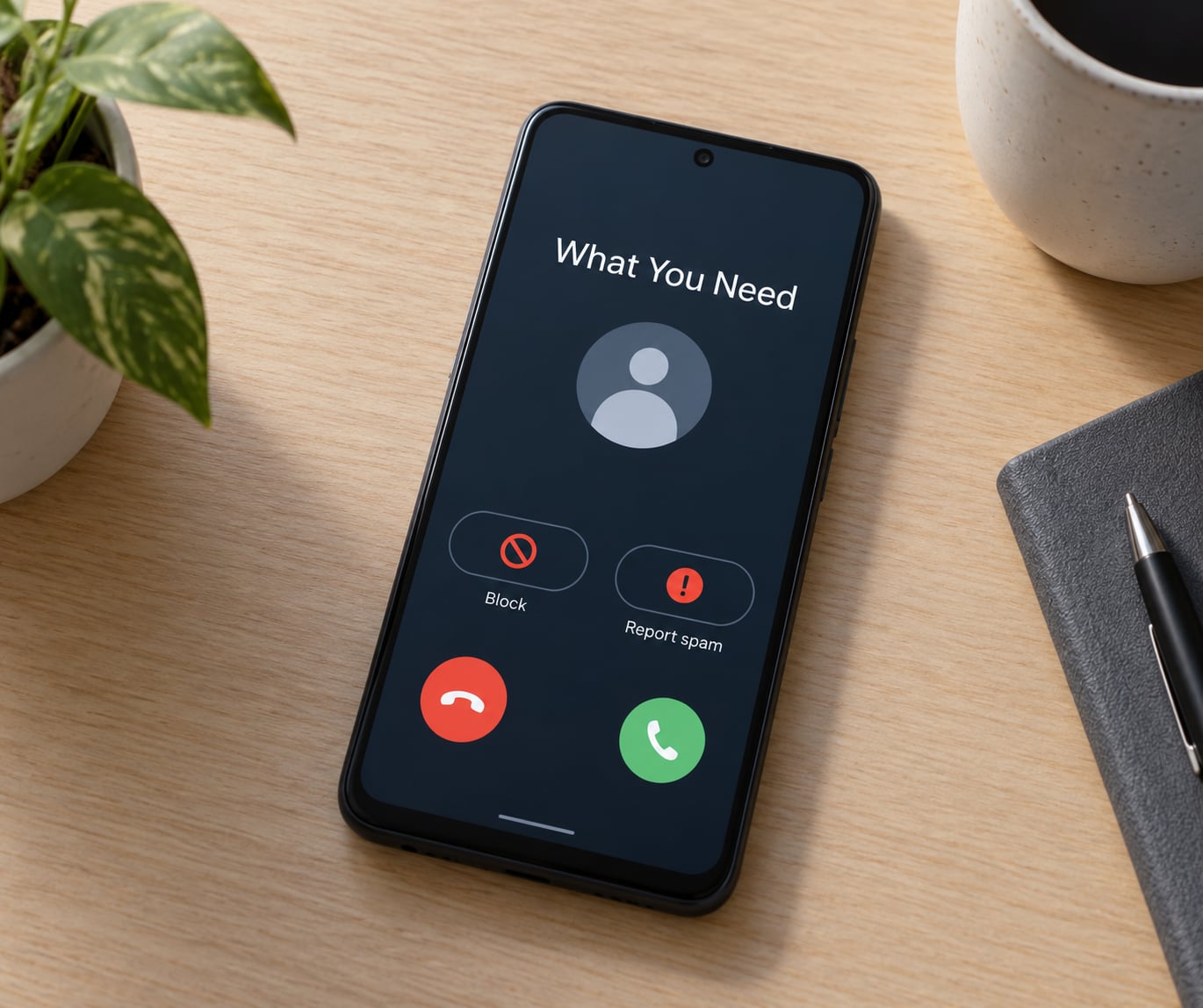
You need nothing but the phone in your pocket. The filtering tools ship with Android itself, so there is no purchase or extra setup before you start.
What changes between phones is the dialer. Pixels and most standard Google Android builds use the Google Phone app. Samsung Galaxy phones usually ship with the Samsung Phone app, which has its own version of caller ID and spam protection. Xiaomi, Oppo, OnePlus and other Chinese brands ship their own phone apps with a reject list instead, and the menu names differ enough that a guide written for a Pixel can send you hunting.
Here is how to check which dialer you have. Open your Phone app, tap the three dots in the top corner, and look at Settings. If you see options like Caller ID and spam or Call screening, you are on Google Phone. If the settings screen mentions Blocking unknown numbers with a radio-button choice, you are on a Samsung or similar manufacturer dialer. Take note of the menu names your version shows, because Google and Samsung have both shuffled wording between releases.
A practical note before you change anything: pull up your contacts and write down any numbers that ring from outside your usual circle. Delivery drivers, clinics and schools are the ones that get caught by an aggressive unknown-caller filter.
Step-by-Step: How to Block Spam Calls on Android
Block a specific number in Google Phone
Open the Phone app and tap the Recents tab to see your call history. Tap the number you want to stop, scroll down past the call details, and tap Block number. Some Google Phone versions show Block or Report spam in the same place, and a few put Report spam under the three-dot menu at the top of that number’s screen instead. Whichever label you see, tap it and confirm with Block in the dialog that appears. Tap the number again and a Blocked call label now shows under the details, which is how you confirm how to block spam calls on android worked for that specific caller.
Blocking a number this way stops calls only. Texts from that number keep arriving unless you also report it as spam, which is the next setting.
Enable spam protection in Google Phone
Open the Phone app, tap the three dots and choose Settings, then Caller ID and spam. You will see two switches: Caller ID, which shows names for numbers outside your contacts, and Filter spam calls, which is the one you actually want. Turn on Filter spam calls and a spinner appears as it checks Google’s list of numbers reported by users. When it finishes you get three filter levels, and the middle one is the sensible default.
The three levels work like this. Block high-risk spam calls sends only the numbers Google is confident about straight to voicemail, which is the setting most people want. Filter spam calls sends everything suspected of being spam to voicemail, with a notification so you can check it later. Block all spam calls stops every call on the suspected list and sends it to voicemail as well, and it is the strictest of the three.
Here is how to see what the filter caught. Tap Settings, Caller ID and spam, then Blocked calls. Google shows the spam log with timestamps, so you can confirm calls are being diverted rather than ringing your phone. If a business you still need calls from shows up there, open the number, tap Unblock and it goes back to normal. That log is also the fastest way to spot a pattern, like a single area code calling twenty times in an afternoon.
Call screening is a separate switch on the same screen on supported devices. It lets the Google Assistant answer the phone for you and show a transcript of who is calling, which is useful for turning away robocalls while your phone stays in your pocket.
Block calls on Samsung and other Android Phones
Samsung Phone covers the same ground with different labels. Open Phone, tap the three dots and go to Settings, then Caller ID and spam. Turn on the switch for spam protection, then pick what happens when one arrives. Samsung gives you three radio-button choices under Blocking unknown numbers: Block all unknown calls, which stops every caller missing from your contacts including faked local numbers; Block spam calls, which routes suspected spam to voicemail but lets real unknown people through; and Allow all calls, which is off by default and not what you want here. Pick Block all unknown calls if you rarely take calls from people who are not saved, and pick Block spam calls if you do.
To remove a number on a Samsung, go back to the Recents tab, tap the number and choose Block number, then confirm. Your full reject list lives under Phone, Settings, Blocking numbers and Blocked numbers, where you can unblock anyone with a single tap.
On Xiaomi, Oppo and similar brands the path is usually Phone app, three dots, Settings, and then something like Block numbers or Call blocking. If no Caller ID and spam switch exists anywhere in your settings, the manufacturer dialer simply does not have automatic filtering, and installing the Google Phone app from the Play Store is the quickest fix. Set it as your default phone app when prompted and the full Google filter becomes available.
Confirm any change by asking a friend or family member to call from a number not in your contacts. Under Block spam calls you still get a ring with a caller ID label, and under Block all unknown calls the call goes straight to voicemail.
Use carrier controls and a third-party app
Your carrier filters spam before it reaches the handset, so turn its tools on too. Every major US carrier now offers this through its app or by dialling a short code from the phone app. T-Mobile uses #662# to add its free Scam Shield, AT&T offers ActiveArmor in the myAT&T app, and Verizon has Call Filter inside the My Verizon app. The exact codes and app screens change with network updates, so read what your carrier’s own support page says rather than trusting a number from a forum post. Reporting a junk call or text to 7726 (SPAM) forwards it to your carrier as well, and most carriers reply with a confirmation text.
A third-party blocker helps when the built-in filter misses too much, but read the permissions first. Caller ID apps work by uploading your contacts to a shared database so your phone can match an unknown number to a name, which means other apps’ users can see those names too. Check what the developer says about storing or selling your contact list, revoke any permission you do not want to grant, and stay away from any app that demands text messages or accessibility access just to block calls. Running two filters at once tends to make calls disappear instead of reaching voicemail, so if you add an app, set your phone’s own filter back to the middle level.
One more step that stops calls before they start: register your number on the national Do Not Call registry. It takes about a minute, and while some dishonest callers ignore it, plenty of legitimate telemarketers honour it. If you want to go further, a data broker opt-out service will remove your number from the pre-screened lists that insurers and lenders use for those open enrollment calls that arrive every autumn.
Common Mistakes
Blocking the contact instead of the number is the most frequent reason a spam caller keeps getting through. If the number is already saved in your phonebook, blocking the contact hides the calls but can behave oddly with shared contacts, so block the number from the recents screen too. Skipping the confirmation tap is next: the Block dialog at the bottom of the screen waits for a second tap, and plenty of people close it by accident. Run the steps again and confirm the Blocked call label appears.
Two filters fighting each other is another common snag. If your carrier filter and your phone filter both try to send a call to voicemail at the same time, the call can drop silently and legitimate callers simply give up. Pick one filter to be strict and set the other to the middle level. Hidden caller IDs add to the confusion, since numbers marked Private or Unknown are often the fake local ones that disguise a spam operation, and those are the ones an unknown-number filter catches best.
The last two mistakes cost legitimate calls. Blocking all unknown numbers on a phone that receives calls from a clinic, a delivery driver or a school is the wrong setting, and Block spam calls is the safer choice there. Spam reaching your voicemail is not a bug in most cases either, since the phone blocks the caller but the carrier’s voicemail system still accepts the message. Check your voicemail once a week and delete it, or ask your carrier whether its voicemail service can be filtered separately.
If a call still reaches you after all of this, the number is rotating to a fresh one, and no block list keeps up with that. The automatic filter is what handles rotation, since it flags the calling pattern rather than the digits. If you see twenty calls a day, register with Do Not Call and report every one of them to 7726, because carriers can only throttle a number they have been told about.
Frequently Asked Questions
Can I block spam calls on any Android phone?
Yes, though the automatic filter is not standard everywhere. Every Android phone can block a specific number from its recents list, and every phone has a national registry sign-up. The built-in automatic filtering is strongest on Google Phone and Samsung Phone, so on other brands installing Google Phone from the Play Store and making it your default dialer is usually a five-minute fix.
Does blocking a number on Android stop text messages too?
Usually not. Block or Report spam in the Phone app stops calls only, and the texts from that number keep arriving in your messaging app. To stop both, open the conversation, tap the contact name or number at the top, choose Block and report spam, then delete the thread. Some carrier-level spam filters cover texts as well, so turn those on too if the messages keep coming.
Why can a blocked spam call still reach my phone?
Two reasons are common. The caller may be using a different number each time, and blocking is tied to the exact digits you blocked. Another reason is your voicemail: blocked calls are often still accepted by the carrier voicemail system, so the message lands there even though the phone never rings. Check your voicemail app separately and delete anything you do not recognise.
Should I use Google Phone or my phone manufacturer’s call-blocking app?
Use whatever dialer is installed unless it lacks automatic filtering, which is common on some Chinese brands. Google Phone gives you a spam log, three filter levels and call screening on supported devices. Samsung Phone covers the same ground with a reject list and a choice of how to handle unknown callers. Either one works well, so switch only if your current app has no spam switch at all.
How do I see calls I have already blocked?
In Google Phone, open Settings, tap Caller ID and spam, then choose Blocked calls to see the spam log with timestamps. On a Samsung, go to Phone, Settings, Blocking numbers, then Blocked numbers. From either list you can unblock a number with one tap, which is the fix when a business you actually need keeps landing in the filter.
Can my carrier block spam calls automatically?
Yes, and it is worth enabling because the filtering happens on the network before the call reaches your phone. T-Mobile offers Scam Shield through #662#, ATu0026amp;T has ActiveArmor in its app, and Verizon offers Call Filter in My Verizon. These tools and codes change, so check your carrier’s support page for the current instructions, and report junk calls or texts to 7726 (SPAM).
Start with the switch most people are missing: Phone app, Settings, Caller ID and spam, Filter spam calls, then the middle filter level. That one setting handles the rotating numbers that a hand-built block list never catches. Add a specific block for whatever already rang you, turn on your carrier’s own filter, and register your number with the national registry so fewer calls begin in the first place.