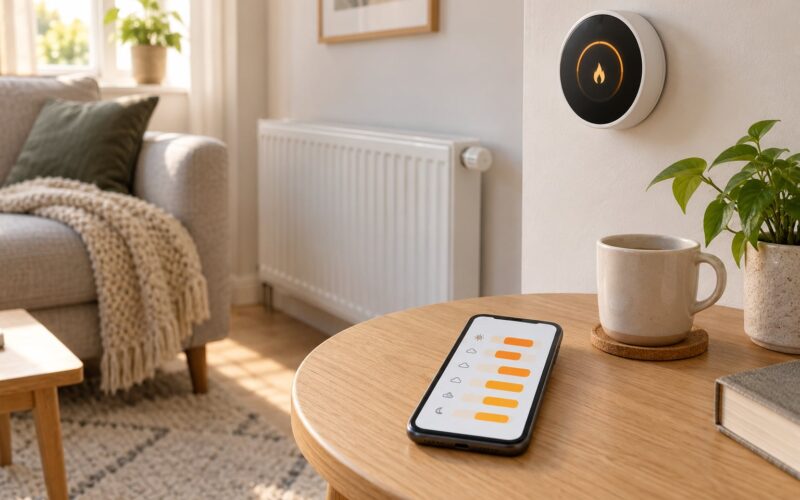
If you want to know how to use a smart thermostat to cut heating costs, it comes down to three things: a winter setpoint you can live with, a schedule that matches your real routine, and one or two automations that handle the hours you are not there. The US Department of Energy puts the ceiling on what any thermostat can deliver at roughly 10% a year by lowering the heat 7 to 10 degrees for about eight hours a day. Most people get a fraction of that because they set the dial once and walk away.
A smart thermostat is a Wi-Fi-connected unit that runs a fixed schedule, senses or infers when the house is empty, and reports how much energy each setting actually used. It cannot fix drafts, a failing furnace, or a boiler sized wrong for the house. Anyone selling you one as an insulation replacement is overselling it.
Table of Contents
- What You Need
- Step-by-Step
- Set a Comfortable Baseline Temperature
- Create Heating Schedules for Your Routine
- Use Geofencing and Remote Controls Carefully
- Turn On Energy-Saving Features
- Track Usage and Test Your Settings
- Common Mistakes
- Frequently Asked Questions
- How much can a smart thermostat save on heating costs?
- Should I set the thermostat lower when I am not home?
- How often should I change the temperature on a smart thermostat?
- Does a smart thermostat work with any heating system?
- Why is my smart thermostat showing unexpected energy use?
- Can I use a smart thermostat in a rental or apartment?
What You Need
Gather these before you touch the app, because half the wasted setups happen because people change a setting they did not understand.
- The thermostat itself and its mounting template, plus whatever screws or anchors the manual lists.
- The manufacturer’s app on a phone with a working account and, for the automation features, location services turned on.
- Your HVAC details: gas, oil, electric, or a heat pump, and whether the system is 24V low-voltage with a C-wire. Heating-only, cooling-only, and dual-stage systems behave differently in the app.
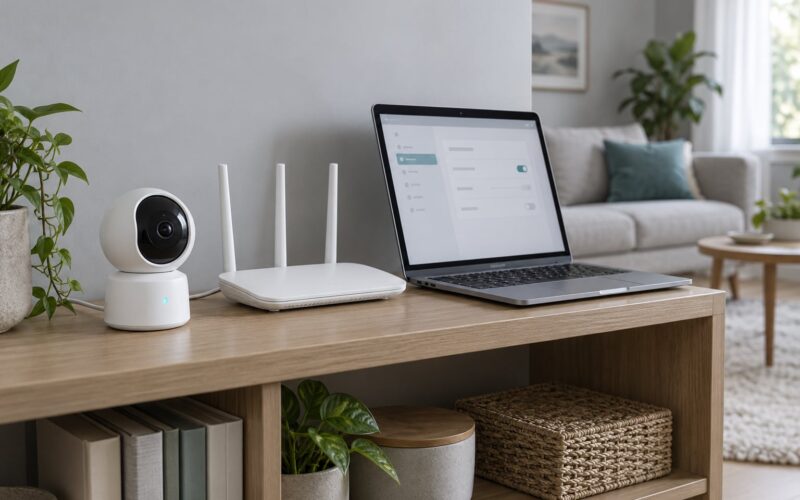
- A connection — usually 2.4 GHz Wi-Fi, sometimes only that band. A phone on 5 GHz alone will not see many of these devices.
- Your last 12 months of energy bills, or at least a photo of each one. You cannot judge whether a change worked without a starting point.
If you rent, ask before you buy. If the wiring does not match the compatibility list on the manufacturer’s site, stop there and get an HVAC technician to look at it.
Step-by-Step
Set a Comfortable Baseline Temperature
Start at 68°F (20°C) for waking hours, which is the DOE’s winter recommendation for most homes. That is a comfort ceiling, not a physics rule — a well-insulated house in a mild climate is fine at 66°F (19°C), and a drafty 1920s place will feel cold at 69°F (20.5°C) with the heat running flat out.
Adjust for your insulation and your heat source. A heat pump loses efficiency in deep cold, so a very low setpoint can cost more than a moderate one. Older cast-iron radiators heat the room slowly and hold it well, which suits a wider night setback than forced air does.
| Situation | Temperature | Why |
|---|---|---|
| Awake at home | 68°F / 20°C | DOE recommendation; comfortable without overheating |
| Asleep | 60 to 65°F / 16 to 18°C | Eight hours of setback is where the savings concentrate |
| Out during the day | 58 to 62°F / 14 to 17°C | Enough to protect the house, low enough to save |
| Vacation, more than three days | 55 to 58°F / 13 to 14°C | Avoids the slow warm-up and the freeze risk below 55°F |
This is where most people fail. Learning how to use a smart thermostat to cut heating costs is not about finding the coldest number you can tolerate — a home sitting at 55°F all evening burns more fuel recovering, and everyone in it feels it. Change the number in small steps and let the house settle before you judge it.
Create Heating Schedules for Your Routine
Most thermostats ship with four periods named Home, Sleep, Away, and Comfort or Eco. Rename them for your own day if the app allows it, because a schedule labelled Sleep means something different to a shift worker.
A straightforward starting schedule looks like this:
| Time | Setting | Temperature | Reason |
|---|---|---|---|
| 6:30 a.m. | Home | 68°F / 20°C | Recovery begins so the house is warm at wake-up |
| 8:30 a.m. | Away | 60°F / 16°C | House empties, heat steps down |
| 5:30 p.m. | Home | 68°F / 20°C | Warm-up before the door opens |
| 11:00 p.m. | Sleep | 63°F / 17°C | Eight hours of low-cost heat |
Menu paths differ. Nest-style units: the device itself, then Settings, then Heat Schedule, then the day you want to change. Ecobee-style units and most newer apps put it under Schedule or Automations in the app. Honeywell and Carrier models are usually thermostat-first. The manual that shipped with the unit lists the exact path, so use that rather than guessing.
Confirm each change actually took. Pull up the schedule on the device’s own screen, not just in the app, and check the next change time. If a scheduled transition does not appear, the period is disabled or overlapping another one — most apps show a small warning next to the conflict. If your unit has an Eco mode, Eco is usually a fan-only or efficiency response to a high stage, not a substitute for a real Sleep setpoint. Set the number in the schedule too.
Use Geofencing and Remote Controls Carefully
Geofencing uses your phone’s location to draw a boundary around the house. Cross it on the way home and the heat starts; cross it on the way out and the heat steps down. That convenience is also the most common source of cycling, because a too-small radius flips on and off while you sit in the driveway.
Set the radius generously — most apps offer a small, medium, or large choice, and large is the right one for a suburb. Grant location permission to the app, but only for as long as you are actually using geofencing, and revoke it in your phone’s privacy settings when you turn the feature off. If you would rather not hand an app your location at all, remote access over your home Wi-Fi gives you most of the benefit without it.
When you change the temperature remotely, aim for a step, not a jump. Changing an empty house from 60°F to 72°F does not make it warm any faster; recovery time is a property of the building and the equipment, not the setpoint.
Turn On Energy-Saving Features
Three features are worth enabling, and they do different jobs. Learning builds a schedule from your occupancy, then hands control back to you once it is confident — usually after a week or two. Occupancy sensing, whether from geofencing or a built-in sensor, is what triggers the away setback. Eco or efficiency mode limits how aggressively the second stage or auxiliary heat comes on.
Humidity control is a comfort feature, not a savings feature, though the two interact. Aim for 30 to 50% relative humidity indoors in winter; above that, windows and walls feel cold at the same thermostat reading and people compensate by turning the heat up. A humidifier wired to the whole house needs maintenance, and a portable one adds nothing to the bill.
Two things a thermostat cannot do for you: replace a clogged air filter, or service a furnace. Dirty filters choke airflow, which makes the system run longer to reach the same temperature, and no schedule fixes that. Check the filter monthly and book the annual service your manufacturer specifies.
Track Usage and Test Your Settings
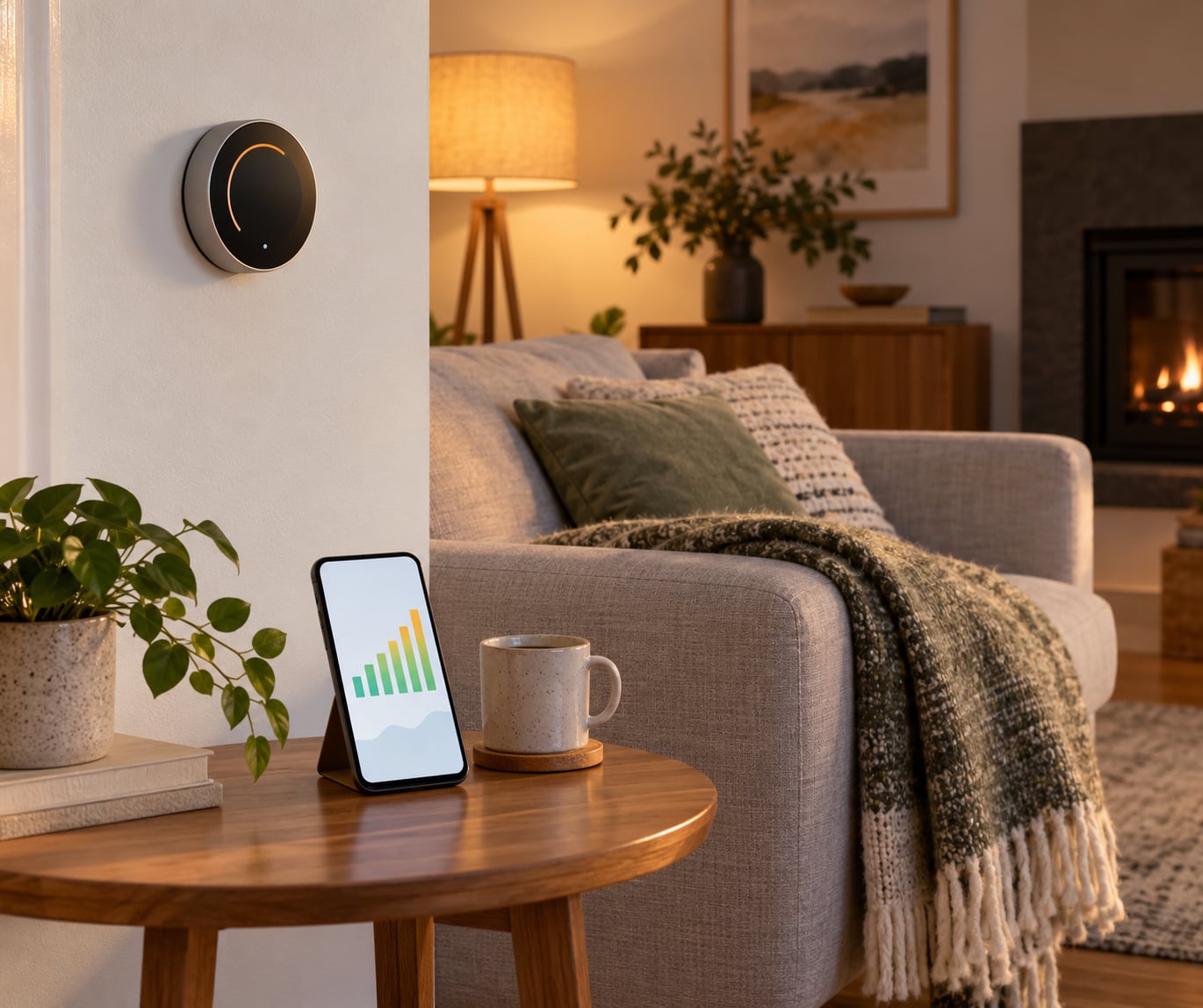
Every mainstream app has an energy history view that breaks consumption down by day, by hour, or by setting. Users who switch these reports on and leave them running tend to get more out of the device than users who only touch the schedule, because the report shows where the runtime is going.
Compare like with like. Compare three cold weekdays in February with three cold weekdays in February, not this week against a mild week in October. Change one variable at a time — a three-degree colder night setback for a fortnight, then hold it — or you will never know which change did anything. Write the date, the setting, and the reading in a note on your phone; it takes twenty seconds and it is the only way to catch the effect before it disappears.
If the report shows a block of runtime in the early morning, your wake-up recovery time is probably starting too early. If the afternoon is heavy on days nobody is home, the away setback is not being applied at all — check that the Away period is enabled and not overwritten by geofencing.
Common Mistakes
Turning the heat down too far, then back up. A very cold empty house takes longer to recover and often overshoots, because the thermostat fires everything it has to close the gap. Moderate setpoints perform better.
Installing it near a heat source. A thermostat next to a fireplace, a sunny window, or a kitchen doorway reads warmer than the house is. It calls for heat nobody else feels, which is a very expensive way to run a furnace. Interior wall, about chest height, away from drafts.
Switching to cooling mode in winter. On a heat pump, cooling mode during a cold snap is a heating emergency — the unit will show a fault or strip heat that was never meant to operate below its rating.
Disabling the schedule. Manual mode looks like it is working, right up until you forget. If you want a one-off change, change the current period rather than the whole schedule.
Confusing the thermostat reading with furnace temperature. The wall reading is air temperature. If the system runs constantly and never reaches setpoint, the problem is equipment, airflow, or duct sizing — a thermostat setting will not fix it.
Making abrupt HVAC changes. Repeatedly cycling a heat pump between wide swing modes stresses the compressor and can shorten its life. Leave the equipment mode alone and let the thermostat manage the temperature instead.
Cranking it up to warm the house faster. This is the most persistent myth in home heating. A higher setpoint produces exactly the same furnace runtime as a lower one, just held longer. Preheat for an hour, not four.
Letting the household override you. One person bumping the dial every evening undoes a well-built schedule in a week. Agree on the numbers before you build it, and put them somewhere visible.
Frequently Asked Questions
How much can a smart thermostat save on heating costs?
The US Department of Energy estimates that lowering the thermostat 7 to 10 degrees for about eight hours a day can cut heating costs by up to 10% a year. Real household results vary widely, because the savings depend on your old setting, your insulation, your fuel and your routine. If you already ran a low setpoint, there is little left to recover.
Should I set the thermostat lower when I am not home?
Yes, a modest setback usually saves money. Around 58 to 62°F is a common away setting, and it keeps the house protected while trimming runtime. Two cautions: never let a heating system sit in an empty house in deep cold, and do not overdo it, because recovering a very cold house takes long enough that a heat pump may call for backup electric heat.
How often should I change the temperature on a smart thermostat?
Set it once for each period in your daily routine, then leave it alone. Every manual adjustment teaches a learning thermostat that its schedule is wrong, and constant small changes are how people end up with a schedule nobody intended. When you want one temperature different for a day, change that period rather than switching the whole system to manual.
Does a smart thermostat work with any heating system?
Most do, but not all. Compatibility depends on the voltage, the wiring including whether a C-wire is present, and the equipment type, whether that is a heat pump, a dual-stage furnace, a boiler or a single-stage system. Check the manufacturer’s compatibility list before buying, and have an HVAC technician confirm anything unusual. Rental systems may restrict what you can install.
Why is my smart thermostat showing unexpected energy use?
Common causes include a schedule that is disabled or has overlapping periods, a geofence radius small enough to trigger repeatedly, a thermostat placed near a heat source reading warmer than the room, a blocked air filter, or a setback deep enough that recovery runs long. Check the reported runtime by hour first; the pattern usually points straight at the cause.
Can I use a smart thermostat in a rental or apartment?
It depends on your lease and on who controls the boiler or heat pump. Building systems are often centrally controlled, and the property may forbid changing the thermostat or require an approved model. In a house you rent, ask the landlord in writing before buying anything. Small plug-in and window units are usually simpler and need no permission at all.
Start with one change this week: set the night setback to 63°F, schedule the 8:30 a.m. away period, and leave the dial alone. Two weeks later, open the energy report and compare the early-morning and evening runtime against what you were seeing before. That single habit is worth more than any feature you never set up, and it is still the first thing to check when you review your setup in 2026.