If you can only own one device for school, a laptop is generally the safer all-around choice, because it runs the full desktop software your courses require and handles typing, multitasking and file management without workarounds. A tablet wins the parts of student life built around reading, handwriting and carrying less weight. The tablet vs laptop for students question is really a question about what your course asks you to do, not about which device is newer.
Updated for 2026. If your program has hard software requirements, check your university’s supported-device or BYOD page before you buy anything, since lab machines and exam rules follow that list rather than your preference.
Table of Contents
- Tablet vs Laptop for Students at a Glance
- What Is the Main Difference Between a Tablet and a Laptop?
- Which Device Is Better for Writing Notes and Studying?
- What a tablet does better for study sessions
- When you still need a keyboard
- How Does Software Compatibility Affect Students?
- Which Is More Portable for School, Travel and Campus Life?
- How the choice changes for commuters and remote students
- How Do Price and Total Cost of Ownership Compare?
- Which Device Is Better for Entertainment and Online Classes?
- Tablet vs Laptop for Students: Which One Fits Your Coursework?
- Which Should You Choose?
- Tablet vs laptop for students who already own a laptop
- Frequently Asked Questions
- Is a tablet better than a laptop for university students?
- Can a tablet replace a laptop for Microsoft Word and Excel?
- Is a laptop with a touchscreen the same as a tablet?
- Which device is better for coding and graphic design?
- Should a student buy a tablet with a keyboard or a laptop?
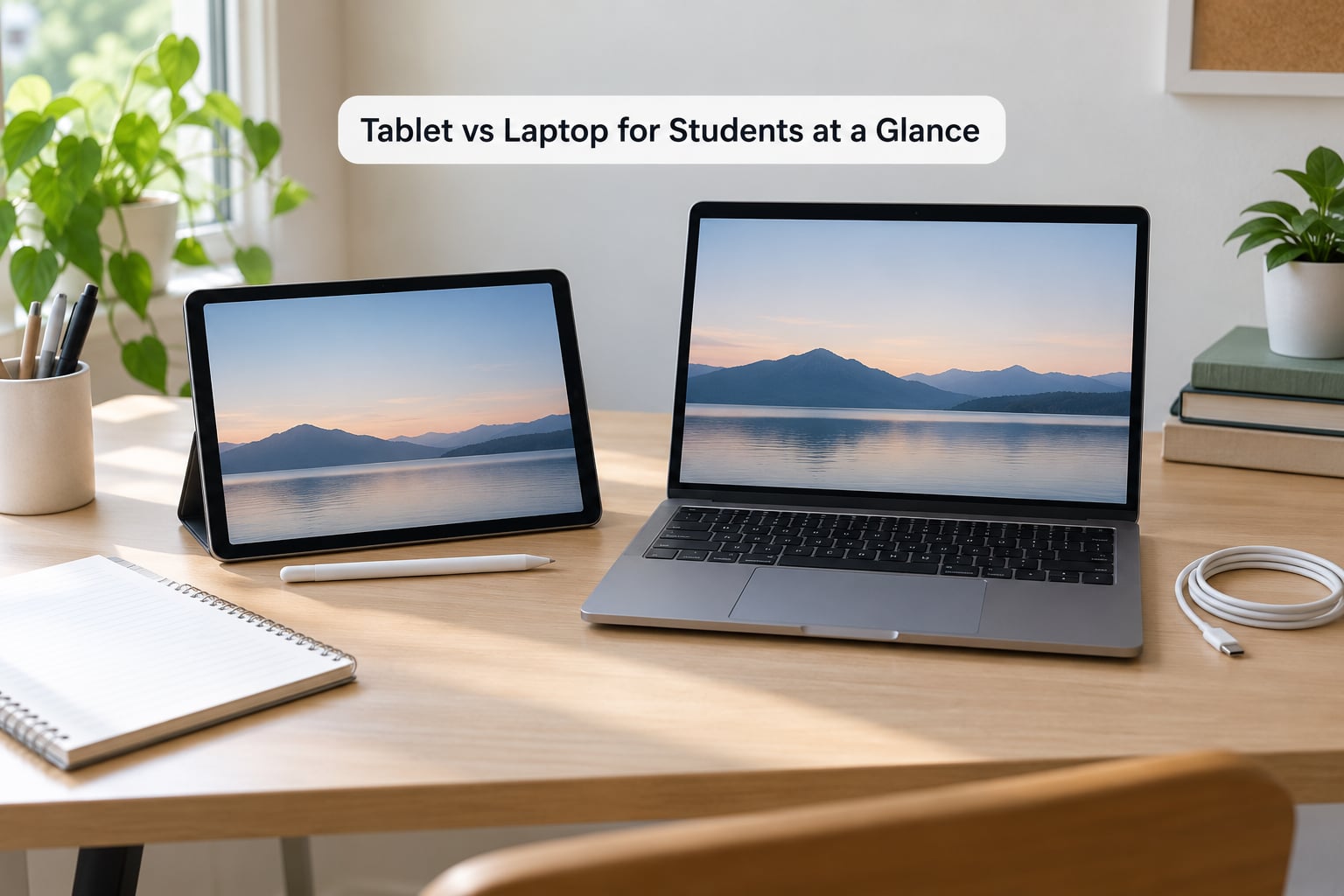
Tablet vs Laptop for Students at a Glance
| Criterion | Laptop | Tablet |
|---|---|---|
| Typing | Physical keyboard, fast for essays and code | On-screen keyboard unless you buy a folio |
| Note-taking | Typing, or handwriting on a touchscreen with no pen support on most models | Handwriting with a stylus is the main reason to buy one |
| Desktop software | Full desktop apps, plug-ins, installers | Touch-optimised apps only |
| Windows multitasking | Many windows and tabs at once | Limited, app switching is constant |
| Screen | Typically 13 to 16 inch | Typically 10 to 13 inch |
| Weight | About 1.2 to 2.5 kg depending on the build | About 250 to 600 g |
| Battery for a lecture-heavy day | Roughly 8 to 12 hours of mixed work | Roughly 10 to 15 hours |
| Ports | USB, HDMI, headphone jack, card reader on most models | One or two USB-C ports, adapters for the rest |
| Video calls | Fixed webcam above the screen | Front and rear cameras, can show a page to the room |
| Light gaming | Better, especially with a trackpad and keyboard | Fine for touch games, thin for anything demanding |
| Online research | Many tabs open side by side | Comfortable reading, cramped for comparison work |
| Best for | STEM, health sciences, law, business, design, computer-based courses | Reading-heavy study, lecture notes, media, students who travel |
| Biggest weakness | Weight, battery anxiety in packed lecture halls | The moment a course demands desktop software |
What Is the Main Difference Between a Tablet and a Laptop?
A tablet is a single flat touchscreen computer with no permanent keyboard. It is built for reading, video and handwriting, and you interact with it by touch or with a pen.
A laptop is a clamshell computer with a physical keyboard, a full desktop-class operating system and real ports. It is built for typing long documents, holding many windows open and installing software that does not exist in an app store.
Two categories blur the line, and they are worth naming early. A 2-in-1 laptop is a normal laptop whose screen folds back or detaches, so it comes with a keyboard and runs a desktop operating system while still accepting pen input. A Chromebook runs ChromeOS, which is web-first: fast, cheap and low-maintenance for documents, email and video calls, but limited once a course needs real desktop software.
For students, that means the tablet vs laptop choice is not a false binary. The real question is whether your course list ever includes software that only exists on a desktop.
Which Device Is Better for Writing Notes and Studying?
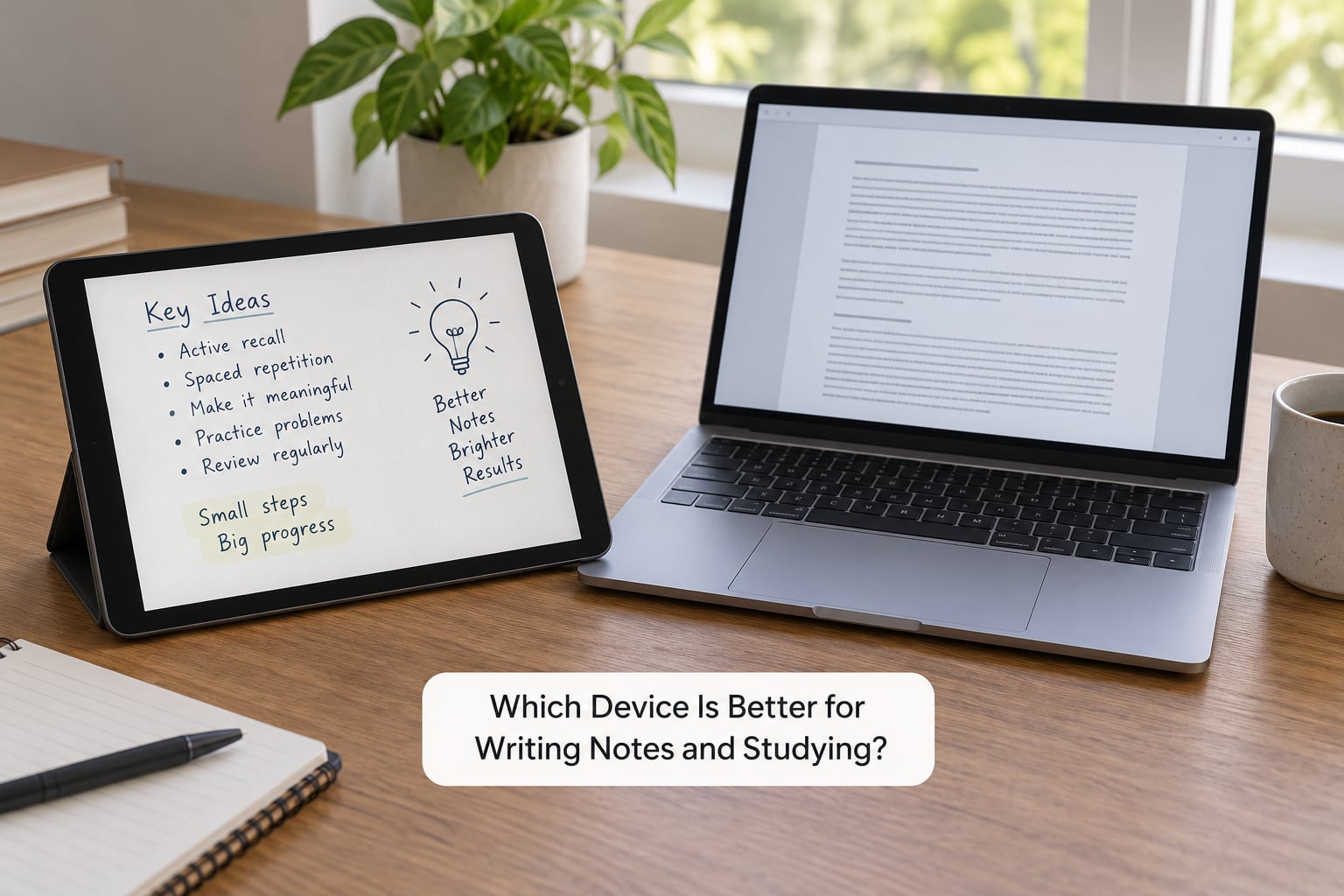
A tablet is better for handwritten notes, and this is the one category where it wins outright. With a stylus, you write on a lecture slide or a PDF, the ink sits exactly where your finger or palm rests thanks to palm rejection, and you can convert a page of handwriting into searchable text for your exam revision.
Note apps are where this becomes real. GoodNotes, Notability and OneNote handle handwriting, PDF annotation and folders of lecture notes on a tablet. On a Samsung tablet, Samsung Notes does the same job. A laptop can run OneNote and can annotate PDFs with a trackpad or a pen on certain models, but typing notes is still the faster path for most people.
What a tablet does better for study sessions
- Annotating PDFs: highlight a paragraph and type a note next to it without leaving the page
- Digital textbooks: a 10 to 12 inch screen with high contrast is comfortable for long reading sessions
- Recorded lectures: prop the tablet up and take notes on the same screen
- Scanning: the rear camera turns a page of handwritten notes into a searchable file
When you still need a keyboard
Long essays, spreadsheets and code are painful on an on-screen keyboard, and students on forums describe the drop from a physical keyboard as immediate. If your week includes typing reports, a tablet with a detachable keyboard or keyboard folio is a fair compromise, though the folded or angled keyboard is still not as stable as a real one.
How Does Software Compatibility Affect Students?
This is where most tablet regrets start, and it is why the tablet vs laptop for students decision usually comes down to your course requirements rather than your habits.
Word, Excel and PowerPoint exist on tablets, but they are the mobile versions. Advanced formatting, complex tables, macros, add-ins and Track Changes for group projects are missing or awkward. Google Docs, Google Slides and Google Meet run the same on both devices, so a Google-based course barely notices the difference.
Then there is software that simply does not exist for touch operating systems: SPSS, Stata and R for statistics courses; MATLAB and simulation packages for engineering; AutoCAD and Revit for architecture; desktop creative suites such as Adobe Photoshop, Premiere and ProTools; and coding setups built around a command line and a full IDE. A Chromebook faces the same ceiling, since most of these run on Windows or macOS.
Before buying, open your module handbook and list every named program. If three or more have desktop installers, get a laptop. Campus lab machines and library computers cover a lot of this, but they close early, and relying on them for a deadline is a bad habit.
Which Is More Portable for School, Travel and Campus Life?
A tablet is more portable, and the difference is larger than the spec sheets suggest. A 11 inch tablet with a folio case sits at roughly half the weight of a 13 inch laptop, which matters across a nine-to-five timetable of lectures, labs and a walk back to a hall of residence.
The other half of portability is battery. Tablets commonly run 10 to 15 hours of mixed reading and video, where a laptop doing the same sits nearer 8 to 12. In a lecture theatre with four sockets and forty people, that difference decides whether you are following the slide or watching the clock.
How the choice changes for commuters and remote students
If you travel, study on trains or split your week between campus and home, the tablet is easier to live with and the laptop is easier to finish work on. Remote and online students lean the same way: a tablet handles a Zoom lecture with a stylus and a laptop handles the essay deadline.
Screen size is the part people underestimate. An 11 inch tablet plus a keyboard gives you roughly a small laptop screen, and PDFs often open at a small zoom level where a 13 or 14 inch laptop shows a full page.
How Do Price and Total Cost of Ownership Compare?
Typical US prices change constantly and vary by region, so treat these as bands rather than quotes. Entry-level tablets sit in the low hundreds, entry Chromebooks and ultraportable laptops in the low-to-mid hundreds, and mainstream laptops with 16 GB of RAM and a 512 GB SSD run from the mid hundreds into the low thousands.
The trap is assuming the cheap tablet is the cheaper setup. Add a stylus, a keyboard folio and a case and the gap narrows sharply, sometimes to almost nothing against a comparable laptop. What the money buys is different too: with a tablet you are buying notes and reading, with a laptop you are buying full computer access.
Three further costs are worth thinking about. Repairability favours laptops, where RAM and storage are sometimes upgradeable and parts are easier to replace; a cracked tablet screen is usually a full replacement. Resale favours laptops and Chromebooks, which hold value better than a tablet whose battery has two years of daily charging behind it. Accessory compatibility cuts both ways, so check whether your college requires a specific device for exams, proctoring software or lab access.
One more scenario is worth pricing honestly: buying a tablet as a second device. It works well if your existing laptop is heavy or old, because you end up carrying the tablet and leaving the laptop in a locker or dorm room.
Which Device Is Better for Entertainment and Online Classes?
For a recorded lecture or a streaming break, the tablet is the more pleasant device: a bright screen held close to your face and no keyboard in the way. Video calls are a genuine tablet strength too, since many students use the rear camera to point at a whiteboard or a diagram while keeping the front camera for the call itself.
Laptops win on sound and on the call itself. Most have stereo speakers tuned for voice, a fixed webcam at eye level and a full-size keyboard for chat and note sharing. A larger laptop screen also makes it easier to share one tab of a document with a tutor.
A bigger screen is not automatically a better learning experience, though. A 16 inch laptop running a 720p lecture recording shows you the same small lecturer as a 10 inch tablet does. A tablet’s smaller screen is lighter to hold through a 90 minute seminar, and that comfort usually wins.
Tablet vs Laptop for Students: Which One Fits Your Coursework?
Map your timetable onto device type and the decision makes itself.
| Your coursework | Better fit | Why |
|---|---|---|
| Lecture notes, reading, recorded classes, Google Docs | Tablet | Handwriting and reading comfort, light to carry |
| Essays, group projects, marketing, business courses | Laptop | Word, Excel, PowerPoint and shared documents work properly |
| Computer science, statistics, engineering | Laptop | IDEs, command line, SPSS, Stata, R, MATLAB and CAD do not run on tablets |
| Nursing, medicine, medical imaging courses | Laptop, tablet as backup | Clinical software is desktop-only, but iPads are excellent for bedside references and notes |
| Law, with citation-managed dissertations | Laptop | Desktop reference managers, large PDFs and long documents |
| Graphic design, video and music production | Laptop | Photoshop, Premiere and ProTools are desktop applications |
| Teaching, primary and secondary training | Either | Mostly documents and video calls, so a tablet plus keyboard works |
| Basic online classes with no specialist software | Tablet | Browser-based coursework and video calls only |
Worth knowing: many courses that start comfortably on a tablet change in the third and fourth year, when statistics, simulation and project software arrives. That is the reason students end up upgrading mid-degree, and it is the argument for buying a device that can grow.
Which Should You Choose?
Run these five checks in order, about a minute in total.
- List your required software. Open each module handbook and write down every named program. Desktop installers mean a laptop.
- Check your university’s device policy. The supported-device or BYOD page may require a specific operating system for lab access, exams or proctoring software.
- Count how you will type. Mostly typing reports means a laptop or a 2-in-1. Mostly writing by hand and reading means a tablet with a stylus.
- Weigh your day. If the device lives on your back from 9 to 5, portability may outweigh software flexibility.
- Price the whole setup. Add keyboard, stylus, case and any warranty to the tablet before comparing it with a laptop.
Tablet vs laptop for students who already own a laptop
If you already have a working laptop, the tablet vs laptop question turns into something easier. Keep the laptop as the computer that runs specialist software, and add a tablet as the device you read on and take notes with. That is a genuinely good setup for nursing, medicine, teaching and reading-heavy humanities courses, and it is cheaper than replacing a laptop with a 2-in-1 later.
Skip it if your laptop is fine for everything and money is tight. Add it if your laptop is heavy, old, or the battery no longer lasts a teaching day.
Two hybrid options sit between the two devices and suit plenty of students. A 2-in-1 laptop gives you desktop software plus pen input on one machine, at the cost of weight and hinge durability. A Chromebook plus a tablet gives you a cheap browser machine for cloud work and a better reading and notes device, provided your course never leaves the web.
Frequently Asked Questions
Is a tablet better than a laptop for university students?
A laptop is the safer default if you own only one device, because it runs full desktop software and handles typing and multitasking properly. A tablet is better for handwritten notes, reading and carrying less weight. Choose the tablet as your only device only if your course list names no desktop software.
Can a tablet replace a laptop for Microsoft Word and Excel?
Partly. Tablets run mobile versions of Word and Excel that handle essays, basic spreadsheets and collaboration fine, but advanced formatting, macros, add-ins and detailed Track Changes are missing or awkward. For a business or finance course where spreadsheets are graded on complex functions, buy a laptop.
Is a laptop with a touchscreen the same as a tablet?
No. A touchscreen laptop is still a laptop: it has a physical keyboard, a desktop operating system, ports and the ability to install software. A tablet is touch-first, usually has no permanent keyboard, and runs a simplified app ecosystem. A 2-in-1 bridges the two by folding or detaching the keyboard.
Which device is better for coding and graphic design?
A laptop, in both cases. Coding needs a command line, a full IDE and multiple windows side by side. Design work runs on Photoshop, Illustrator or Premiere, which are desktop applications. A tablet is still a useful second screen for reference images and video tutorials while you work on the laptop.
Should a student buy a tablet with a keyboard or a laptop?
Buy a laptop if the keyboard is the main reason you are considering a tablet, since you gain portability without losing desktop software or a stable typing surface. Buy a tablet with a keyboard folio if your priority is handwritten notes, reading and video lectures, and your course requirements allow app-based work.
Start with the software list, not the spec sheet. Open your course handbooks, note anything with a desktop installer, and check your university’s supported-device page. If that list comes back short, buy the tablet and spend the difference on a good stylus. If it comes back long, buy the laptop and pick one you are happy to carry all day, because that is the device most students are glad they bought four years later.