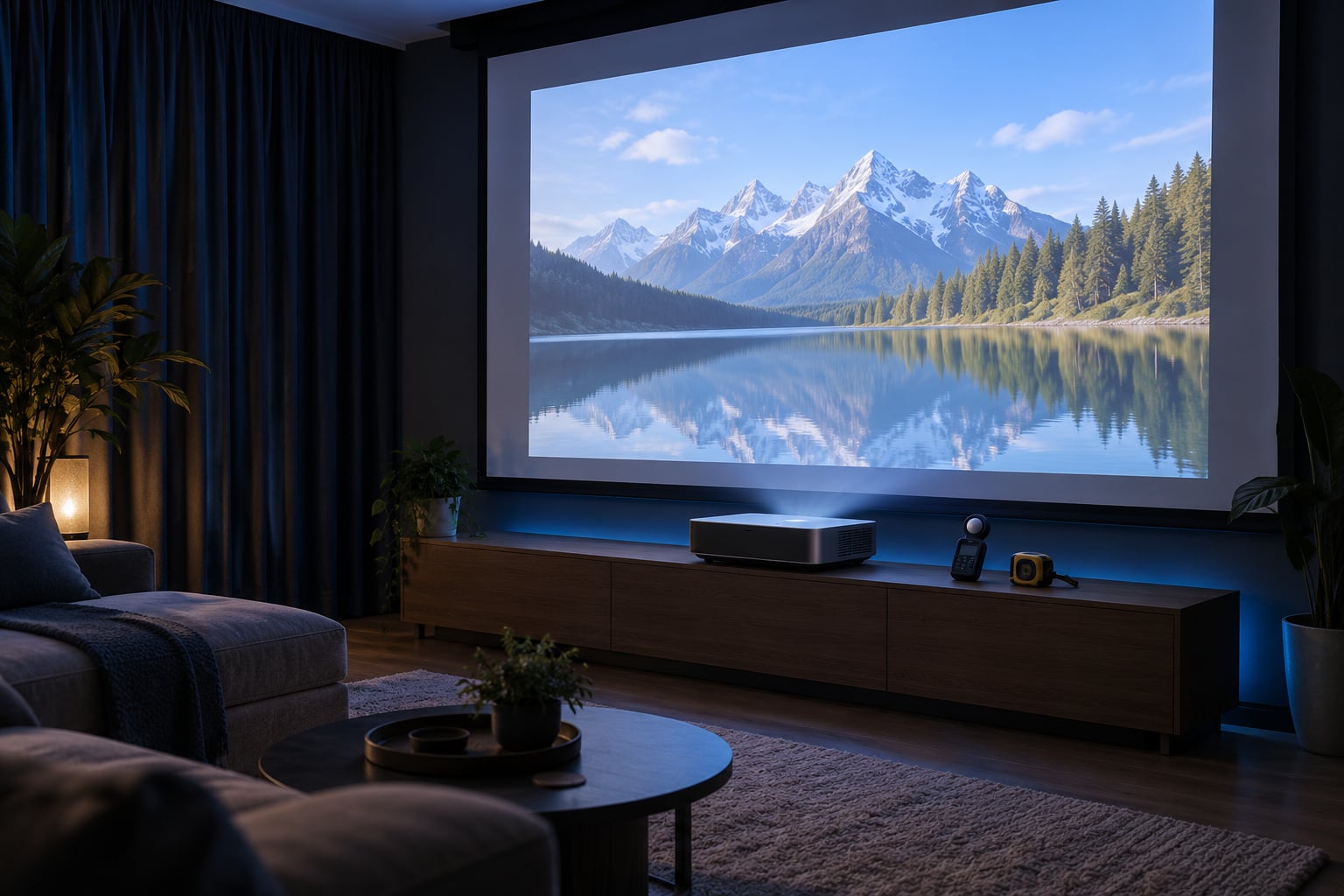
A lumen is a unit of light output, and on a projector it tells you how much light lands on your screen. Around 500 to 1,500 ANSI lumens suits most home rooms, 1,500 to 3,000 handles a lit living room, and the number only means something if it is labelled ANSI or ISO. Here is how the measurement works and how to turn it into a number for your own screen.
This guide was updated in October 2026. The standards referenced are ANSI/ISO 21118, the current international standard for projector light output.
Table of Contents
- What Are Lumens in a Projector?
- Lumens Explained for Home Projectors: What the Number Means
- Why two projectors with the same lumen rating look different
- Color brightness (CLO) versus white brightness
- How Many Lumens Do You Need for a Home Projector?
- Does Screen Size Change How Many Lumens You Need?
- How Much Ambient Light Can a Projector Handle?
- ANSI Lumens vs LED Lumens vs Manufacturer Lumens
- How to Compare Projector Brightness Before Buying
- Frequently Asked Questions
- What is a good lumen level for a home projector?
- How many lumens do I need for my room?
- Are ANSI lumens better than plain lumens?
- Are LED lumens the same as ANSI lumens?
- Why do two projectors with the same lumen rating look different?
- Is 3000 lumens enough for a projector?
- Conclusion: Choose Lumens for Your Room
What Are Lumens in a Projector?
A lumen measures the total amount of visible light a projector emits every second. A higher lumen rating means more light reaches your screen, which is what lets a picture stay watchable when a lamp is on or a window is open.
Strictly speaking, brightness is what your eye perceives, while lumens are an output measurement. Two things people mix up constantly: lux is illuminance, measured at one point on the screen in lumens per square metre, and lumens is the total across the whole image. A light meter reads lux. Multiply that reading by the image area and you get lumens.
So when a spec sheet says a projector throws 1,800 lumens, it means the light leaving the lens adds up to that total. Whether it looks bright depends on how that light is spread, how much competing light is in the room, and how sensitive your screen surface is.
Lumens Explained for Home Projectors: What the Number Means
The lumen figure is a ceiling, not a promise. Under the ANSI method, a full white screen is projected in a dark room, a light meter takes nine readings across a 3×3 grid on the image, and the average of those readings is multiplied by the image area in square metres. That gives the ANSI lumen rating, and it exists because manufacturers used to quote wildly different numbers for identical products.
ISO lumens use a similar method, and the two are close enough in practice that many brands quote both. Treat a figure labelled either one as trustworthy. A bare “lumens” number with no standard attached means nothing.
Why two projectors with the same lumen rating look different
Same lumens, very different pictures. The reasons are predictable once you know them.
- Colour brightness. A projector quoted on white brightness may deliver far less light on saturated colour, and most of what you watch is colour.
- Colour mode. Movie, bright and presentation modes trade saturation for lumens. A projector in its accurate mode can be a third dimmer than the same unit in brightest mode.
- Eco and lamp power settings. Running on the lower lamp setting saves bulb life and costs you obvious brightness.
- Zoom position. On many projectors, wide zoom setting is brighter than telephoto.
- Contrast and black level. A projector with more lumens but poor contrast looks washed out next to a slightly dimmer one with deep blacks.
People on r/projectors make this point often: a projector advertised at 6,000 lumens may deliver closer to 3,000 in its accurate colour mode, and that is still plenty for a dark room. That is normal, not a fault.
Color brightness (CLO) versus white brightness
Colour light output, usually written CLO, is measured by displaying red, green and blue test images and recording how much light each produces. It is the number that matters for a film or a football match.
3LCD panels push white and colour light fairly evenly. DLP projectors with a colour wheel can lose a noticeable slice of brightness on colour, so a DLP unit rated at the same ANSI figure as a 3LCD unit can look dimmer on anything that is not greyscale. If you care about colour, ask for the CLO figure rather than the white one.
How Many Lumens Do You Need for a Home Projector?
Work from your room first, then your screen size, then add brightness for ambient light. These ranges assume a matte white 1.0 gain screen.
| Room and viewing | Screen size | Recommended ANSI lumens |
|---|---|---|
| Bedroom or kids room, evening only, lights off | 60 to 100 inch | 500 to 900 |
| Dedicated media room with blackout curtains | 100 to 120 inch | 1,000 to 1,600 |
| Living room with a lamp on, curtains drawn | 100 to 120 inch | 1,600 to 2,200 |
| Living room with daylight through windows | 100 to 120 inch | 2,500 to 3,500 |
| Dedicated room, large screen, sports and daytime use | 120 to 135 inch | 2,500 to 4,000 |
| Outdoor or patio projection at dusk | 80 to 100 inch | 3,000 and up |
Read down the tiers rather than up. Under 300 ANSI lumens is a travel pocket unit: fine at night on a small screen, useless in daylight. Around 500 to 1,000 is bedroom territory. 1,000 to 1,600 covers a proper blackout media room. Above 2,000 you are buying headroom for daylight and larger screens, and you pay for it in fan noise, contrast and cost.
Nobody needs 20,000 lumens at home. If a listing quotes that, it is quoting light source lumens, not ANSI.
Does Screen Size Change How Many Lumens You Need?
Yes, directly. Lumens spread over twice the area deliver half the brightness to your eye. That relationship is captured by the foot-lambert formula, which enthusiasts on AVSForum and r/CommercialAV use and which almost no consumer article explains:
Lumens = foot-lamberts x screen area / screen gain
One foot-lambert equals about 3.43 candela per square metre. Cinema calibration targets roughly 16 to 22 fL, and home use sits higher at 25 to 50 fL because your room is not a screening room.
Worked example for a 120 inch 16:9 screen on a 1.0 gain white wall or screen. The image is about 2.66 m by 1.49 m, so roughly 3.97 square metres. At 30 fL (about 103 cd/m2) you need around 410 lumens. At 50 fL (about 171 cd/m2) you need around 680 lumens. That is why a 600 ANSI lumen projector fills a 120 inch screen nicely after dark, and looks thin at midday.
| 16:9 screen size | Image area | Lumens at 30 fL | Lumens at 50 fL |
|---|---|---|---|
| 100 inch | 2.75 m2 | 280 | 470 |
| 120 inch | 3.97 m2 | 410 | 680 |
| 135 inch | 5.01 m2 | 515 | 860 |
Screen gain changes the result too. A 1.4 gain ambient light rejecting screen cuts the lumens you need by roughly 30 percent, which is why those screens let a dimmer projector hold up against a lit room. A poor screen gives nothing back.
How Much Ambient Light Can a Projector Handle?
Ambient light is the biggest single factor, and it is not really about lumens at all. It is about contrast. A projector does not block light; it adds light to whatever is already reflecting off your screen. A washed-out grey picture means the room is winning.
Sunlight through a window is the hardest case, because it lands directly on the screen and moves all day. Curtains and a screen with a grey or black frame help more than an extra 500 lumens would. A single lamp behind the seating blows out dark scenes even when the projector is at full power.
In practice, doubling your light output buys you far less than darkening the room does. People on r/projectors almost always end up recommending blackout curtains and a proper screen over a brighter projector.
Mode matters too. If you cannot control the room, look for a projector with a genuinely usable high-brightness mode and an ALR screen, and accept that a rich colour picture will not happen until dark.
ANSI Lumens vs LED Lumens vs Manufacturer Lumens
Every projector label on a marketplace listing uses one of these, and they are not interchangeable. The table below is the one to keep open while you compare two spec pages.
| Label | What it means | Trust level |
|---|---|---|
| ANSI lumens (ANSI/ISO 21118) | Nine-point grid average of lux readings multiplied by image area | High |
| ISO lumens | Same idea under the ISO version of the standard | High |
| LED or laser lumens | Output estimated using the Helmholtz-Kohlrausch effect, where saturated colours appear brighter than they measure. Typically runs 1.3x to 2.4x above the ANSI figure | Low, only useful beside an ANSI number |
| Light source lumens | Raw output at the light source before it passes through the panel, colour wheel and lens. Runs about 0.04x to 0.06x of ANSI lumens | Very low |
| Center spot lumens | A reading from the middle of the image only, before averaging | Low |
| Marketing lumens | An unverified number, usually the highest one available | None |
The conversion that catches most people out: light source lumens equal roughly 0.04 to 0.06 times ANSI lumens. A listing claiming 1,000 light source lumens is describing about 60 ANSI lumens. Multiply by 0.05 and a vague number becomes honest very quickly.
On r/projectors the standard advice is blunt: only a number labelled ANSI or ISO is worth comparing, everything else is unverified. A missing ANSI label is itself a warning, and so is a spec page that quotes ISO on one model and ANSI on another.
How to Compare Projector Brightness Before Buying
Work through these in order.
- Check the label. Look for ANSI or ISO and the standard number. If only a bare lumen figure appears, assume it is light source output.
- Deflate vague claims. Multiply by 0.05 for a rough ANSI estimate on any light source rating.
- Match the figure to your screen. Use the table above, then adjust for screen gain. A high-gain screen needs fewer lumens.
- Measure your room at viewing time. A phone lux-meter app tells you how much light hits the wall from lamps and windows. It cannot measure projector lumens accurately, but the room reading is enough to tell whether you are in a lit-room or dark-room situation.
- Check contrast ratio and placement, not just lumens. Throw distance tells you where the projector has to sit, and contrast decides whether black bars look black.
- Ask about fan noise. The brightest projectors are often the loudest, and noise is the first thing you stop noticing and the second thing you cannot unhear.
- Factor in lamp ageing. Output declines over roughly 2,000 to 5,000 hours. A used projector quoted at its retail figure should be discounted by a third or more before you judge it.
If you own the projector already, a lux meter app on the screen during a full white frame gives you a before-and-after number as the lamp ages. It is not laboratory accurate, but the trend is real.
Frequently Asked Questions
What is a good lumen level for a home projector?
Between 500 and 1,500 ANSI lumens covers most home use: a dark bedroom at the low end, a blackout media room in the middle. A living room with daylight needs 2,500 to 3,500. Only look above 3,000 if you have a very large screen or plan outdoor projection, and always check the figure is labelled ANSI or ISO rather than light source lumens.
How many lumens do I need for my room?
Work from your room and screen size. A 60 to 100 inch screen in a dark bedroom needs roughly 500 to 900 ANSI lumens. A 100 to 120 inch screen in a lit living room needs about 1,600 to 2,200. Daylight through a window pushes that to 2,500 or above, and the room size matters less than the light hitting the screen.
Are ANSI lumens better than plain lumens?
ANSI lumens are better than plain lumens because they come with a measurement method attached: nine grid readings averaged and multiplied by image area, under ANSI/ISO 21118. A bare lumen figure could be light source output, which runs about 0.04 to 0.06 times the ANSI number. The two are not comparable, so only compare like with like.
Are LED lumens the same as ANSI lumens?
No. LED and laser lumen ratings are estimated using the Helmholtz-Kohlrausch effect, where saturated colours look brighter than they actually measure, so manufacturers report a higher figure to compensate. Those ratings typically land 1.3x to 2.4x above the ANSI number for the same projector. They are worth reading only when the ANSI figure is printed right next to them.
Why do two projectors with the same lumen rating look different?
Lumens measure white output only, and most of what you watch is colour. Colour mode, eco or lamp power settings and zoom position all change the light you get. Contrast ratio decides whether blacks look black. A DLP projector with a colour wheel can look dimmer than a 3LCD unit at the same ANSI rating, which is a colour brightness effect rather than a defect.
Is 3000 lumens enough for a projector?
It depends entirely on what those 3,000 lumens are measured against. As an ANSI or ISO figure, 3,000 lumens handles a 100 to 120 inch screen in a room with some daylight. As a light source figure, 3,000 lumens works out to roughly 150 ANSI lumens, which suits a dark room on a small screen and little else. Check the label before anything else.
Conclusion: Choose Lumens for Your Room
Start with the room, not the spec sheet. Stand where the screen will be at your usual viewing hour, and if you can make it darker, do that first. Then pick the screen size you actually want and find the ANSI lumen figure that suits it using the table above. The brightest projector in the room is rarely the one that gives you the best picture, and lumens explained properly is a short conversation rather than a marketing one.