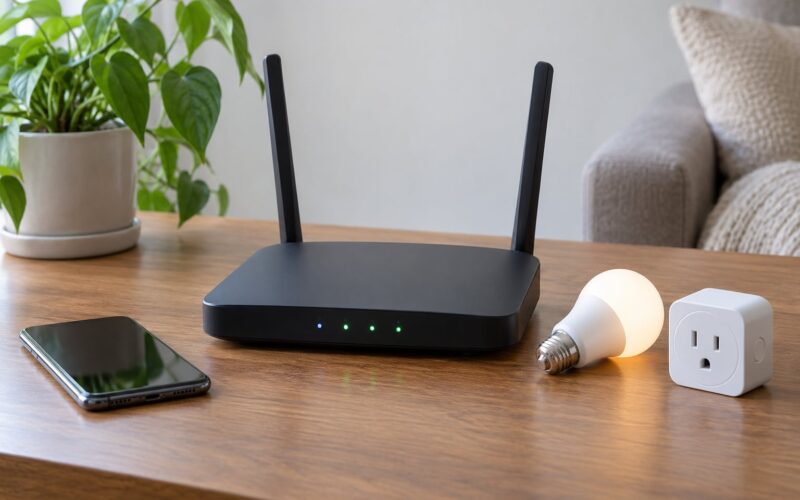
The short version: pick the bulb to fit the fixture, not the other way round. For most bedrooms that means a dimmable A19/E26 LED in the 800 to 1100 lumen range, tunable from roughly 1800K to 2700K, running on whichever protocol your phone and speakers already speak. Colour, scenes and sunrise simulations are extras — get those four decisions right first.
If you want the whole thing in one breath: brightness per fixture, a warm colour range that reaches candlelight, a dimming floor low enough for a 3am trip, and no ecosystem lock-in you will regret.
Table of Contents
- How to Pick Smart Bulbs for a Bedroom at a Glance
- What Brightness and Light Color Are Best for a Bedroom?
- Do You Need Dimmable, Color, or Tunable-White Bulbs?
- Which Smart Connectivity Should You Choose?
- How to Pick Smart Bulbs for a Bedroom by Ecosystem
- What Sleep-Friendly Features Are Worth Paying For?
- Will the Bulb Fit Your Fixture and Existing Switch?
- How Much Should You Spend on Bedroom Smart Bulbs?
- A Simple Checklist Before You Buy
- Frequently Asked Questions
- Can I use a smart bulb with a wall dimmer switch?
- Do smart bulbs need Wi-Fi to work?
- What color temperature is best for sleeping in a bedroom?
- Should I buy color-changing bulbs or just tunable white bulbs?
- Are Matter smart bulbs compatible with Alexa, Google Home, and Apple Home?
- What happens to smart bulbs when the internet goes out?
- Conclusion: Start With the Features You Will Use
How to Pick Smart Bulbs for a Bedroom at a Glance
| What to decide | What to look for on the box or spec sheet | Bedroom target |
|---|---|---|
| Bulb shape and base | A19 with E26 base; GU10 for recessed spotlights | A19/E26 everywhere unless the fixture says otherwise |
| Brightness | Lumen output, not the wattage equivalent | 400-500 lm bedside, 800-1100 lm ceiling |
| Colour temperature | Tunable white range in Kelvin | About 1800K to 2700K, warm all evening |
| Colour bulb? | Full RGB, 16 million colours | Optional, worth it for kids’ rooms |
| Dimming | Lowest brightness percentage reached | 1-2% with no visible flicker |
| Connectivity | Matter, Zigbee or Wi-Fi | Match the platform you already run |
| Hub | Bridge required, or standalone | Only take on a hub if you already want one |
| Sleep features | Schedules, sunrise, gradual fade | At least one of the three, running locally |
| Power-on behaviour | Last-state memory or fixed | Last-state memory, configurable |
| Relative cost | Entry, mid or upper tier | Pay for protocol and dimming, not for colour |
Two things on that table catch people out. Colour temperature has nothing to do with heat — a 2700K bulb is cooler to the touch than the incandescent it replaced. And the wattage printed on the box is a stand-in for an old bulb, so a “60W equivalent” tells you almost nothing until you convert it to lumens.
What Brightness and Light Color Are Best for a Bedroom?
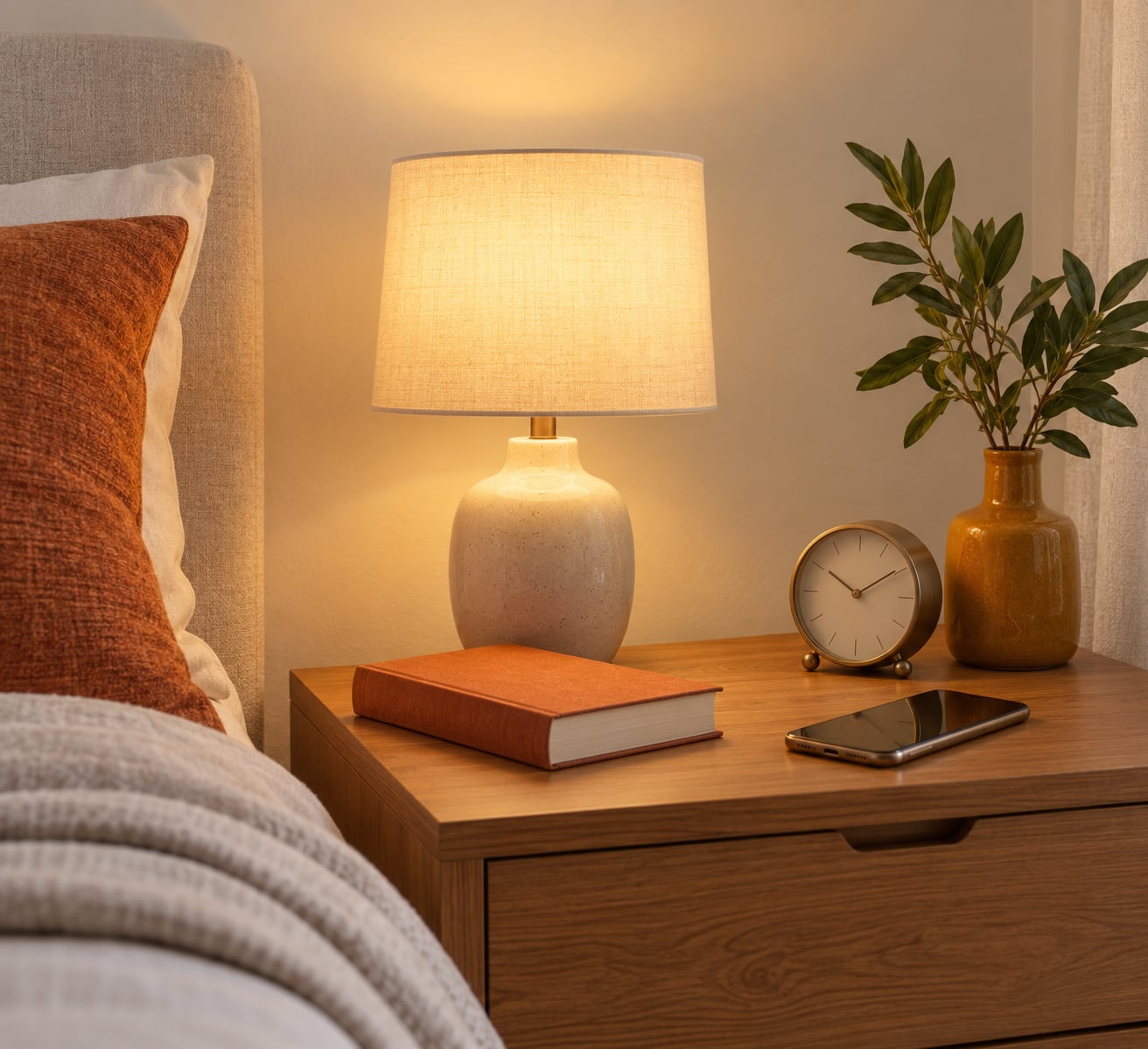
Size the room by the fixture, not by the room’s square footage. A bedside lamp with a fabric shade and an 800 lumen bulb right next to your pillow is genuinely unpleasant, while the same bulb in a ceiling fitting is restrained. Bedside lamps usually want 400 to 500 lumens. Ceiling fittings want 800 to 1100.
Here is the wattage proxy in plain terms. A 40W incandescent gave roughly 400 to 500 lumens, a 60W around 800, and a 100W near 1600. So when someone asks whether 40W or 60W is better for a bedroom, the answer is: 60W equivalent for the main ceiling light, 40W equivalent for anything with a shade over your head.
Is 60W or 100W brighter? Yes, 100W is about double — and double is usually wrong for a bedroom ceiling light at 11pm. If a bulb tops out at 1100 lumens, you have plenty; the app dimming is what makes it usable.
Colour temperature is the second decision, and it is the one that changes how a room feels. Soft or warm white sits between 2200K and 2700K. Daylight is 5000K to 6500K, which is bright, blue and fine for five minutes of getting dressed. It is the wrong light to wind down under.
So is daylight or soft white better for a bedroom? Warm white, almost all of the time. Pick a bulb you can tune down toward 1800K for the last hour of the evening, and keep the daylight end of the range for mornings. If a bulb only offers a fixed 2700K, that is a perfectly good bedroom bulb, just a less flexible one.
One more spec worth reading: CRI, the colour rendering index, scored as Ra from 1 to 100. It describes how accurately a bulb shows the true colours of what is under it. Below Ra 80, skin tones go flat and wood, books and clothes all look slightly muddy. Above Ra 90 things look noticeably truer. In a bedroom, where the light sits close to a face and a bookshelf, the difference shows.
Do You Need Dimmable, Color, or Tunable-White Bulbs?
Three tiers, and they are not close to equal in usefulness for a bedroom.
Dimmable white is the simplest option. It gives you brightness control, which is the thing you will actually use at 3am, and nothing else. Choose it when the room is a guest room, a hallway-adjacent space, or the ceiling light only.
Tunable white is the sweet spot for most bedrooms. It moves between warm and cool white without adding coloured LEDs, so it tends to hold a better CRI and hit a lower price point than a colour bulb of the same brightness. It also keeps the same warm range at every brightness level instead of washing out to grey as it dims.
Full colour bulbs earn their place in a child’s or teenager’s room, or if you want a wall to change for a party. They also cost more, and at the same wattage they are often dimmer, which is a complaint that comes up constantly on r/homeautomation, where people trading cheap Tuya Zigbee bulbs for IKEA bulbs usually say the light output was the reason.
My default: tunable white in the bedside lamps and the ceiling light, colour only where someone will actually enjoy it.
Which Smart Connectivity Should You Choose?
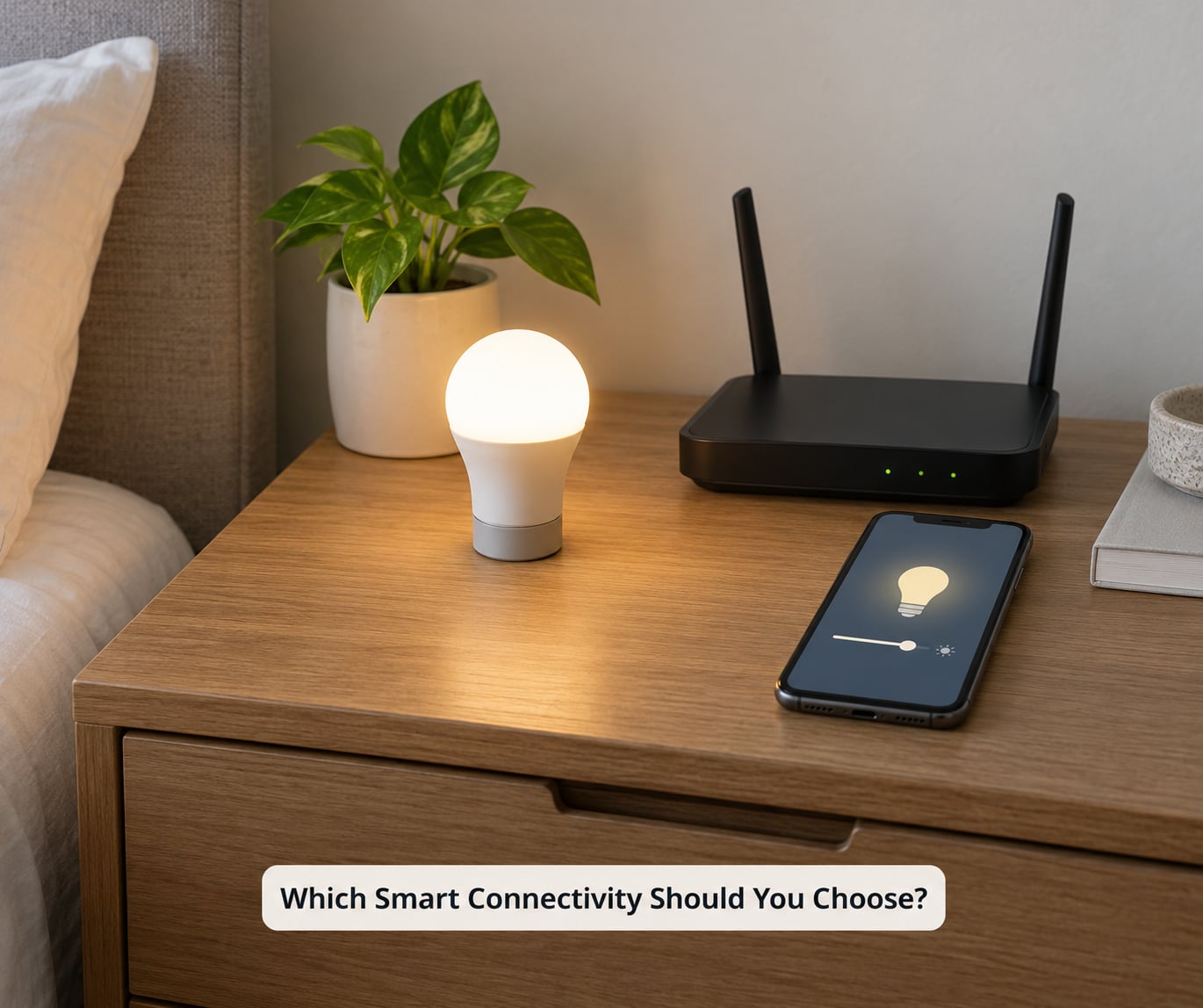
This is the decision nobody explains well, and it is the one that decides whether you are happy with the bulbs for five years.
Wi-Fi means no hub, no extra box, no extra account. The bulb joins your own network and you control it from an app. The catch is that most Wi-Fi bulbs want a 2.4 GHz network, which many modern routers have switched off by default, and a lot of them depend on a vendor cloud to hold your schedules. Routers also tend to fall over with a lot of devices on them. Fine for three bulbs in one room, less fine as a house grows.
Zigbee needs a bridge or hub, but the bulbs are usually cheaper, they form a mesh so range stops being a problem, and the routines live on the hub rather than in someone’s server room. The recurring view on r/homeassistant is that Zigbee is the durable choice for multi-room lighting, and it is hard to argue with once you have four rooms on it.
Matter runs over Thread or Wi-Fi and is the current answer to lock-in anxiety. Control works locally, and a certified bulb shows up in Apple Home, Google Home, Amazon Alexa and SmartThings without a separate bridge per platform. The catch: a Thread version needs a Thread border router, and r/MatterProtocol users keep pointing out that Matter fixtures — rather than bulbs — are priced far above the equivalent.
If you are starting from nothing, hubless Wi-Fi is the cheapest way in. If you already own a hub or run Home Assistant, stay on the protocol it speaks. If you are buying for a house rather than a flat, pay for the bridge now rather than migrating later.
How to Pick Smart Bulbs for a Bedroom by Ecosystem
Compatibility is not universal, whatever the box says. Check the platform before the bulb.
Google Home and Amazon Alexa are the easiest entry points: buy a bulb that lists the assistant directly, pair it in its own app, then link the app to the assistant account. The linking step is where first-timers get stuck, and it is usually the account, not the bulb.
Apple Home is stricter. HomeKit Secure Video is irrelevant here, but the bulb usually has to be added in the Home app by scanning a code, and anything not certified for HomeKit will not show up natively — no amount of Siri politeness fixes that.
Samsung SmartThings and Home Assistant reward breadth. SmartThings handles mixed brands well, and Home Assistant plus a Zigbee coordinator will run anything you throw at it, at the cost of real setup time.
A note on routines, since this is what people actually want. On r/smarthome, the most repeated beginner story is someone with a Google phone, no smart home platform at all, who wanted warm white by day and deep red at night and ended up rejecting a bulb because the colour options were thin and the scheduling was barely there. Check what routines the app can actually run before you buy, not just whether it can turn on.
What Sleep-Friendly Features Are Worth Paying For?
A bedroom is the one room where lighting is used to wind down, so the useful features are all about timing rather than colour effects.
Schedules are the baseline. A fixed 10pm drop to 20% at 1800K, and a 7am return to neutral, costs nothing extra anywhere.
Gradual fade is the feature most people do not know to look for. A bulb that steps from 100% to 5% over 20 or 30 minutes turns the last half hour of the evening into something you stop noticing, instead of a switch you operate. Ask whether the fade length is adjustable.
Sunrise simulation brightens over 20 to 30 minutes before your alarm, ramping colour temperature as it climbs. It is genuinely useful and it is the single best argument for buying smart bulbs for a bedroom at all.
Motion or contact sensors earn their keep in a dark bedroom when a 3am bathroom trip means finding the switch without waking anyone. A sensor-triggered low path at a few lumens is the feature people describe in r/smarthome as the reason the setup was worth doing.
What is not worth paying for: music sync, 16 million colours marketed as a sleep aid, and any feature that needs a paid subscription after the first year. Routines that only run in the vendor cloud are the other thing to distrust — if your bedtime scene depends on someone else’s uptime, it will eventually let you down.
On the science side, keep it soft. Warm, low light in the hours before sleep is the part with reasonable support behind it, mostly because dimness and low blue content both point the same way. Claims that a specific colour cures insomnia are not something I would repeat to anyone.
Will the Bulb Fit Your Fixture and Existing Switch?
Physical fit is where a perfect choice on paper goes to waste.
Most bedside lamps and ceiling fittings take an A19 bulb with an E26 or E27 base — that is the standard screw-in. A19 is about 60mm across. A G25 is larger and globe-shaped, a candle or ST19 is decorative, and a BR30 is a 65mm flood that does not belong in a small fabric shade, where it produces a hard hotspot on the wall behind it. Recessed spotlights usually want GU10. Bring a tape measure or take the old bulb to the shop rather than trusting a photo.
Check whether the fitting is enclosed. Plenty of smart bulbs are not rated for a fully enclosed shade or for a covered ceiling fitting, because the electronics need to shed heat. The spec sheet will say, and it matters more in a bedroom where the lamp runs for hours.
Now the switch. Most smart bulbs dim electronically, and a mechanical wall dimmer fights that — expect flicker, hum, or a dimming range that stops at half brightness. Leave a wall dimmer fully on and dim from the app, or replace it with a smart dimmer module. Follow the manufacturer’s instructions for anything wired; if you are not confident, an electrician is cheaper than a wall you have taken apart.
Finally, remember that a wall switch on a bedside lamp cuts power. When power returns, something has to happen, and the options differ. Last-state memory brings the bulb back exactly as it was. A fixed state returns to full brightness, often at 6500K, which is a genuinely unpleasant 6am. A bulb with configurable power-on behaviour solves this. Check it before you buy, because a six-bulb bedroom where every bulb blasts cold white at dawn is a bad morning, every morning.
There is a case for smart switches instead. Put ordinary dimmable bulbs behind a smart dimmer and the switch keeps working for anyone who does not know the app, and the bulbs stay cheap and replaceable. Bulbs suit a bedroom where the light needs to change without anyone touching the wall — bedside lamps and floor lamps, basically.
How Much Should You Spend on Bedroom Smart Bulbs?
Rather than quote figures that will be wrong by the time you read this, it is more useful to rank the tiers. Entry tier is a dimmable white Wi-Fi or Matter bulb, and it is entirely adequate for one bedroom. Mid tier is tunable white with a low dimming floor, which is where most buyers end up and where I would end up.
Upper tier means colour, a bridge, or a Thread border router — and the hub is the part that actually changes the economics, not the bulbs. Multipacks also change the maths: per-bulb cost drops sharply in a four-pack, which matters because a bedroom rarely needs more than three bulbs and the extras go to the hallway and the closet, where colour is wasted.
Running costs barely register. An LED bedroom bulb draws single-digit watts against the 40W to 60W incandescent it replaces, and lifespan is measured in tens of thousands of hours, so energy is not where the money is. The only place cost really bites is when you decide to extend beyond one room and discover you picked the protocol that needs a bridge you do not own.
Before you commit, check the current listings, since pricing moves around and multipack deals come and go.
A Simple Checklist Before You Buy
Ten questions, in the order they should be answered.
- How many lumens does each fixture actually need?
- What is the lowest colour temperature on the bulb’s range, and can it reach 1800K?
- How far does it dim, and does it stay warm as it goes down?
- Which voice assistant and app do I already use daily?
- Which protocol does that platform speak — Matter, Zigbee or Wi-Fi?
- Does that protocol need a hub, and do I want to own one?
- Does the bulb physically fit the shade, and is the fitting enclosed-rated?
- What can the app’s routines actually do, and do they run locally or in a cloud?
- What happens at power-on, and can I configure it?
- What do the bulbs for the rest of the house cost, per bulb, before I start that project?
Frequently Asked Questions
Can I use a smart bulb with a wall dimmer switch?
Usually not well. Most smart bulbs dim electronically and behave badly behind a mechanical wall dimmer, which shows up as flicker, hum, or a dimming range that stops halfway. Either leave the dimmer fully on and control brightness from the app, or replace the switch with a smart dimmer module. Some bulbs state dimmer compatibility, and those are worth testing before you commit.
Do smart bulbs need Wi-Fi to work?
Wi-Fi bulbs need it, Zigbee bulbs do not, because they talk to a bridge that handles the network for them. Matter bulbs need Wi-Fi or a Thread border router. Once set up, all three will usually keep working during an internet outage if their routines run locally, and a Zigbee or Matter setup barely notices your router at all. Hubless Wi-Fi is the easiest start and the least dependable when the network drops.
What color temperature is best for sleeping in a bedroom?
Around 1800K to 2200K at low brightness, roughly the colour of a nightlight. Step down to that from 2700K earlier in the evening rather than snapping straight to cold. Warm light before sleep is the part with some evidence behind it, and dimness plus low blue content are what it comes down to. Claims that a particular colour treats insomnia are marketing, not medicine.
Should I buy color-changing bulbs or just tunable white bulbs?
Tunable white, unless the room belongs to children or you want accent colour on a wall. Tunable white covers the warm evening and brighter morning range a bedroom actually needs, usually at a better CRI than a colour bulb of the same wattage, which are frequently dimmer. Colour is fun and useful for ambience, and it costs nothing extra to control once you own the bulb.
Are Matter smart bulbs compatible with Alexa, Google Home, and Apple Home?
Yes, and that is the point of the standard. A certified Matter bulb joins Apple Home, Google Home, Amazon Alexa and Samsung SmartThings through one hub or border router, and control runs locally rather than through a vendor cloud. Two caveats: Thread versions need a Thread border router rather than any old bridge, and Matter covers lighting first, so check what else you plan to automate before assuming it all follows.
What happens to smart bulbs when the internet goes out?
With Wi-Fi bulbs, routines held in the cloud often stop firing and the app may not reach the bulb at all. Zigbee and Matter setups carry on, because the routines run on the bridge or hub rather than online. Lights already on stay on in every case. The practical test is simple: switch your router off for ten minutes and see whether your bedtime routine still runs, before you buy anything else.
Conclusion: Start With the Features You Will Use
Work through it in order. Measure the fixture and pick lumens for it — 400 to 500 at the bedside, 800 to 1100 for the ceiling. Choose a bulb that tunes warm, down toward 1800K, and dims low without flickering. Then match the protocol to the platform you already use, and check that it remembers its state when the power comes back.
Colour, sunrise simulations and sensors come last, and only if someone in the house will use them. Learn how to pick smart bulbs for a bedroom by nailing the first four, and the rest is genuinely optional.