How to tell if a phone is refurbished or new comes down to cross-checking three separate things: what the phone reports about its own history, whether its identifiers match the box and paperwork, and whether the hardware shows signs it has been opened. No single check proves it on its own. The nine checks below take roughly ten minutes, and most of them you can run on a phone already sitting in your hand.
A phone can look brand new and still carry a replacement display and a two-year-old battery. Equally, a scuffed handset with a clean history may simply have been used carefully. That is why these checks stack: identity first, then history, then condition, then the seller’s story.
One caveat. Menu names move around between Android versions and manufacturers, and not every model exposes every screen. If a path is missing on your phone, the equivalent usually sits one level higher in Settings, and the dial codes still work on most handsets.
Table of Contents
- What You Need to Tell If a Phone Is Refurbished or New
- Step-by-Step: Check the Phone Before You Buy
- 1. Check the Settings and Device Information
- 2. Look for Refurbished or Reconditioned Labels
- 3. Compare the Serial Number and IMEI
- 4. Inspect the Box, Accessories, and Warranty Paperwork
- 5. Test the Hardware and Display
- 6. Verify the Seller and Purchase History
- Common Mistakes When Checking Phone History
- Frequently Asked Questions
- How can I tell if my phone is refurbished?
- What does refurbished actually mean on a phone?
- Do refurbished phones still get the full manufacturer warranty?
- What should I do if the seller refuses to let me check the phone?
- Is a battery cycle count of zero suspicious?
- Can a refurbished phone still be locked to another network?
What You Need to Tell If a Phone Is Refurbished or New
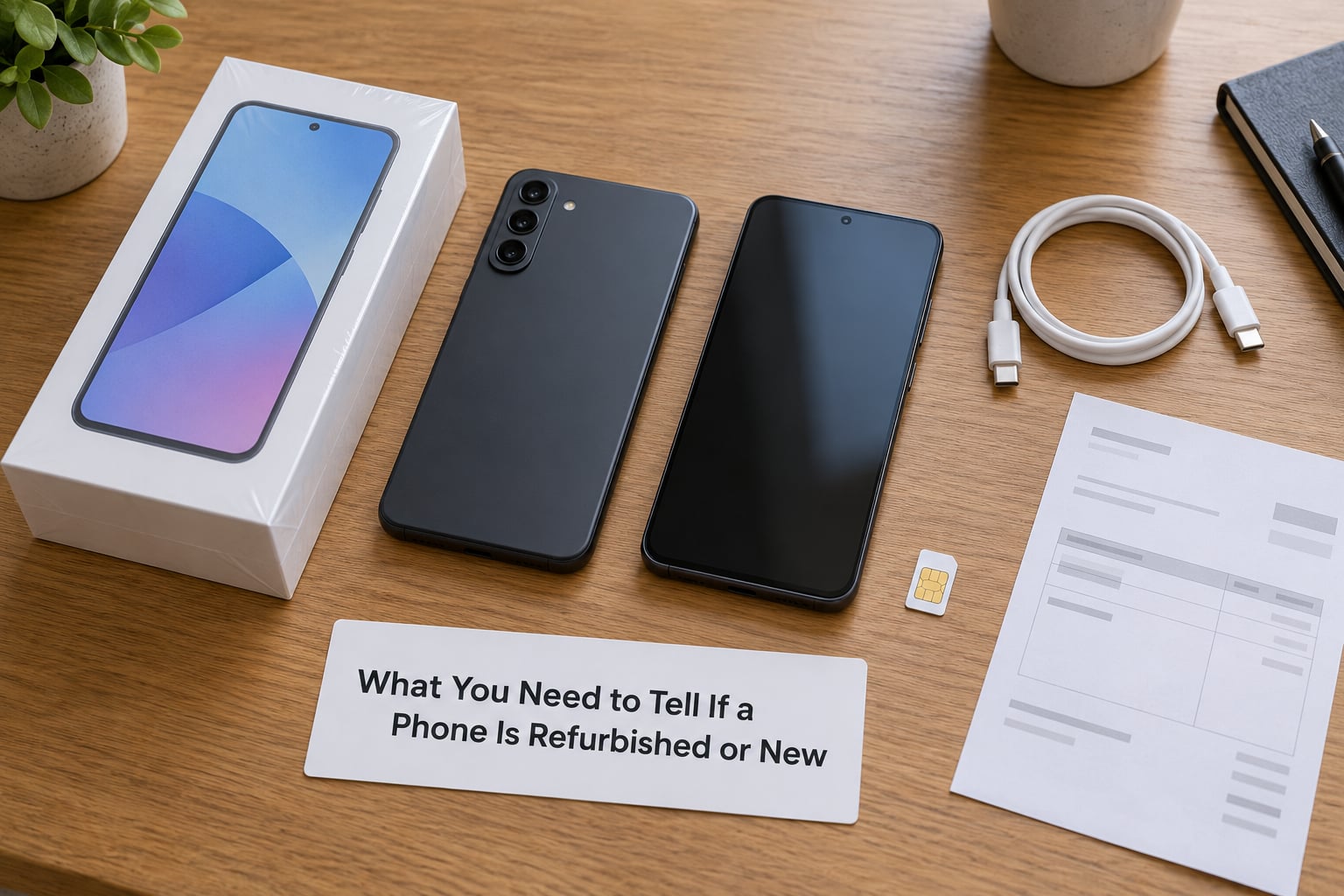
You need almost nothing to run these checks: the phone itself, whatever paperwork arrived with it, and one other screen to compare identifiers against.
- The phone, charged to at least half, so nothing shuts down mid-check.
- The box and invoice, including the label on the side of the box where the IMEI or serial number is printed.
- The seller listing as screenshots, since wording such as excellent condition or open box can vanish later.
- A second phone or computer for looking identifiers up and for confirming that the account you are asked to sign into is yours.
- A charger and SIM or eSIM you trust, because charging and network registration are part of the inspection.
Two things people skip and regret skipping later: the return deadline, written down, and photos of the phone’s condition taken while the packaging is still open.
Step-by-Step: Check the Phone Before You Buy
Run these in order, before payment where possible, or inside the return window once the phone arrives. The nine checks sit inside the six steps below.
1. Check the Settings and Device Information
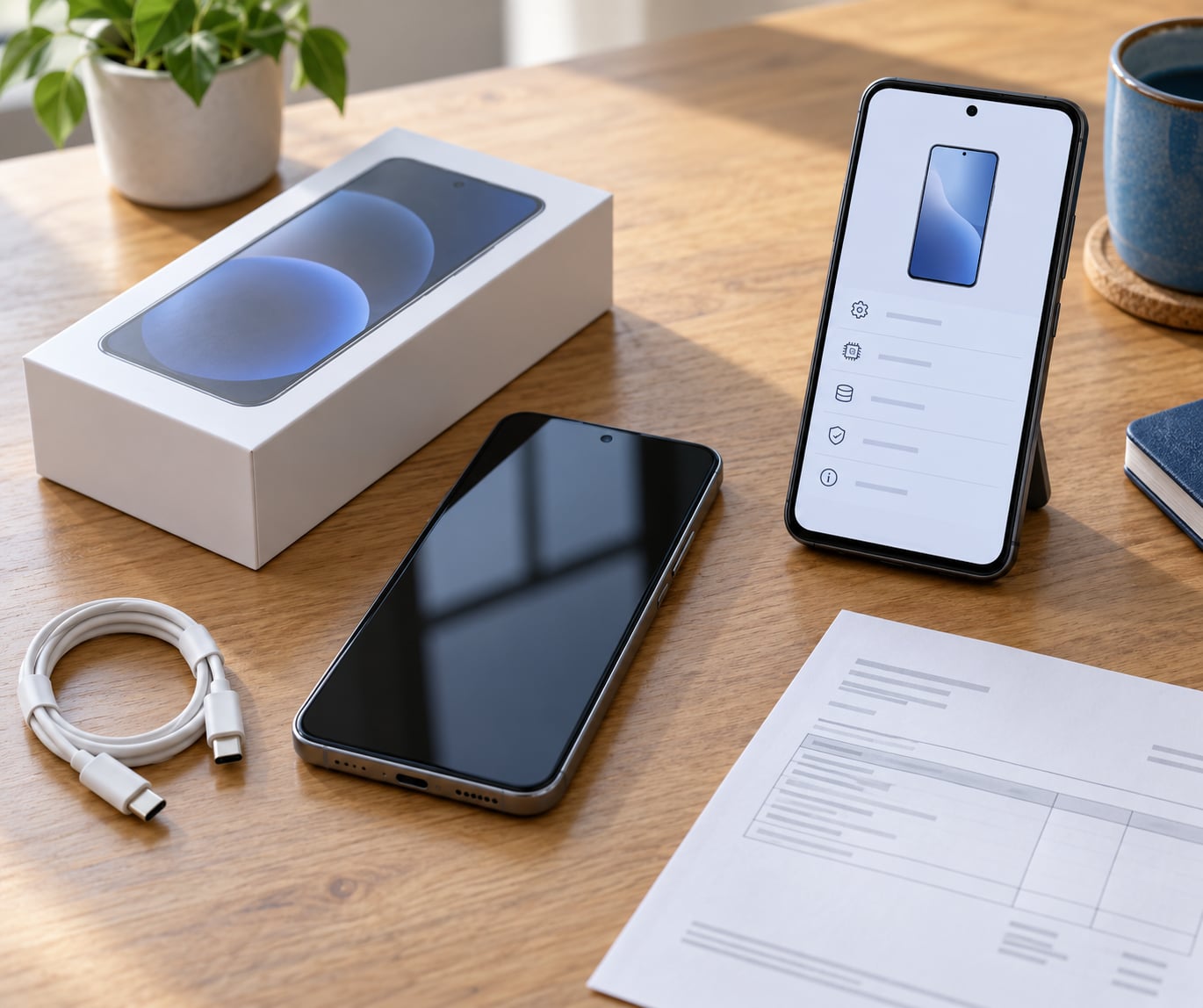
The model number, build date, serial number and IMEI are the fingerprints of the handset, and mismatches between them give a game away.
On most Android phones, the fastest route is the Settings app: Samsung Galaxy and current Pixel devices show everything on Settings > About phone, with the IMEI and serial under phone status or phone information. Xiaomi and Redmi phones split it across About phone and Detailed device specs. Older or budget Android builds hide it under Settings > About phone > Status. Tap the build number seven times to unlock Developer options, where several brands add hardware and battery detail.
On an iPhone, Settings > General > About lists the model number and the part number side by side. Model numbers ending in A are sold in some markets while NU or other suffixes indicate an unlocked US unit. The part number is the more precise identifier, and it should match the number on the box.
Read dates against the sale date. A security patch level or build date months older than the day you bought the device suggests it sat in a warehouse, which is normal for stock and less normal for a phone sold as factory sealed.
2. Look for Refurbished or Reconditioned Labels
Manufacturers and sellers leave marks, and reading them takes a minute.
Start with the paperwork. Receipts and marketplace invoices vary their wording deliberately, with terms like pre-owned, open box, returned, remanufactured, B-grade or excellent condition. Those words are the seller telling you something; they just rarely call it refurbished.
Then check the device. On iPhones running iOS 15.2 or later, any part replaced by Apple or an authorised service appears in Settings > General > About > Parts and Service History. Some Samsung and Google models print a remanufactured status on the box label or show it on the warranty screen once the phone is set up.
A missing label proves nothing. Third-party refurbishers often replace a screen or a charging port without recording anything on the device, and plenty of honest sellers hand over a used phone they never labelled at all.
3. Compare the Serial Number and IMEI
Comparing the identifiers is the single most useful check most buyers skip.
Dial *#06# on any Android handset to display the IMEI, or dial *#0000# on an iPhone for the firmware version, model number and part number. Two more Android codes help: *#*#4634#*#* opens a hardware and firmware readout on many builds, showing board, platform and product numbers, and *#*#6485#*#* opens a self-test or code checker menu where the manufacturer implemented one.
Now compare that IMEI against four sources: the box label, the invoice, the listing, and your carrier. Matching numbers confirm you are holding the exact device that was advertised, and they rule out a box swapped from another unit, which is the oldest trick in the trade.
Take the IMEI to the carrier as well. They can often confirm whether the handset is still tied to an unpaid instalment plan, still registered to somebody else, or flagged as lost or stolen. Matching numbers prove identity, though, not that the device went unused.
4. Inspect the Box, Accessories, and Warranty Paperwork
The packaging is where a sealed resale gets sloppy.
Look for resealed seams, a box that was clearly opened and closed again, printing or label batch numbers that differ from one face to another, and an IMEI label that has been scratched or reprinted. Missing documents matter too: a new device ships with a warranty or activation card, a charging cable in the right length, and a paperwork folder.
Cable and charger differences are less reliable than they look. Regional bundles genuinely vary, and some markets ship without a charger at all, so judge accessories against the official specification for that model rather than against another phone.
Check the warranty start date. On iPhones, Settings > General > AppleCare & Warranty shows coverage that begins on the original purchase date, which on a supposedly new device should be close to your own purchase date. A warranty that started before the phone reached the seller is a straight answer.
5. Test the Hardware and Display
Condition checks prove nothing on their own, since a refurbished phone can be cleaner than a badly treated new one. They still catch most problems.
Fill the screen with solid white, then solid grey and black, and look for burn-in, dead pixels, tint shifts at the edges and visible panel gaps. Tap every corner and along each edge to find dead touch zones. Check that the earpiece grille, front glass and camera lens line up, since a swapped display rarely sits flush.
Then check the history of opening. Small screw marks beside the charging port, scratches inside the SIM tray, adhesive residue along the edge of the back glass, or a back panel with a faint tool mark all suggest the chassis has been opened. A SIM tray scraped by a metal tool is one of the more honest signals a used phone leaves behind.
Test function rather than looks. Plug in a charger and confirm the phone actually gains charge instead of only vibrating and chiming, which is a common defect in rebuilt handsets. Play audio, record a clip and play it back, test every button, try the fingerprint reader, and open both cameras. Buyers regularly report refurbished phones arriving with a dead microphone, a charging port that does nothing, and camera dust spots that no listing mentioned.
Open the hidden service menus while you have the phone. Samsung accepts *#0228# for battery status and *#0*# for a hardware test menu on many models. Recent Pixels answer to *#*#394648#*#* with a battery statistics screen. On Android, an app such as AccuBattery reports cycle count and design capacity over a few days of normal use, which fills the gap where other phones show nothing.
Treat a cycle count of zero with suspicion. A replacement battery starts its own count, and some refurbishers report figures that have been reset, so a near-zero count on a phone sold as used is a yellow flag rather than proof either way.
6. Verify the Seller and Purchase History
The seller’s answers separate a careful refurbisher from a relabelled used phone.
Ask who did the refurbishment: the manufacturer, the carrier, or an independent shop. Manufacturer-certified work carries the clearest warranty, carrier refurbishment is usually decent but often limited to the carrier, and third-party work varies wildly. Ask for the original purchase receipt, whether warranty transfers to you, the battery health percentage and cycle count stated in writing, and a list of any parts replaced.
Ask them to unlock the phone and complete the setup screen in front of you, or at least to confirm that activation lock is off. Setup demanding a Google or Apple account that is not yours means you cannot use the device without the previous owner’s cooperation. Buyers have reported refurbished phones arriving with a previous owner’s messaging account already signed in, which is a privacy problem before it is a technical one.
Verify through official channels where you can, using the manufacturer’s support site or your carrier, and pay through the platform so payment protection stays in force. A seller who allows a full inspection before payment, or offers a comfortable return window, has nothing to hide.
Common Mistakes When Checking Phone History
Most failed checks come down to trusting one clue or skipping the paperwork.
Trusting storage capacity alone. A rebuilt phone with a fresh storage chip can report more capacity than the model ever shipped with. That is not newness, and not proof of tampering either.
Assuming a sealed box proves originality. Boxes are reprinted and resealed cheaply now. The IMEI on the box is worth checking; the shrink wrap is not.
Treating a new serial number as a new phone. Identifiers can be reprogrammed, and sellers move phones between boxes. Only the agreement between device, box, invoice and carrier records means something.
Ignoring software clues. The first setup date, the security patch level and any pre-installed account all survive a factory reset by careless sellers. Look at them before you sign in.
Buying outside the return window. Pay attention, not warranty length, decides whether you can send it back. Photograph the phone, the box labels and the IMEI screens on day one, and record the condition while the packaging is still with you.
Testing after signing in. Set up on Wi-Fi first and check every account, then insert the SIM. Signing in first can hide the evidence you needed.
Frequently Asked Questions
How can I tell if my phone is refurbished?
No single test confirms it, so combine three: open the manufacturer service or parts history on the phone, compare the IMEI or serial number with the box and the invoice, and inspect the screen and body for burn-in, dead pixels, screw marks or panel gaps. A part listed as replaced in the service history is the strongest single signal, because the manufacturer recorded it.
What does refurbished actually mean on a phone?
A refurbished phone has been returned, opened, inspected and repaired, then resold. The work can include a new battery, a replacement display or a swapped charging port, and the housing may be a non-original part. Condition grades such as A, B and C describe cosmetic wear only, so an A-grade device can still hide a replaced screen.
Do refurbished phones still get the full manufacturer warranty?
Usually a shorter one. Manufacturer-certified refurbished devices commonly carry around a year of cover, and some markets offer six months. Carrier refurbishment may be honoured only by the carrier or the shop that sold it. Ask for the exact length in writing, and check the warranty screen on the handset: an expiry date that predates your purchase means something is wrong.
What should I do if the seller refuses to let me check the phone?
Walk away from that listing. A seller who blocks the identifier screen, will not show the box, or answers warranty questions vaguely is telling you plenty. Pay only through the platform so payment protection applies, and run the full check inside the return window. If a phone arrives with the previous owner’s account still signed in, treat it as a privacy risk and start a return right away.
Is a battery cycle count of zero suspicious?
On a phone described as used, yes. A cycle count near zero means the cell has barely been charged, which fits a new battery but also fits a replacement or a refurbisher who reset the reading. Read it next to maximum capacity. Close to 100 percent capacity on a two-year-old phone is worth a direct question to the seller about what was replaced.
Can a refurbished phone still be locked to another network?
Yes. A carrier lock tied to an unpaid instalment plan is often cleared once the balance is settled, but the new owner usually needs the original account holder’s permission. A phone still locked after activation will not register on your network, and an activation lock tied to a previous owner’s Google or Apple account can lock you out completely. Check during setup, before signing in.
If you do only one thing before money moves, compare identifiers. Dial *#06# or *#0000#, write the number down, and match it against the box, the invoice and your carrier. Everything else on this list confirms what that number can tell you.