If you want to check if a phone is carrier unlocked, start in Settings. On an iPhone, open Settings > General > About and look at the Carrier Lock line: No SIM restrictions means unlocked. On Android, the equivalent field usually sits under network settings and is called Network lock status, and it reads Unlocked on a free phone. Those two on-screen strings answer the question in about ten seconds. Everything after that is confirmation.
The catch is that a menu saying “unlocked” is not the same thing as a phone that will activate on any network you like. Carrier lock, activation lock and network compatibility are three separate problems, and most people who get burned used one check when they needed two. This guide walks through each check, in the order I would run them, and says plainly what each one can and cannot prove.
Table of Contents
- What You Need
- Step-by-Step: How to Check If a Phone Is Carrier Unlocked
- Check an iPhone Using the Settings App
- Check an Android Phone Using Settings or Your Carrier App
- Ask the Original Carrier to Check the IMEI
- Test the Phone With a SIM or eSIM From Another Carrier
- Confirm the Status Before You Buy, Sell or Switch Carriers
- Common Mistakes and What to Do Next
- Common Mistakes
- Frequently Asked Questions
- Can an IMEI tell me if a phone is unlocked?
- What does dialing *#6 do to my phone?
- Can I unlock a carrier-locked phone myself?
- Why does my unlocked phone say SIM not supported?
- Are prepaid phones automatically unlocked?
- My phone has two IMEIs. Do I need to check both?
- Conclusion
What You Need
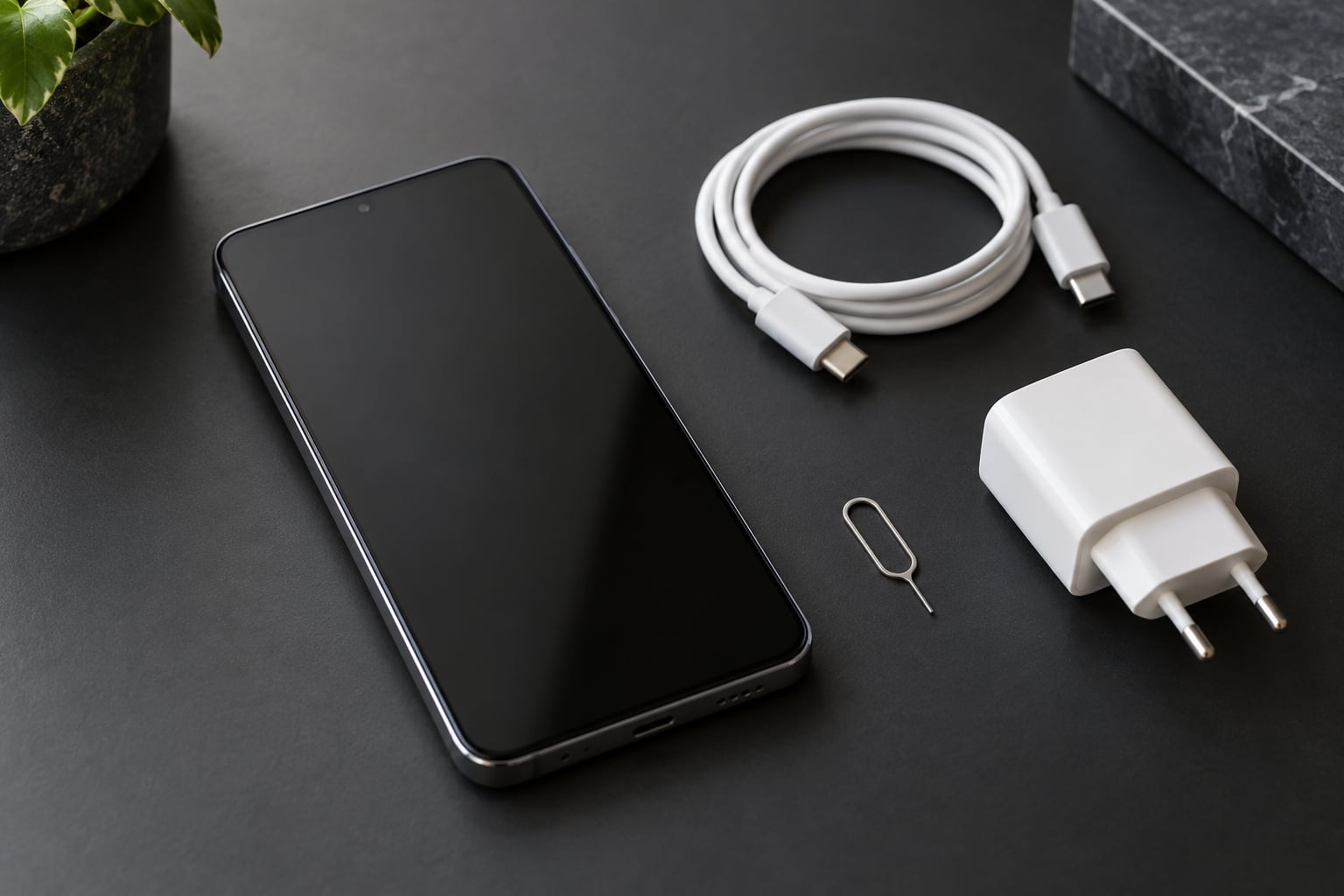
You do not need much. The phone itself, its passcode, and about five minutes is enough for the software checks. Add these only if you have them:
- The original carrier account details. Account PIN, billing ZIP, or the email tied to the line. Carriers only unlock for the account holder, so a second-hand unlock request usually fails without this.
- The IMEI. Dial *#06# on the phone to pull it up, or find it on the box label, the SIM tray, and the About screen. A Xiaomi also shows it under Settings > About device > Detailed device information.
- A SIM or eSIM from a different carrier. The most conclusive test there is. Ask a friend for theirs or grab a cheap prepaid one.
- The passcode, not the Apple or Google account password. You cannot skip the activation screen without the original credentials, and that is deliberate.
- Screenshots. Take one of every status screen before you hand over money on a used phone.
Step-by-Step: How to Check If a Phone Is Carrier Unlocked
Here is the whole thing in one view before the detail. Run the top two first, then pick one of the bottom two to confirm.
| Check | Where | Unlocked looks like | Locked looks like |
|---|---|---|---|
| iPhone Carrier Lock | Settings > General > About | No SIM restrictions | A carrier name appears |
| Android network lock | Network settings > Network lock status | Unlocked | Locked |
| Different SIM test | Swap the SIM, restart | Registers, bars appear | SIM not supported |
| Original carrier | Call with IMEI and account PIN | No lock, or eligible to unlock | Device is locked to us |
Check an iPhone Using the Settings App
Open Settings > General > About and scroll to the hardware section. Read the Carrier Lock row.
If it says No SIM restrictions, the iPhone is carrier unlocked and you can stop. If it names a carrier, the phone is bound to that network. On older iOS versions the same field is labelled Network Provider Lock, and MDM-managed work phones can show a blank value there for reasons that have nothing to do with a carrier.
Two nearby signals confirm it. A Cellular Data Options menu under Settings > Cellular is a good sign; its absence sometimes signals a restricted device profile. And under Settings > General > About, an IMEI and MEID listed separately mean the handset is dual-SIM capable, which matters for step four below.
Check an Android Phone Using Settings or Your Carrier App
Android has no single standard path, so try the closest match for your brand:
- Google Pixel and most stock Android: Settings > Network & internet > SIMs > Network lock status.
- Samsung One UI: Settings > Connections > Mobile networks > Network operators. Turn off Select Automatically and see whether other networks appear in the list.
- Xiaomi, Redmi and Poco on HyperOS: Settings > SIM cards and mobile networks > Network lock status. This path is missing from most guides written for Samsung and iPhone users, and it is the one most of this site’s readers actually need.
- OnePlus and Oppo: Settings > Network & internet > SIM > Network lock status.
Some models ship without the menu entirely, especially carrier-branded and prepaid units with a restricted build. If Network lock status is not there, fall back to the network operator scan: if the phone lists networks beyond the carrier it was sold on, it is not hard-locked. If it lists exactly one, treat it as locked until a carrier or SIM test proves otherwise.
Ask the Original Carrier to Check the IMEI
This is the method that settles arguments. Dial *#06# on the phone, read the 15-digit IMEI, and call or chat with the carrier that sold or activated the handset. Have the account PIN ready.
They can tell you whether a lock exists, whether the device is eligible for release, and whether it has been reported lost or stolen. Unlock rules differ by carrier and by MVNO: major carriers generally want the device paid off, the account in good standing, and typically a minimum period of active service before they release a postpaid phone. Verizon ended automatic unlocking in January 2026, so locked Verizon devices there now go through the same request process as everything else. Prepaid brands tend to have their own rules tied to how long the line was active.
One important limit: an unlock request that gets submitted is not the same as a device that is already free. Get the request number, and check the carrier’s status page until it clears.
Test the Phone With a SIM or eSIM From Another Carrier
This is the check people on carrier forums call the definitive one, and it is the only method that proves the hardware will actually register on a foreign network.
Power the phone down, swap in a SIM from a different carrier, and turn it back on. Wait a minute or two for it to search. A free phone shows the carrier name and signal bars within a minute. A locked one throws up SIM not supported, Invalid SIM, or a prompt asking for a Network unlock PIN or NCK code.
With eSIM, an unlocked phone will offer to add the new profile straight from Wi-Fi. People on eSIM forums note that if the phone lets you install the profile, it is not carrier locked, though most still want a physical SIM confirmation before buying.
A caveat worth knowing: on an iPhone locked to a foreign carrier, the eSIM slot itself can be disabled, so a missing eSIM menu is not proof of anything on its own. And a phone can be unlocked while still lacking the radio bands for the network you want. Locked or free, a European-band handset sold without the needed bands will not give you good service in the US no matter what Settings says.
Confirm the Status Before You Buy, Sell or Switch Carriers
Before paying a stranger for a used phone, do all of this on their device, in front of them, while it is still in their hands:
- Read the Carrier Lock or Network lock status field and screenshot it.
- Check both IMEIs. Dual-SIM and eSIM phones list two, and users on iPhone forums report cases where only the physical one was blacklisted or still locked.
- Run an IMEI blacklist lookup. A clean result means the device is not stolen or blocked. It does not mean the phone is unlocked.
- Insert your own SIM and confirm it registers.
- Confirm the activation screen is off. No Apple ID or Google sign-in prompt should appear during setup.
- Ask the seller to supply the unlock request number or written confirmation from the carrier, and put their claim of “unlocked” in the sale description before you pay.
Make sure the account is removed on the device side too. Wipe the phone yourself from the Settings menu rather than trusting that the previous owner did it.
Common Mistakes and What to Do Next
If your check goes sideways, work through these in order:
- The menu is missing entirely. Common on carrier-branded Android builds. Go straight to the SIM test or the carrier call.
- You checked one IMEI on a dual-SIM phone. Check the second one as well before you trust the result.
- The phone says unlocked but shows no service. That is a band or IMEI blacklist problem, not a carrier lock. Test on Wi-Fi with cellular data only, and check the IMEI.
- A marketplace seller swears it is unlocked. Buyers report phones sold as unlocked that still displayed a contact-carrier message on arrival. Verify yourself, every time.
- An imported phone is free to use but restricted to one foreign network. Selling it in another country will not change that; only the original carrier can release it.
Common Mistakes
Almost every expensive unlock mistake comes from treating one of these as if it were the whole story.
| Mistake | What actually happened | Fix |
|---|---|---|
| Assuming a clean IMEI check means unlocked | Blacklist tools report theft and blocking status, not live carrier lock | Run the SIM test or call the carrier |
| Reading “no service” as “locked” | It is usually missing network bands, coverage, or a blacklisted IMEI | Test mobile data with Wi-Fi off, then check the IMEI |
| Assuming all prepaid phones are free to use | Prepaid brands often lock handsets for the first months of service | Ask the prepaid carrier for release status with the IMEI |
| Skipping the activation screen check | The phone is fine but sits behind iCloud or Google activation lock | Ask the seller for the original account credentials |
| Paying first, verifying later | Most carriers will not process an unlock request without the account holder present | Verify and get written confirmation before payment |
| Buying a box-sealed phone hoping for a bargain | Sealed units can still be locked to the carrier that sold them | Open it, check the lock field, reseal carefully |
One more habit pays off. Whenever you read a status screen, screenshot it. Carrier settings change, menus get renamed between versions, and a picture from the day of the sale is worth more than anyone’s memory three months later.
Frequently Asked Questions
Can an IMEI tell me if a phone is unlocked?
Only partly. An IMEI identifies the device, and lookups reveal the original carrier, model, and whether it is blacklisted as lost or stolen. They do not show the live carrier lock state. eBay community members have reported clean blacklist results on phones that were still locked to a specific carrier. To confirm unlock status, read the Carrier Lock field on iPhone, the Network lock status menu on Android, or test a SIM from another carrier.
What does dialing *#6 do to my phone?
Nothing useful, because *#6 is a typo. The working code is *#06#, and it opens a screen showing your device IMEI, usually along with the serial number. It is a read-only lookup built into the phone firmware, so nothing is changed, sent, or erased. Note that some models only display the IMEI while a SIM is inserted.
Can I unlock a carrier-locked phone myself?
You cannot do it with a third-party code you bought online, and doing so can get the IMEI blacklisted. The legitimate route is through the carrier that sold the phone. They usually require the account to be paid off and in good standing, and they release the device to the account holder. If you bought the phone second-hand without the account credentials, you are largely out of luck until they cooperate.
Why does my unlocked phone say SIM not supported?
That message points to a lock rather than a band problem, but a few other things cause it too. A SIM formatted for another country, a carrier that does not support your handset model, or an eSIM profile not yet provisioned will all produce similar wording. If the phone was recently factory reset or restored, check that the carrier profile is installed before assuming the worst.
Are prepaid phones automatically unlocked?
Not always. Some prepaid brands release a handset automatically once the account meets age and service requirements, while others keep the lock for a set period or until a request is filed. Straight Talk, Cricket, Metro, and Boost all have their own rules, and some vary by plan. The reliable move is to call the prepaid carrier with the IMEI and ask for the release status directly.
My phone has two IMEIs. Do I need to check both?
Yes, if it has two. Devices with a physical SIM plus an eSIM list a separate IMEI for each, and there are documented cases where only one was affected by a block or still tied to the original carrier. Read both values from the About or device information screen, check both against a blacklist lookup, and make sure neither one still has a pending unlock request.
Conclusion
Start in Settings. If the iPhone says No SIM restrictions or the Android menu says Unlocked, confirm it with a SIM from another carrier and be done. If the field names a carrier, or the menu is missing, call the original carrier with the IMEI and the account PIN, then get written confirmation before you switch, buy, or hand the phone over. Check both IMEIs on a dual-SIM device, and remember that a clean blacklist result says nothing about lock status.